The Real App Development Timeline: From Idea to Launch
Every app pitch promises a launch in six weeks. Reality is messier, but it's also more predictable than you think. Here's an honest, stage-by-stage timeline of what actually happens between your idea and the day customers can use it.
 Have a nice day13 min read
If you ask ten agencies how long it takes to build an app, you'll get ten confident answers and not one of them will be true. The honest answer is that nobody can tell you precisely on day one — but anyone who has actually shipped software can tell you the shape of it: which stages exist, which ones quietly eat the calendar, and where your own decisions speed things up or grind them to a halt. This is that shape, written down plainly.
I've watched a lot of small-business owners go into an app project expecting a tidy, linear march from sketch to App Store. What they get instead feels like a series of plateaus and sudden jumps. Weeks where it looks like nothing is happening, then a day where the whole thing suddenly clicks together. None of that is a sign something's wrong. It's just how software gets made — and once you can name the stages, the whole process stops feeling like a black box you're paying into and hoping for the best.
So let's set realistic expectations. For a focused first version of a business app — not a sprawling platform, a first version that does one job well — you're usually looking at something in the range of three to five months from a serious start to a real launch. Where you land inside that range has less to do with the technology than with how clear you are, how fast you make decisions, and how much you try to cram in before launch. Let's walk through it.
Why the estimate you were given is probably wrong
The six-week figure isn't a lie exactly — it's the time it takes to build the part everyone can picture. The screens. The buttons. The thing you can demo. What that number quietly ignores is everything around the visible app: the decisions, the data, the integrations with tools you already use, the testing, the app-store review, the inevitable round of “actually, can it also do this?”
A useful way to think about it: the coding is rarely the bottleneck. The bottleneck is clarity. Every hour your developer waits on a decision — which payment provider, what happens when a booking is cancelled, who can see what — is an hour the timeline slips. The projects that finish fast aren't the ones with the best engineers. They're the ones where the owner answers questions in a day instead of a fortnight.
“The code is rarely the bottleneck. The bottleneck is how fast the person with the answers answers.”
So as you read the stages below, watch for the moments where the ball is in your court. Those are the points where a project either keeps its momentum or quietly stalls for three weeks because an email went unanswered. The timeline is a shared responsibility, and the client half of it is the half people underestimate.
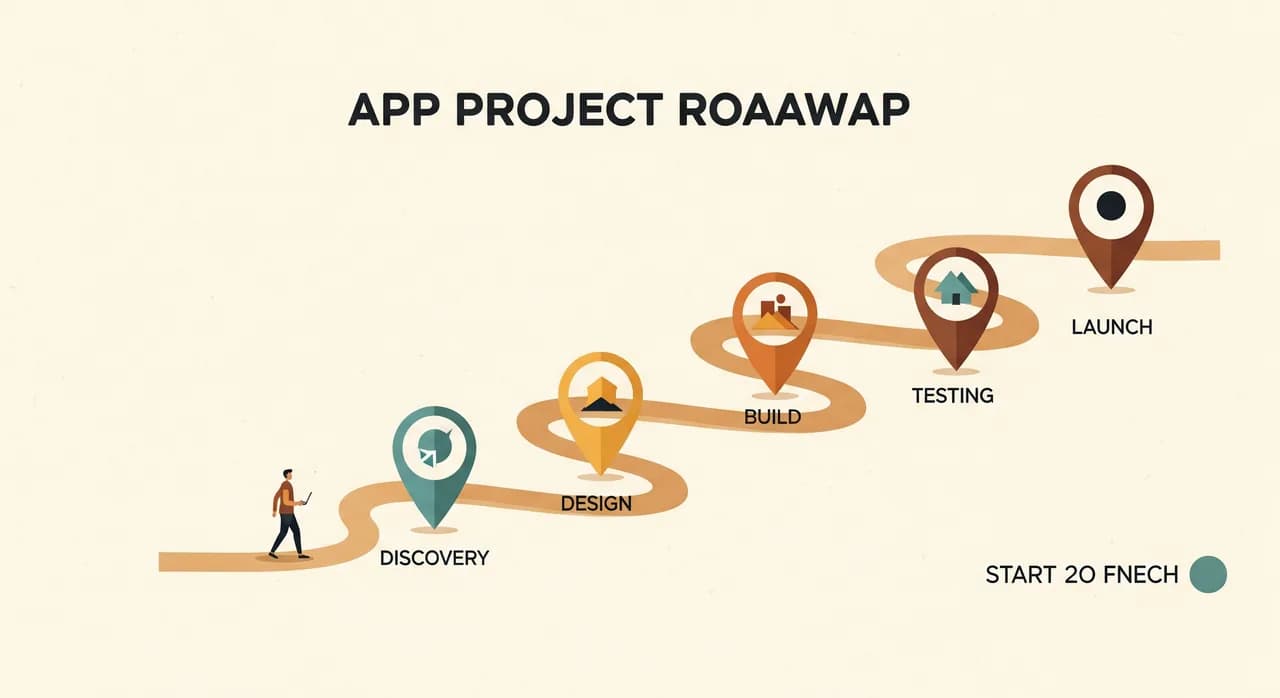
Stage 1: Discovery and scoping (1–3 weeks)
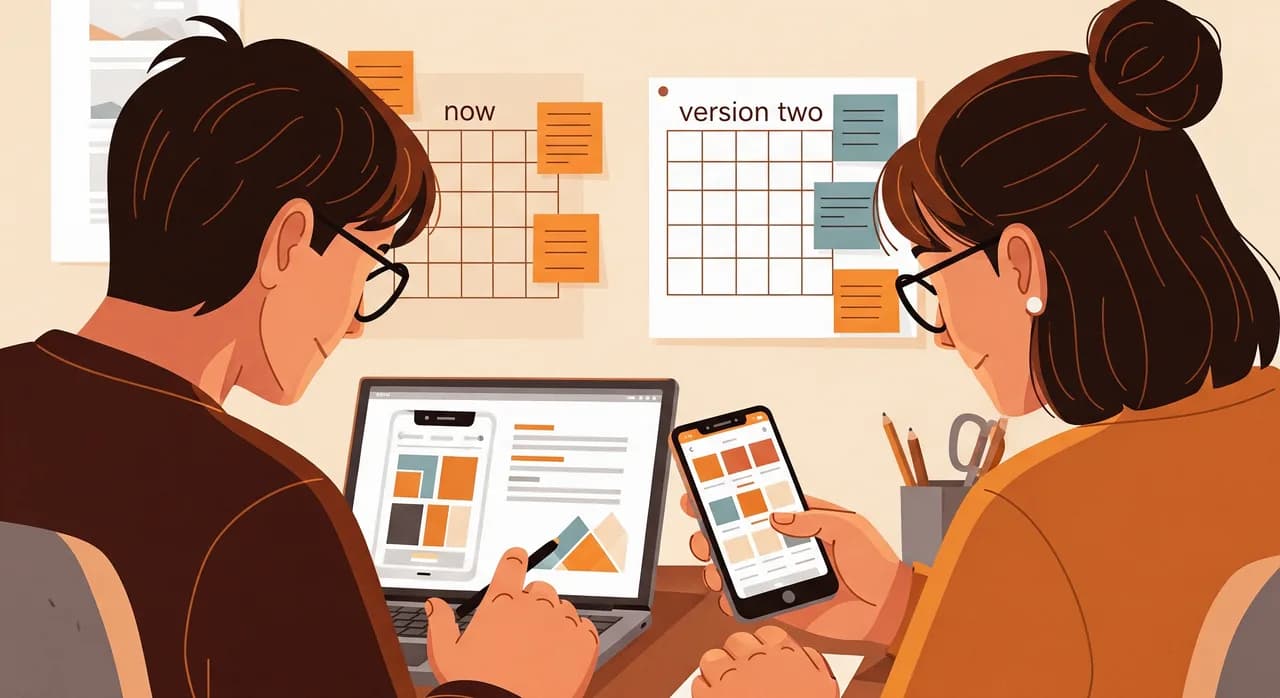
Before anyone designs a single screen, there's a stage that doesn't look like progress but determines everything: figuring out what you're actually building and, more importantly, what you're not. This is where a vague idea (“an app for my customers”) becomes a concrete, finishable list of features for version one.
Done well, discovery is mostly conversation and hard questions. Who uses this, and on what device? What's the one thing it has to do brilliantly? What can wait until version two? A good partner will push back here, and you want them to — every feature you cut now is weeks you get back. The output is usually a short written scope and a rough wireframe, something you can hold in your hand and say yes, that's the thing.
Stage 2: Design and prototype (2–4 weeks)
Now the app becomes something you can see and click, before a line of real code commits you to anything. Designers turn the wireframe into proper screens — the colours, the flow, the actual feel of using it — usually as an interactive prototype you can tap through on your own phone.
This stage is gold for one reason: changing a design is cheap, changing built software is expensive. Moving a button in a prototype takes five minutes. Moving it after the feature is coded, tested and wired to your data can take a day. So this is the moment to be picky, to show it to a few real customers or staff, and to catch the “oh, nobody will understand that” problems while they're still painless to fix.
The most common way this stage runs long isn't the designer — it's indecision on your side. Endless rounds of small tweaks, or three people with veto power who never agree. Decide early who signs off, give feedback in batches rather than a trickle, and this stage stays tight.
Stage 3: Build (6–12 weeks)
This is the part everyone imagines when they think “making an app”, and it's the longest single stretch — but rarely the most unpredictable, if the first two stages were done properly. Developers build the app in chunks, usually in short cycles where you see working pieces every week or two rather than disappearing for three months and reappearing with a finished product.
That rhythm matters. You want to be reacting to real, running software early, not a status report. When you can actually use the booking flow at week four, you'll notice things no spec could have captured — and fixing them at week four is far cheaper than at week ten. A good build process makes the app visible to you continuously, not just at the end.
What quietly stretches the build
Two things expand a build more than anything else. The first is integrations — every external system the app has to talk to (your payment provider, your existing booking tool, your accounting software, a delivery service) adds work, and each one can throw its own surprises. The second is scope creep: the steady drip of small additions that each feel tiny but collectively push launch out by a month. Both are manageable, but only if you see them coming.
- Each external integration adds days, sometimes weeks — budget for them explicitly, don't assume they're free.
- “Just one more small feature” is the single most common cause of a missed launch date.
- Real data is messier than test data; plan time to handle the edge cases your spreadsheet quietly tolerated.
- User accounts, payments and notifications are deceptively deep — they always cost more than they look.
- Approvals and content you owe the team (logos, copy, legal text) can stall a build as surely as a bug.
Stage 4: Testing and fixing (2–4 weeks)
Here's a stage people forget exists, and then resent when it shows up. Once the app is built, it has to be put through its paces — on different phones, with bad internet, by people who didn't build it and will do things nobody anticipated. Testing isn't a formality. It's the difference between an app your customers trust and one they uninstall after the first crash.
Expect a list of bugs and rough edges to surface here. That's not a sign the build went badly; it's the entire point of the stage. Some are quick fixes, some reveal a decision that needs revisiting. The teams that handle this well treat it as a normal, planned part of the work — not an emergency, and not something to skip because launch is looming. Skipping testing doesn't save time. It just moves the bugs from your test phone to your customers' phones, where they cost ten times as much to fix.
Stage 5: Launch and the app-store wait (1–2 weeks, plus review)
Launch is less of a single moment and more of a careful rollout. If it's a web app, you control the timing entirely — you flip the switch when you're ready. If it's going into Apple's App Store or Google Play, you hand part of the schedule over to them: their review process can take anywhere from a day to over a week, and occasionally they'll bounce it back with something to fix. This is worth knowing in advance so it doesn't blindside a launch date you've promised to customers.
The smart way to launch isn't a big-bang reveal to your entire customer base. It's a quiet release to a small group first — a handful of friendly customers or your own staff — so you catch the real-world problems before everyone sees them. Then you widen the door. A launch that feels boringly uneventful is a launch that went well.
- 1Soft-launch to a small groupRelease to a handful of friendly users or staff first. Real usage finds what testing missed, with the stakes turned all the way down.
- 2Submit early if you're going to the app storesApple and Google control the review clock, not you. Submit with a buffer so a slow review or a rejection doesn't blow your promised date.
- 3Watch the first week closelyKeep someone on hand to react fast. The first week surfaces the real-world edge cases no test environment ever does.
- 4Plan the day-after work before you launchAn app is never 'finished' at launch. Agree in advance who handles the inevitable small fixes and the first round of feedback.
Putting the whole timeline together
Stacked end to end, those stages give you a realistic picture. None of them are exotic; what trips people up is forgetting that the unglamorous ones — discovery, testing, the app-store wait — are real time on the calendar, not rounding errors. Here's roughly how a focused first version tends to distribute across the months.
| Stage | Typical time | Who holds the pace | Biggest risk |
|---|---|---|---|
| Discovery & scoping | 1–3 weeks | You + partner | Vague goals, no clear 'done' |
| Design & prototype | 2–4 weeks | Mostly you (sign-off) | Endless small revisions |
| Build | 6–12 weeks | Mostly the team | Scope creep & integrations |
| Testing & fixing | 2–4 weeks | The team | Being skipped to save time |
| Launch & store review | 1–2 weeks + | Shared / app stores | Submitting too late |
Add it up and you can see why three to five months is the honest range for a real first version, and why the people who promise six weeks are quietly redefining what “an app” means. It's not pessimism — it's the difference between a date you'll actually hit and one you'll spend the project apologising for.
How to genuinely speed it up (and how not to)
You can move faster, but the real levers aren't the ones people reach for. Throwing more developers at a half-defined project usually makes it slower, not quicker. The honest accelerators are unglamorous: decide what to leave out, answer questions quickly, and resist the urge to add things mid-build.
The single biggest one is ruthless scope. The smaller and clearer your first version, the sooner it launches — and a launched app earning its keep teaches you more in two weeks than another two months of planning ever will. You can always add. You can't get back the months spent building features nobody turned out to want.
There's a related truth worth saying out loud: not everything needs to be a custom app at all. Sometimes the real problem is a stretch of manual work that a piece of automation could quietly handle, no app required. A good partner will tell you when that's the case rather than selling you the bigger build — because the cheapest app is the one you didn't need to make.
Thinking about building an app?
The most useful thing we can do early is help you see the real shape of your project — the stages, the honest timeline, and whether you even need a full app or something simpler. No obligation, no jargon, just a clear conversation.
See how we build appsCommon questions
How long does it really take to build an app?
What slows app projects down the most?
Should I build everything at once or start small?
Why does the app store add time to the launch?
Do I even need a custom app, or is there a cheaper option?

Have a nice day is a software studio that helps small and mid-sized businesses go digital — automation, AI and custom software that works in everyday operations, not just on slides.