Automation or AI? How to Tell Which One Your Problem Actually Needs
"Automation" and "AI" get used as if they were the same thing. They're not, and confusing them costs small businesses real money. Here's a plain way to tell which one your problem actually needs.
 Have a nice day14 min read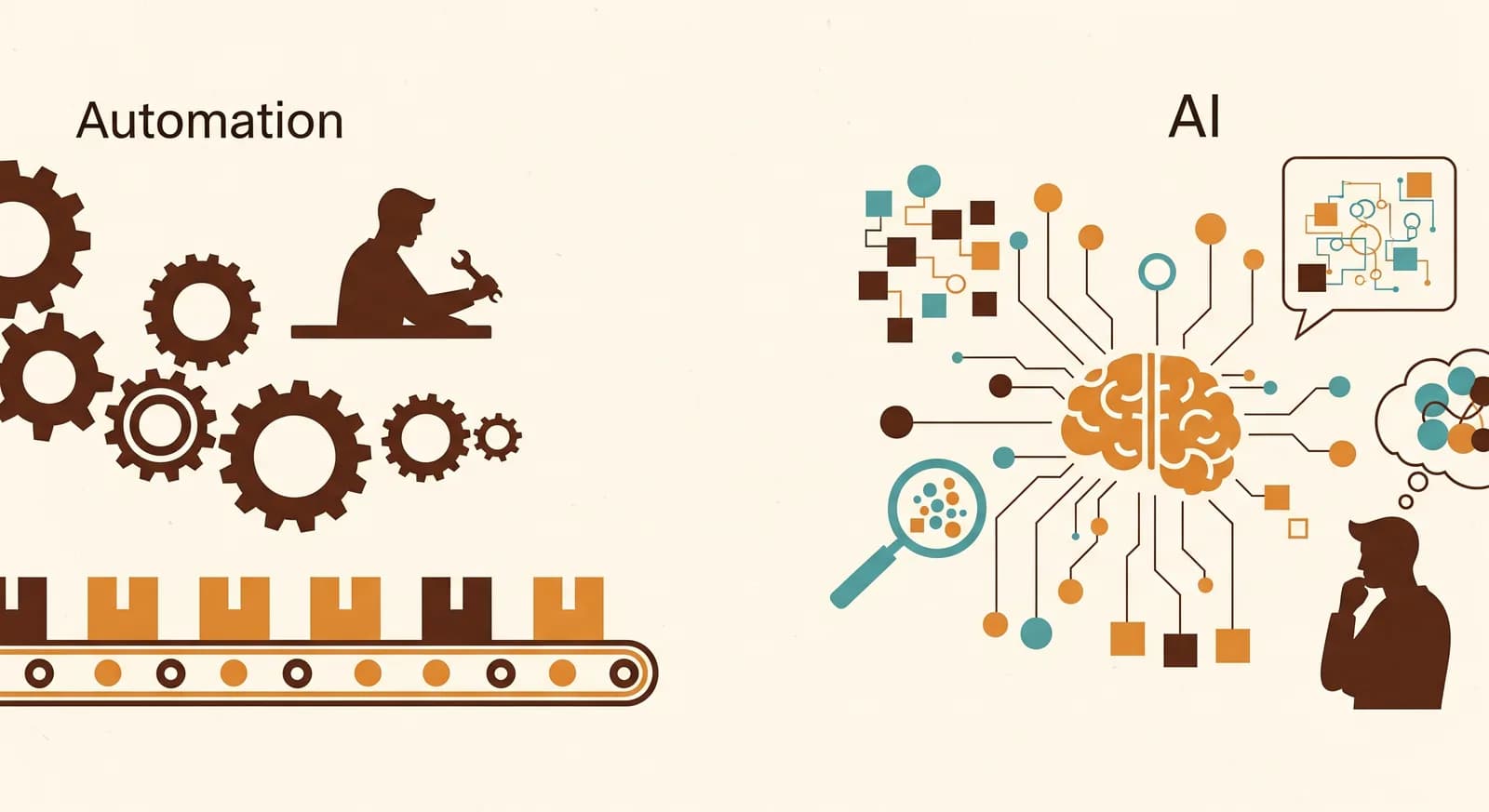
"We need AI for this." I hear that sentence almost every week, and roughly half the time the honest answer is: no, you need a rule and a clock. The two words — automation and AI — have collapsed into one shiny marketing blob, and that confusion is quietly expensive. People reach for an AI tool to solve a problem that a five-line script would have nailed, or they try to force rigid rules onto a job that genuinely needs judgement. Both end the same way: frustration, wasted money, and a vague sense that "the technology didn't work."
The technology almost always works. The matching was wrong. After more than a decade helping small businesses put software to work, I've come to think the single most useful skill an owner can have isn't picking the best tool — it's correctly diagnosing which kind of tool a problem wants. Get that right and the rest is mostly shopping. Get it wrong and no amount of budget saves you.
So let's strip the marketing off both words and put them back where they belong. This is a practical guide to telling automation and AI apart, knowing when each one fits, and — just as important — knowing when you need a bit of both stitched together.
What each word actually means, minus the hype
Forget the brochures for a second. Automation is getting a computer to follow a fixed set of steps you've defined, every time, without you. "When a new order arrives, copy these fields into the invoice." "Two hours before an appointment, send this reminder." The computer doesn't think. It doesn't need to. The steps never change, so you write them down once and they run forever. It's reliable precisely because it's dumb.
AI, in the sense everyone means today, is software that handles input it has never seen before and produces a sensible response — reading a free-text email, understanding a spoken question, summarising a messy document, drafting a reply in your tone. It deals in probability and judgement, not fixed steps. That's its superpower and its weakness: it can handle mess no rule could anticipate, but it's also less predictable, and occasionally confidently wrong.
“Automation follows the rules you wrote. AI handles the cases you couldn't write rules for. That one sentence settles most arguments.”
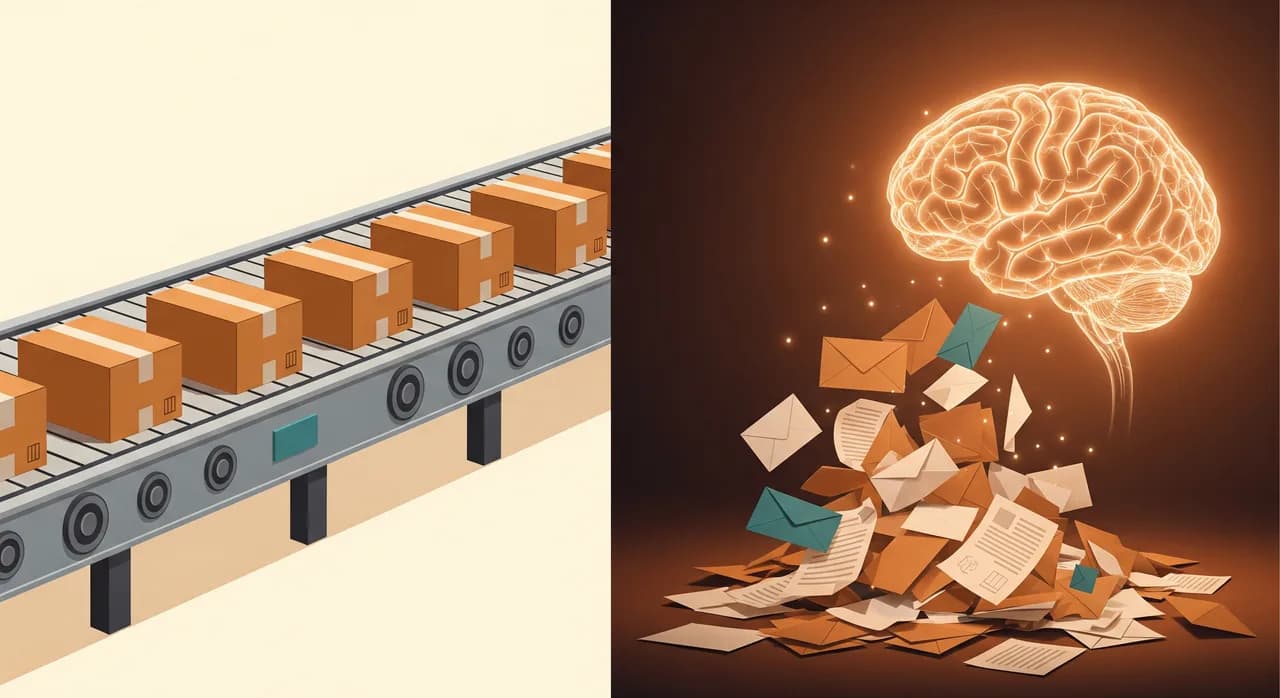
Here's the mental shortcut I keep coming back to. If you can describe the task as a flowchart with no "it depends" boxes — pure if-this-then-that — it's an automation problem. The moment your flowchart sprouts a box that says "read this and figure out what they mean," you've crossed into AI territory. Most of business is the first kind. A growing, valuable slice is the second.
The one test that tells them apart
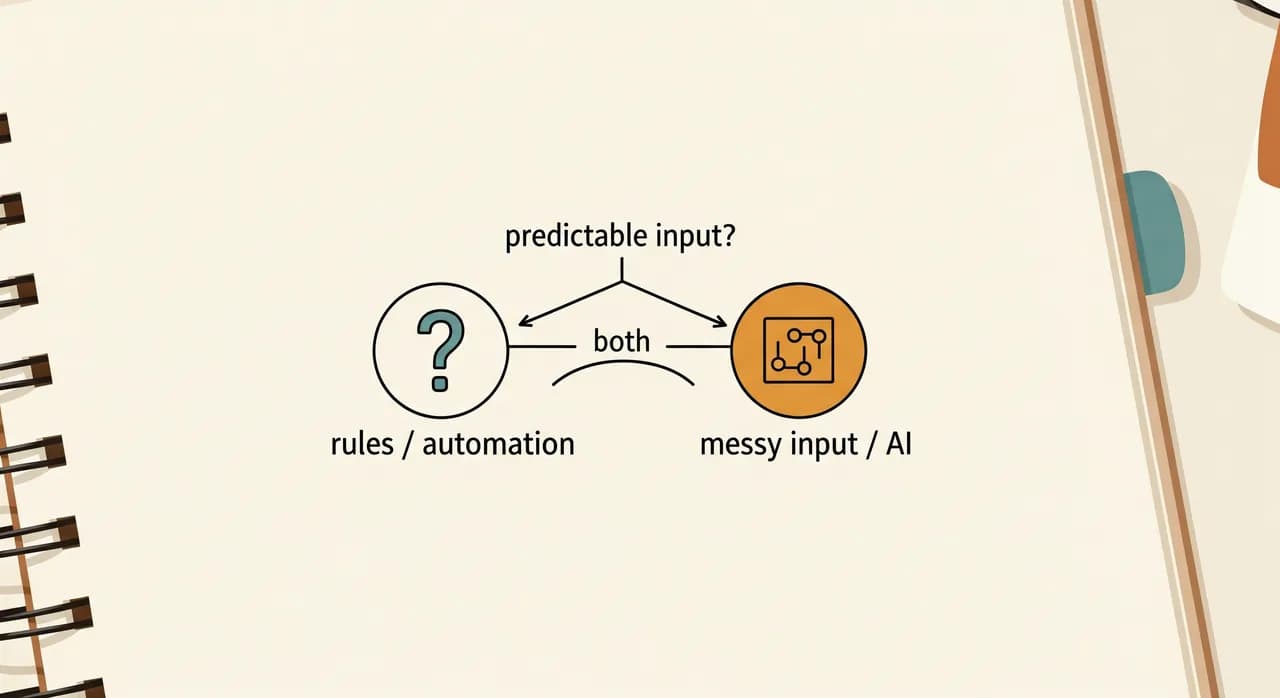
You don't need a technical background to classify your own problems. You need one question: does this task have a predictable input, or a messy one? Everything else follows from that.
A predictable input arrives in the same shape every time. An order has the same fields. A form has the same boxes. A timestamp is always a timestamp. When the input is predictable, you can write rules for it, and rules mean automation — cheaper, faster, and boringly dependable. A messy input is different every time: a customer's email written in their own words, a photo of a handwritten delivery note, a phone call that wanders. No fixed rule survives contact with that variety. That's where AI earns its keep.
That last point matters more than it looks. People imagine a task is "an AI task" when really nine of its ten steps are plain rules and only one step needs intelligence. You don't AI-ify the whole thing. You automate the nine boring steps and aim AI at the single messy one. That's not a compromise — it's the correct, cheaper design.
Where plain automation quietly wins
Let me defend the unglamorous option, because it's the one most small businesses are under-using. The majority of the hours leaking out of a typical week are pure rule-based waste — data being retyped from one system into another, reminders that should fire on their own, follow-ups that should never have needed a human to remember them.
None of that needs intelligence. It needs a pipe and a schedule. And the beauty of rule-based automation is that it never has a bad day. It doesn't hallucinate, it doesn't drift, it doesn't need to be retrained. Once it's set up correctly it does exactly the same thing on its ten-thousandth run as on its first. For the backbone of your operations — money, bookings, records — that predictability isn't boring, it's the whole point.
- Sending appointment reminders and chasing no-shows on a fixed schedule.
- Copying order details into an invoice without anyone retyping them.
- Moving a new lead from a form into your CRM and notifying the right person.
- Generating the same weekly report from the same sources, automatically.
- Triggering a follow-up email three days after a quote goes quiet.
- Syncing stock levels between your shop and your accounting so they never disagree.
Where AI does something rules never could
Now the other side, because under-using AI is a real cost too. For decades, anything involving free-form human language or unstructured documents was simply off-limits to automation. You couldn't write a rule to "understand" an email, so a person had to read every one. That wall has come down, and that's the genuinely new thing — not chatbots as a gimmick, but the ability to automate the messy, language-shaped work that used to demand a human pair of eyes.
Reading a customer email and pulling out what they actually want. Drafting a first-pass reply that sounds like your business rather than a robot. Answering the same routine phone questions so the front desk isn't interrupted forty times a day. Sorting a pile of mixed documents — invoices, delivery notes, contracts — into the right buckets without a human filing each one. Turning a rambling voicemail into a clean, actionable summary. These all share one trait: the input is unpredictable, and a human used to be the only thing that could cope with it.
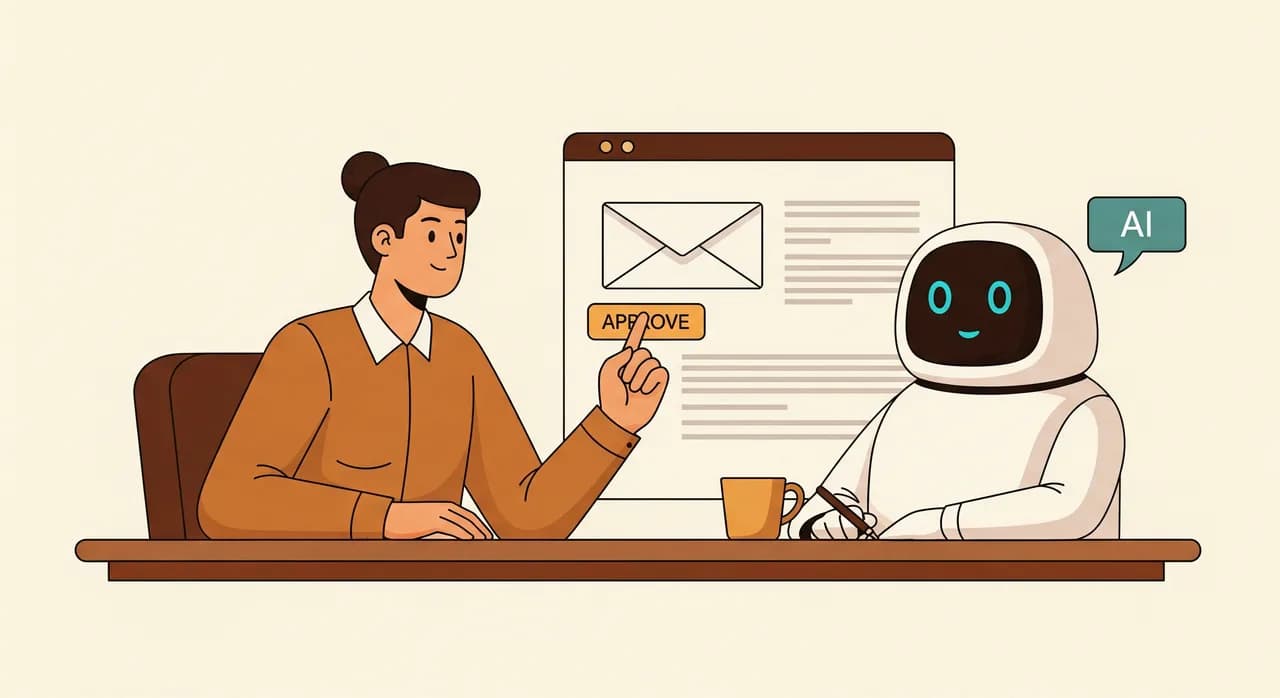
The catch — and it's a real one — is that AI is probabilistic. It's usually right and occasionally wrong, sometimes confidently so. That's fine for drafting a reply a human will glance at before sending. It's not fine for, say, deciding a refund amount with no oversight. The skill is putting AI where a small error is cheap and easily caught, and keeping a human in the loop wherever a mistake is costly. Used that way, it's transformative. Used carelessly, it's a liability.
A side-by-side, so you can point at the right column
If you're trying to place a specific task right now, this table is the fast way to do it. Find the row that matches your problem and read across. It won't cover every edge case, but it gets the diagnosis right far more often than instinct does.
| If the task… | Looks like | You probably want |
|---|---|---|
| Has the same input every time | Order → invoice, form → CRM | Automation |
| Runs on a schedule | Reminders, weekly reports | Automation |
| Needs reading free text | Emails, reviews, messages | AI |
| Needs understanding speech | Phone questions, voicemails | AI |
| Sorts messy documents | Mixed invoices and notes | AI |
| Is mostly rules, one messy step | Intake form plus a free-text note | Both, stitched together |
| Needs real judgement or empathy | Upset customer, tricky pricing | A human (for now) |
Notice the last two rows. The second-to-last — "mostly rules, one messy step" — is the most common real-world case and the one people get wrong most often. The final row is the honest reminder that some work still belongs to people, and pretending otherwise is how trust gets broken.
The real answer is usually both
Here's the part the "automation vs AI" framing hides: in practice you rarely choose one. The strongest setups use AI for the one step that needs intelligence and plain automation for everything around it. The AI reads the messy input and turns it into something structured; the automation takes that structure and runs the reliable, rule-based machinery on top.
Picture an inbox full of order requests written in plain English. Old way: a person reads each one and types it into the system. The smart way isn't "replace the person with a chatbot." It's a small pipeline — AI reads the email and extracts the product, quantity and address; automation validates it, creates the order, sends the confirmation, and flags anything it isn't sure about for a human. AI handles the one part that's genuinely messy. Automation handles the seven parts that aren't. Together they do something neither could alone.
- 1Find the messy stepMap the task and locate the single point where the input is unpredictable — the email to read, the document to interpret, the call to understand. That's your AI step.
- 2Make AI turn mess into structureUse AI only to convert the messy input into clean, structured data: fields, categories, a tidy summary. Stop there.
- 3Let automation take it from thereOnce the data is structured, it's predictable again — so plain rules can validate, route, record and notify, reliably and cheaply.
- 4Keep a human at the risky edgeWherever a mistake would be costly, route low-confidence cases to a person instead of letting the machine decide alone.
How to choose, in five honest minutes
You don't need a workshop to make this call. Take the task that's bothering you and walk it through a short sequence. It's the same conversation I'd have with you in a first meeting, minus the coffee.
- 1Describe the task out loud, step by stepAs if briefing a brand-new employee. Listen for where you say "and then you just figure out…" — that phrase is the tell.
- 2Mark every step as rule or judgementRule means "do exactly this." Judgement means "understand and decide." Most tasks are mostly rule with one or two judgement steps.
- 3If it's all rules, it's automationStop looking for AI. You don't need it, and adding it would only make the thing slower and less reliable.
- 4If a judgement step is the whole task, it's AI — carefullyAnd ask immediately: how expensive is a wrong answer? The pricier the mistake, the more human oversight you build in.
- 5If it's a mix, design the hand-offPlan where AI converts mess to structure and where automation takes over. That seam is where the real engineering happens.
The mistakes that cost the most
Almost every expensive misstep I see traces back to skipping the diagnosis. A business gets excited about AI and tries to wedge it into a tidy, rule-shaped process — paying premium prices for a result a simple script delivered more reliably. Or the opposite: a team spends a quarter writing ever-more-elaborate rules to handle the infinite variety of customer emails, when a single AI step would have read them all without complaint.
The third mistake is subtler and the most common: running everything "through the AI" because it's there. Once you have an AI tool, it's tempting to route every step through it, even the predictable ones. But asking a probabilistic model to do a job a deterministic rule does perfectly is a downgrade — slower, costlier, and now occasionally wrong at a step that used to be flawless. Keep AI narrow. Let the boring parts stay boring.
“The goal was never "use more AI." It's to spend intelligence only where mess actually lives — and let reliable, dumb automation do everything else.”
Not sure which side your problem sits on?
Tell us the task that's bothering you and we'll tell you straight whether it's a rules job, an AI job, or a bit of both — and what the simplest version looks like. No obligation to build anything.
See how we combine AI and automationCommon questions
What is the actual difference between automation and AI?
How do I know if my task needs AI or just automation?
Is AI more expensive than regular automation?
Can I use both AI and automation together?
Should I wait for AI to improve before automating anything?

Have a nice day is a software studio that helps small and mid-sized businesses go digital — automation, AI and custom software that works in everyday operations, not just on slides.