How a 30-Person Firm Quietly Took Back Its Back Office With AI Agents
A mid-sized services company was drowning in inbox triage, order entry and document chasing. Here's the unglamorous, week-by-week story of how a handful of AI agents gave them back roughly two working days a week.
 Have a nice day13 min read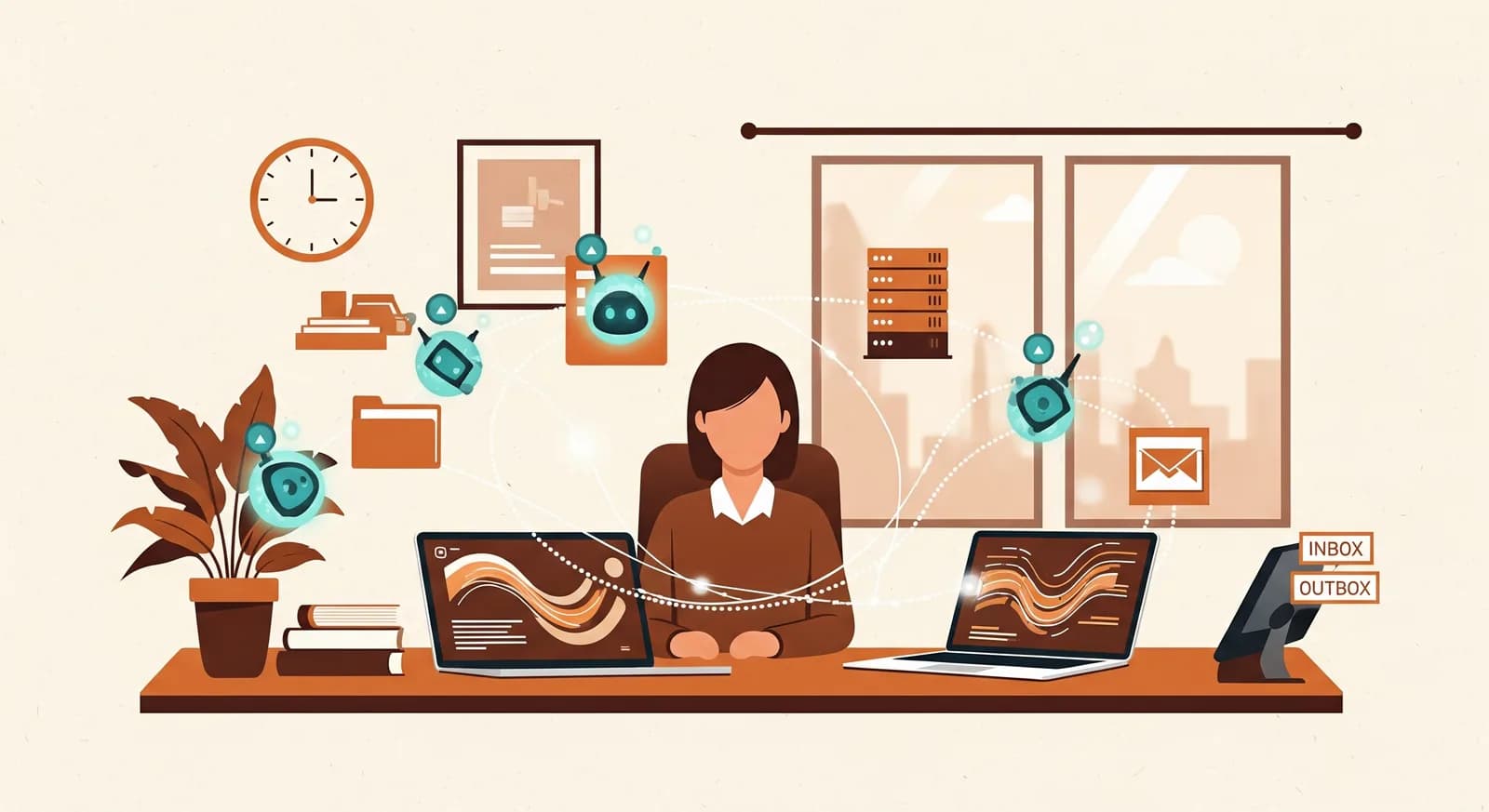
When people picture an "AI transformation", they imagine a launch — a big switch flipped, a slick demo, a press release. The real version is almost boring. It looks like one overworked office manager finally getting their afternoons back, then the accounts person, then the whole back office wondering how they ever did it the old way. This is the story of one such firm. No magic, no robots replacing humans — just a few AI agents quietly absorbing the work nobody ever wanted to do.
A note before we start: this is a composite, anonymised case. The company is real, the work is real, but I've blurred the details that would identify them and rounded the numbers to keep them honest rather than impressive. I'd rather you trust the shape of the story than the decimal places. Treat the figures as illustrative — your own will differ, and that's the point.
The situation: a good business strangled by its own admin
The firm is a B2B services company — call it around thirty people, somewhere in the comfortable middle between "startup" and "corporate". Profitable, well-run, the kind of business that's outgrown its scrappy early systems but isn't big enough to justify an IT department. The work itself was healthy. The operations around the work were quietly suffocating it.
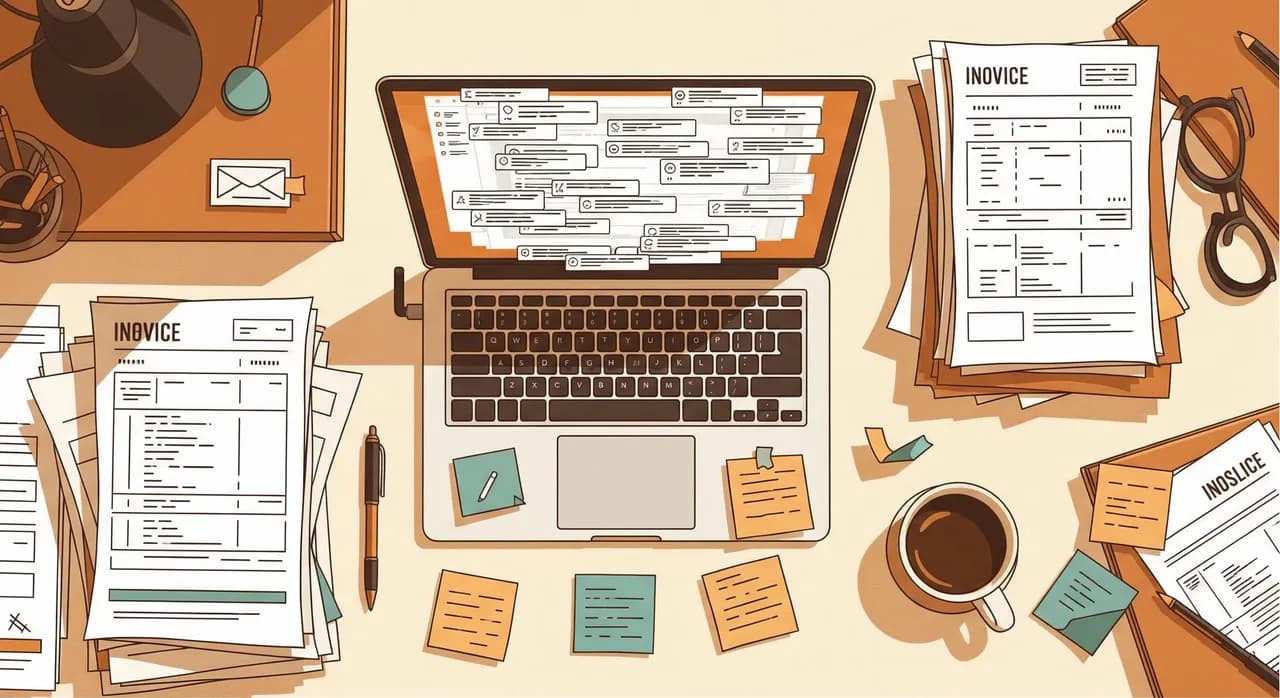
The owner described it perfectly in our first meeting: "We're not short of customers. We're short of hours that aren't admin." Their back office — three people plus an office manager who'd somehow become the bottleneck for everything — was spending most of the day moving information from one place to another. Reading emails, deciding who should handle them, copying order details into the system, hunting for the right PDF, re-typing the same supplier data for the third time that week.
None of it was hard. All of it was relentless. And because it was relentless, it was also where mistakes crept in: an order keyed wrong, a customer email that sat unread for two days, an invoice raised against the wrong project. Each one small. Each one a little fire to put out later, which ate even more of the hours they didn't have.
“We're not short of customers. We're short of hours that aren't admin.”
What we found when we actually watched the work
We don't start with software. We start with a notebook and a couple of days of quietly watching how the back office actually spends its time — not how the org chart says it should. This is the least glamorous part of any project and by far the most valuable. You cannot automate a process you haven't honestly looked at.
Three patterns jumped out almost immediately. The inbox was the real switchboard of the company — everything arrived as email, and a human read every single message to decide what it was and where it went. Order entry was pure transcription: details lived in an email or an attached PDF, and someone re-typed them into the system by hand. And documents were a daily scavenger hunt — invoices, delivery notes, contracts, all arriving in different shapes, all needing to be read, classified and filed before anyone could act on them.
- A shared inbox receiving 120–150 messages a day, every one read and routed by a person.
- Roughly 40 orders a day, each manually transcribed from email or PDF into the order system.
- Dozens of incoming documents daily — invoices, delivery notes, forms — sorted and filed by hand.
- The same supplier and customer details re-keyed across two systems that didn't talk to each other.
- An office manager interrupted constantly because she was the only one who knew where everything went.
A quick word on what an "AI agent" actually is here
Before the case goes further, let's defuse the buzzword. When we say AI agent, we don't mean a sci-fi entity making decisions on its own. We mean a small, focused piece of software that can read messy human input — an email, a scanned invoice, a free-text note — understand it, and then take a defined action: route it, extract the data, draft a reply, file it in the right place.
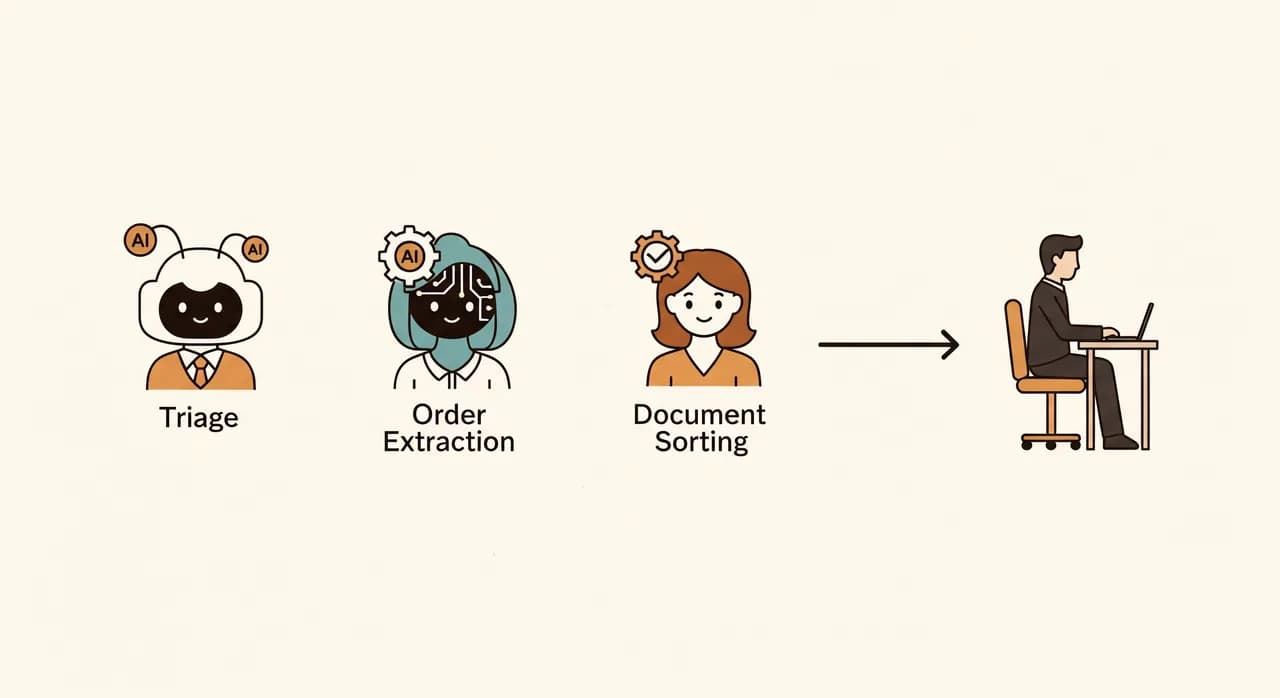
The important word is focused. We didn't build one all-knowing assistant. We built several narrow agents, each doing one job well, each with a human checkpoint where it mattered. A triage agent. An order-extraction agent. A document-sorting agent. Boring names on purpose. An agent that does one thing is testable, fixable and trustworthy. An agent that does everything is a black box nobody dares rely on.
What we did: three agents, introduced one at a time
We resisted the temptation to launch everything at once. That's the classic way these projects die — too much change, too fast, and the team retreats to the old way the first time something glitches. Instead we rolled out one agent at a time, let it earn trust, and only then moved to the next. Here's the order, and why.
Agent one: inbox triage
We started here because it touched everything else. The triage agent reads each incoming email, works out what it is — new order, support question, supplier invoice, generic noise — and routes it to the right place with a suggested category and a short summary. Crucially, in the first weeks it didn't move anything on its own. It suggested, and a human confirmed with a single click. That gradual handover is how you build confidence: the team watched it be right, over and over, before they let it act.
Agent two: order extraction
Once triage was reliably flagging "this is an order", the second agent took over the transcription that everyone hated. It reads the order — whether it's in the body of an email or a PDF attachment — pulls out the customer, the items, quantities and references, and prepares a draft order in the system. A person still reviews and approves it, but the soul-destroying re-typing is gone. The agent does the reading; the human does the judging.
Agent three: document sorting
The last agent tackled the scavenger hunt. Incoming documents get read, classified — invoice, delivery note, contract, other — matched to the right customer or project where possible, and filed automatically with consistent names. What used to be a daily archaeology dig became a quiet background process. When the agent isn't sure, it drops the document in a small "please check" pile instead of guessing. That single rule prevented the misfiling that would otherwise have eroded all the trust we'd built.
- 1Week 1–2: shadow modeEach new agent ran alongside the humans, suggesting but not acting. We compared its choices to theirs and tuned until they agreed almost every time.
- 2Week 3: assisted modeThe agent acted, but every action was a one-click confirm for a person. Fast, but with a human still firmly in the loop.
- 3Week 4+: trusted modeFor the clear-cut cases the agent acted on its own; only the genuinely uncertain ones reached a human. The team set the threshold, not us.
- 4Then repeat for the next agentWe only started the next agent once the previous one had a quiet, boring week. Boring was the goal.
The parts that didn't go to plan
Every honest case study has a section like this, and anyone who tells you their rollout was flawless is selling something. Two things genuinely caught us out, and both are worth sharing because they're so common.
First, the triage agent was too eager to please early on. It would confidently categorise ambiguous emails rather than admit uncertainty, which is exactly the wrong instinct in a back office. The fix wasn't a cleverer model; it was teaching it to say "I'm not sure" and hand off. Counter-intuitively, an agent that escalates more builds trust, because the team stops finding nasty surprises.
Second, we underestimated the human side. One team member quietly kept a parallel spreadsheet "just in case" for weeks — a shadow system that, if left alone, would have slowly undermined the whole thing. The answer wasn't to scold her; it was to sit with her, watch the agent handle her edge cases, and let her retire the spreadsheet on her own terms. People don't trust automation because you tell them to. They trust it because they've watched it not let them down.
The result: roughly two days a week, given back
Here's where I have to ask you again to read these as illustrative, not as a guarantee. After about three months, with all three agents in trusted mode, the back office had clawed back something close to two full working days per week across the team. Not by anyone working faster — by simply not doing the transcription, the routing and the filing by hand anymore.
| What | Before | After |
|---|---|---|
| Emails triaged by hand | Every one | Only the unclear ones |
| Time per order entry | Several minutes, manual | Seconds to review a draft |
| Documents misfiled per week | A handful | Close to none |
| Office manager interruptions | Constant | Occasional |
| Back-office hours on pure admin | Most of the day | Roughly two days/week freed |
But the number that mattered most to the owner wasn't on any chart. It was that the office manager — the human bottleneck, the person everyone interrupted — got her job back. Instead of being a switchboard, she went back to actually managing: chasing the things that needed a person, improving how the team worked, handling the customers who needed care. The agents took the volume; she kept the judgement.
And no, nobody lost their job. That question always comes up and the answer here was the same as it almost always is in a small firm: the team didn't shrink, the work did. The same people now handle noticeably more business with fewer mistakes and far less friction. Growth that used to mean "hire another admin" now mostly doesn't.
“The agents took the volume. She kept the judgement. That's the right division of labour.”
What you can borrow from this, even if you're not them
You probably don't run exactly this business. That's fine — the transferable lessons aren't about the industry, they're about the approach. If you take nothing else from this story, take these.
Start where the pain is most repetitive, not where it's most exciting. Watch the real work before you build anything. Deploy narrow agents, one at a time, each with a human checkpoint. Let trust build in stages — shadow, then assisted, then trusted — and let your team, not your vendor, set the pace. And expect a shadow spreadsheet or two; treat the fear behind it with respect, not annoyance.
None of this requires you to bet the business or rip out your existing systems. The agents in this story sat on top of the tools the firm already used. That's deliberate. The goal was never a grand transformation — it was a back office that stopped quietly bleeding hours. You can aim for exactly the same thing, at exactly your own size.
Curious what an agent could take off your team's plate?
The honest first step is a look at where your back office actually loses its hours — the same audit we ran here. We'll point at the one or two tasks worth handing to an agent first, with no obligation to build anything.
See how we build AI agentsCommon questions
Do AI agents replace back-office staff?
How long before we'd see a result?
Is it risky to let an agent act on its own?
Do we have to replace our current software?
What if the agent makes a mistake?

Have a nice day is a software studio that helps small and mid-sized businesses go digital — automation, AI and custom software that works in everyday operations, not just on slides.