Inside a Property Management Office: What AI Automation Actually Changed
A mid-sized property management firm was drowning in tenant emails, late-night maintenance calls and re-typed data. Here's the honest, anonymized story of what we automated, what we deliberately didn't, and what changed in six months.
 Have a nice day14 min read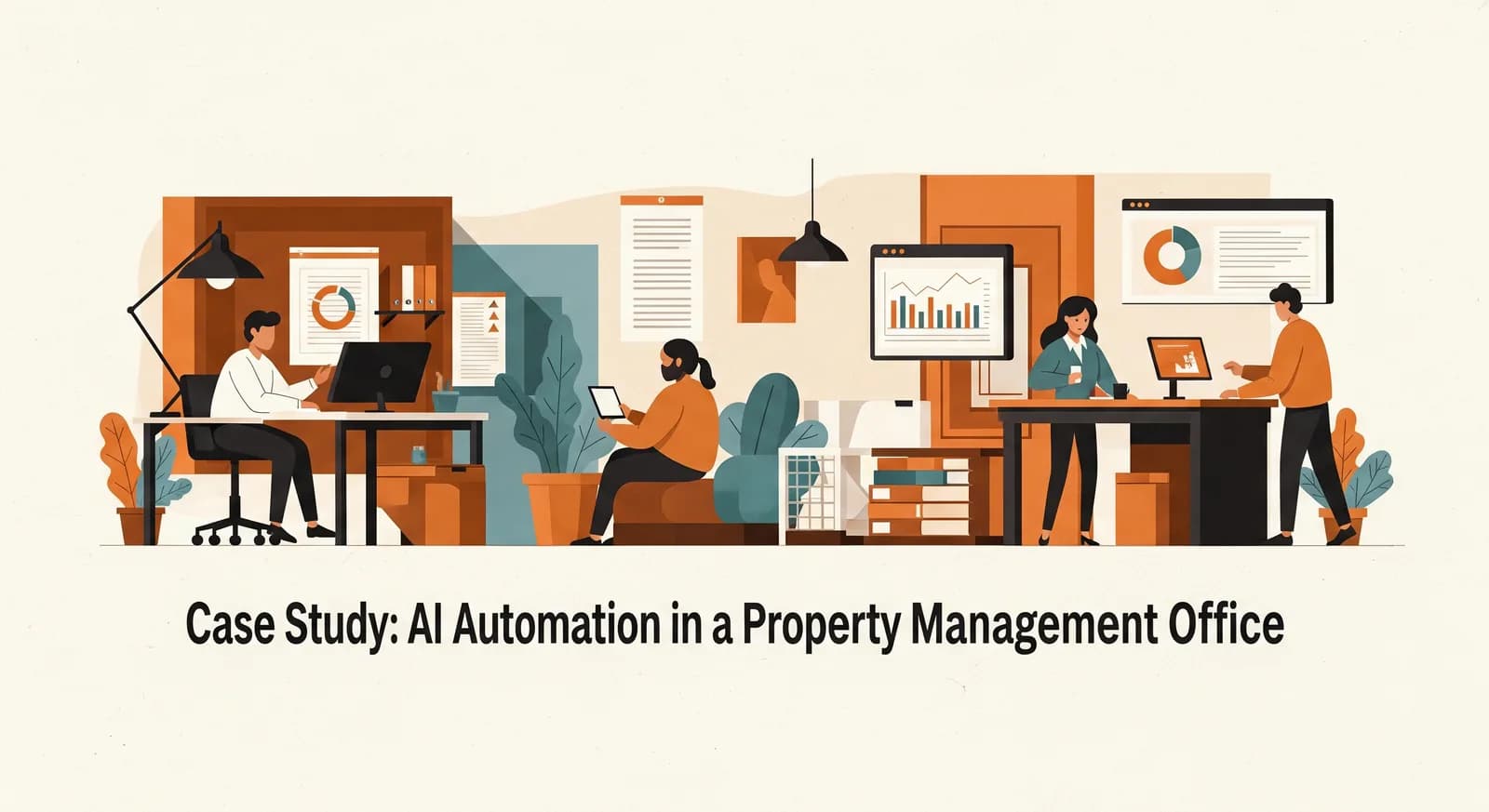
A property management office is one of the least glamorous, most relentless workplaces I know. The phone never really stops. A radiator fails on a Sunday, a tenant emails about a lease clause at midnight, a contractor cancels, an owner wants a statement "by end of day" — and somewhere in the middle of all that, somebody is still typing the same address into three different systems by hand. This is the story of one such office, and what genuinely changed when we automated the right parts of it.
I'll keep the firm anonymous — they asked, and frankly the details that matter aren't the company name. Picture a regional property manager looking after a few hundred residential units and a handful of small commercial spaces. Seven people in the office, a couple more in the field, and an owner-director who still personally reads the angriest emails because nobody else has the patience. They came to us not asking for "AI". They asked, almost apologetically, whether it was normal to feel this far behind.
It is normal. And the fix was not a grand digital transformation. It was a handful of small, boring, well-chosen automations layered on top of the tools they already had. What follows is what we found, what we built, what we deliberately left alone, and what it looked like roughly six months later. The numbers here are illustrative — rounded and anonymized — but the shape of the story is exactly what happened.
The situation: a good team losing to its own inbox
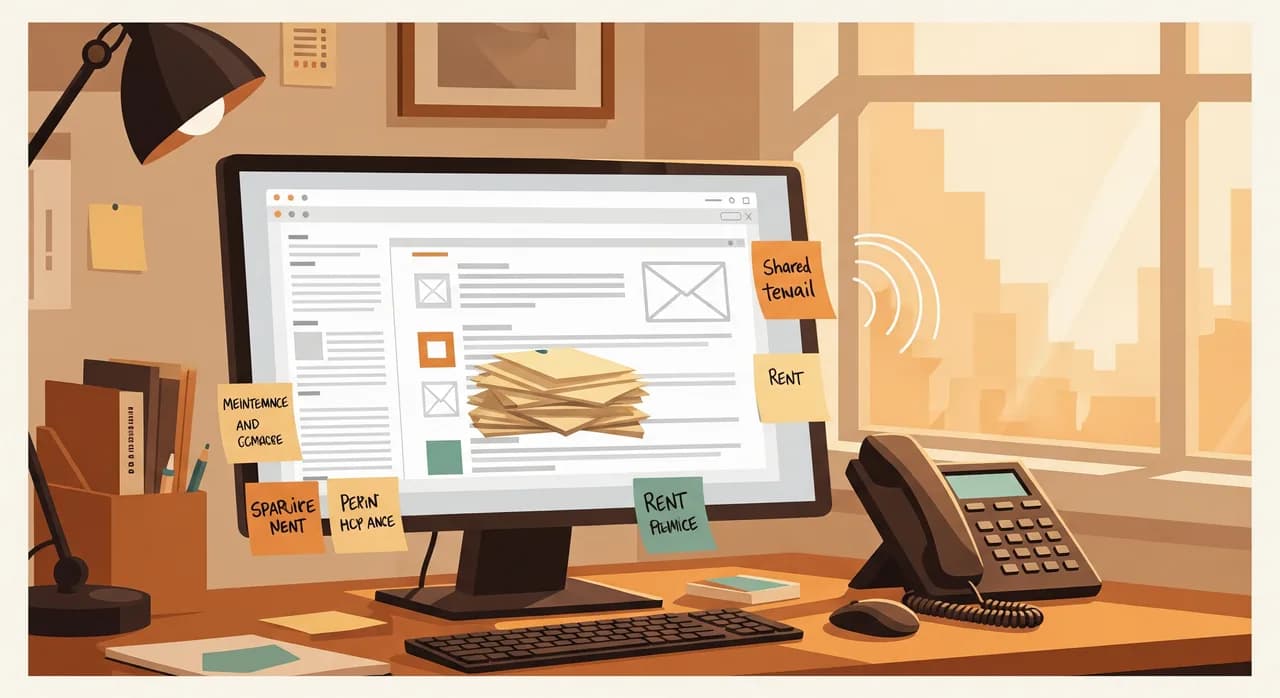
The first thing you notice in an office like this is that nothing is broken, exactly. The people are competent and the business is profitable. It's just leaking time everywhere, in a hundred small punctures rather than one big hole. No single task is worth fixing on its own. Added together, they were burning the equivalent of more than a full working day, every single day, across the team.
We spent two days just watching and asking. No tools, no slides — a notebook and a lot of "show me what you did with that email". The pattern that emerged was painfully consistent. The shared inbox was the chokepoint. Every tenant request, owner query, contractor message and supplier invoice arrived in the same place, got triaged by whoever was free, and then got manually routed, logged and chased. The same five questions came in over and over. The same data got copied between the email, the spreadsheet and the property system.
“They didn't have a technology problem. They had a triage problem wearing a technology costume.”
We sorted the chaos into three buckets. First, repetitive answers: "how do I report a repair", "when is rent due", "who is my contact" — questions with stable, correct answers that didn't need a human at all. Second, routing and logging: deciding which message was urgent, which property it concerned, and getting it into the right system without re-typing. Third, genuine judgement: a dispute, a difficult owner conversation, a legal question. That last bucket we flagged immediately as off-limits for automation. It mattered later that we drew that line on day one.
Where we chose to start (and why not the obvious thing)
The director's instinct was to start with the maintenance scheduling, because that was the most visibly painful part — the Sunday radiator, the contractor no-shows. It was a reasonable guess and it was wrong, at least as a first move. Scheduling touches contractors, tenants, availability and cost; it's tangled, and tangled tasks make terrible first projects. We needed an early, clean win to earn the team's trust before touching anything complicated.
So we scored every candidate the same boring way we always do: how much time it eats per week, multiplied by how predictable and rule-shaped it is. Two things rose to the top. The repetitive tenant questions, and the re-typing of new tenant and request data between systems. Both were high-frequency, both were predictable, and crucially both were low-risk — if they misfired, nothing catastrophic happened. That's the profile of a perfect first automation.
What we actually built
Over roughly two months we rolled out four pieces, one at a time, never starting the next until the previous one was trusted and quiet. None of them were exotic. The skill was in the sequencing and the restraint, not in any single clever component.
1. An AI assistant for the routine tenant questions
We built a simple assistant — available by email reply and on a small tenant page — trained only on the firm's own answers: house rules, repair-reporting steps, rent dates, contact routes, notice periods. The important word is only. It was deliberately fenced to the stuff it could answer correctly, and explicitly told to hand off to a human the moment a question drifted outside that fence. It never guesses about a specific lease or a specific dispute.
This is the part that genuinely needed AI. Tenants don't write tidy, keyword-friendly questions; they write "hi the thing in the bathroom is doing the noise again who do I call". Older rule-based chatbots fall apart on that. A modern language model understands the intent and answers in plain, calm language — and, just as importantly, knows when it doesn't know.
2. Smart triage and routing of the shared inbox
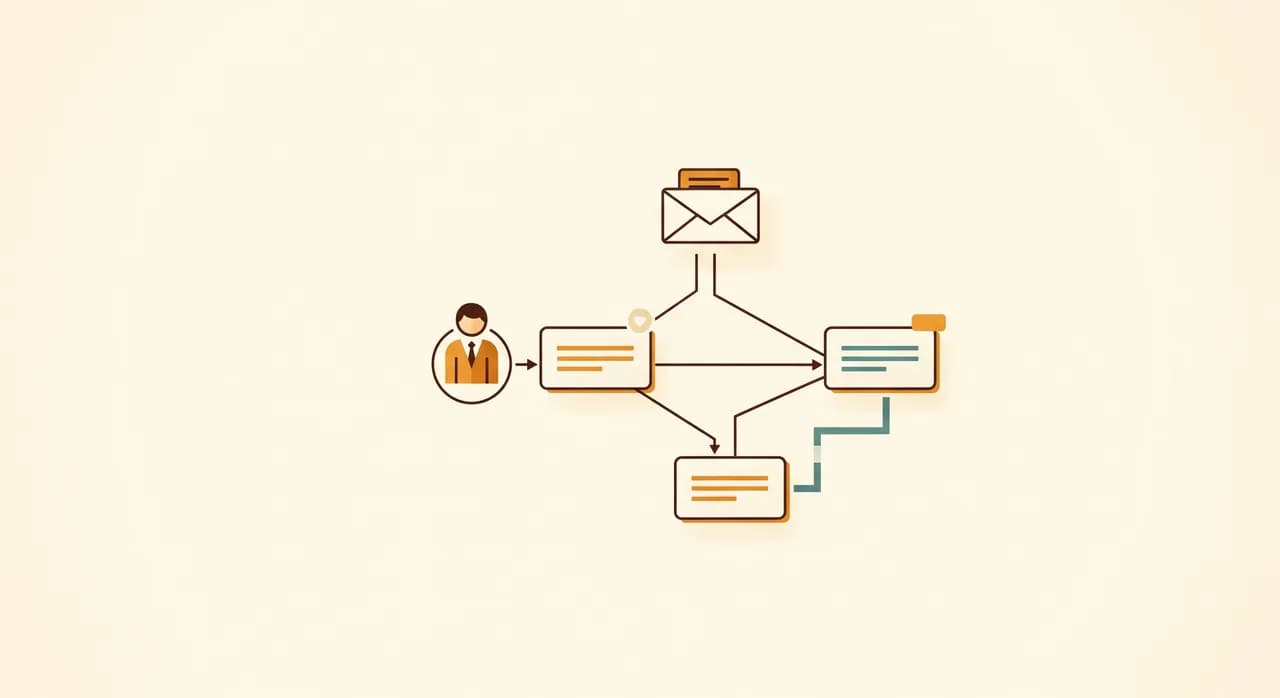
Every incoming message now gets read automatically and tagged: what kind of request, which property if it can be identified, and a rough urgency. A suspected gas or water leak jumps to the top and pings a person directly. A routine "please send my statement" gets quietly queued. Nothing is deleted, nothing is auto-replied to without oversight at this stage — it's sorting, not deciding. The humans still drive; they just no longer start every morning excavating a flat, undifferentiated pile.
3. Killing the re-typing
This was the unglamorous one that the office loved the most. When a new request or new tenant came in, the relevant details — name, unit, contact, the nature of the issue — were extracted once and pushed into their property system and their tracking sheet automatically. No more typing the same address into three places, no more transcription typos quietly poisoning the records. It isn't intelligent in any thrilling sense. It's a clean pipe between systems that previously only a human's fingers connected.
4. Only then, the maintenance loop
With trust banked from the first three, we finally circled back to the director's original wish. We didn't try to fully automate scheduling — that still needs human judgement about cost and priority. Instead we automated the loop around it: logging the request, acknowledging the tenant instantly so they're not left wondering, notifying the right contractor, and chasing for status updates so nothing falls silent. The dispatcher still decides; the system makes sure the decision actually gets communicated and followed up.
What we deliberately left alone
This part matters as much as what we built, and it's the part most vendors skip because it doesn't sell. We refused to automate several things on purpose, and we said so out loud at the start so expectations were honest.
- Disputes and complaints. The moment a message has an emotional charge, a human takes it. An AI smoothing over an angry tenant is a fast route to a lost one.
- Anything involving legal or contractual interpretation. Lease clauses, notices, deposits — these get a person who is accountable, every time.
- Difficult owner conversations. Money, performance, bad news — these are relationships, not transactions, and they stay human.
- Rare, high-stakes one-offs. If something happens twice a year and a mistake is expensive, the setup cost never pays back and the risk isn't worth it.
There's a strategic point hiding here. Every automation you add is something you then have to maintain and trust. Four automations the team genuinely relies on are worth more than a dozen half-working ones everyone second-guesses. We could have automated more. We chose not to, and the restraint is part of why it worked.
How we rolled it out without breaking the office
A property office can't afford a "big bang" launch — there's no quiet period to recover in. So we treated every piece as a small, reversible experiment that ran alongside the old way until it had earned its place.
- 1Run in parallel for a weekEach automation ran beside the existing manual process. We watched for the weird edge cases — the tenant with two units, the contractor with the unusual name — and fixed them with zero risk to live operations.
- 2Give every automation one named ownerOne person in the office owned each piece: they watched it, fielded the early grumbles, and decided what to adjust. Automation with no owner rots, no matter how good it is.
- 3Write the 'when it breaks' noteThree plain lines per automation: what it does, who to tell, and how to do the job by hand until it's fixed. That single note is what turns a fragile script into something a busy team will actually lean on.
- 4Only then retire the old wayWhen a week passed with no surprises, we switched the manual process off — and made sure everyone knew it was gone, so nobody kept a secret backup spreadsheet alive out of habit.
That last point about secret spreadsheets is not a joke. The fastest way to kill an automation is to let half the team quietly distrust it and keep doing things the old way in the shadows. Making the retirement explicit — and making sure the owner of each piece was someone respected, not just available — was what stopped that from happening.
The results after six months
I'll be careful here, because case studies love to fling around precise-sounding numbers that nobody can verify. These figures are illustrative and rounded, drawn from the office's own before-and-after sense of things rather than a laboratory. But the direction and the rough scale are real.
| What we measured | Before | After |
|---|---|---|
| Average first response to a tenant | Several hours, often next day | Minutes for routine, same hour for the rest |
| Routine questions handled without staff | Effectively none | Roughly half of all incoming |
| Time lost to re-typing data | Hours every week | Close to zero |
| "Where is my request?" chasers | A daily annoyance | Rare — tenants get instant acknowledgement |
| Admin hours freed across the team | — | Around a day a week, give or take |
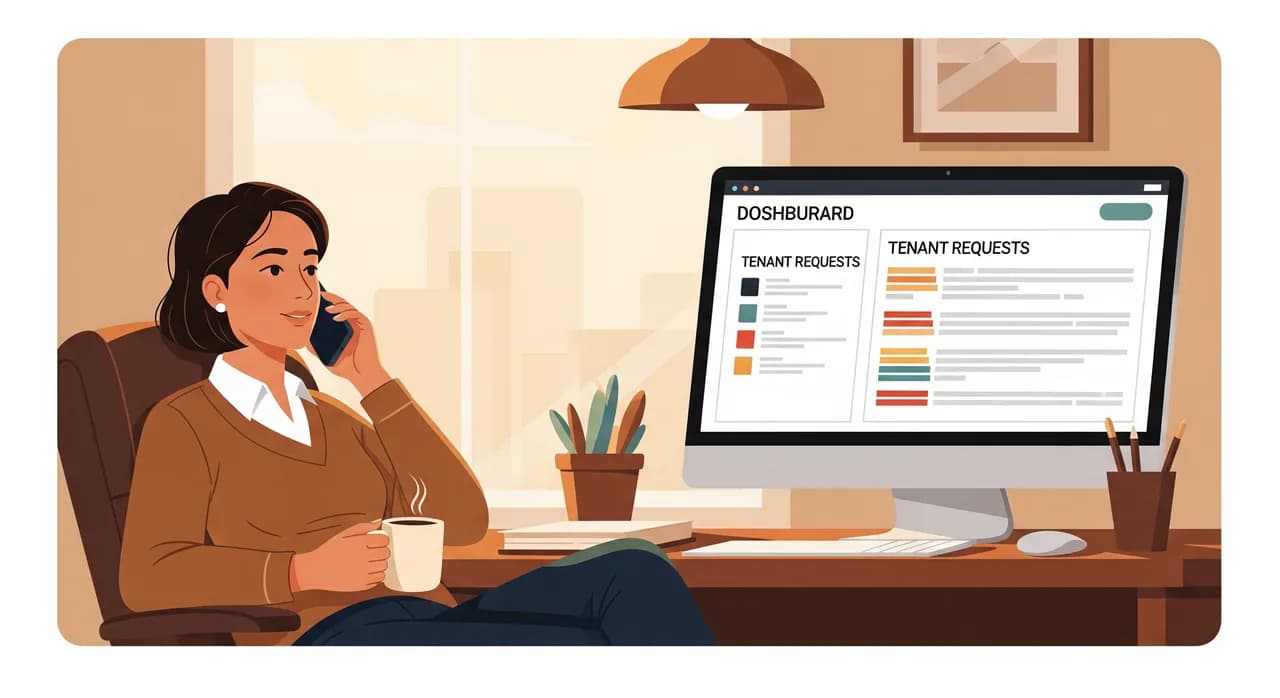
But the number that mattered most to the director wasn't on any spreadsheet. It was that the angriest emails mostly stopped arriving. A large share of tenant anger, it turns out, isn't about the problem itself — it's about the silence after they report it. Once every request got an instant, honest acknowledgement and a clear next step, the temperature of the whole inbox dropped. The team went from firefighting to actually managing.
“Most tenant anger isn't about the broken thing. It's about the silence after they told you. Kill the silence and half the fires go out.”
What we'd tell another property office
If you run a property management business and any of this felt uncomfortably familiar, a few honest lessons travel well beyond this one firm. None of them are about technology, really. They're about sequence and restraint.
Start with the inbox, not the maintenance calendar. The shared inbox is almost always the true bottleneck in this sector, even when it doesn't feel like the loudest pain. Fix the triage and the routine answers first, and you free the team to handle the genuinely hard stuff with attention it deserves. And resist the urge to automate the difficult, emotional, legal work — that's exactly where your humans add the value a competitor's bot can't.
You also don't need to replace your property software to do any of this. Every piece we built connected the tools they already had. Ripping out working systems is slow, expensive and rarely necessary at the start. The opening move is almost always to make your existing tools talk to each other and answer for themselves — not to start over.
Recognise your own office in this?
If your team is losing its week to the inbox and the re-typing, the first conversation is the cheapest part to get right. We'll look at where your time actually goes and point at the one process worth automating first — with no obligation to build anything.
See how we automate property officesCommon questions
Will an AI assistant give tenants wrong answers about their lease?
Do we have to replace our property management software?
How long does something like this take to set up?
Did the firm reduce staff after automating?
We only manage a few dozen units — is this overkill for us?

Have a nice day is a software studio that helps small and mid-sized businesses go digital — automation, AI and custom software that works in everyday operations, not just on slides.