How a Small Accounting Firm Stopped Hand-Typing 2,000 Invoices a Month
A four-person accounting practice was drowning in supplier invoices — keyed in by hand, one field at a time. Here is exactly what we changed, what broke along the way, and what the numbers looked like six months later.
 Have a nice day13 min read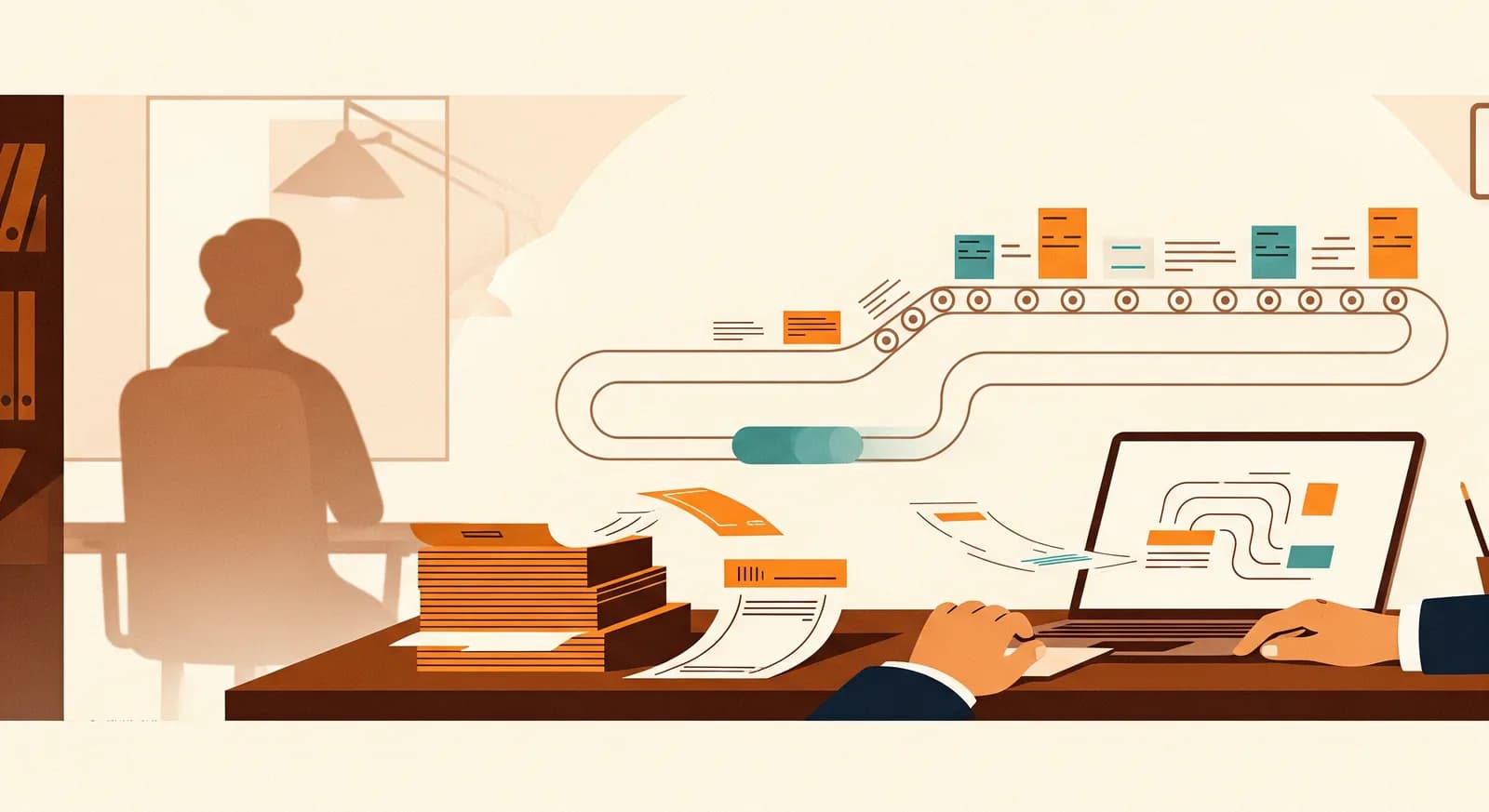
There is a particular kind of tired that comes from typing numbers off a piece of paper into a box on a screen, all day, knowing a machine should be doing it. The firm in this story knew it. They had known it for years. What they didn't have was a clear sense of where to start, how much it would cost, or whether the thing would actually hold up under the messy reality of real supplier invoices. This is the honest version of how we fixed it — including the parts that didn't work the first time.
A quick note before we start. This is a real project, but the client asked us to keep them anonymous, which is normal for accounting work. So there's no company name and no logo. The numbers are rounded and presented to illustrate the shape of the result, not to impress you with false precision. If anything, we've rounded conservatively. The point of a case study isn't the bragging — it's so the next person with the same problem can see what's involved before they pick up the phone.
The situation: four people, a wall of paper
The client is a small accounting and bookkeeping practice — four people, one of them the owner. They handle the books for around sixty small-business clients: trades, a couple of restaurants, some retail, a handful of one-person consultancies. Bread-and-butter work. The kind of firm that knows every client by first name and still gets a shoebox of receipts at year end.
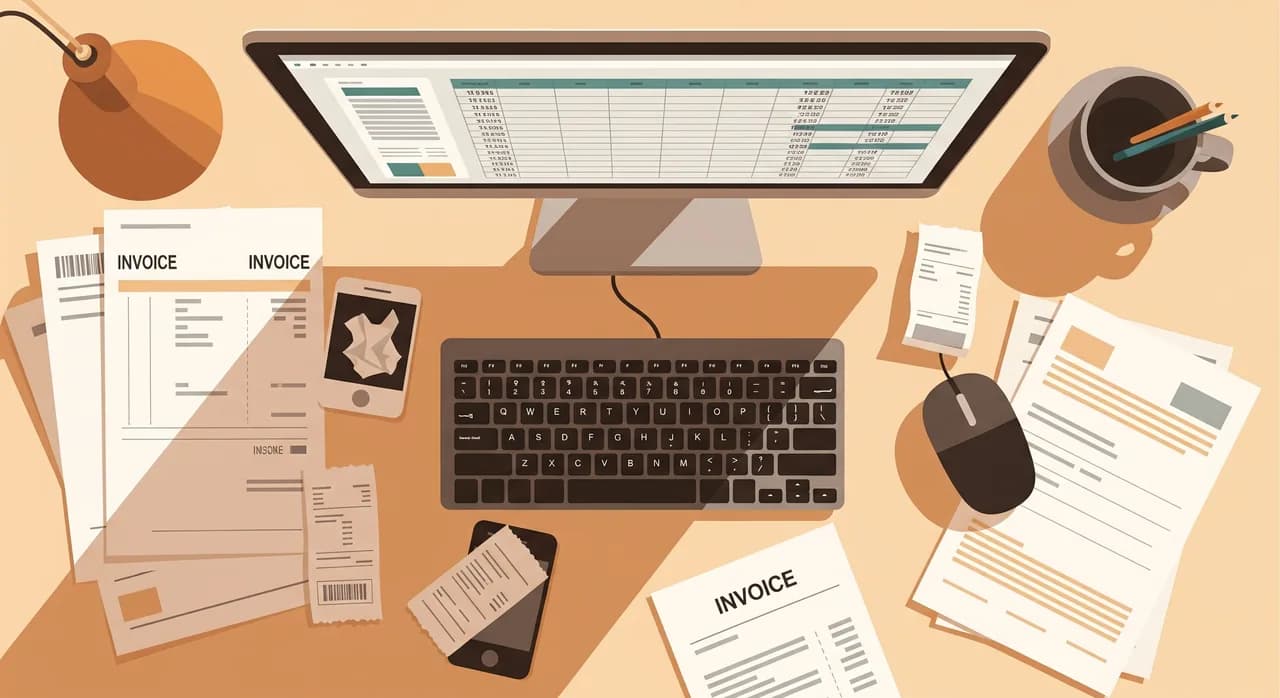
The bottleneck was accounts payable — specifically, the supplier invoices their clients passed to them for bookkeeping. Roughly 2,000 invoices a month flowed through the firm. Some arrived as PDFs by email. Plenty arrived as photos taken on a phone, slightly crooked, sometimes with a thumb in the corner. A stubborn minority still came in on paper and got scanned. Every single one had to be read by a human and typed into the accounting system: supplier name, invoice number, date, net amount, VAT, total, the right expense category.
Two of the four staff spent a large slice of their week on exactly this. It wasn't hard work. It was relentless work, and it was the reason the firm couldn't take on new clients without hiring. Worse, it was where the errors lived — a transposed digit here, a wrong VAT rate there, the small mistakes that cost an hour to hunt down later.
“Nobody starts an accounting firm because they love retyping the number 1,847.50 off a blurry phone photo. That's the work we set out to delete.”
What we deliberately did not do
Before the good part, the restraint. The firm came in half-expecting us to sell them a new accounting platform — rip out what they had, migrate everyone, retrain the team, the whole circus. We talked them out of it. Their existing system worked fine; the problem wasn't the system, it was the data entry feeding it. Replacing a tool that works to fix a process that doesn't is a classic, expensive mistake.
We also didn't try to automate everything at once. The temptation in a project like this is to chase 100% — every invoice, every edge case, fully hands-off. That last 5% is where automation projects go to die. So we drew a deliberate line: get the routine, well-behaved invoices handled automatically, and route the weird ones to a human. More on that line later, because it's the most important decision in the whole project.
What we actually built
The system has three moving parts, and none of them are exotic. The cleverness is in how they fit together and where we chose to put a human.
One inbox for everything
First, a single place for invoices to land. We set up a dedicated email address and a simple upload page. Clients forward their invoices, or snap a photo and upload it, and it all funnels into one queue. No more digging through four staff members' personal inboxes. This sounds trivial. It removed an entire category of "where did that invoice go" chaos on day one, before any AI touched anything.
Reading the invoice
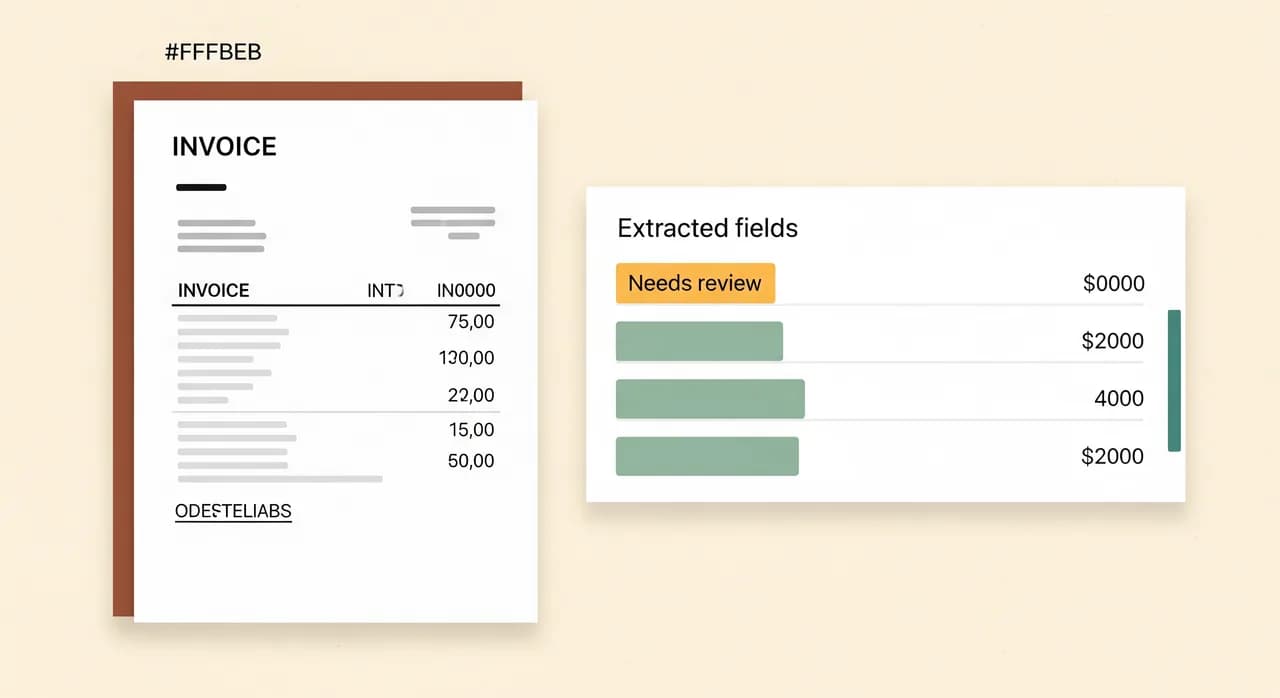
Second, the extraction. Each incoming document is read by an AI model that pulls out the fields that matter: supplier, invoice number, date, net, VAT rate and amount, total, currency, and a best-guess expense category based on the supplier and line items. This is the part that genuinely needed modern AI — older OCR could read text off a clean PDF, but it fell apart on a crooked phone photo of a faded thermal receipt. Today's vision-capable models handle that messiness far better, which is precisely why this project was worth doing now and wasn't five years ago.
Knowing when it's unsure
Third — and this is the part people underestimate — the system reports how confident it is about each field, and it cross-checks the maths. Does net plus VAT actually equal the total? Is the VAT rate one that's valid for this client's country? Is the supplier one we've seen before? When everything lines up, the invoice flows straight through to a review-ready state. When something is off — a total that doesn't add up, a supplier never seen before, a blurry field the model is unsure about — it gets flagged and pushed to a human, with the suspect field highlighted.
The rollout: parallel running, on purpose
We did not flip a switch and walk away. For the first three weeks, the system ran alongside the old manual process. Staff still keyed invoices the normal way, but they also saw what the automation produced, side by side. This did two things. It let us catch the edge cases on real invoices with zero risk — if the system got something wrong, the human was typing it correctly anyway. And it built trust. The team could watch the thing be right, over and over, before they were ever asked to rely on it.
- 1Weeks 1–3: shadow modeThe automation ran on every invoice but changed nothing. Staff kept working as usual and compared results. We tuned the extraction and the confidence thresholds against real, messy invoices.
- 2Weeks 4–6: human checks everything, types nothingStaff switched to reviewing the system's output instead of keying from scratch — confirming the green fields, correcting the amber ones. Far faster than typing, and still fully supervised.
- 3Week 7 onward: confident invoices auto-post, humans handle exceptionsOnce the error rate on auto-approved invoices held below our agreed threshold, clean invoices were posted automatically. The team's job became handling the flagged minority — the genuinely tricky ones.
- 4Ongoing: the 'when it breaks' noteOne named person owns the system, and there's a short written procedure for what to do if extraction quality ever drops — fall back to manual, who to call. Boring, and exactly why nobody panics.
That parallel-running phase is the part teams want to skip to save time, and it's the part you must not skip. It's the difference between a tool people trust and a tool people quietly route around. We've never regretted running in parallel for a few extra weeks; we've regretted not doing it.
What broke — because something always does
A case study with no problems is a sales brochure. Here's where reality pushed back. The first surprise was duplicate invoices. Clients, being human, would forward the same invoice twice — once as a PDF, once as a phone photo a week later. The early system happily processed both. We added a duplicate check that matches on supplier, invoice number and amount, and flags likely repeats before they reach the books.
The second was credit notes and partial refunds, which look almost exactly like invoices but mean the opposite. The model occasionally read a credit note as a normal invoice with a negative total, which is technically correct and practically dangerous. We taught the system to recognise the difference and, when unsure, to flag rather than guess. When the cost of a wrong guess is high, the right move is always to flag.
The third wasn't a bug at all — it was habit. For a few weeks, one staff member kept a private spreadsheet "just in case," quietly duplicating the work the system was now doing. Not out of mistrust exactly, more out of muscle memory. We only spotted it because the numbers looked too tidy. A short, honest conversation fixed it. Worth remembering: the hardest part of automation is rarely the technology. It's the human letting go of the old way.
The results after six months
Here's where we have to be careful and honest. These are this firm's numbers, rounded, and your mileage will differ with your invoice mix and your starting point. But the direction and rough magnitude are representative of what this kind of automation does.
| Measure | Before | After |
|---|---|---|
| Invoices needing full manual entry | ~2,000 / month | ~250 / month |
| Time spent on invoice entry | ~2 staff, most of the week | Well under 1 person's time |
| Average handling time per invoice | Minutes of typing | Seconds to confirm |
| Data-entry errors caught later | A recurring weekly headache | Sharply reduced |
| New clients onboarded without hiring | Stuck | Capacity freed up |
The headline the owner cared about wasn't the time saved — it was the capacity. The firm had been turning away new clients because the team was maxed out on data entry. Six months in, roughly the same four people were handling a noticeably larger book of clients, without anyone working longer hours and without a new hire. The automation didn't replace a person. It gave the firm back the equivalent of one, and pointed it at work that actually pays.
The error reduction mattered more than expected, too. Catching a mistyped VAT amount in February is annoying; catching it in a year-end review is a genuinely expensive afternoon. Because the system checks its own arithmetic and flags the doubtful cases, the errors that used to slip through at 4pm on a busy day mostly stopped slipping through at all.
“We didn't buy more hours in the day. We stopped spending the ones we had on a task a machine does better.”

Would this work for your firm?
Probably, if your situation rhymes with theirs. The pattern that makes invoice automation worth it is simple: a meaningful volume of documents, arriving in varied formats, that currently get typed by a human. If you're processing a few invoices a week, don't bother — the manual effort is cheaper than the setup. But somewhere in the low hundreds per month, the maths flips hard in automation's favour.
- You're handling hundreds to thousands of invoices or documents a month.
- They come in mixed formats — PDFs, photos, scans — not one tidy feed.
- Real people currently read and retype the same fields, over and over.
- Your existing accounting system is fine; the bottleneck is the data entry feeding it.
- You'd rather grow your client book than hire purely to keep up with admin.
And the same approach generalises well beyond accounting. Anywhere a person is reading structured information off documents and retyping it — delivery notes, order forms, applications, contracts — the same three-part pattern applies: one intake point, AI extraction with confidence scoring, and a human handling only the exceptions. The invoices are just the most common place this pain shows up.
Drowning in invoices you shouldn't be typing?
If your team is keying invoices by hand, we'll take an honest look at your volume and formats and tell you straight whether automation is worth it for you — and what it would realistically take.
See how we automate invoice processingCommon questions
How accurate is AI invoice extraction, really?
Do we have to change our accounting software?
What happens to invoices the system can't read?
How long did the project take to pay off?
Will this put my data-entry staff out of a job?

Have a nice day is a software studio that helps small and mid-sized businesses go digital — automation, AI and custom software that works in everyday operations, not just on slides.