How We Added an AI Assistant to a SaaS Platform — Without Breaking It
A small SaaS team had a support backlog and a feature their users couldn't find. This is the honest story of how we put an AI assistant inside their product — what worked, what we threw away, and the number that finally moved.
 Have a nice day12 min read
Every SaaS team we talk to eventually says the same sentence out loud: "We should put an AI assistant in here." Sometimes it's pressure from the board, sometimes it's a competitor's launch, sometimes it's genuine. The interesting part is never the idea — almost everyone has the idea. The interesting part is the gap between that sentence and a feature that real users actually rely on. This is the story of one team that crossed it, and the unglamorous decisions that got them there.
A quick note before we start: we've anonymised the client and rounded the numbers. They're a small, profitable B2B SaaS company — under twenty people — selling a workflow tool to operations teams. We've changed enough detail that you won't recognise them, but the shape of the project is exactly as it happened. The numbers are illustrative, not audited; we'd rather show you the pattern than dress up a chart.
We're writing this up because the project is a near-perfect example of how these things actually go. It did not go the way the kickoff deck said it would. It went better — but only because we were willing to delete the first version.
The situation: two problems wearing one costume
When the founder first reached out, the request was simple: "We want an AI chatbot in the app." That's where most projects start, and it's also where most of them quietly go wrong. "AI chatbot" isn't a goal, it's a shape. So our first job was to figure out what problem the chatbot was supposed to solve — and whether it was even one problem.
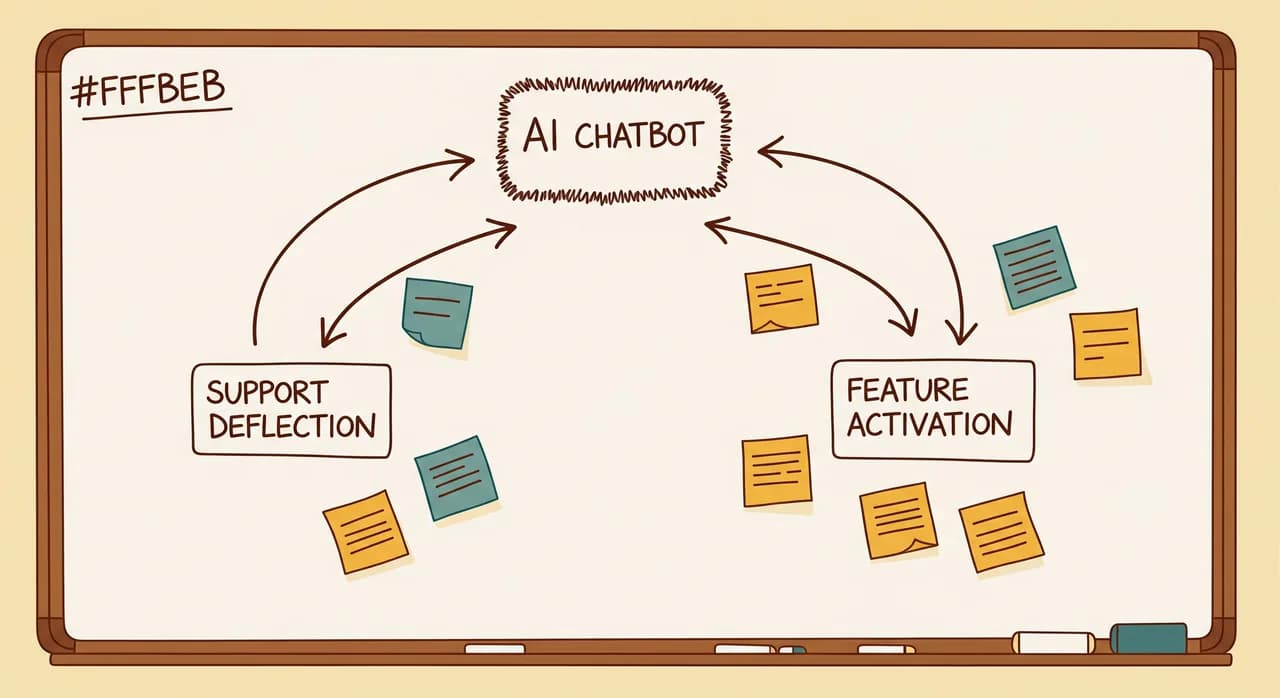
It wasn't. Sitting under that one request were two completely different pains. The first was support load: a two-person customer success team was drowning in repetitive tickets — "how do I export this", "where's the setting for that", "why didn't my report run". Roughly 60% of incoming tickets were questions already answered somewhere in their help docs. The second pain was quieter and more expensive: activation. Their product had a genuinely powerful feature buried three clicks deep that almost nobody discovered on their own. Users who found it stayed for years. Users who didn't churned in the first two months.
Same costume, two problems. And they pulled in different directions. A support bot wants to deflect questions and get out of the way. An activation assistant wants to start conversations and nudge people toward things they didn't ask about. If we'd built "an AI chatbot" without separating these, we'd have built something that did both jobs badly.
“"AI chatbot" is a shape, not a goal. The first week of the project was spent finding out which problem we were actually being paid to solve.”
Scoping down to something we could finish
Faced with two problems, the temptation is to build a grand assistant that handles both from day one. We talked the team out of it. Not because the vision was wrong, but because a six-month "everything assistant" is exactly the kind of project that ships late, lands flat, and makes everyone nervous about AI for the next two years.
So we picked one. We chose support deflection first, for three boring but decisive reasons. It had a clear, measurable target — ticket volume. It used content that already existed — their help docs and past tickets. And if it underperformed, the downside was small: a user who didn't get a good answer simply did what they already did and opened a ticket. Low risk, fast feedback, honest metric. That's a good first AI feature, every time.
The activation assistant didn't disappear — we parked it, on paper, with a clear note: phase two, once the retrieval layer is proven. That single decision probably saved the project. It gave the team a finish line they could actually reach in weeks instead of quarters.
The first prototype we built — and deleted
Here's the part most case studies leave out. Our first working prototype was, to put it kindly, not good. We did the obvious thing: wired the product's help articles into a large language model, added a chat box, and let users ask questions. In the demo it looked magical. In real testing it fell apart in a very specific, very instructive way.
The model was confidently wrong. Asked about a setting that had been renamed six months earlier, it cheerfully invented the old menu path. Asked about a feature on a higher-tier plan, it explained how to use it — to a customer who couldn't access it. Each answer sounded authoritative, which made the wrong ones worse than no answer at all. A support bot that lies politely doesn't reduce tickets; it creates angrier ones.
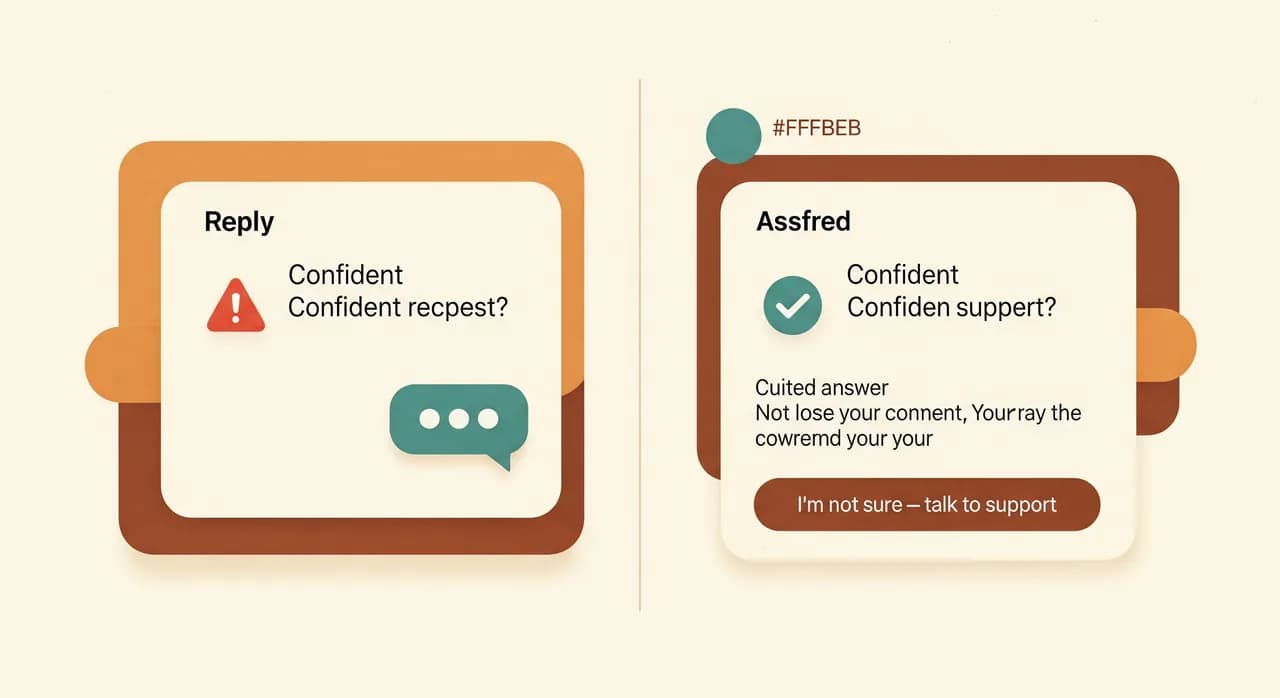
We could have papered over it with prompt tweaks. Instead we did something that felt like a step backward and turned out to be the whole game: we threw the first prototype away and rebuilt it around a strict rule — the assistant may only answer from sources it can cite, and must say "I don't know" otherwise.
What we actually built
The version that shipped was deliberately modest in what it attempted and strict in how it behaved. Under the hood it was a retrieval-grounded assistant: when a user asked something, the system first searched a curated, up-to-date knowledge base, then asked the model to answer only from what it found, with a link back to the source. No source, no confident answer — just a clean handoff to a human.
Three design choices did most of the heavy lifting, and none of them are exciting. That's the point — the boring choices are usually the ones that decide whether an AI feature is trusted or quietly switched off.
Grounding over cleverness
Every answer was tied to a real, current document. We spent more time cleaning and structuring the knowledge base than tuning the model. Unglamorous, and by far the highest-leverage work in the project. A mediocre model on excellent, well-maintained content beats a brilliant model on a stale mess.
A graceful handoff
When the assistant wasn't confident, it didn't guess. It said so and offered a one-click route to a human — carrying the conversation context along so the user never had to repeat themselves. Counter-intuitively, this made people trust the bot more: an assistant that admits its limits feels honest, and they leaned on it for the easy 60% precisely because it stepped aside on the hard 40%.
Aware of who's asking
Because it lived inside the product, the assistant knew the user's plan, role and where they were in the app. So it never explained a feature they couldn't access, and it could say "the button you're looking for is on the screen you're already on." That product-awareness is the real advantage of an in-app assistant over a generic chatbot bolted onto a marketing site.
- 1Cleaned and structured the knowledge baseAudited every help doc, killed the outdated ones, and tagged the rest by plan and feature. This was week one, and it was the most important week.
- 2Built the retrieval layerSearch first, answer second. The model only ever saw vetted, current content — and was instructed to refuse anything it couldn't ground in a source.
- 3Wired in product contextConnected the assistant to the user's plan, role and current screen, so answers were tailored and never pointed at features they couldn't use.
- 4Designed the honest fallbackBuilt the 'I'm not sure — here's a human' path as a first-class feature, with full conversation context handed to the support team.
- 5Shipped to 10% of users behind a flagRolled out quietly to a slice of accounts, watched real conversations for two weeks, fixed what broke, then widened the rollout.
The results — and the one that surprised us
After the assistant had been live for everyone for about three months, the picture was clear. We'll give you rounded, illustrative figures — the direction matters more than the decimals.
| Metric | Before | After | Change |
|---|---|---|---|
| Repetitive support tickets | ~100/week | ~45/week | About half, deflected |
| Median first response time | ~5 hours | Near-instant for common questions | Hours to seconds |
| Support team focus | Mostly repeat Q&A | Mostly complex, high-value cases | Better use of two people |
| Assistant 'unable to answer' rate | — | ~20% (handed to humans) | Honest, not hidden |
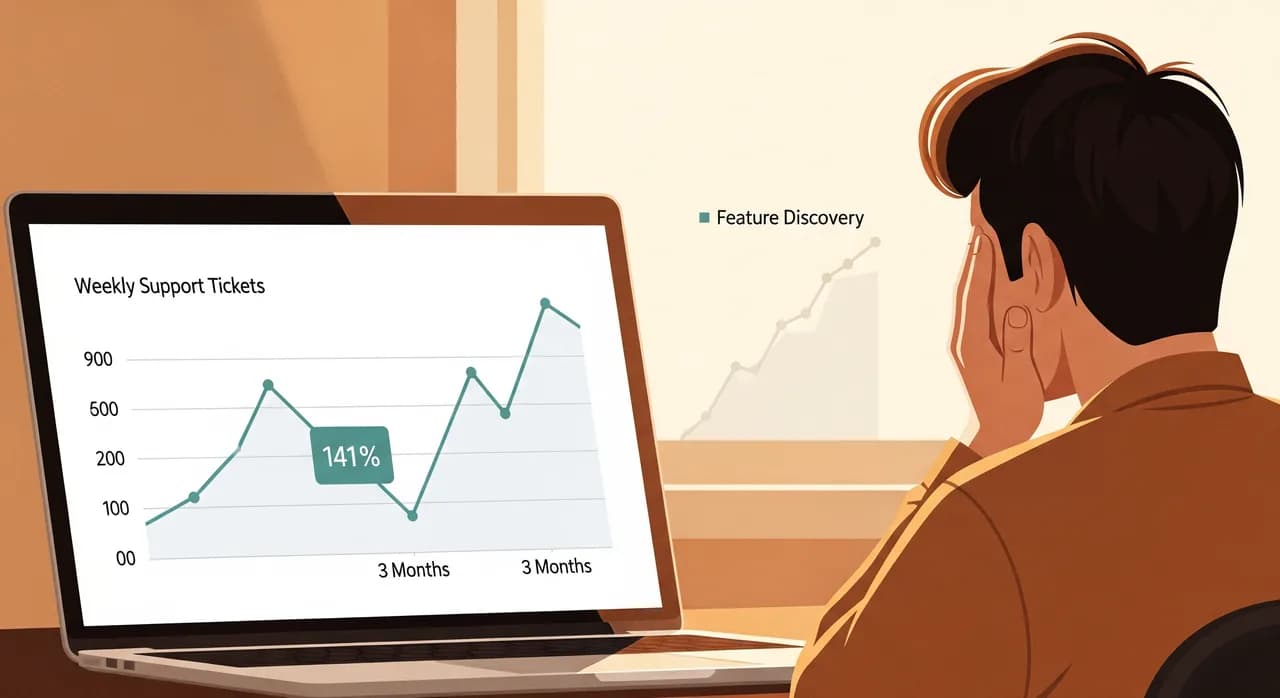
The support number was the one we'd promised, and it delivered: a little over half of the repetitive tickets simply stopped arriving, and the two-person team got their week back to handle the cases that genuinely needed a human. Good outcome, exactly as scoped.
But the result that actually surprised the founder was one we hadn't optimised for at all. Because the assistant was answering "how do I do X" questions all day, it kept naturally pointing users toward that buried, sticky feature — the one tied to retention. We hadn't built the activation assistant yet. The support bot was quietly doing a slice of its job as a side effect, just by being helpful and product-aware. New users were finding the feature weeks earlier than before.
“We shipped a support tool. It turned out to be an onboarding tool wearing a support tool's clothes — which is exactly why phase two got the green light.”
What we'd tell the next team
If you're a SaaS team staring at the same "we should add an AI assistant" sentence, a few things from this project generalise well beyond it.
- Separate the problems before you build. "AI chatbot" almost always hides two or three distinct jobs that want different designs.
- Start with the use case where a wrong answer costs the least. Support deflection is a near-perfect first move; the fallback is the status quo.
- Budget most of your effort for the content, not the model. Grounding on clean, current data is what makes an assistant trustworthy.
- Make 'I don't know' a feature, not a failure. An honest handoff builds the trust that makes users rely on the parts the bot does well.
- Ship behind a flag to a small slice first. Real conversations will teach you things no demo ever will.
Thinking about an AI feature in your product?
The hardest part is rarely the model — it's scoping the thing so it ships and gets trusted. We help SaaS and software teams figure out what's actually worth building, then build it. A first conversation costs you nothing but the time.
See how we build AI featuresCommon questions
How long did this project take?
Do we need a huge amount of data to add an AI assistant?
Won't an AI assistant give customers wrong answers?
Should we build this ourselves or bring in help?
What's a sensible first AI feature for a SaaS product?

Have a nice day is a software studio that helps small and mid-sized businesses go digital — automation, AI and custom software that works in everyday operations, not just on slides.