How a Mid-Sized Construction Firm Got Every Job Site Off Paper
A 60-person regional builder was drowning in carbon-copy dockets, missing receipts and Friday-night invoicing. Here's the unglamorous, honest story of how we got every job site digital — what worked, what we got wrong, and what it actually changed.
 Have a nice day15 min read
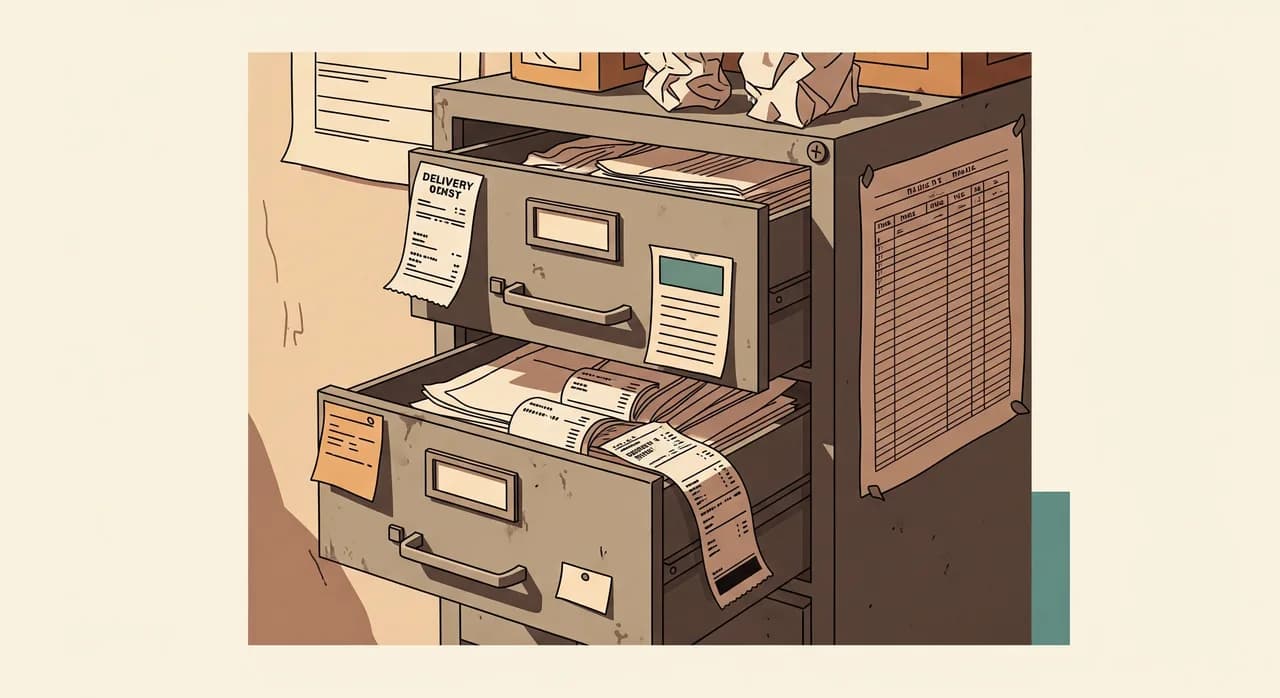
When we first walked into this company's office, the most expensive piece of equipment in the room wasn't a computer. It was a filing cabinet — four drawers, jammed shut, full of crumpled delivery dockets, handwritten timesheets and the kind of receipts that fade to a blank slip after a summer in a van. A 60-person construction firm, turning over real money, running on paper that was actively disappearing. They didn't need a digital transformation. They needed to stop losing things.
This is a real project, anonymised. I'm not going to dress it up with a tidy arc where software descends from the cloud and everyone cheers. Digitalising a construction company is a slow, slightly grubby business, full of arguments about phones on site and foremen who've done it the same way for thirty years. The numbers in this article are rounded and illustrative — I'm not going to pretend we measured everything to two decimal places — but the shape of the story is exactly what happened.
If you run a building firm, a civil contractor, or any business where the work happens somewhere other than the office, I think you'll recognise the starting point. And I hope the path out of it is more useful than the usual case study, because we'll spend just as long on what went wrong as on what went right.
The situation: a good company losing money to paper
Let me set the scene properly. The firm did residential and light commercial work — extensions, renovations, the occasional small new-build. Around 60 people: site crews, two foremen, a couple of project managers, an office of three, and the owner, who still went out to quote most jobs himself. Busy, well-regarded, booked months ahead. By any normal measure, a healthy business.
And yet the office was constantly on fire. Every detail from a job site travelled back to the office on paper or not at all. Hours were scribbled on a carbon-copy book and handed in — sometimes — at the end of the week. Materials used on a job were remembered, roughly, by whoever was there. Delivery dockets lived in van glove boxes until they turned to mush. Variations to the work — the customer who asked for an extra socket, the wall that turned out to need underpinning — were agreed verbally on site and frequently never made it onto an invoice at all.
The result was a Friday-and-Saturday ritual the owner's wife ran almost single-handedly: chasing foremen by phone to reconstruct the week, deciphering handwriting, guessing at material quantities, and trying to turn all of it into invoices before the customer's memory of the work faded too. Invoices went out late. Some variations were simply never billed because nobody could prove they'd happened. The firm was, very politely, leaking margin out of every job site it ran.
“They weren't undercharging on purpose. They were undercharging because the paperwork to charge correctly never made it back to the office in one piece.”
What it was actually costing
We spent the first week not selling anything — just measuring. We sat with the office, rode along to two sites, and put rough numbers on the pain. The office was burning the better part of two full days a week reconstructing information that had existed perfectly clearly on site days earlier. Invoicing ran ten to fourteen days behind the work. And on a sample of recent jobs, we found unbilled variations and materials worth a few percent of each job's value — small per job, but across a year, a genuinely uncomfortable number.
What we deliberately didn't do
The obvious move — the one three vendors had already pitched them — was a big, all-in-one construction management platform. Project scheduling, Gantt charts, BIM integration, a client portal, accounting, the works. Five-figure setup, a per-seat monthly fee for 60 people, and a training programme. On paper it solved everything.
We talked them out of it, and I'd talk almost any firm this size out of it. The reason is simple: a platform that solves everything also requires everyone to change everything at once. Site crews who'd never used a work app would be handed a tool with two hundred features on day one. The failure mode is brutally predictable — a few weeks of half-hearted use, a pile of incomplete data that's worse than no data, and a quiet retreat to the carbon-copy book while the subscription keeps charging.
So we threw out the platform idea and asked a narrower question instead: what is the single piece of information whose loss hurts the most, and how do we capture just that, with the least possible friction on site? The answer was the daily site log — hours, materials, and variations, captured per job, per day, before anyone left the site.
What we actually built
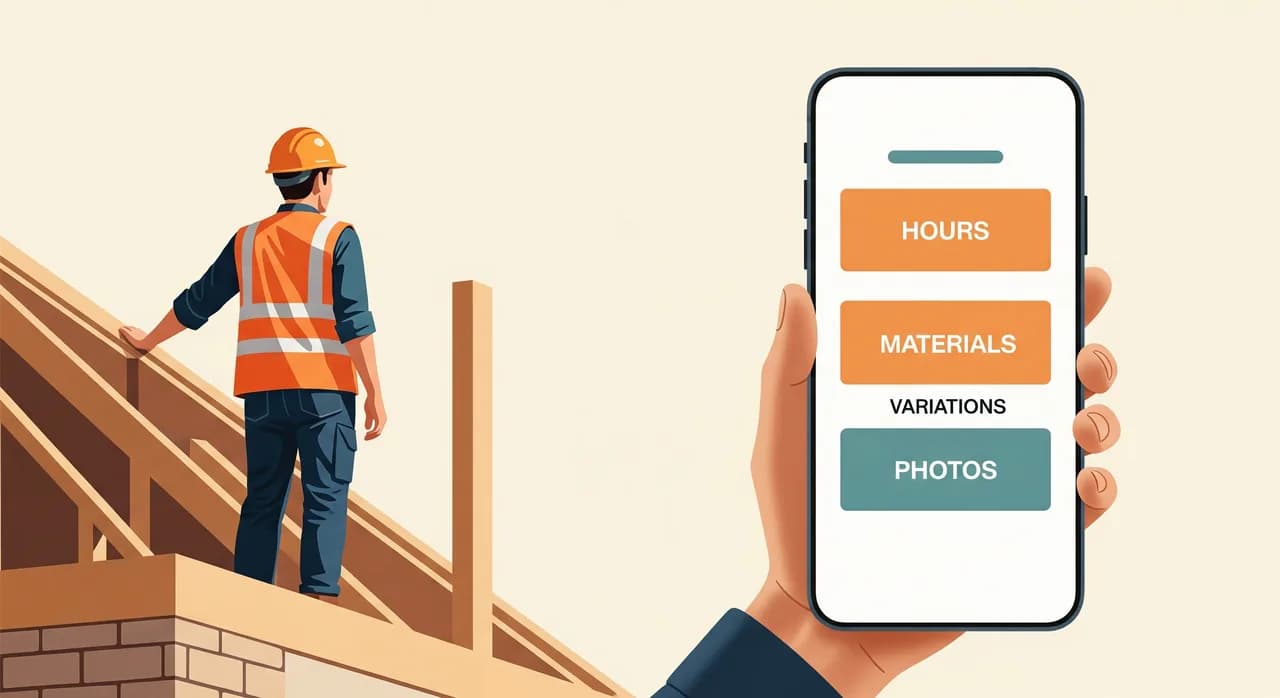
The whole solution, in its first version, fit on one screen. A simple mobile app — really a focused web app that lived as an icon on each foreman's and crew lead's phone — that did exactly four things and nothing else.
- Clock in / clock out, against a job. Tap your name, tap the job you're on, tap start. Tap stop when you leave. Hours captured at the source, tied to the right job, no carbon copy.
- Log materials used. A short list of the firm's common items, plus a free-text box and a camera button for delivery dockets. Snap the docket, it's filed against the job forever.
- Record a variation. A big, obvious button: 'Customer asked for something extra.' A line of text, a photo, done. That single button turned out to be the most valuable thing we built.
- A daily photo log. Two or three photos of progress at the end of the day — protection against disputes, and a quiet record of who did what when.
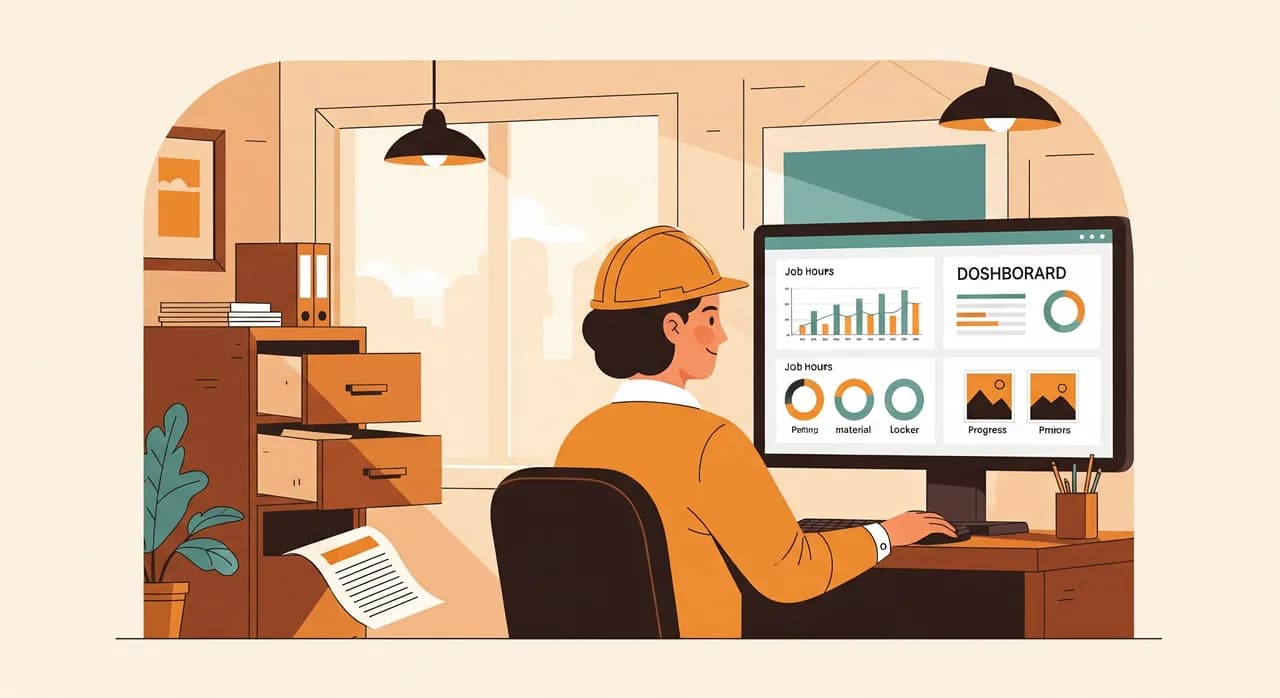
On the office side, all of this landed in a single dashboard. Each job had a live page: hours logged so far, materials with their docket photos attached, a running list of variations, and the day-by-day photo history. The Friday reconstruction ritual was replaced by something closer to reviewing than recreating — the data was already there, captured the moment it happened.
We deliberately did not connect it to the accounting system in version one. That was a conscious choice. We wanted the on-site habit to stick before we added any complexity behind it. Invoicing still happened in their existing software — but now the person doing it had a complete, accurate job page in front of them instead of a phone and a prayer.
The rollout — and where it nearly fell apart
Here's the part the glossy case studies skip. The software was the easy bit. Getting men who'd kept time on paper for decades to tap a phone at the end of a long, cold day — that was the actual project. And for the first two weeks, it was going badly.
The first foreman we onboarded was a believer. The second was not. He didn't refuse exactly; he just kept 'forgetting', filling in the carbon book as usual and saying he'd enter it later. He never entered it later. His crew followed his lead. Two weeks in, half the sites were digital and half were quietly still on paper, which is the worst of both worlds — now the office had to chase and check an app.
What turned it around wasn't a stern email. It was two things. First, we made the app stupidly fast — clock-in had to take under five seconds, or we'd lost. Second, the owner did something smart: he stopped accepting the paper book. Not as a punishment, but as a clear line. If the hours weren't in the app by Saturday morning, they got entered late and paid late. One pay cycle of that, applied evenly, and the reluctant foreman was suddenly the app's biggest fan — because the variation button had just won him an argument with a customer who swore they'd never asked for the extra bathroom.
- 1Start with one site, not all of themWe ran the pilot on a single job with the foreman who was keen. Real conditions, real mud, real edge cases — but contained. We fixed a dozen small annoyances before anyone else ever saw the app.
- 2Make the first action faster than paperIf logging hours in the app was slower than the carbon book, we'd lose, full stop. We obsessed over the clock-in flow until it was genuinely quicker than finding a pen.
- 3Give the office, not the crews, the hard buttonsCrews got four simple actions. Anything fiddly — corrections, job setup, reporting — lived in the office dashboard. You protect adoption by protecting the people on site from complexity.
- 4Set one firm, fair line and hold itThe owner stopped accepting paper after the grace period. Not aggressively — just consistently. Consistency, not threats, is what retires the old habit.
- 5Let an early win sell it for youThe moment the variation log paid for itself in one customer dispute, the story spread on its own. We stopped having to convince anyone.
Where AI fit — and where it honestly didn't
We run an AI practice, so it would be on-brand to claim this project was powered by clever machine learning. It mostly wasn't, and that's the honest answer. Clocking in against a job is a rule and a timestamp. Logging materials is a form. None of that needs intelligence, and pretending it does would have added cost and fragility for nothing.
There was exactly one spot where AI genuinely earned its keep: the delivery dockets and receipts. Crews were snapping photos of supplier dockets, but a photo is just a picture until someone reads it. So we added a quiet step that read each docket image, pulled out the supplier, the date and the line items, and pre-filled the materials entry. The foreman just confirmed it. That turned a fiddly typing job — the kind that doesn't get done on a cold site — into a two-second glance and a tap.
That's the whole role AI played: taking the messy, language-and-image-shaped task that humans hate, and making the rule-based machinery around it usable. It sat on top of the boring, reliable basics — it didn't replace them. If we'd led with the AI and skipped the dull data-capture work underneath, we'd have built something impressive that nobody used.
“The AI read the dockets. Everything else — the part that actually saved the money — was just capturing the right information once, at the source.”
The results, a year on
I'll give you the numbers, with the caveat that they're rounded and drawn from the firm's own rough before-and-after, not a controlled study. But the direction is unambiguous, and the team felt every bit of it.
| What we looked at | Before | After |
|---|---|---|
| Office time spent reconstructing site data | ~2 days/week | A few hours/week |
| Average lag between work done and invoice sent | 10–14 days | 2–3 days |
| Unbilled variations and materials | A few % of each job | Close to zero |
| Lost or illegible delivery dockets | Common | Rare — photographed on site |
| Disputes the firm could prove with a photo log | Almost none | Standard |
The single biggest change wasn't even on that table. It was that the owner's wife got her weekends back. The Friday-Saturday reconstruction marathon simply ended. Invoices went out while the work was fresh in the customer's mind, which meant fewer arguments and faster payment. And the recovered variations — the extra sockets, the underpinning, the 'while you're here, could you also' jobs — quietly added up to more than the whole project cost, inside the first year.
There was a softer result too, one we didn't predict. The crews started to like the photo log. It protected them. When a customer claimed work hadn't been done, or done badly, there was a dated photo. The thing we'd sold as an office benefit turned into something the site crews defended — which is the surest sign an adoption has actually stuck.
What we built next — only once the habit stuck
With the on-site habit solid and trusted, we finally did the thing we'd refused to do at the start: we connected the job pages to their invoicing. Now the office could turn a completed job's hours, materials and variations into a draft invoice with a click, instead of re-typing. We waited a full season to do this on purpose. The connection was easy; earning the clean data flowing into it was the hard part, and that had to come first.
After that came small, deliberate additions — each one a separate, finishable step rather than a grand plan. A simple scheduling view so the office could see which crews were where. Automatic reminders to the office when a job had no log for a day, catching gaps early. None of it was dramatic. All of it was built on the same foundation: capture the truth on site, once, and never make anyone type it twice.
Got margin disappearing somewhere between the site and the office?
If your job sites still run on paper and your invoicing always feels two weeks behind, we should talk. We start by finding the one piece of information you're losing — no platform pitch, no obligation to build.
See how we work with construction firmsCommon questions
Won't my site crews refuse to use a phone app?
Do I need to replace my accounting or invoicing software?
How long does a project like this take?
Is this only for big construction companies?
What did the AI actually do here?

Have a nice day is a software studio that helps small and mid-sized businesses go digital — automation, AI and custom software that works in everyday operations, not just on slides.