How to Digitalise an Architecture Firm Without the Chaos
Most architecture practices don't have a software problem — they have a coordination problem hiding behind shared drives and inboxes. Here's a calm, practical way to digitalise without losing a single afternoon to a tool nobody asked for.
 Have a nice day15 min read
An architecture practice is one of the few businesses where the people are highly technical and the back office is held together with hope. You'll find studios running BIM models worth millions of euros of design work, then tracking which version is current by reading the date in a filename. The talent is never the problem. The problem is that nobody in the building was hired to think about how files, approvals, hours and deadlines move between people — and so they don't, not reliably.
I've sat in enough studios to recognise the symptoms from the doorway. A wall of monitors showing beautiful work. A shared drive nobody fully trusts. A senior architect who is secretly the human database for three projects, and who cannot take a holiday without something quietly breaking. The instinct, when this gets painful, is to go shopping — to buy a big platform that promises to fix everything. That instinct is almost always wrong, and it's how practices end up paying for software they configured for two weeks and then abandoned.
So this is the guide I'd give a practice owner before they spend a cent. It's not about chasing the most fashionable tool. It's about digitalising the handful of things that actually cost you money and sleep — drawings, project visibility, approvals and admin — in an order that won't disrupt the fee-earning work. Slowly, deliberately, without the chaos.
The real problem isn't your tools — it's coordination
Ask an architect what's slowing them down and they'll point at software. The render engine, the plotter, the BIM seat that crashes. But sit and watch a week go by and the real losses are somewhere else entirely. They're in the handoffs: the moment a drawing leaves one desk and lands on another, the moment a client comment needs to become a revision, the moment a consultant's structural change has to ripple back into the architectural set.
Every one of those handoffs is a place where information goes stale, gets duplicated, or quietly disappears. Someone works an afternoon on a plan that was superseded that morning. A planning condition gets missed because it lived in one person's inbox. A variation goes un-billed because nobody logged it. None of that is a tool failure. It's a coordination failure — and you can buy every piece of software on the market without fixing it.
“You don't lose money on the drawings. You lose it in the gaps between the people who touch them.”
This matters because it changes what you're shopping for. You're not looking for the best CAD or the prettiest project dashboard. You're looking for the smallest set of changes that make those handoffs reliable — so that the current version is obvious, the next action has a name attached, and the billable work doesn't slip through the cracks. Get that right and the practice feels twice as calm with the same headcount.
The four places architecture firms quietly bleed time
Before you change anything, it helps to know where the leaks usually are. Across practices of very different sizes, the same four areas come up again and again. You'll recognise at least three of them in your own studio.
- Drawing and document versions — which file is current, who has the latest, and what changed between revisions.
- Project visibility — where each project actually stands, what's overdue, and who is the bottleneck this week.
- Approvals and client comments — turning a scattered trail of emails, marked-up PDFs and meeting notes into clear, tracked decisions.
- Time and fees — logging hours against phases, catching scope creep, and billing variations before they're forgotten.
Notice what's not on that list: the design software itself. Your CAD and BIM tools are almost certainly fine. The bleed is happening in the connective tissue around them — the project layer, the document layer, the money layer. That's the good news, actually, because that connective tissue is far cheaper and less disruptive to fix than people fear.
Start where it hurts most: drawing version control
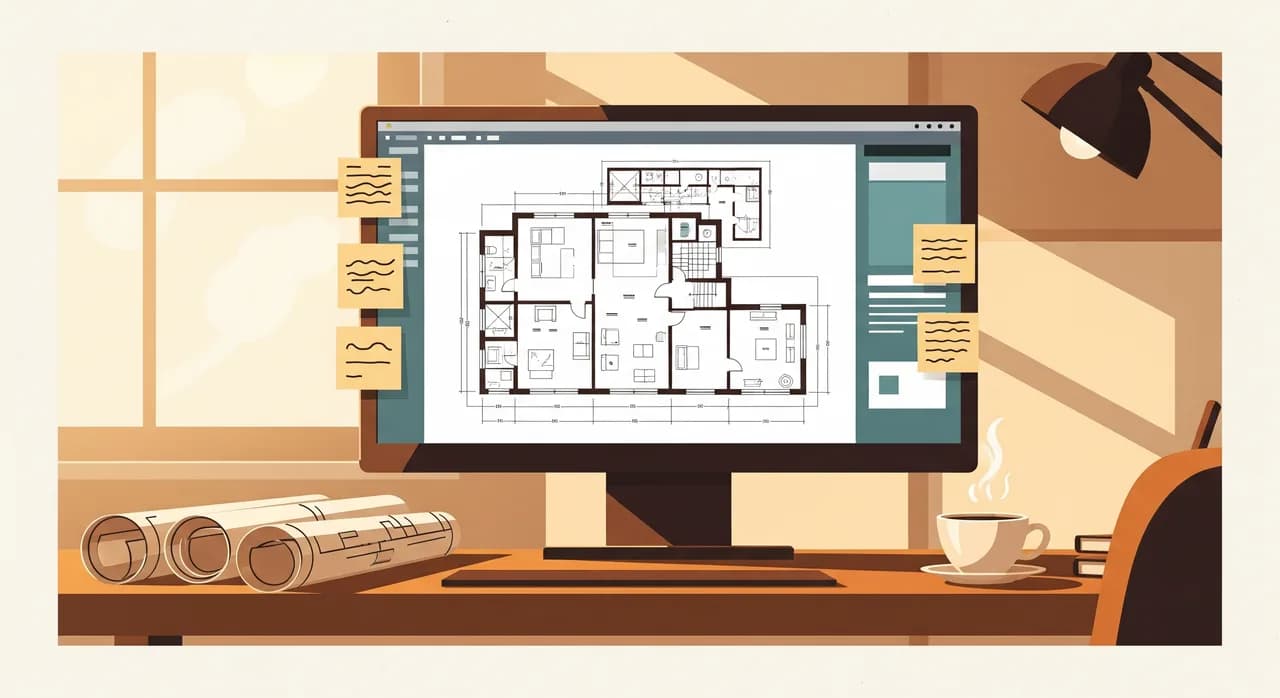
If you only fix one thing this year, fix this. In most practices the single most expensive recurring mistake is someone working on a drawing that has been superseded. It's invisible until the wrong set goes to a contractor, and then it's very visible indeed. The whole studio runs on the quiet assumption that the file open on your screen is the current one — and that assumption is wrong more often than anyone admits.
The fix is not glamorous. It's a single source of truth for live drawings — one place where the current version is unambiguous, where superseded files are clearly retired, and where you can see what changed and when. For a small studio that might be a properly structured common data environment with check-in/check-out. For a larger one it's a document management layer that enforces naming, revisions and access. The technology varies. The principle does not: there should be exactly one answer to “which version is current?” and a human should never have to read a filename to find it.
Done well, this one change removes an entire category of error. People stop double-checking with each other before they start work. Issued sets carry a clear revision history. And when a dispute arrives — as it always eventually does — you can show exactly what was issued, to whom, and when. That audit trail alone has settled more than one argument before it became a claim.
Make every project visible at a glance
The second leak is visibility. In a lot of practices, the true status of a project lives in the principal's head. They carry the deadlines, the dependencies and the warning signs around with them, and they're remarkably good at it — right up until they're juggling six projects and one of them slips because there simply wasn't room in one human's attention for all of it.
Digitalising this isn't about a fancy dashboard for its own sake. It's about getting the project status out of someone's head and onto a shared surface, so the whole team can see where things stand without interrupting anyone. The goal is that on any given Monday you can answer three questions in under a minute: which projects are at risk, what's the next milestone on each, and who is the bottleneck right now.
Track by phase, not by a thousand tasks
A common mistake here is to over-engineer it. Practices buy a heavyweight project tool, try to track every micro-task, and drown in admin within a month. Architecture work maps naturally onto recognised work stages — concept, developed design, technical design, and so on. Track at the level of those phases first, with a handful of key deliverables under each. You can always add detail later; you can rarely recover a team that's been buried in task-management overhead.
Tame the approvals and client-comment chaos
Now the messy one. Client feedback in an architecture project arrives from everywhere: an email here, a marked-up PDF there, a verbal comment in a site meeting, a WhatsApp photo of a sketch on a napkin. Each one may imply a design change, a cost, or a programme impact. And in a lot of practices, there is no single place where those decisions are captured, tracked, and turned into action.
The consequence is predictable. Comments get missed. The same change gets discussed three times. And — this is the expensive part — variations that should have been billed get quietly absorbed because nobody logged them as a change. Scope creep in architecture is rarely one big betrayal; it's a hundred small unrecorded yeses.
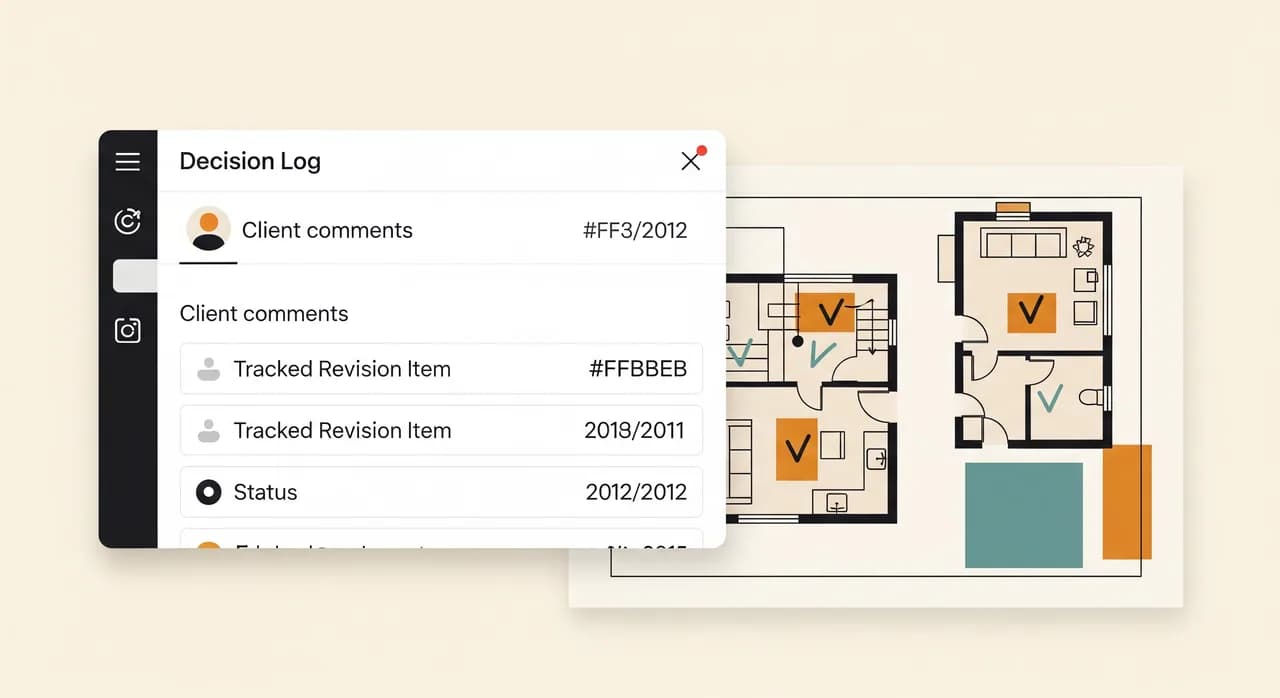
You don't need anything elaborate to fix this. You need a decision log: one place where every client instruction is recorded with a date, an owner, and a status. It can be a dedicated module in a project tool or a disciplined shared sheet to begin with. What matters is the habit — every comment becomes a logged item, every logged item gets resolved or billed, and nothing relies on someone remembering an email from three weeks ago.
Automate the admin that isn't your job
Architects didn't train for seven years to chase timesheets. Yet a startling amount of senior, expensive time in a practice goes on administration that a computer should handle: assembling fee proposals, copying hours from one place into an invoice, compiling the same monthly report, formatting documents to the practice template for the hundredth time.
This is where light automation earns its keep — and crucially, you don't need to rebuild the practice to get it. You connect the tools you already use so that information stops being re-typed. Hours logged against a project flow into the fee report. An approved variation generates a draft invoice line. A new project spins up its folder structure, its phase checklist and its standard documents automatically, instead of someone rebuilding it by hand every time.
- 1List the repetitive adminFor two weeks, note every task that makes a senior person think 'why am I doing this by hand?' — timesheet chasing, report building, document formatting, folder setup.
- 2Pick the one that eats the most timeNot the most annoying — the most expensive in hours. That's your first automation. Resist the urge to fix everything at once.
- 3Connect, don't replaceWherever possible, link the tools you already own so data moves itself. Replacing working software is slow and risky; connecting it is fast and reversible.
- 4Give it an owner and a fallbackOne named person watches the automation and knows the manual fallback if it ever breaks. An automation with no owner quietly rots.
The aim isn't a fully autonomous office. It's to give your most skilled, most costly people their afternoons back — so the hours you bill are spent on design and client work, not on copying numbers between two systems that should have been talking all along.
Where AI actually fits in a practice
Because everyone asks: yes, there's a role for AI, and no, it isn't designing your buildings. The genuinely useful applications in an architecture practice today are the unglamorous ones. Pulling the key obligations out of a long planning decision or a dense contract. Summarising a thread of client emails into a clean list of decisions. Drafting a first-pass meeting minute from your notes. Sorting and tagging a flood of incoming documents so they're findable later.
The mistake is to lead with AI because it's exciting. Lead with the boring fixes — version control, visibility, a decision log, connected admin. AI then sits on top of a tidy practice and amplifies it. On top of a chaotic one, it just produces chaos faster.
The sequence: digitalise without disrupting the work
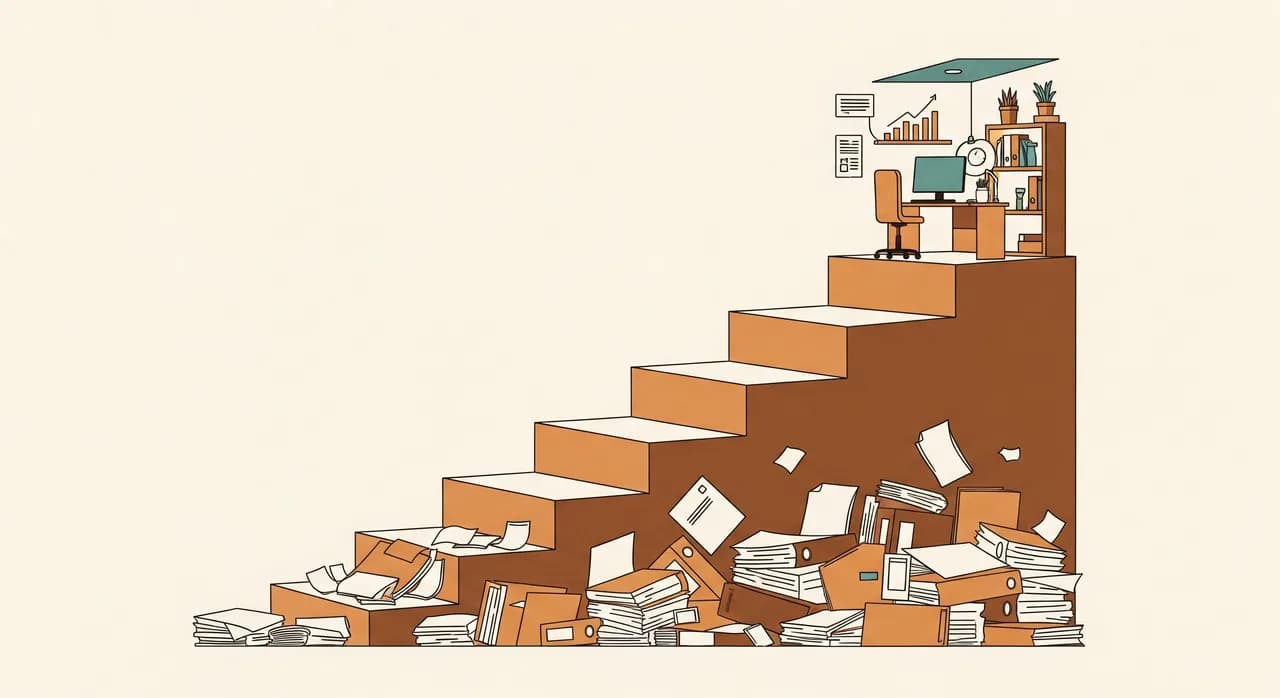
The order you do this in matters more than the tools you choose. The fatal mistake — the one that gives digitalisation a bad name in studios — is the big-bang rollout: a new platform for everything, launched on a Monday, while three projects are mid-deadline. Don't. Change one thing at a time, prove it, then move on. The practice keeps running while it improves underneath you.
| Step | What you fix | Disruption | Payback |
|---|---|---|---|
| 1 | Drawing version control | Low | Immediate — fewer costly errors |
| 2 | Project visibility by phase | Low | Fast — calmer Mondays |
| 3 | Decision & approval log | Low | Fast — captured variations |
| 4 | Connected admin & automation | Medium | Steady — billable hours back |
| 5 | AI for documents & comments | Medium | Later — on top of the tidy base |
Each step is small enough to finish, and each one buys you the credibility — and the breathing room — to take the next. You're not transforming the practice in a quarter. You're removing one specific source of chaos at a time, in the order that does the most good with the least disruption. Done this way, nobody loses an afternoon and everybody notices the difference.
Mistakes that sink architecture digitalisation
A few patterns reliably wreck these projects, and they're worth naming so you can dodge them. They have almost nothing to do with technology and almost everything to do with how the change is run.
- Buying the platform before defining the problem — you end up bending the practice to fit the software instead of the reverse.
- Rolling out everything at once, mid-deadline, and watching the team retreat to the old way under pressure.
- Forcing a tool on people without a single owner who keeps it accurate and answers the early questions.
- Over-tracking — burying the team in micro-tasks until the admin of the tool costs more time than it saves.
- Treating digitalisation as a one-off project instead of a habit. The first rollout is the easy part; keeping it honest is the work.
If you only avoid the first two — no shopping before the problem is clear, and no big-bang launch — you'll already be ahead of most practices that have tried this and given up. Restraint, here, is genuinely a feature.
Want help mapping your practice before you buy anything?
The cheapest, most useful step is a clear-eyed look at where your studio actually leaks time — drawings, visibility, approvals or admin. We'll help you see it and put it in the right order, with no obligation to build a thing.
See how we help architecture firmsCommon questions
Do I need to replace our CAD or BIM software to digitalise the practice?
We're a small studio of five people. Is this overkill?
How do we stop the team retreating to the old way under deadline pressure?
Where does AI realistically help an architecture firm right now?
How long before digitalising starts paying off?

Have a nice day is a software studio that helps small and mid-sized businesses go digital — automation, AI and custom software that works in everyday operations, not just on slides.