The Small-Business Automation Playbook: Where to Start Without Wasting Money
Most automation advice is written for companies with an IT department and a budget to match. This is the version for the rest of us — a calm, practical guide to finding the one process worth automating first, and getting it live without the chaos.
 Have a nice day12 min read
Almost every guide about automation is secretly written for big companies — the ones with an IT department, a six-figure budget and a project manager whose entire job is to make software happen. If you run a business with eight people, two of whom are you wearing different hats, that advice is worse than useless. It makes you feel like you're already behind. You're not. You're just being sold the wrong starting line.
I've spent more than a decade sitting at kitchen tables and back-office desks with people who own small businesses. Plumbers, dentists, retailers, a guy who runs three padel courts, a woman with a 40-person cleaning company. The pattern is almost always the same: they don't have a technology problem, they have a time problem. Somewhere in the week there are six or seven hours being eaten by tasks that a computer should have handled years ago. The hard part was never the software. The hard part is knowing which of those tasks to attack first, and not getting talked into a giant platform you'll never fully use.
So this is the playbook I wish someone had handed those people on day one. No jargon, no fashionable acronyms, no pretending that one magic tool fixes everything. Just a way to find your first automation, prove it works, and build from there.
Why most automation projects quietly fail
Automation projects in small businesses rarely fail with a bang. There's no dramatic crash. They just... fade. Someone buys a tool in a burst of enthusiasm, configures 60% of it, hits one annoying edge case, and three weeks later everyone's back to the spreadsheet. The subscription keeps charging. Nobody cancels it because cancelling feels like admitting defeat.
When you look closely, the failures almost always trace back to one of three mistakes. The first is starting too big — trying to automate the whole business at once instead of one painful, well-understood task. The second is automating a broken process: if your booking flow is a mess on paper, automating it just gives you a faster mess. The third is choosing the tool before the problem, which is how you end up paying for a CRM with 200 features to solve what was really a two-step reminder problem.
“You don't have an automation backlog. You have one process that's quietly costing you a day a week — find that one first.”
The good news hiding inside all of this: because the failures are so predictable, so is the success. Pick the right first target, keep it small enough to finish, and you'll get a win you can actually feel within a couple of weeks. That win is what funds the next one — not in money, in trust. Once your team sees one annoying job disappear, they'll start handing you the next one themselves.
Start with the boring stuff — it's where the money is
Everyone wants to start with the exciting automation. The AI that writes your marketing. The chatbot that sounds like a person. And sure, that's coming. But the highest return, by a wide margin, is almost always hiding in the most boring corner of your week — the repetitive admin nobody enjoys and nobody questions.
Here's a quick test. Over the next three days, every time you or someone on your team does something that makes you think “a trained monkey could do this”, write it down. Don't filter. Just collect. By Friday you'll have a list, and somewhere on that list is your first automation. The usual suspects look like this:
- Typing the same information into two different systems because they don't talk to each other.
- Sending appointment reminders by hand, or chasing no-shows after the fact.
- Copying details off an email into a spreadsheet, then off the spreadsheet into an invoice.
- Answering the exact same five questions from customers, over and over, all day.
- Manually following up on quotes that went quiet two weeks ago.
- Building the same report every Monday from the same three sources.
A simple way to find your first automation
Once you've got your list, you need a way to rank it that doesn't require a consultant. I use two questions, scored one to five. How much time does this eat each week? And how predictable is it — does it follow the same steps every time, or does it need real judgement? Automation loves predictable. The sweet spot is a task that's both time-heavy and boringly consistent.
- 1List the repetitive tasksPull everything from your week of tallying. Aim for 5–10 candidates — no more, or you'll stall.
- 2Score time and predictabilityGive each one a 1–5 for hours-per-week and a 1–5 for how rule-based it is. Multiply the two.
- 3Pick the highest score you can finishNot the highest score overall — the highest one you can realistically get live in two to three weeks. Momentum beats ambition.
- 4Write down what 'done' looks likeOne sentence: “No one types an address twice when a new order comes in.” If you can't write the sentence, the task isn't ready yet.
That last step is the one people skip, and it's the most important. A clear definition of done is what stops a small automation from sprawling into a six-month platform migration. You're not digitalising your company this quarter. You're killing one specific, irritating task. That's the whole job.
| Task | Time saved | Effort to set up | Good first project? |
|---|---|---|---|
| Appointment reminders | High | Low | Almost always yes |
| Order → invoice data entry | High | Medium | Yes |
| Answering repeat questions | Medium | Low–Medium | Yes |
| Quote follow-ups | Medium | Low | Yes |
| Full inventory overhaul | High | High | Not first |
| Custom internal platform | High | Very high | Later, deliberately |
Four business types, four honest starting points
The right first move depends a lot on what kind of business you run. Here's where I'd point four common types — not as a rule, but as a sensible default to argue with.
Retail and shops
Your hidden time-sink is almost always the gap between what's on the shelf and what your systems think is on the shelf. Before you touch anything fancy, get stock and sales talking to each other so you stop reconciling by hand. The reminder-and-receipt stuff (digital receipts, restock alerts, supplier reorders) is low effort and pays back fast.
Service and appointment businesses
Salons, clinics, studios, courts — your money leaks through the calendar. No-shows, double-bookings, the phone ringing during a treatment. Online booking with automatic reminders is the single highest-return automation in this entire category, full stop. If you do nothing else this year, do that.
Trades and field work
If your team is out on jobs, your bottleneck is the paperwork round-trip: quote, job, hours, materials, invoice. The win is capturing job details once, on site, on a phone — and never re-typing them in the office. Quote follow-ups are the close second; a surprising share of trades work is lost simply because nobody chased a quiet estimate.
Professional and office services
Agencies, advisors, practices — your repetition is in documents and intake. Onboarding a new client, collecting the same forms, producing the same recurring reports. Standardise one of those flows end to end before you reach for anything clever. The clever stuff works far better on top of a tidy process.

What to automate first — and what to leave alone
Just as important as knowing what to automate is knowing what not to. Some tasks look tempting but will burn your first attempt and sour everyone on the whole idea. As a rule, automate the repetitive and the rule-based. Leave the rare and the judgement-heavy to humans, at least for now.
There's a quieter reason to hold back, too. Every automation you add is something you now have to maintain. Five well-chosen automations that your team trusts are worth more than twenty half-working ones that everyone second-guesses. Restraint is a feature.
Do you actually need AI for this? Usually not — yet
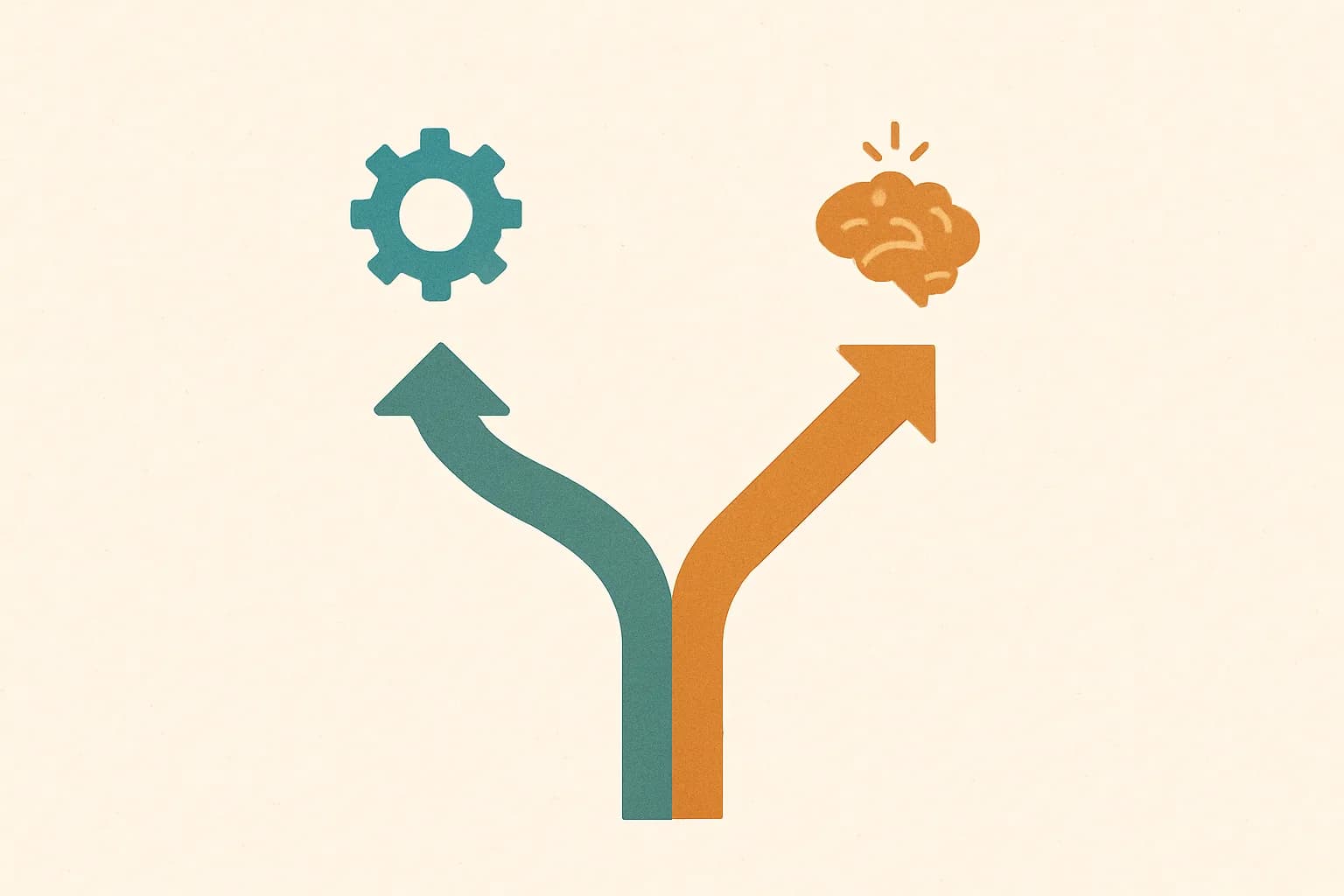
I run an AI practice, so you'd expect me to push it. I'll do the opposite. Most of the highest-value automations in a small business don't need AI at all. A reminder that fires two hours before an appointment isn't intelligence, it's a rule with a clock. Moving order data into an invoice is a pipe between two systems. Calling that “AI” is marketing.
Where modern AI genuinely earns its place is the messy, language-shaped work that used to be impossible to automate: reading a free-text email and pulling out the order, drafting a first-pass reply in your tone, fielding the same routine phone questions so your team isn't interrupted, sorting a pile of documents nobody wants to file. That's real, and it's worth doing. But it sits on top of your tidy basics — it isn't a replacement for them.
How to roll it out without chaos
You've picked your one task. Now the part where most projects wobble: actually putting it into the real working day. The trick is to treat it like a small, reversible experiment, not a launch.
- 1Run it alongside the old way for a weekDon't switch cold. Let the automation and the manual process run in parallel so you can catch the edge cases without risk.
- 2Pick one person to own itAutomation with no owner rots. One named person watches it, fields the early complaints, and decides what to tweak.
- 3Write the 'when it breaks' noteThree lines: what this does, who to tell, what to do manually until it's fixed. This single note is what turns a fragile script into something your team will actually rely on.
- 4Only then, turn off the old wayWhen a week passes with no surprises, retire the manual process — and make sure everyone knows it's gone, so nobody keeps a secret spreadsheet alive.
Then — and only then — go back to your scored list and pick the next one. This is the whole method: small, finished, trusted, repeat. Do it four times in a year and you've quietly given yourself the equivalent of an extra part-time employee, without hiring anyone or betting the business on a platform.
Not sure which task to start with?
That first call is usually the hardest part — and the cheapest to get right. We'll look at your week together and point at the one process worth automating first, with no obligation to build anything.
See how we approach automationCommon questions
How much does it cost to automate a small business?
Do I need to replace my existing software?
Will automation mean letting staff go?
How long before I see a result?
Should I wait until AI gets better before starting?

Have a nice day is a software studio that helps small and mid-sized businesses go digital — automation, AI and custom software that works in everyday operations, not just on slides.