Software for Retail Shops: A Buyer's Guide for Owners Who Hate Buying Software
Most retail software guides are really sales pages in disguise. This is the honest version — how to figure out what your shop actually needs, what to ignore, and how to buy without locking yourself into something you'll resent in a year.
 Have a nice day14 min read
If you own a shop, you've probably been pitched retail software at least a dozen times. A slick demo, a friendly rep, a screen full of dashboards you'll supposedly check every morning. And somewhere in the back of your mind a quiet voice says: I just need the till to work, the stock numbers to be right, and to stop re-typing things at midnight. That voice is correct. This guide is written for it.
Retail is one of those trades where the software market is genuinely overcrowded. There are hundreds of point-of-sale systems, inventory tools, loyalty apps and "all-in-one retail platforms", and almost all of them are designed to look impressive in a 20-minute demo. The trouble is that a demo and a Tuesday afternoon with a queue at the counter are two very different things. The features that win demos are rarely the features that save you time in real life.
I've spent years helping small retailers — clothing boutiques, hardware stores, a deli, a couple of bike shops, a homeware place with three locations — sort out their systems. The same realisation hits almost every owner once we strip the marketing away: you don't need more software, you need the right small set of it, set up to match how your shop already works. So let's build that, step by step, without the buzzwords.
What "retail software" actually means
The phrase gets thrown around as if it's one thing. It isn't. When people say retail software they're usually talking about three jobs that often live in the same system but don't have to: taking the money (your point of sale), tracking the goods (inventory), and remembering the customer (everything from receipts to loyalty). A fourth job — selling online — sits next door and increasingly needs to share data with the other three.
The reason this matters is that vendors love to bundle. An "all-in-one" sounds efficient, and sometimes it is. But it also means that if the loyalty module is weak, you're stuck with it because it came attached to the till you liked. Knowing which job is which lets you judge each part on its own merits — and lets you say "that bit I'll do separately" without feeling like you've failed at being modern.
“You don't need more software. You need the right small set of it, set up to match how your shop already runs.”
The point of sale: where most of your day actually happens
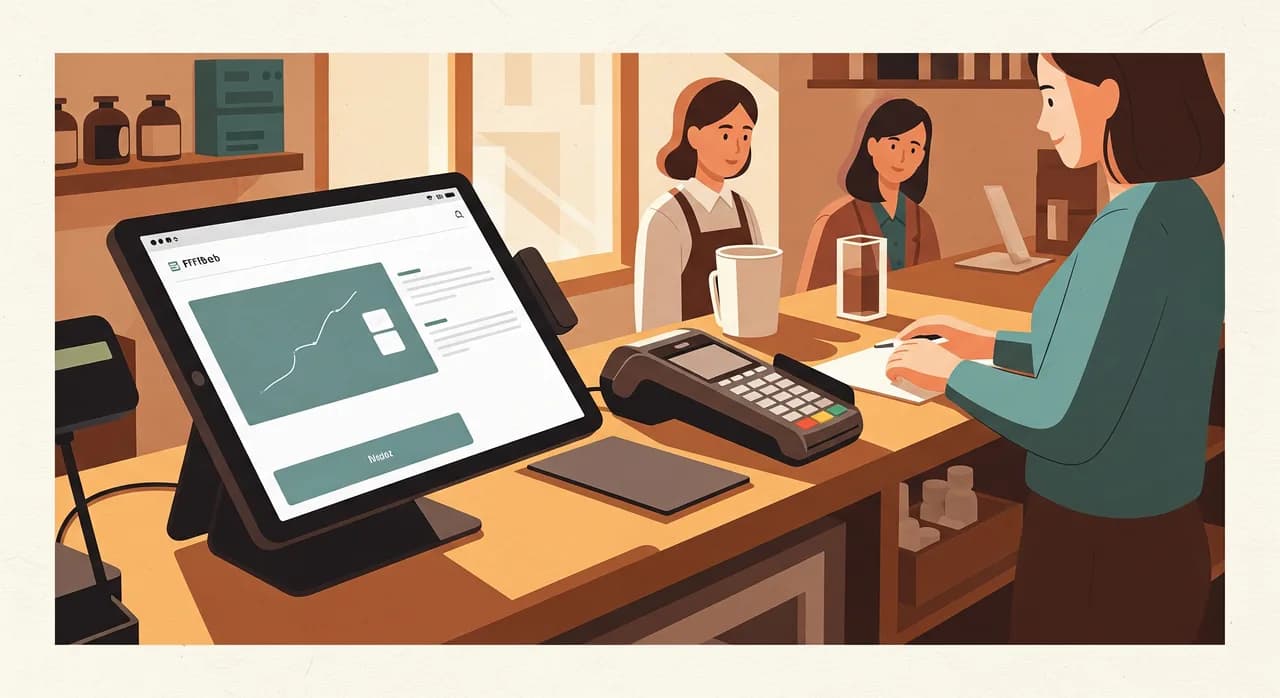
Your POS — the till, the EPOS, whatever you call it — is the piece of software your staff touch hundreds of times a day. That frequency changes the rules. A feature you use twice a year can afford to be clunky. The checkout screen cannot. The single best question to ask a POS vendor is not "what can it do?" but "how many taps to ring up a normal sale and take a card?" If the answer makes you wince, walk away, no matter how pretty the reports look.
The things that matter at the counter are unglamorous: it has to be fast, it has to keep working when the internet hiccups, it has to handle the awkward stuff your shop does every day — a split payment, a return without a receipt, a discount for a regular, a gift card. And it has to be learnable by a new part-timer in an afternoon, because in retail it will be.
Inventory: the quiet thing that's costing you the most
If the POS is where your day happens, inventory is where your money quietly leaks. Almost every retailer I meet is running on stock numbers they don't fully trust. The system says 12, the shelf says 7, nobody knows why, and so they over-order to be safe — which ties up cash — or under-order and lose the sale. The whole point of inventory software is to close that gap between what your system believes and what's actually on the shelf.
Good inventory software does a few specific things well. It decrements stock automatically when something sells, so your numbers stay live. It warns you before a fast-mover runs out, ideally with a sensible reorder suggestion. It tells you what's not selling, so you can stop reordering it. And it handles the boring realities — variants (size, colour), suppliers, the occasional stock count to re-sync reality. That's the core. Everything past it is nice-to-have.
- Live stock levels that update on every sale, return and delivery — not a number you edit by hand.
- Low-stock alerts on your real fast-movers, before you run out, not after.
- Variant support that matches how you actually sell (size/colour/pack), without a spreadsheet on the side.
- Reorder suggestions and a simple purchase-order flow to your regular suppliers.
- Dead-stock and slow-mover reports, so you stop tying up cash in things that don't move.
- A painless stock-count mode to re-sync the system with the shelf a few times a year.
Customers, receipts and selling online
The third job — remembering the customer — ranges from trivial to ambitious. At the simple end: digital receipts, a basic record of who bought what, maybe a stamp-card-style loyalty scheme. At the ambitious end: targeted offers, email campaigns, a full customer profile. My honest advice for most small shops is to start at the simple end and earn your way up. A loyalty programme nobody administers is just a feature you're paying for.
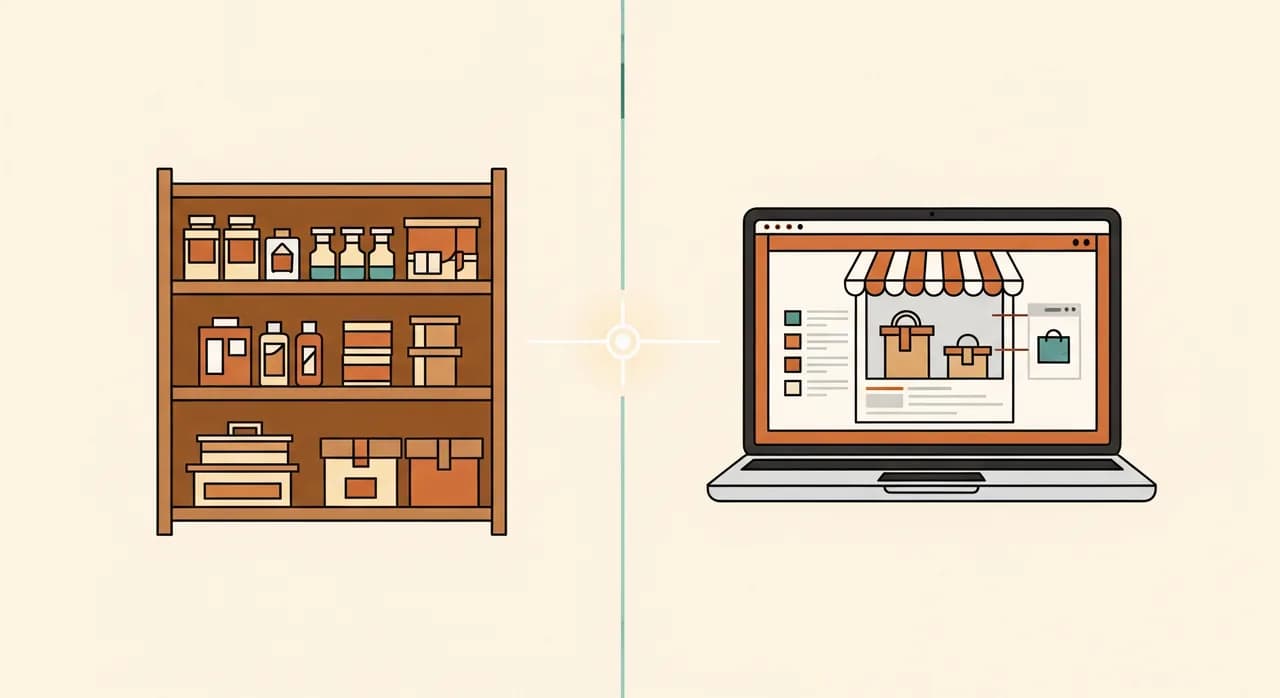
Selling online is the part that's changed most. Even shops that swore they'd never bother now run at least a small web presence — click-and-collect, a few hero products, a way for regulars to order ahead. The thing to protect here is a single source of truth for stock. If your shop and your website each keep their own count, you will sell something online that you sold in-store an hour ago, and that customer experience is hard to recover from. When you add an online channel, the question isn't "which webshop is prettiest" — it's "does it share one stock number with my till?"
Off-the-shelf, all-in-one, or something built for you?
Here's where owners get stuck, so let me be direct. For the large majority of single-location shops, a good off-the-shelf POS with built-in inventory is the right answer. It's cheaper, it's supported, and it does the standard retail jobs well because thousands of shops shaped it. Don't let anyone — including a software studio like ours — talk you into building custom software to do what a proven product already does fine.
Custom or heavily tailored software earns its place in narrower situations: when you run several locations and the off-the-shelf options force you into workflows that fight your business; when you have an unusual model (rental, repairs, made-to-order, trade counters with account customers) that mainstream POS handles badly; or when you've outgrown a stack of disconnected tools and the re-keying between them has become a real, measurable cost. The signal is consistent friction, not novelty.
| Your situation | Off-the-shelf POS | Add integrations / glue | Custom or tailored |
|---|---|---|---|
| Single shop, standard retail | Yes — start here | Maybe later | Rarely worth it |
| Adding a webshop | Yes, pick one that syncs | Often | Only if both are odd |
| 2–5 locations | Usually still works | Likely | Sometimes |
| Unusual model (rental, repairs, trade) | Often a poor fit | Yes | Frequently yes |
| Many disconnected tools, lots of re-keying | Won't fix it | First — try this | Then this if it persists |
How to actually choose, without the regret
Choosing retail software badly is expensive in a way that doesn't show up immediately. The cost isn't the subscription — it's the months of half-using something that doesn't fit, the staff workarounds, the data trapped in a format you can't get out. So slow down at exactly the moment the salesperson wants you to speed up. Here's the order of operations I'd follow.
- 1Write down your three worst weekly annoyancesNot features — annoyances. "Stock numbers are always wrong." "Refunds take forever." "I re-type web orders by hand." These are your real requirements. Everything else is noise.
- 2Map your awkward edge casesEvery shop has them — account customers, deposits, mixed payments, a weird tax case, a product that's sold by weight. List yours now. This is where generic software quietly fails, and it's invisible in a demo.
- 3Shortlist two or three, no morePick from systems that already serve shops like yours. More than three and you'll never decide. Make sure at least one handles your edge cases from step two.
- 4Run a real shift on eachTrial it at the counter for a day with your actual staff and real transactions. Watch where they hesitate. The system they stop complaining about by lunchtime is your answer.
- 5Check the exit before you commitAsk, in writing, how you get your products, customers and sales history out if you leave. A vendor who answers easily is one you can trust; a vague answer is a warning.
That last step is the one nobody does and everybody wishes they had. Your data — your product catalogue, your customer list, years of sales history — is the most valuable thing in the whole setup. Software you can walk away from cleanly is software you can choose with confidence. Software that holds your data hostage will cost you the day you outgrow it, and you will outgrow something eventually.
The costs nobody puts in the demo
The price on the vendor's page is rarely the price you pay. That's not always dishonesty — it's that the real costs of retail software live in the corners that don't fit on a pricing table. Knowing where they hide lets you ask about them up front, instead of discovering them on your first statement.
Card processing fees are the big one: many POS systems bundle payments, and the convenience can come with a per-transaction rate that quietly outweighs the software fee itself. Hardware is the next — card readers, receipt printers, a tablet stand, a barcode scanner all add up. Then there's onboarding: getting your catalogue in, training staff, the hours you spend setting it up. And the small recurring extras — added users, extra locations, the integration that turns out to cost more than the base product.
- Payment processing rates — often where the real monthly cost lives, not the software fee.
- Hardware: readers, printers, scanners, stands — budget for it as a one-off line.
- Onboarding time: loading the catalogue and training staff is real, billable effort even if you do it yourself.
- Per-user and per-location add-ons that scale faster than you expect.
- Integration or add-on modules priced separately from the headline plan.
None of this means the software is a bad deal — it usually isn't. It means you should compare total cost over two years, including transactions and hardware, not the sticker price. A system that looks dearer up front can easily be cheaper once the processing rates settle, and vice versa.
Rolling it out without losing a week of trading
The switch is where good decisions go to die. Owners pick the right system and then flip it on cold during a busy week, the staff panic, the queue builds, and within days everyone's nostalgic for the old clunky till. You can avoid almost all of that with a bit of staging. Treat the rollout like a soft opening, not a launch.
Get the product catalogue and stock counts loaded and checked before go-live, not on the day. Pick a quiet period — a Tuesday morning, not Saturday before a holiday. Keep the old system reachable for a week as a safety net. And put one calm person in charge who knows the new system well enough to answer "how do I do a return again?" without making anyone feel slow. That single human shortcut does more for adoption than any training video.

Not sure whether to replace, connect or build?
That's the question worth getting right before you spend anything. We'll look at how your shop actually runs and tell you honestly which path fits — including when the answer is "keep what you've got and just connect it."
See how we help retail shopsCommon questions
What software does a small retail shop really need?
Is an all-in-one retail platform better than separate tools?
Do I need custom software for my shop?
How do I keep my shop and online stock in sync?
How long does it take to switch retail systems?

Have a nice day is a software studio that helps small and mid-sized businesses go digital — automation, AI and custom software that works in everyday operations, not just on slides.