From Email Chaos to a Self-Serve Portal: An Honest Case Study
A mid-sized service company was drowning in customer emails — same questions, lost attachments, no one sure who answered what. Here's how we replaced the inbox with a portal, what worked, and what we'd do differently.
 Have a nice day12 min read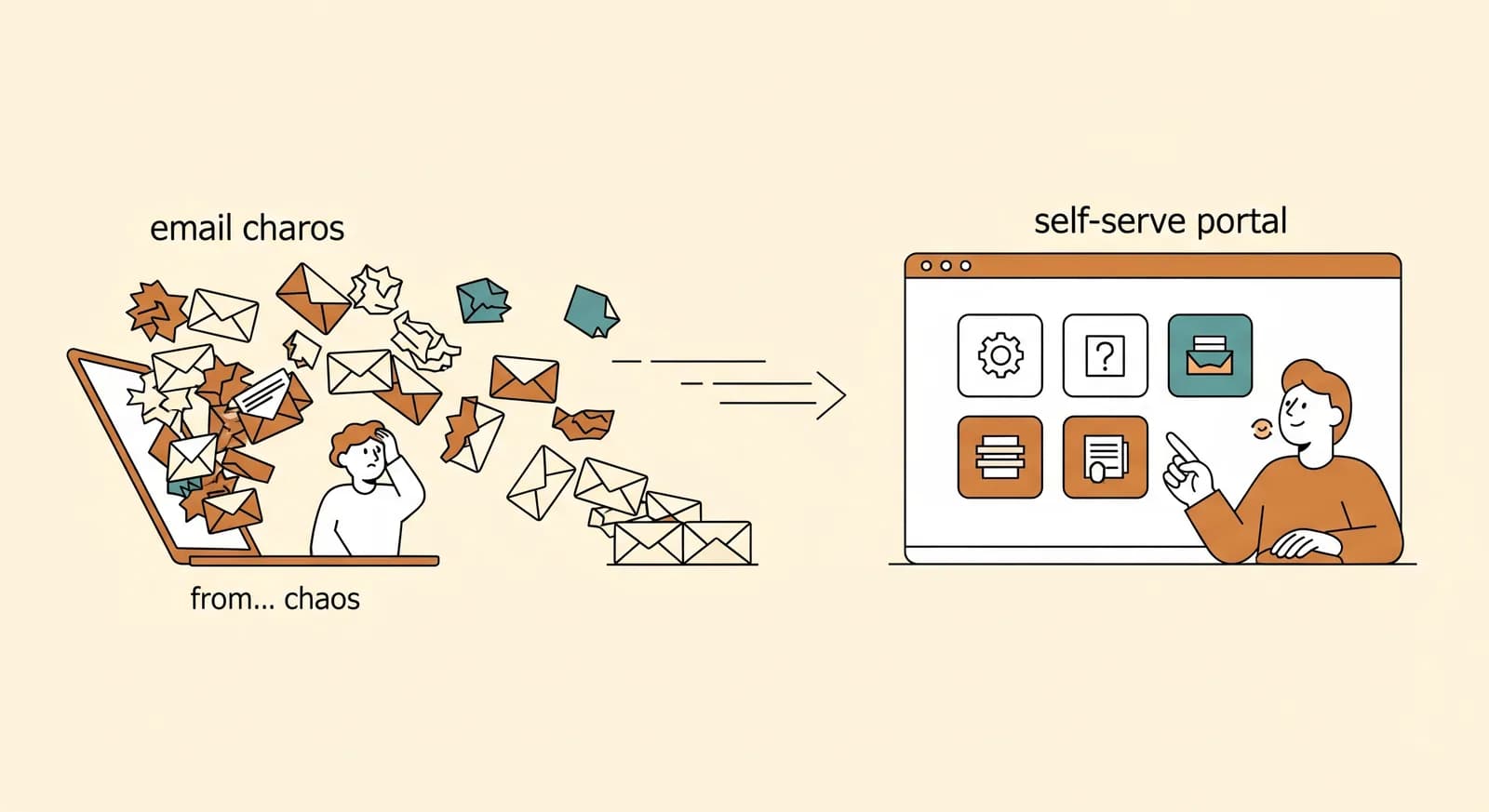
Every overloaded support inbox tells the same story, and it's never really about email. It's about a business that grew faster than its way of talking to customers. By the time someone says “we need a portal,” the inbox has usually stopped being a tool and become a daily emergency — a place where requests go to get lost, repeated, and argued over. This is the story of one company that lived through exactly that, and what it actually took to climb out.
I want to tell it honestly, because case studies are usually written like everything went perfectly and the numbers tripled overnight. This one didn't. It went well — genuinely well — but there were wrong turns, a feature we built and then deleted, and a moment about six weeks in where the client quietly wondered if they'd made a mistake. That part matters as much as the result, so I'm leaving it in.
The company is real but anonymised at their request: a business-services firm of around 45 people serving a few hundred recurring B2B clients. Think equipment servicing and compliance — the kind of work where customers constantly need documents, status updates, and to file requests. The specifics don't matter much. If your team lives in a shared inbox, you'll recognise the shape of this immediately.
The inbox that ran the company
When we first sat down with them, everything important flowed through a single shared mailbox — info@ — that four people watched at once. Customers emailed to request a service, ask for a certificate, check on a job, change an address, dispute an invoice. Everything landed in the same place, in no particular order, with no status and no owner.
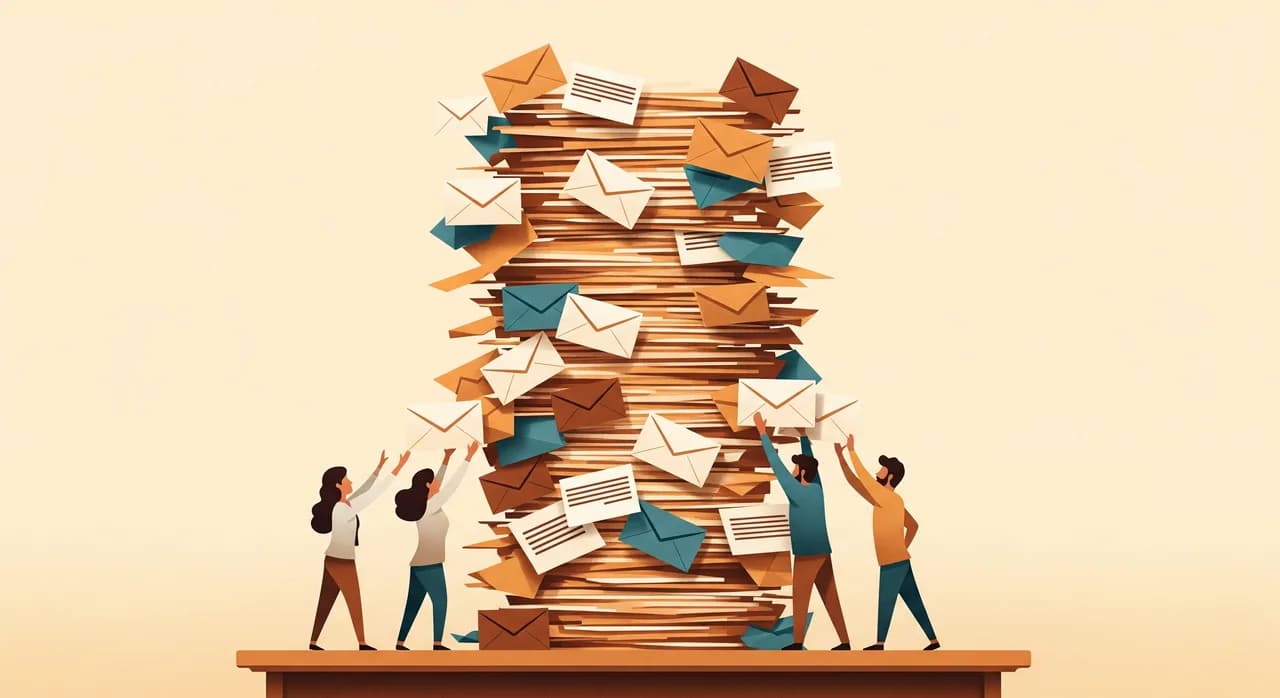
The symptoms were the ones I see every time. The same questions arrived dozens of times a week — “where's my certificate,” “when are you coming,” “can you resend the report.” Attachments went missing or got buried three replies deep. Two staff would sometimes answer the same customer differently within the hour. And nobody could answer the simplest management question of all: how many open requests do we have right now? The inbox didn't know. It only knew how many unread messages there were, which is not the same thing at all.
“An inbox tells you how many messages are unread. It can never tell you how many customers are still waiting. That gap is where the trust leaks out.”
The cost wasn't only time, though there was plenty of that — we later estimated the team spent the better part of two full-time days a week just on repetitive, copy-paste replies. The bigger cost was the quiet erosion of trust. Customers couldn't see their own history, so they asked again. Staff couldn't see what had been promised, so they over-apologised and over-delivered. The whole relationship ran on anxiety.
What we deliberately did not do
The client came to us asking for a portal, and our first job was to slow them down. It's tempting to say yes to the brief and start building screens. But a portal is a big object — login, accounts, permissions, documents, requests, notifications — and if you build all of it at once you'll spend nine months and still launch something nobody asked for.
So before any design, we spent two days doing the unglamorous thing: reading the inbox. We exported a few months of mail and sorted it by what customers were actually trying to do. Not what they said — what they wanted. The result was clarifying. Roughly three quarters of all incoming email collapsed into just four repeated jobs: requesting a document, checking the status of a job, filing a new service request, and updating their own details.
This is the part teams skip, and it's the part that saves the project. We weren't designing a portal. We were designing a way to remove the four most repeated emails from the inbox. That framing kept us honest every time someone wanted to add “just one more” feature.
What we actually built
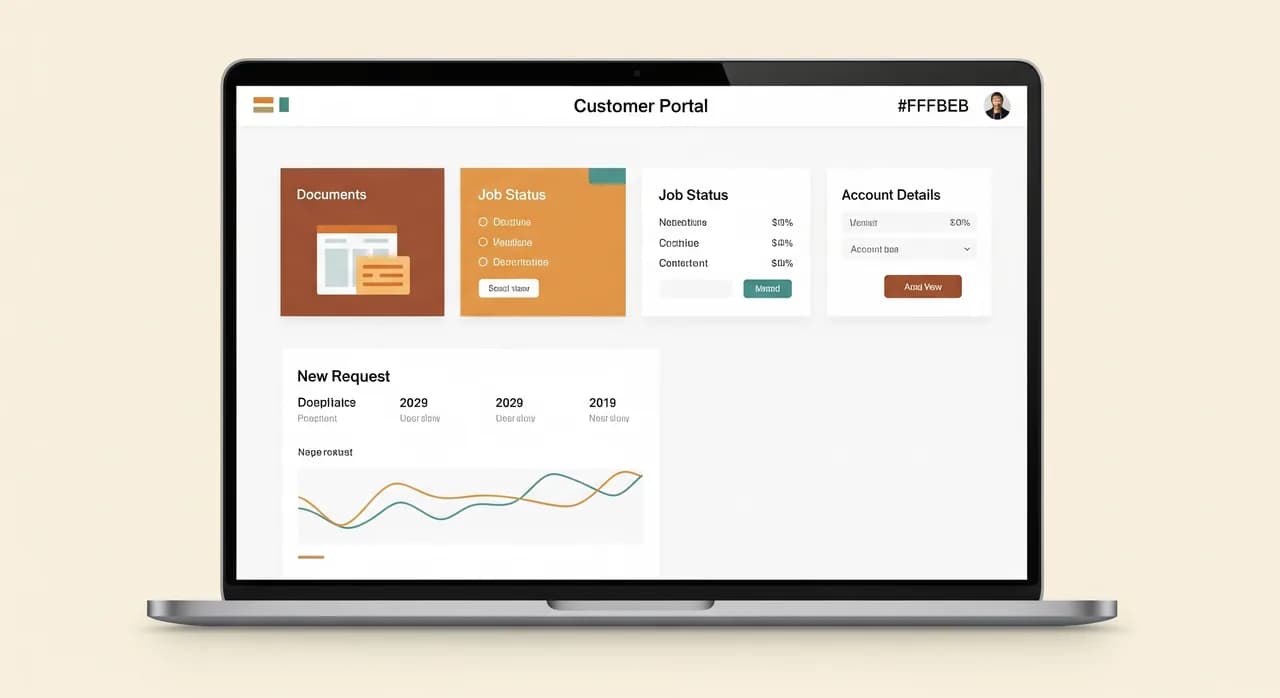
The first release was deliberately narrow. A customer could log in, see their own organisation's jobs and documents, download anything we'd ever sent them, file a new request through a short structured form, and update their contact details. That's it. No live chat, no dashboards full of charts, no billing portal. Four jobs, done cleanly.
The document vault
The single biggest relief was letting customers fetch their own documents. Every certificate, report and invoice we issued was now filed automatically against their account the moment it was generated. The “can you resend that PDF” email — easily the most common one — simply stopped arriving. Customers stopped asking because they no longer had to.
Structured requests instead of free-text email
When a customer filed a request through the portal, they answered a few specific questions instead of writing a paragraph. That sounds minor; it was transformative. A structured request arrives with everything the team needs to act — no more three-email back-and-forth just to find out which site, which machine, which date. Each request got a status the customer could see, which quietly killed most of the “any update?” chasing.
The quiet automation behind it
Behind the screens, the real work was connecting the portal to the systems they already had, so nobody had to re-type anything. A new portal request created a job in their existing back-office tool. A finished document landed in the vault on its own. Status changes triggered a short email so customers didn't need to keep logging in to check. None of this was flashy. Most of the value in a portal like this is the plumbing nobody ever sees.
The wrong turn, and the feature we deleted
Now the part most case studies hide. About halfway through, the client asked for an in-portal messaging thread — a little chat on each request so customers and staff could go back and forth inside the portal. It sounded reasonable. We built it.
It was a mistake. The messaging thread recreated the exact problem we were solving: an unstructured place for conversation to pile up, except now it was a second inbox staff had to watch on top of email. Within a month, requests were stalling inside chat threads, customers were confused about whether to message or email, and the team was checking two places instead of one. We had accidentally rebuilt the mailbox inside the portal.
Deleting working software you've paid for feels terrible. But shipping the wrong feature and keeping it out of stubbornness is far more expensive. We cut it, the noise dropped immediately, and it became one of the most useful things the project taught everyone involved.
How we rolled it out without a revolt
A portal only works if customers actually use it — and customers are wonderfully resistant to changing how they reach you. Tell people to “use the portal now” and a good number will simply keep emailing. So we didn't force it. We made the portal the obviously easier path and let it win on its own.
- 1Soft launch with friendly clients firstWe invited a dozen of the most engaged customers, watched how they used it, and fixed the rough edges before anyone else saw it.
- 2Seed every account with real valueOn day one, each customer's portal already held their past documents and open jobs. Logging in felt useful immediately, not like an empty form to fill in.
- 3Answer repeat emails with a gentle nudgeWhen the old questions still came by email, staff answered them — and added one line: 'You can also grab this anytime here.' No pressure, just a better option.
- 4Only later, route new requests through the portalOnce usage was healthy, the request form on the website pointed to the portal. We never switched off email entirely — we just made the portal the path of least resistance.
That last point is worth dwelling on. We never killed email, and we never planned to. Some customers will always prefer it, and that's fine. The goal was never zero emails — it was to drain the repetitive emails out of the inbox so the ones that remained were the ones that genuinely needed a human.
The results, with the honest caveats
Six months after launch, the change was clear enough that nobody argued about it. I'll give you the numbers, but read them as illustrative — they're this company's experience, measured roughly, not a promise. Your mileage will differ.
| What we tracked | Before | After |
|---|---|---|
| Repetitive 'resend / status' emails | Dozens per day | A handful per day |
| Time on copy-paste replies | ~2 days/week | Under half a day/week |
| Document requests by email | The #1 email type | Nearly gone |
| Open requests visible to managers | Unknowable | Live at a glance |
| Customer 'where is it?' chasing | Constant | Rare |
The headline the client cared about was the recovered time: the team got back the better part of a day and a half a week that had been disappearing into the inbox. They didn't reduce headcount — they redeployed that time into the actual service work and into onboarding new clients, which is the outcome we almost always see in small and mid-sized firms. Automation here didn't replace people; it gave them their week back.
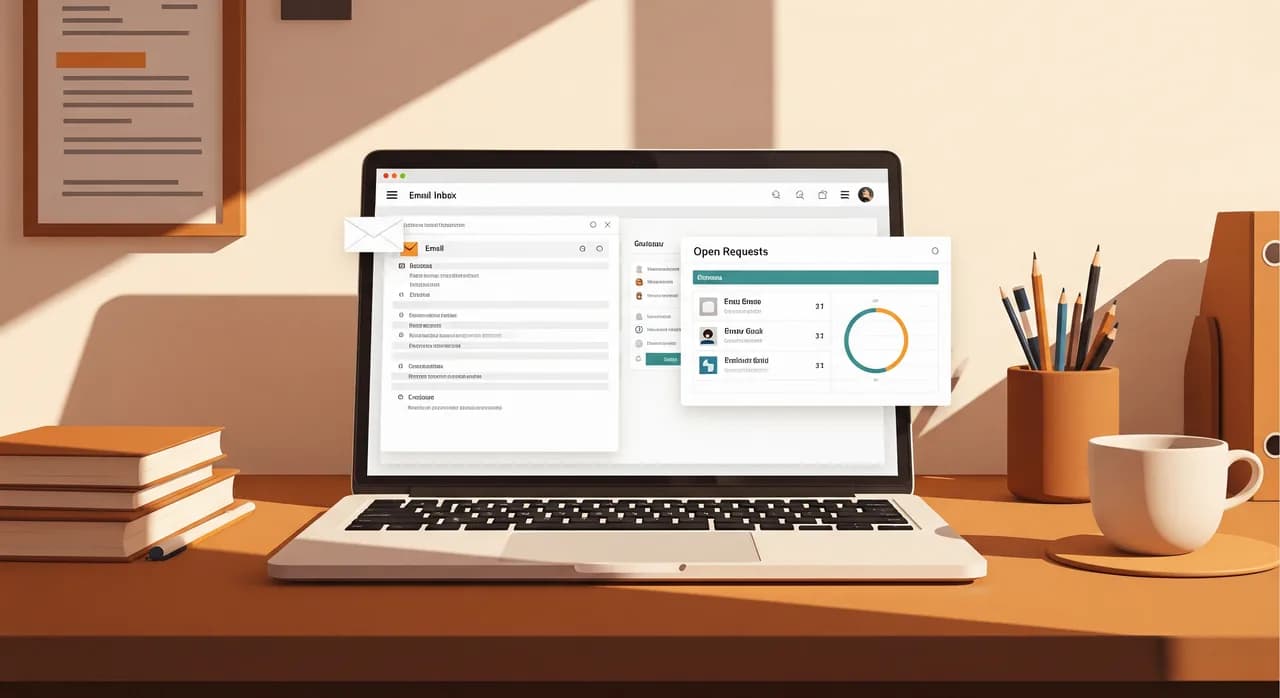
The softer win was harder to measure but easy to feel. Managers could finally see the work. Customers stopped feeling like they were shouting into a void. And the inbox, for the first time in years, became a calm place where the messages that arrived were the ones that actually needed a person to think about them.
“We didn't get to zero emails. We got to zero pointless emails — and that turned out to be the number that mattered.”
What we'd do differently next time
Two things. First, we'd resist the messaging feature from the start — we knew better, and we built it anyway because saying yes felt easier than the conversation. Second, we'd seed customer accounts with their history even earlier in the build, because the moment a portal feels populated and personal is the moment people start trusting it. An empty portal is a chore; a portal that already knows you is a relief.
If you're staring at your own overloaded inbox, the takeaway isn't “build a portal.” It's find your four jobs first. Read your inbox like we read theirs. The handful of things your customers keep asking for, over and over, are the only features that matter. Everything else is scope you'll be glad you left out.
Drowning in the same emails every week?
If your team lives in a shared inbox answering the same questions on repeat, a focused customer portal is often the fix — done right, done small. Let's look at your four jobs together and figure out what's actually worth building.
See how we build customer portalsCommon questions
How long does building a customer self-serve portal take?
Will customers actually use a portal instead of just emailing?
Do we have to replace our existing software to add a portal?
Does a self-serve portal mean cutting support staff?
How do we know if we're ready for a portal?

Have a nice day is a software studio that helps small and mid-sized businesses go digital — automation, AI and custom software that works in everyday operations, not just on slides.