How a 24-Person Field-Service Firm Got an Employee App Live in 10 Weeks
A regional installation company was drowning in paper job sheets and end-of-day phone calls. Here's the honest story of how we built and shipped a field-service employee app in ten weeks — what we cut, what broke, and what it actually changed.
 Have a nice day13 min read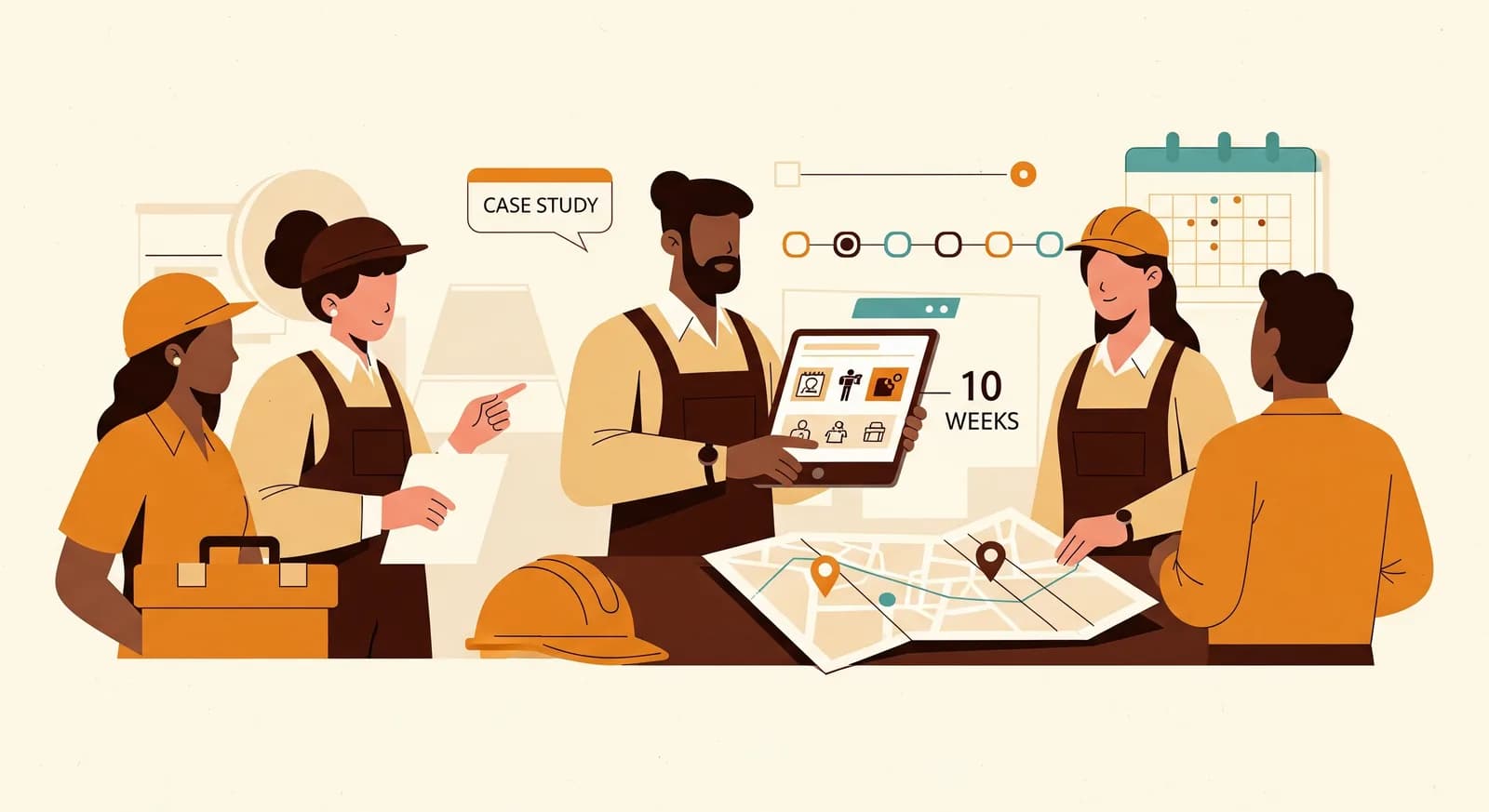
The company that called us didn't want an app. They wanted to stop losing an hour every evening to the same conversation: a technician phones the office, reads out which jobs got done, which materials got used, and which customer wasn't home. Someone in the office writes it all down, types it into three systems, and discovers a week later that two job sheets are missing and one invoice is wrong. That was the actual problem. The app was just the shape the solution happened to take.
This is a case study about a real project, anonymised. It's a 24-person installation and maintenance firm — think heating, ventilation and the related call-outs — operating across a region with eight vans on the road most days. We changed a few identifying details and we won't pretend the numbers are audited science. But the story is true, including the parts where we got something wrong and had to back it out. Those parts are usually the most useful, so we've left them in.
If you run a field-service business and you've been quoted six figures and a nine-month timeline for an employee app, this is the counter-argument. Ten weeks, a focused scope, and a tool the technicians actually opened on their own without being chased. Here's how it went.
The problem: a business run on paper and phone calls
When we sat down with the owner and the office manager, the surface complaint was "we need to go digital." That phrase means nothing on its own, so we ignored it and watched the work instead. We spent a day in the office and a morning riding along in a van. By lunchtime the real problem was obvious, and it had nothing to do with technology being old.
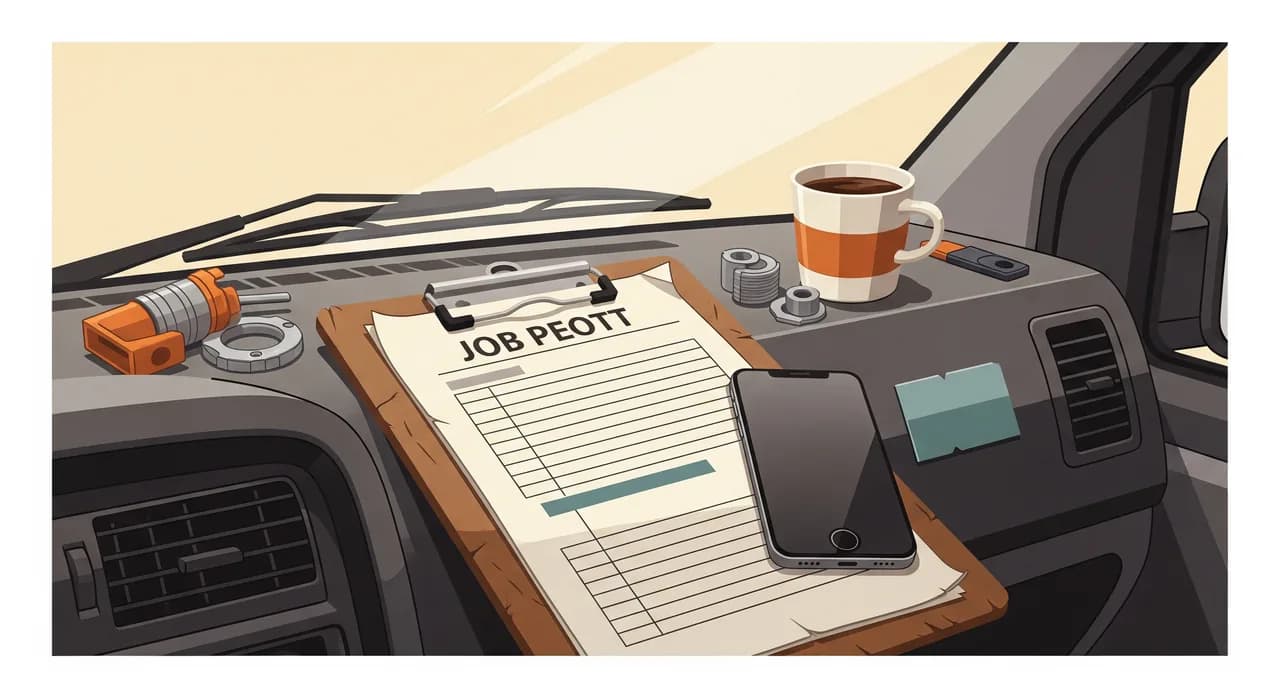
Every technician carried a clipboard with carbon-copy job sheets. On a job, they'd scribble the work done, tick a few boxes, note materials, and get the customer to sign. The top copy came back to the office eventually — sometimes that evening, sometimes Friday in a crumpled pile. The office then re-keyed each sheet into the scheduling tool, again into the invoicing software, and a third time into a spreadsheet the owner used to track which jobs were billable. Three times typing the same thing. Two of those times introducing fresh errors.
The cost wasn't only the office hours. It was the lag. A job finished on Monday might not be invoiced until the following week, because the paper hadn't surfaced yet. Customers called asking about work the office didn't know was done. And when a sheet went missing entirely — which happened more than anyone admitted — that job was simply never billed. Nobody could tell us how much money walked out the door that way, which was itself the point.
“They thought they had a paperwork problem. They actually had a cash-flow problem wearing a clipboard.”
What we deliberately did not build
The fastest way to blow a ten-week timeline is to say yes to everything. So before we wrote a line of code, we wrote a list of things the app would not do — and got the owner to agree to it out loud. This is the least glamorous part of any project and the single biggest reason it shipped on time.
The wish list, gathered over two conversations, had about thirty features on it. GPS van tracking. A customer-facing booking portal. Inventory across the warehouse. Automated route optimisation. A full CRM. Photo-based damage reports with annotations. Time-and-attendance with payroll export. Every one of them was a reasonable idea. Every one of them was also a way to never finish.
We cut the scope down to one sentence, the same way we'd tell any small business to: a technician should be able to see today's jobs, record what they did, and never have anyone re-type it. Everything that didn't serve that sentence went onto a "later, maybe" list. That list still exists. Most of it has never been missed.
- Out: van GPS tracking — a surveillance vibe nobody on the team wanted, solving a problem they didn't have.
- Out: customer booking portal — a separate project with a separate audience; bundling it would have doubled the timeline.
- Out: full warehouse inventory — useful someday, but not on the critical path to faster billing.
- Out: route optimisation — high complexity, low actual return for this firm's geography.
- In: today's job list, digital job sheets, materials capture, customer signature, photos, instant sync to the office.
What the app actually does
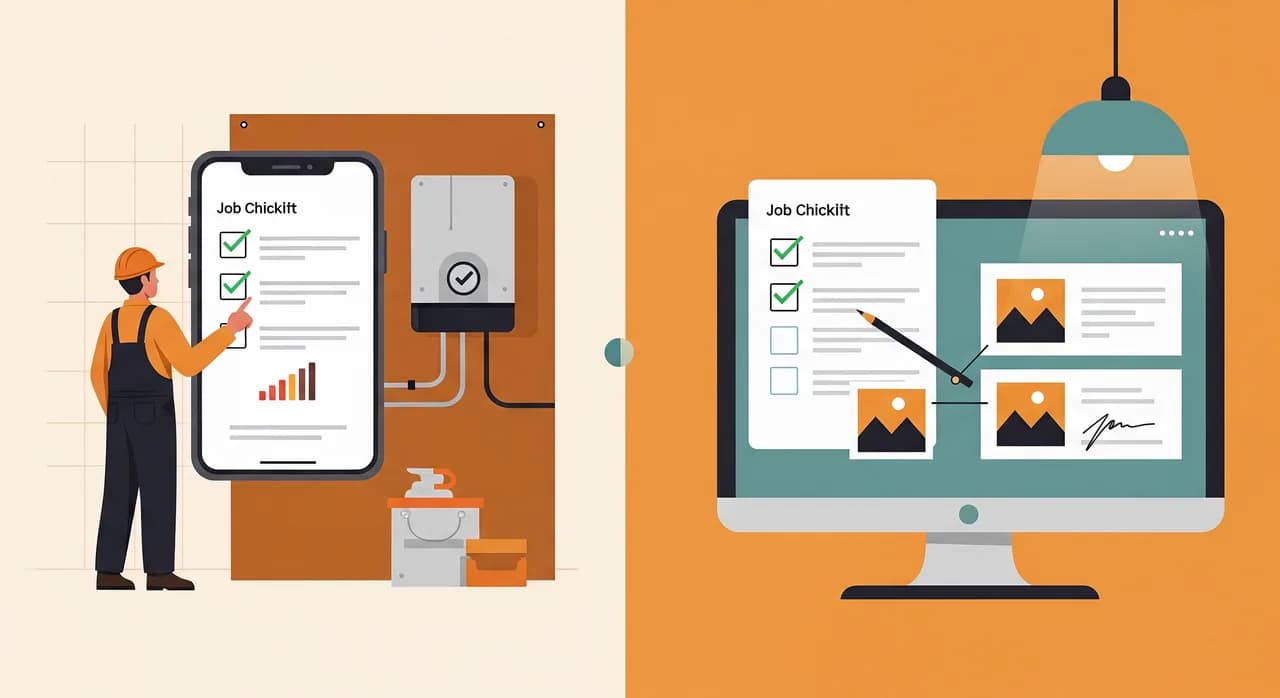
Stripped to its core, the app is almost boringly simple — and that's the compliment. A technician opens it in the morning and sees their jobs for the day, in order, with the address, the customer, the history of that site, and what they're expected to do. They tap into a job, and everything that used to live on the clipboard lives on the screen instead.
On site they record the work done from a short checklist, add materials from a searchable list (so "22mm copper elbow" is two taps, not a guess at spelling), snap a photo or two if something needs documenting, and hand the phone to the customer for a signature with a fingertip. They hit done. That's it. The moment they have signal, all of it syncs to the office — no phone call, no paper, no re-typing.
The detail that mattered most: it works with no signal
Field-service apps live or die on one thing the demo never shows: what happens in a basement plant room with no reception. If the app freezes or loses data the second the bars disappear, the technicians will abandon it inside a week and you'll have built an expensive paperweight. So we built it offline-first from day one. Everything works fully without a connection; the device holds the data and syncs the moment it can. The technician never thinks about it, which is exactly the point.
The office side: one screen, no re-typing
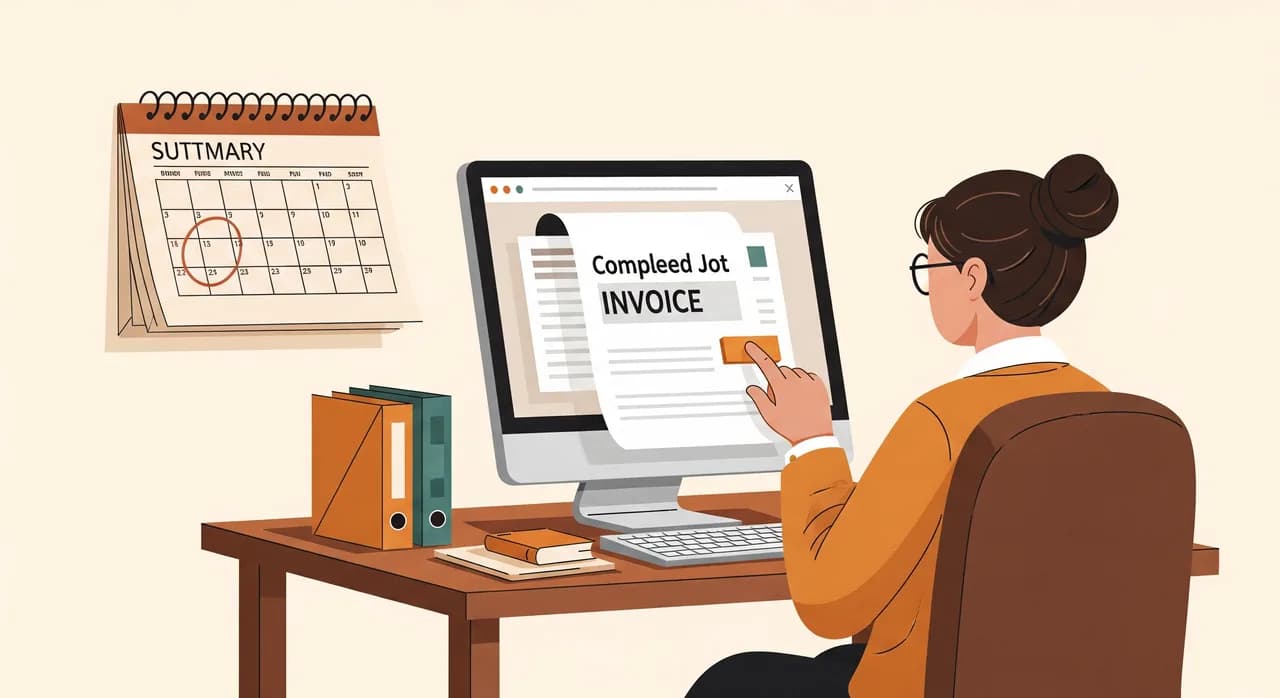
The office didn't get a sprawling dashboard. They got one screen showing jobs as they complete, each with its sheet, materials, photos and signature attached. From there, a completed job becomes an invoice with the data already filled in — the office checks it and sends it, rather than re-keying it from scratch. We connected it to the invoicing software they already used rather than replacing it, because replacing working software mid-project is how ten-week timelines become ten-month ones.
The ten weeks, honestly
Ten weeks is not a magic number; it's what this scope took with one designer-developer pairing and a genuinely engaged client. Here's roughly how the time broke down — including the week we lost, because pretending projects run perfectly helps no one.
- 1Weeks 1–2: Watch, don't askWe rode along, sat in the office, and mapped the actual workflow on a wall. We wrote the one-sentence scope and the 'not building' list, and got sign-off on both before any design.
- 2Weeks 3–4: A clickable shapeWe built a clickable prototype — no real code, just screens — and put it in two technicians' hands. Their feedback killed three of our assumptions early, which is the cheapest place to be wrong.
- 3Weeks 5–7: Build the coreThe job list, digital sheets, materials, signature, photos, and the offline sync engine. The sync was the hard part and ate most of week 7.
- 4Week 8: The week we lostThe invoicing integration fought us. The existing software's interface was quirkier than its documentation claimed, and we burned a week getting fields to map cleanly. Worth it — re-typing was the whole problem we were solving.
- 5Weeks 9–10: Pilot and polishTwo vans ran the app for real while the other six stayed on paper. We fixed what the pilot surfaced, then rolled it out to everyone with a single short training session.
Getting field staff to actually use it
You can build the best field-service app in the world and watch it die because a 55-year-old technician with twenty years of clipboard muscle memory decides it's not for him. Adoption is not a technical problem and you can't solve it with features. We treated it as the real project it is.
Three things did the heavy lifting. First, we made the on-site flow faster than paper, not just digital — fewer taps than scribbles, materials you select instead of spell, a signature instead of chasing a legible one. If the app had been even slightly slower than the clipboard, it would have failed, fairly. Second, we picked the two pilot technicians carefully: one quietly respected by the others, one who was openly sceptical. Winning over the sceptic was worth more than any marketing.
Third, nobody was made to feel stupid. The training was twenty minutes, the app was deliberately obvious, and the office manager became the go-to for the first fortnight so no technician felt stranded. Within three weeks the paper job sheets were gone — not banned, just abandoned, because the app was genuinely the easier path.
“Adoption isn't won in training. It's won by making the new way faster than the old way on the very first try.”
What changed — the results
We'll be careful here, because case studies love to quote precise numbers that fall apart under questioning. These figures are the firm's own, taken a few months after rollout, and they're directional rather than laboratory-grade. But the direction is unambiguous, and it matches what the owner feels day to day.
| What we measured | Before | After |
|---|---|---|
| Time from job done to invoice sent | 5–8 days | Same or next day |
| Office hours spent re-typing job data | ~10 hrs/week | Under 2 hrs/week |
| Job sheets lost or unbillable | A handful each month | Effectively zero |
| Evening 'read me your jobs' phone calls | Daily, every van | Gone |
The headline the owner cared about wasn't on that table, though. It was cash flow. When invoices go out the same day instead of a week later, money comes in roughly a week sooner across the whole business — every single job. For a 24-person firm running on tight margins, that timing shift mattered more than any single efficiency. The recovered office hours were nice. Getting paid a week earlier, every time, was the real prize.
What we'd tell you if you're considering the same
Most of the lessons here aren't specific to field service. They're what we'd tell any small business tempted to commission custom software, and they're worth more than the app itself.
Scope ruthlessly, and write your "not building" list before your build list. Watch the real work before you design anything — owners describe the process they wish they had, not the one they actually run. Pilot small and let the sceptics convert the rest. And connect to the tools you already use instead of replacing them, at least at the start. None of that is clever. All of it is what made ten weeks possible instead of ten months.
One more, the quiet one: the app was never the point. The point was getting paid sooner and stopping the same data being typed three times. We could have solved a slice of it with off-the-shelf tools, and for some firms that's the right call. For this one, the messy mix of on-site capture, offline reality and an existing invoicing system meant a focused custom build paid back fast. The honest answer to "app or off-the-shelf?" is: it depends, and anyone who answers instantly is selling something.
Got a field team still running on paper?
If your crew is out on jobs and the office is re-typing their day every evening, there's almost certainly a focused app hiding in there. We'll look at your actual workflow and tell you honestly whether it's worth building — and what to leave out.
See how we build employee appsCommon questions
Is ten weeks realistic, or was this a special case?
Why a custom app instead of off-the-shelf field-service software?
What was the hardest part technically?
How did older technicians take to it?
Could you have automated more of it?

Have a nice day is a software studio that helps small and mid-sized businesses go digital — automation, AI and custom software that works in everyday operations, not just on slides.