Dokumentumfeldolgozás papírmunkával terhelt kisvállalkozásoknak: egy gyakorlati kiút
Ha a vállalkozása PDF-eken, beszkennelt űrlapokon és e-mail mellékleteken alapul, hetente órákat veszít az újragépeléssel. Íme egy nyugodt, gyakorlatias útmutató ahhoz, hogyan olvastassa a papírmunkát a szoftverrel — anélkül, hogy bármit kiszakítana a működő rendszeréből.
 Have a nice day12 perc olvasás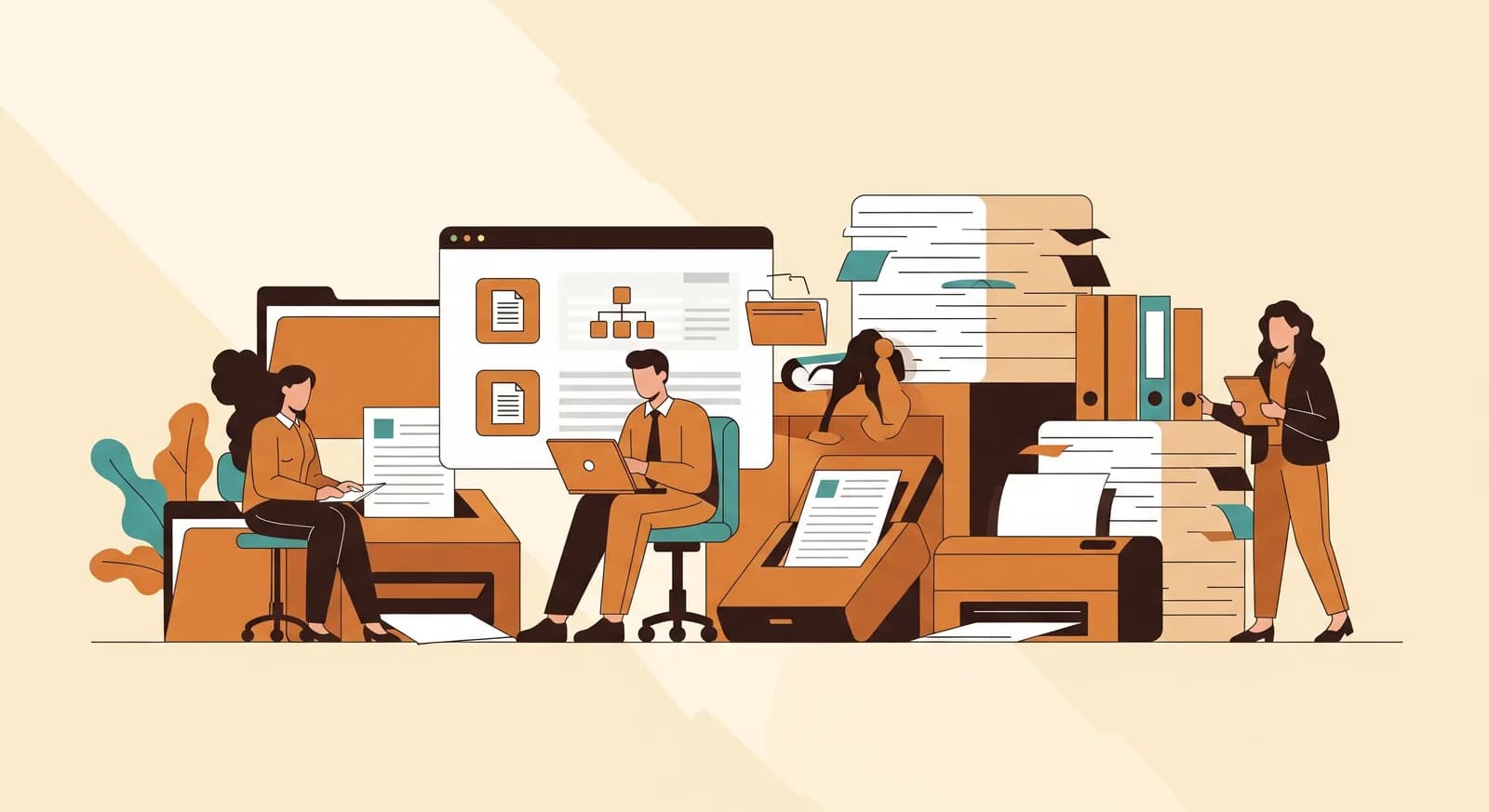
Van egy különös fajta fáradtság, amely az újragépelésből fakad. Megnyit egy PDF-et az egyik képernyőn, egy űrlapot a másikon, és átmásol egy nevet, egy számot, egy dátumot, egy nevet, egy számot, egy dátumot — aznap már negyvenedszer. Nem nehéz munka. Alig veszi igénybe az agyát. És épp ettől olyan felőrlő: egy okos ember, akit gondolkodásért fizetnek, úgy tölti a délutánt, mint egy lassú, hibára hajlamos billentyűzet. Ha ez az ön vállalkozása, vagy bárkié a csapatában, ez az útmutató önnek szól.
A papírmunkával terhelt vállalkozások mindenhol ott vannak, és ritkán kapják meg a megérdemelt együttérzést. A könyvelőiroda, amely az ügyfelek bizonylataiban fuldoklik. A szállítmányozó, aki a szállítóleveleket egyezteti a számlákkal. A rendelő, amely újra begépeli a beteglapokat. Az ingatlankezelő, aki a bérleti szerződéseket iktatja, a biztosítási alkusz, aki a kárigényeket párosítja a kötvényekhez, a nagykereskedő, akinek minden beszállítója kicsit más rendelés-visszaigazolást küld. Egyiküknek sincs látványos problémája. Mennyiségi problémájuk van, iktatási probléma álruhájában.
A jó hír, hogy ez azon kevés területek egyike, ahol a technológia valóban beérte a marketinget. Egy kusza dokumentumot elolvasni és kiszedni belőle a helyes számokat valaha kutatási projekt volt. Ma ez megoldott, megfizethető dolog — ha okosan határolja be. Ez a cikk pontosan erről szól: megtalálni a dokumentumot, amely a legtöbbjébe kerül, elolvastatni a szoftverrel, és beilleszteni a napjába anélkül, hogy elrontaná azt, ami már működik.
Hová tűnik valójában az idő
Mielőtt bármit megjavítana, érdemes őszintének lenni azzal kapcsolatban, hová tűnnek az órák. Amikor az emberek elképzelik a „dokumentummunkát”, az iktatásra gondolnak — a PDF megfelelő mappába helyezésére. De az iktatás ritkán a drága rész. A drága rész a kinyerés: kivenni a dokumentumba zárt információt, és bevinni egy rendszerbe, amely ténylegesen használni tudja. A számla végösszegét a könyvelőszoftverbe. A szállított mennyiségeket a készletnyilvántartásba. Az űrlapmezőket az ügyfél kartonjába.
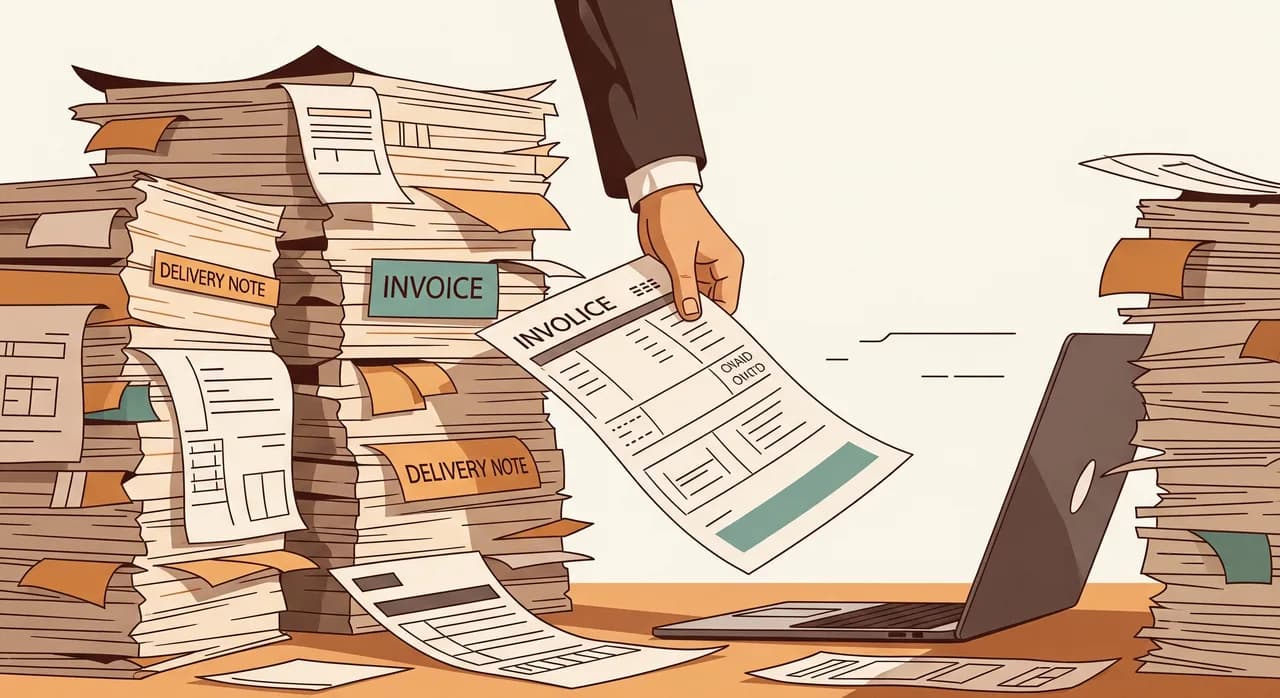
Ez a kinyerés lassú, egy megértésre érdemes okból. A dokumentumot emberi szemnek építették, nem adatbázisnak. A végösszeg az egyik beszállító számláján jobbra fent, a másikén balra lent lehet. Egy dátumot hatféleképpen is le lehet írni. A beszállítók fele tiszta PDF-et küld; a többi egy gyűrött bizonylat telefonos fotóját. Így az embernek néznie, értelmeznie és gépelnie kell — és mivel ember, és már a negyedik óránál tart, néha 6-ost ír oda, ahol 5-ösnek kellene lennie. Ezek az apró hibák a második rejtett költség, és gyakran nagyobbak, mint maga az időveszteség.
“A dokumentumot iktatni olcsó. A számokat kiszedni belőle és valami hasznosba juttatni — ott tűnik el csendben a hete.”
A cél tehát nem a „papírmentesség” — az egy szlogen, nem projekt. A cél szűkebb és sokkal hasznosabb: vegye azt az egyetlen dokumentumtípust, amely a legnagyobb mennyiségben folyik át a vállalkozásán, és hagyja abba, hogy egy ember kézzel átírja. Ha ezt jól csinálja, a megkönnyebbülés azonnali. Ha mindent egyszerre próbál, megreked, ugyanúgy, ahogy ön előtt száz nagyratörő papírmentes projekt megrekedt.
Találja meg azt az egy dokumentumot, amellyel érdemes kezdeni
A legtöbb papírmunkás vállalkozás egy tucat dokumentumtípust kezel, de ezek sosem egyenrangúak. Egy maroknyi hordozza szinte az összes fájdalmat. Az ön feladata az elején, hogy megtalálja az egyetlen legnagyobb mennyiségű, legismétlődőbb darabot — nem a legbonyolultabbat, nem az elvont értelemben legbosszantóbbat, hanem azt, amely a leggyakrabban érkezik, és a leggyakrabban kerül újragépelésre.
Egy gyors módszer a megtalálására: egy héten át vezessen strigulát. Valahányszor valaki megnyit egy dokumentumot, és a tartalmát máshová gépeli, tegyen egy jelet, és jegyezze fel a típust — beszállítói számla, szállítólevél, beteglap, jelenléti ív, szerződés. Péntekre egy vagy kettő uralni fogja a listát. Az a kiindulópontja. Szinte mindig meglepi a tulajdonost, aki biztos volt benne, hogy a valódi időrabló valami ritkább és drámaibb dolog.
Hogyan működik valójában a dokumentumfeldolgozás, egyszerűen
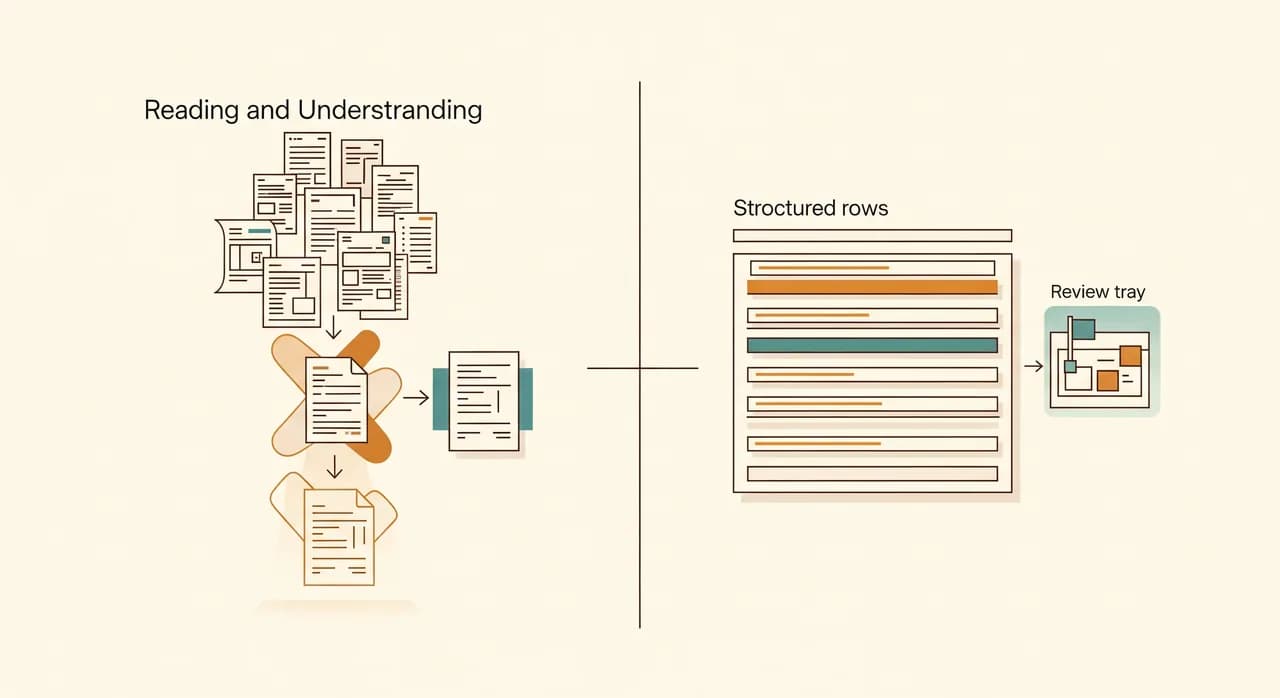
Érdemes leleplezni, mi történik a motorháztető alatt, mert a szakzsargontól ijesztőbbnek tűnik, mint amilyen. Hagyja el a betűszavakat, és a dokumentumfeldolgozás valójában három, egymásra rakott feladat: elolvasni az oldalt, megérteni, mit jelent minden rész, és eljuttatni a megfelelő darabokat a rendszerébe.
Az oldal elolvasása
Az első feladat a képpontok szöveggé alakítása — történetileg az OCR (optikai karakterfelismerés) szerepe. Ez az érett, unalmas, megbízható rész. A modern olvasómotorok a szkennekkel, telefonos fotókkal, kevert nyelvekkel és az alkalmankénti kávéfolttal sokkal jobban megbirkóznak, mint az az OCR, amelyet talán kipróbált, majd egy évtizede feladott. Ha az utolsó benyomása a „szkennelésről” 2015-ből származik, megér egy friss pillantást.
A jelentés megértése
Ez az a rész, amely valóban megváltozott. A régi rendszereknek merev sablon kellett: „a számlaszám mindig pontosan ebben a rovatban van.” Adjon hozzá egy új beszállítót más elrendezéssel, és az egész elromlott. A mai dokumentum-MI inkább úgy érti meg az oldalt, ahogy egy ember — megtalálja a számla végösszegét akkor is, ha az adott beszállító formátumát soha nem látta, mert érti, mi egy számla, nem csak azt, hol van a rovat. Ez az a ugrás, amely ezt gyakorlativá teszi a kusza, változatos bemenetekkel dolgozó kisvállalkozások számára.
Eljuttatni oda, ahová tartozik
Az utolsó feladat az, amelyet az emberek elfelejtenek, és ezen áll vagy bukik egy projekt. A kinyert adat csak akkor hasznos, ha tisztán landol a könyvelőeszközében, a CRM-jében, a készletrendszerében — anélkül, hogy egy ember átmásolná. Egy dokumentumfeldolgozó, amely egy takaros táblázatot ad át, amelyet még mindig kézzel kell importálnia, a problémának csak a felét oldotta meg. A valódi nyereség az, amikor az adat végig elfolyik egészen oda, ahol a munka ténylegesen történik.
Mely dokumentumok illenek jól — és melyek még nem
Nem minden dokumentum egyformán jó jelölt, és az ellenkezőjét állítani az a mód, ahogy az emberek megégetik magukat. Az őszinte szabály: minél strukturáltabb és ismétlődőbb egy dokumentum, annál jobban működik, és annál olcsóbb beállítani. Minél inkább szabadon folyó prózán és valódi emberi mérlegelésen múlik, annál inkább tartson határozottan embert a kormánynál.
- Kiválóan illenek: beszállítói számlák, bizonylatok, szállító- és csomagolólevelek, megrendelések, jelenléti ívek, szabványosított beteg- és jelentkezési lapok, bankkivonatok.
- Óvatossággal jók: szerződések és bérleti szerződések, ahol csak néhány kulcsmezőre van szüksége (dátumok, felek, összegek), nem a teljes jogi jelentésre.
- Tartsa embert a kormánynál: bármi, ahol az értelmezés valódi kockázatot hordoz — orvosi mérlegelés, jogi tanács, egyszeri tárgyalás, kétértelmű panasz, amely inkább empátiát igényel, mint adatot.
Van egy tiszteletre méltó mennyiségi alsó határ is. Ha egy dokumentumtípus csak havi néhányszor kerül az asztalára, a beállítás erőfeszítése valószínűleg nem térül meg — egy ember egyszerűen elintézi. A dokumentumfeldolgozás azon keresi meg a kenyerét, ami naponta, tömegesen és nagyjából ugyanolyan formában érkezik. Legyen könyörtelen, és először oda irányítsa.
Egy valós példa: a bizonylatokba temetkezett könyvelőiroda
Hadd tegyem konkréttá egy folyamatosan látott helyzet összevont példájával — egy anonimizált kis könyvelő- és bizonylatkezelő iroda, az a fajta, amely hatvan-hetven helyi vállalkozás havi könyvelését vezeti. A számok itt szemléltetők, de a forma hű az élethez.
A helyzet
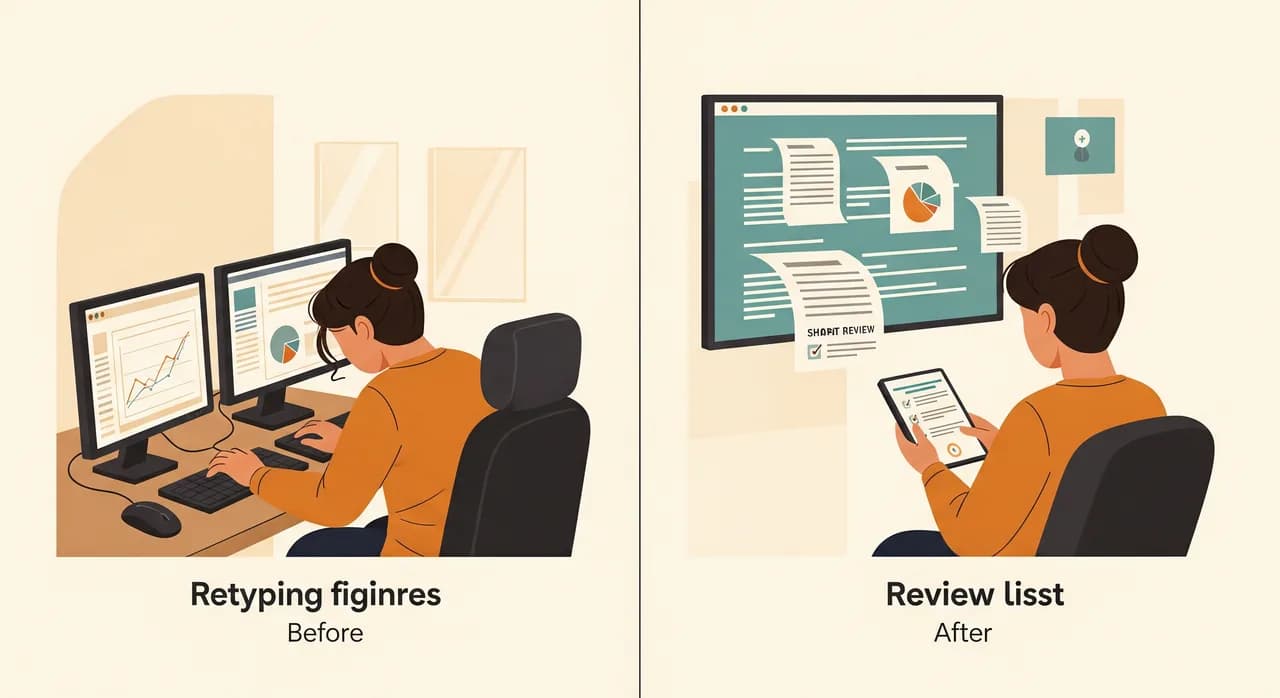
Minden hónapban az ügyfelek beküldték a bizonylataikat és beszállítói számláikat — egy részüket szép PDF-ként, sokat egy furgonban vagy boltban készült telefonfotóként, néhányat tényleges papírként, borítékban leadva. Két munkatárs minden hónap első tíz munkanapjának javát azzal töltötte, hogy semmi mást nem csinált, csak olvasta ezeket a dokumentumokat, és gépelte a számokat a könyvelőszoftverbe, sorról sorra. Órában mérve ez volt az iroda legnagyobb egyetlen költsége, és a legutáltabb munka a hivatalban. Itt csúszott be időnként a hiba is — egy felcserélt számjegy, amelyet valakinek később le kellett vadásznia.
Mit tettünk
A vállalkozás többi részéhez nem nyúltunk. Pontosan egy dokumentumtípust vettünk — beszállítói számlákat és bizonylatokat —, és kialakítottunk egy folyamatot, amelyben az ügyfelek egyetlen postafiókba továbbították őket. Innen a dokumentumokat elolvasta a rendszer, a kulcsmezőket (beszállító, dátum, nettó, adó, végösszeg, kategória) automatikusan kinyerte, majd párosította az ügyfél számlájával. Amiben a rendszer biztos volt, az egyenesen átment. Ami kétértelmű volt — egy elmosódott fotó, egy ismeretlen elrendezés, egy ki nem jövő végösszeg —, az egy ellenőrző sorba került, hogy egy ember másodpercek alatt megerősítse, ahelyett, hogy a nulláról újragépelné.
- 1Egyetlen dokumentumtípussal kezdtünkCsak beszállítói számlák és bizonylatok — a legnagyobb mennyiségű, legismétlődőbb tétel. Minden más pontosan úgy maradt, ahogy volt.
- 2Egyetlen egyszerű bemenetet hoztunk létreEgyetlen továbbítási cím, így az ügyfeleknek semmi újat nem kellett tanulniuk, a munkatársak pedig abbahagyták a szétszórt mellékletek vadászatát.
- 3A biztos eseteket automatikusan kezeltükA tiszta dokumentumokat a rendszer elolvasta, kinyerte és automatikusan a megfelelő ügyfélszámlára könyvelte.
- 4A bizonytalanokat embereknél tartottukAz alacsony megbízhatóságú olvasások egy ellenőrző tálcára kerültek — gyors ellenőrzés és megerősítés, nem teljes újragépelés.
Az eredmény
Két hónapon belül a havi adatbeviteli roham olyasmiről, mint két ember tíz napja, körülbelül egy ember két napjára zsugorodott, aki a megjelölt tételeket ellenőrizte. A munkatársakat nem bocsátották el — épp ellenkezőleg; az iroda a felszabadult időt arra használta, hogy felvétel nélkül több ügyfelet vállaljon, ami az egész oka volt, amiért hozzánk fordultak. Ugyanilyen fontos, hogy a csendes felcseréléses hibák nagyrészt eltűntek, mert a számokat következetesen olvasták, nem pedig egy fáradt ember gépelte délután négykor. A tulajdonos utólagos mondata megmaradt bennünk: „Nem is tudtam, a hónap mekkora részét töltöttük azzal, hogy csak billentyűzet voltunk.”
“Nem tettük gyorsabbá a csapatot az újragépelésben. Megszüntettük az újragépelést, és hagytuk, hogy azt a munkát végezzék, amihez valóban értenek.”
Hogyan vezesse be káosz nélkül
A technológia a könnyebbik fele. Az a fele, amely eldönti, hogy megragad-e, az, ahogy bevezeti. Kezelje kicsi, visszafordítható kísérletként, amely a jelenlegi folyamata mellett fut — nem nagy bummos átállásként, amely a hónapot egy szoftverre teszi fel, amelyet még senki nem tesztelt.
- 1Pár hétig futtassa párhuzamosanEleinte csinálja a régi módon is. Hasonlítsa össze a kinyert adatot az ember bevitt adattal, és minden szélső esetet gyorsan megtalál, nulla kockázattal a valódi könyvelésre nézve.
- 2Hangolja a saját valós dokumentumainNe tiszta mintaszámlákkal készült demó alapján ítélje meg. Etesse a legkuszább valós bemeneteivel — a telefonfotókkal, a fura beszállítóval —, mert ezt kell túlélnie.
- 3Adjon gazdát az ellenőrző sornakEgy megnevezett személy figyeli a megjelölt tételeket, megtanulja a mintázatokat, és eldönti, mit kell igazítani. Egy gazdátlan ellenőrző sor csendben megtelik, és figyelmen kívül marad.
- 4Aztán vonja ki a kézi lépést — hangosanAmikor eltelik pár hét csúnya meglepetések nélkül, kapcsolja ki a régi módot, és gondoskodjon róla, hogy mindenki tudja, nehogy bárki megszokásból életben tartson egy csendes, párhuzamos táblázatot.
Aztán álljon meg. Álljon ellen a késztetésnek, hogy azonnal rádobja az összes többi dokumentumtípust. Hagyja, hogy az első beépüljön, hagyja, hogy a csapata bizalmat építsen iránta, és csak akkor válassza a következő legnagyobb mennyiségű dokumentumot, és ismételje meg. Egy befejezett, megbízható automatizálás többet ér öt félkész darabnál, amelyet mindenki megkérdőjelez. A visszafogottság itt valóban erény.
Mibe kerül, és hol legyen óvatos
A dokumentumfeldolgozás ára meredeken zuhant, és főként ezért érdemes ezt most megtenni, nem később. Egyetlen dokumentumtípusnál, valós mennyiségnél jellemzően egy szerény beállítással kell számolnia, hogy bekösse a meglévő rendszereibe, plusz egy üzemeltetési költséggel, amely a feldolgozott dokumentumok számával skálázódik. Az őszinte összehasonlítás nem „a szoftver költsége a nullával szemben” — hanem a szoftver költsége azokkal a nagyon is valós bérórákkal szemben, amelyeket ma az átírásra fordít, plusz azoknak a hibáknak a költségével, amelyeket jelenleg nem lát.
Két óvintézkedés, amelyet érdemes észben tartani. Először, a pontosság olyan szám, amelyet követelnie kell, nem feltételeznie — kérdezze meg minden szolgáltatótól, hogyan kezeli a bizonytalanságot, és legyen gyanakvó bárkivel, aki tökéletességet ígér. Másodszor, gondolja át, hová kerülnek a dokumentumai. A számlák és űrlapok gyakran tartalmaznak személyes és pénzügyi adatokat, így számít, hogy a feldolgozás olyan helyen történik-e, amellyel kényelmesen érzi magát. Érzékeny ágazatoknál ez valódi beszélgetés, amelyet előre kell lefolytatni, nem utólagos gondolatként.
Egy bizonyos dokumentumban fuldoklik?
Mondja el, melyik dokumentumtípus eszi meg a hete javát — számlák, szállítólevelek, űrlapok, bizonylatok. Megnézünk egy valós mintát az önéből, és őszintén megmondjuk, tiszta első projekt-e vagy sem, mielőtt bárki bármit megépítene.
Nézze meg, hogyan kezeljük a dokumentumfeldolgozástGyakori kérdések
Működik telefonfotókkal és kusza szkennekkel, vagy csak tiszta PDF-ekkel?
Le kell cserélnem a könyvelő- vagy CRM-szoftveremet?
Mennyire pontos valójában?
Ez létszámleépítést jelent?
Mennyi idő alatt látok eredményt?

A Have a nice day egy szoftverstúdió, amely segít a kis- és középvállalkozásoknak a digitalizációban — automatizálás, mesterséges intelligencia és egyedi szoftverek, amelyek a mindennapi működésben működnek, nem csak a diákon.