Inventory Software for Small Firms: Buy, Adapt or Build?
Off-the-shelf, customised, or built from scratch — the inventory question that quietly eats a day a week. Here's how to choose the right path without overpaying for features you'll never touch or boxing yourself into a tool you'll outgrow.
 Have a nice day13 min read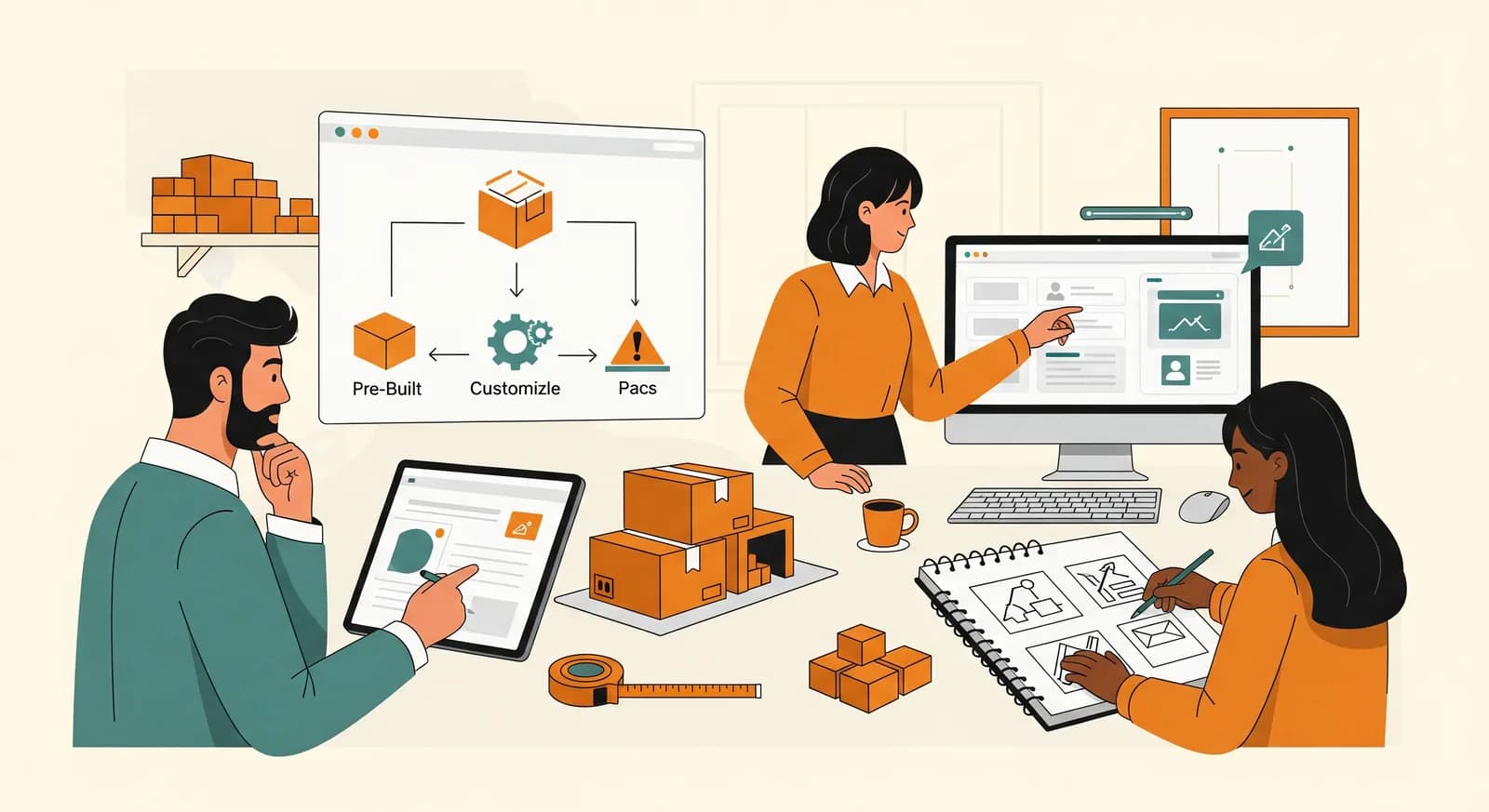
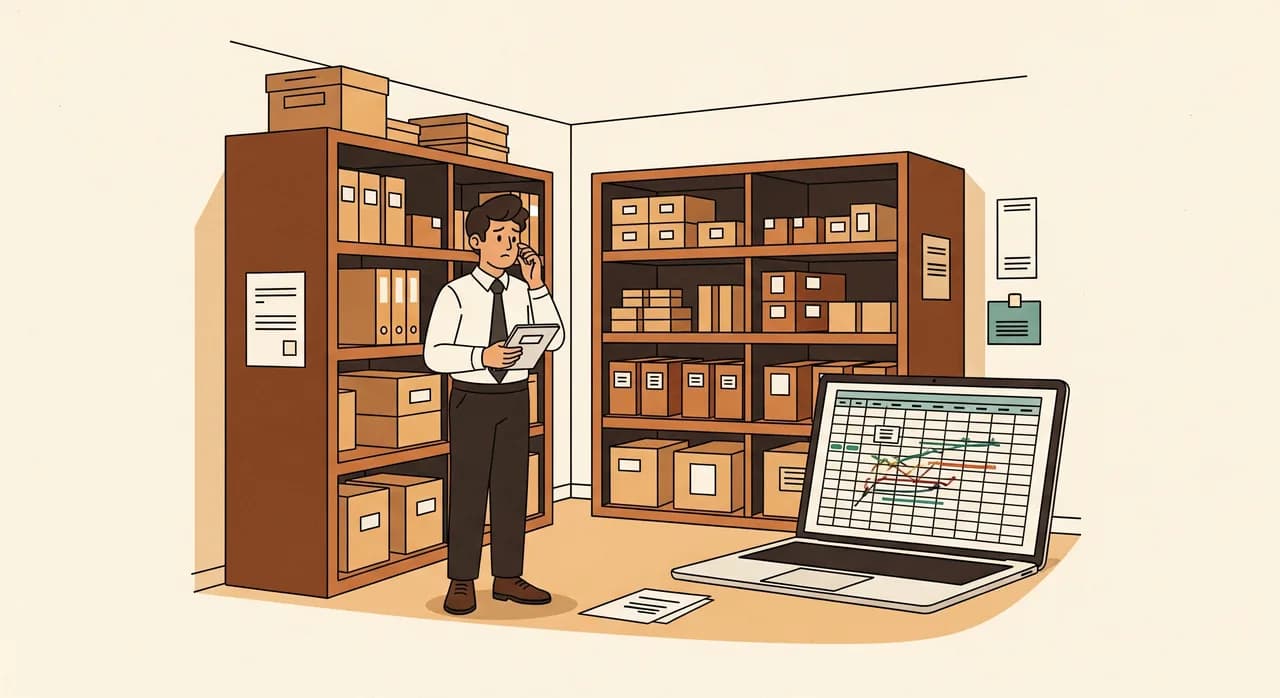
There's a moment in almost every growing business where the spreadsheet stops being funny. For a year or two it works fine — one tab, a few formulas, everyone knows where it lives. Then orders pick up, a second location opens, two people edit it at once, and suddenly you're selling things you don't have and warehousing things nobody asked for. That moment is when the inventory software question lands on your desk, and the advice you'll find online is almost uniformly bad: it either tells you to buy the biggest platform you can afford, or to build something custom because your business is a unique snowflake. Both can be wrong. The right answer is usually quieter, cheaper, and more specific to you than either camp wants to admit.
I've helped small firms make this exact decision more times than I can count — a parts distributor, a couple of e-commerce shops, a workshop that kept losing track of expensive components, a food producer juggling batches and expiry dates. The pattern is consistent: the businesses that get this right don't ask “what's the best inventory software?” They ask “what's the smallest thing that fixes the specific way our stock currently lies to us?” That's a much better question, and it points to one of three honest paths — buy, adapt, or build.
This guide walks through all three without a sales agenda. By the end you'll know which path fits the shape of your business, roughly what each one costs in money and headache, and — just as importantly — how to avoid the expensive mistake of picking the wrong one and discovering it eighteen months in.
First, name the actual problem
Before you compare a single product, write down what your inventory is actually getting wrong. “We need inventory software” is not a problem statement — it's a symptom. The real problem is something concrete and slightly embarrassing, and it's worth saying out loud.
Maybe it's that nobody knows the true stock count without walking to the shelf. Maybe two sales channels share stock and oversell during busy weeks. Maybe you reorder too late and lose sales, or too early and tie up cash in product gathering dust. Maybe it's traceability — you need to know which batch went to which customer when something goes wrong. Each of those is a different problem, and each one steers you toward a different path. A firm that just needs accurate counts has very different needs from one that lives or dies on batch traceability.
This sounds obvious. It isn't. The single most common way small firms waste money here is buying a powerful, general-purpose platform to solve a narrow, specific pain — and then paying monthly, forever, for the 80% of the tool they never switch on.
Path one: buy off-the-shelf
For most small businesses, most of the time, the honest answer is buy something that already exists. There is a mature, competitive market of inventory and stock-management products. They handle the universal stuff — counts, locations, purchase orders, low-stock alerts, barcode scanning, basic reporting — and they handle it well, because thousands of businesses have already paid to have the rough edges sanded off.
Buying wins on three things that matter enormously when you're small: speed (you can be live in days, not months), cost predictability (a known monthly fee instead of an open-ended build), and someone else's maintenance (when the tax rules change or a phone OS updates, that's their problem, not yours). For a business whose inventory needs look broadly like everyone else's, fighting that with a custom build is usually ego, not economics.
Buy when…
- Your process is fairly standard — goods in, goods out, count, reorder — without unusual rules.
- You need to be running soon, and the pain is real right now.
- You'd rather pay a predictable subscription than manage a project.
- Your team is small and you don't have anyone to babysit a bespoke system.
- You're still growing and learning — your requirements will change, so don't pour concrete yet.
One nuance people miss: buying off-the-shelf and being smart are not opposites. The smart version of buying is to shortlist two or three tools, run a real week of your actual stock through a trial of each, and judge them on how they handle your awkward cases — not on the feature checklist. The product that survives contact with your messiest Tuesday is the one to pick.
Path two: adapt and connect what you have
Here's the path the industry quietly forgets, because nobody makes much money recommending it: keep the good tools you already own and connect them properly. A surprising number of "we need new inventory software" problems are really "our existing systems don't talk to each other" problems wearing a disguise.
You might already have a decent shop platform, a point-of-sale system, and an accounting tool. Each holds part of the truth about your stock — and the chaos comes from those three never agreeing. In that situation, ripping all three out for one mega-platform is an expensive, disruptive over-correction. The cheaper, calmer fix is a thin layer of integration and automation that keeps them in sync: an order in the shop reduces stock everywhere, a low count triggers a reorder draft, the numbers reconcile themselves overnight instead of by hand every Friday.
“Half the businesses convinced they need new inventory software actually need their existing tools to stop disagreeing with each other.”
Adapting also covers the middle ground where you take a flexible off-the-shelf base and configure or lightly extend it to fit a specific quirk — a custom field, a tailored reorder rule, an extra report your accountant actually wants. You get most of the speed and safety of buying, plus the one or two pieces of fit that the standard product missed. For a lot of firms this is the genuine sweet spot, and almost nobody offers it to them by default.
Adapt when…
- You already own tools that work fine on their own but don't share data.
- An off-the-shelf product fits 80–90% of your needs and only misses a few specifics.
- You're re-keying the same numbers between systems by hand (the clearest possible signal).
- Replacing everything would be hugely disruptive for a problem that's really about connection.
Path three: build something custom
Building from scratch is the path everyone romanticises and most people shouldn't take — but for the right business, at the right time, it's transformative. The mistake is treating it as the default for anyone who feels "special." Almost every business feels special. Most of them have stock needs that are 90% identical to the firm down the road. Be ruthlessly honest about whether yours genuinely isn't.
A custom build earns its keep when your inventory is your competitive edge, or when the way you handle stock is so unusual that bending a generic tool to fit costs more — in money, friction and workarounds — than building the thing you actually need. Think serial-number tracking with complex warranty logic, batch and expiry handling tied to regulatory traceability, a rental model where the same item cycles out and back, or a multi-location assembly flow where raw parts become finished goods on the way out the door. When the standard tools force your team into daily workarounds, those workarounds are a recurring tax — and a build can pay it off.

Build when…
- Your inventory process is genuinely unusual and central to how you make money.
- You've tried adapting off-the-shelf tools and keep hitting walls that force daily workarounds.
- The cost of those workarounds — time, errors, lost sales — clearly exceeds the cost of building.
- You need it to integrate tightly with other custom systems you already run.
- You want to fully own the tool and shape it as the business evolves, with no per-seat ceiling.
The real argument for building isn't features — it's fit and ownership. A custom system models your business exactly as it works, with no awkward translation, no monthly per-user fee that punishes you for growing, and no vendor deciding to deprecate the one feature you depend on. That's a real asset. It also comes with a real responsibility: you now own the maintenance. Go in with eyes open, or not at all.
A decision framework you can actually use
Strip away the noise and the choice comes down to two honest questions: how standard is your process, and how much does fit matter to your business? Plot yourself against those and the right path falls out surprisingly cleanly.
| Your situation | Sensible default | Why |
|---|---|---|
| Standard process, need it now | Buy off-the-shelf | Fast, cheap, low risk — don't overthink it |
| Good tools that don't sync | Adapt and connect | The problem is integration, not the tools |
| 80–90% fit, a few gaps | Adapt / extend a base | Keep the speed, fix only what's missing |
| Genuinely unusual, core to revenue | Build (focused) | Workarounds cost more than the build |
| Outgrowing a tool you bought | Re-evaluate, often adapt | Don't jump straight to a full rebuild |
- 1Write the one-sentence problem“Our stock data is wrong about ____.” If you can't fill it in precisely, stop and watch your week first.
- 2Score how standard your process isBe honest: 1 means 'just like everyone else', 5 means 'truly weird and central to how we earn'. Most firms are a 2.
- 3Try buying before buildingRun a real trial of two off-the-shelf tools against your messiest cases. Let reality, not a demo, decide if they fit.
- 4If they nearly fit, adaptDon't reject a 90% tool over a 10% gap. Connecting or extending it is far cheaper than starting over.
- 5Build only the irreducible remainderIf something genuinely can't be bought or adapted, build that one piece — small, focused, on solid foundations.
A short story: the distributor who almost overbuilt
A regional parts distributor came to us convinced they needed a full custom warehouse system. They'd outgrown their spreadsheet, two off-the-shelf trials had "failed," and a developer had quoted them a long, expensive build. They were ready to sign. Before they did, we spent an afternoon watching how stock actually moved through their day.
The off-the-shelf tools hadn't really failed. They'd failed at exactly one thing: the distributor sold the same parts in both single units and bulk packs, and the standard products couldn't keep one accurate count across both. Everything else — locations, reorders, scanning, reporting — the cheap tools did fine. They didn't need a custom warehouse system. They needed a good off-the-shelf base plus one small custom layer to handle the unit-versus-pack logic and keep the two sales channels honest.
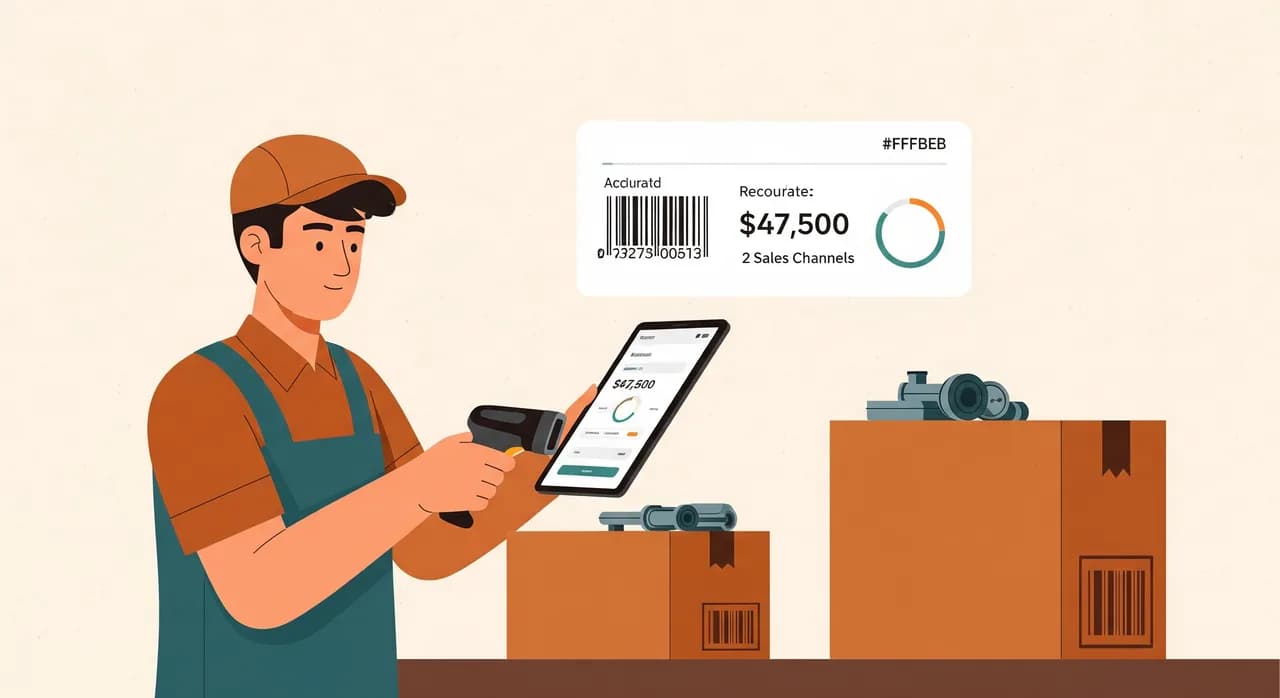
We did exactly that. The result was a fraction of the original quote, live in weeks rather than months, and — because 90% of it rode on a maintained product — far less for them to look after. A year on, the count is trusted, the overselling stopped, and the part of the system that's genuinely theirs is the only part anyone had to build. (Details anonymised; the shape of this story repeats constantly.) The lesson isn't "never build." It's find the smallest piece that actually has to be custom, and buy or adapt the rest.
Mistakes that cost real money
Whichever path you take, a few errors show up again and again — and they're all avoidable once you know to look for them.
- Buying for the business you'll be in five years, not the one you run today. Your needs will change; don't pre-pay for guesses.
- Treating data import and clean-up as an afterthought. Garbage in, garbage forever — budget real time for tidying your product list.
- Ignoring the people. The best system fails if the team won't scan, won't update counts, won't trust it. Involve them early.
- Forgetting the exit. Always know how you'd get your data out — of any tool, bought or built.
- Confusing 'unusual' with 'special'. Wanting custom because it feels prestigious is the single most expensive vanity in small-business software.
Not sure whether to buy, adapt or build?
That's exactly the conversation worth having before you spend anything. We'll look at how your stock actually moves and tell you honestly which path fits — even when the answer is 'just buy the cheap tool'.
See how we approach inventory softwareCommon questions
What's the cheapest way to start with inventory software?
When does building custom inventory software actually pay off?
Can I keep my current shop and accounting tools and just add inventory?
How do I avoid getting locked into a vendor?
We've outgrown our spreadsheet — should we jump straight to a custom build?

Have a nice day is a software studio that helps small and mid-sized businesses go digital — automation, AI and custom software that works in everyday operations, not just on slides.