Mobile App or Web App? An Honest Decision Guide for Small Businesses
Most owners ask for "an app" when what they actually need is a website that works well on a phone. This is a calm, jargon-free walk through the real difference — and how to choose the one that fits your business instead of your imagination.
 Have a nice day14 min read
Almost every week, someone tells us they need an app. They've usually pictured it already — an icon on a phone, a thing customers download, maybe a little badge with a notification count. And almost as often, fifteen minutes into the conversation, it turns out they don't need an app at all. They need something that works beautifully on a phone, which is a completely different thing — cheaper, faster, and far less likely to gather dust in an app store nobody visits.
The word "app" has quietly swallowed three or four very different products. When someone says it, they might mean a native app you download, a website that behaves like an app, an internal tool for their own staff, or just "a modern version of my business on a screen." Choosing badly here is expensive — not because the wrong choice is hard to build, but because it locks you into months of cost and maintenance you didn't need.
So this is the guide we wish every owner had before that first call. No hype about which platform is winning, no pretending native apps are always the prestige choice. Just a clear-eyed look at what the two options really are, what they cost, and a simple way to decide which one your business needs — if it needs either at all.
First, untangle what you actually mean by "app"
Before you can choose, you have to know what's on the menu. A mobile app — the native kind — is software a user installs from the App Store or Google Play. It lives on the phone, gets an icon, and can reach deep into the device: camera, GPS, push notifications, offline storage, fingerprint login. A web app is a website that does more than show information — it lets people do things: log in, book, pay, manage an account. You open it in a browser and there's nothing to download.
Sitting between them is a third option most people have never heard named: the progressive web app, or PWA. It's a web app built so it can be "added to home screen," runs full-screen with its own icon, works offline, and can send notifications on most devices. For a huge share of small businesses, this is the sweet spot nobody mentioned — it feels like an app to the customer, but it's built and maintained like a website.
Keep these three straight in your head and half the confusion disappears. Most of the time, the honest question isn't "native or web?" — it's "how app-like does this genuinely need to feel, and is that worth the price?"
The differences that actually matter to a business
You'll find a hundred articles comparing these two on technical grounds. Most of them are written for developers and miss what an owner actually cares about. So let's skip the framework wars and talk about the four things that change how your business runs.
How people get to it
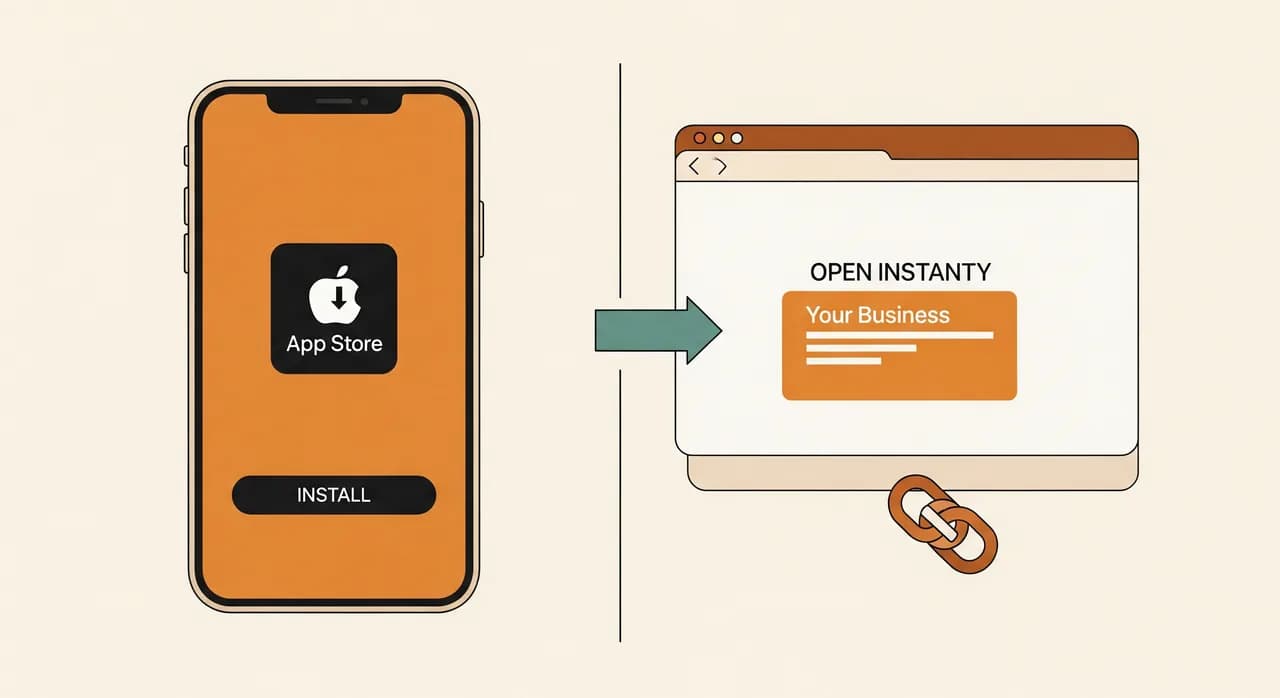
A web app lives at a link. You can put it in an email, a text message, a QR code on a table, a Google search result. A customer is using it two seconds after clicking. A native app lives behind a download — your customer has to want it enough to go to a store, search your name, install it, and open it. That gap is brutal. For a business most people interact with occasionally, the download is often the entire reason an app fails.
What it can actually do
Native still wins on raw power. If you need rock-solid offline use, heavy camera or sensor work, smooth high-performance graphics, or notifications that absolutely must arrive, native is the safer bet. But the gap has narrowed dramatically. A modern web app can take payments, use the camera, find your location, work offline and send push notifications on most phones. The honest question is whether your business actually leans on the few things only native does well.
What it costs to build and keep alive
This is where the gap is widest, and where owners get blindsided. A web app is one codebase that runs everywhere with a browser. A native app, done properly, often means building and maintaining for two platforms, plus the app-store review process, plus ongoing updates every time Apple or Google changes the rules. The build is more expensive; the maintenance is the part nobody warns you about. An app isn't a thing you finish — it's a thing you feed.
How much control you keep
With a web app, you ship a change and it's live in minutes. With a native app, every update waits in a review queue, and the store can reject it, demand a cut of any sales, or change its policies under you. You're renting space on someone else's platform. For some businesses that trade is worth it. For many, the freedom of "it's just a website, we update it whenever we like" is worth more than the polish.
When a native mobile app is genuinely the right call
Native apps aren't a trap — they're a powerful tool that's wrong for most small businesses and exactly right for a few. Here's when the extra cost and lock-in pay for themselves, honestly and without the sales gloss.
- People use it constantly — daily or near-daily. The download cost is paid back many times over by frequent, loyal use.
- You lean hard on device features: continuous GPS, heavy camera work, Bluetooth hardware, reliable offline operation in places with no signal.
- Notifications are core to the product, not a nice-to-have, and they must arrive reliably on every device.
- Performance has to be flawless — fast-moving graphics, games, real-time interaction where a half-second of lag is a dealbreaker.
- Being in the App Store is itself part of the trust or marketing story your customers expect.
Notice the theme: native earns its keep when the app is used a lot, by people who've already committed to you, and when it depends on the phone's hardware in ways the browser still can't match. A field-service app your own crew opens forty times a day is a perfect native candidate. A booking page a customer touches twice a year is not.
“An app a customer uses twice a year shouldn't be an app at all. Save the download for the things people open every day.”
When a web app is the smarter, cheaper choice
For most small and mid-sized businesses, this is the answer — and it's not a compromise, it's the correct fit. A web app shines exactly where native struggles: anywhere reach matters more than raw power, and anywhere you need to move fast and change things often.
Go web-first when people will use the thing occasionally rather than daily, when you want customers in without the friction of a download, when budget and speed matter, or when you're not yet sure the idea will catch on. That last point is underrated. A web app is the perfect way to test whether anyone wants your idea before you commit to the cost of going native. You can always build the native app later, once the demand is real and you can see exactly which features deserve it.
A short story: the clinic that asked for an app
A physiotherapy practice came to us convinced they needed a mobile app. A competitor down the road had one, and it felt like falling behind not to. Their picture was clear: patients would download the app, book appointments, see their exercise plans, and get reminders. They'd already half-budgeted for it and braced for the cost.
So we asked the question we always ask: how often will a patient actually open this? The honest answer was a handful of times around a course of treatment — book, glance at exercises, get reminded, maybe rebook months later. That's not daily use. That's occasional use. And occasional use is exactly where the download barrier quietly kills an app. We sketched the likely outcome: a few hundred euros of build, then patients who never bother installing it, and a reception desk still taking bookings by phone because the app went unused.
What we built instead
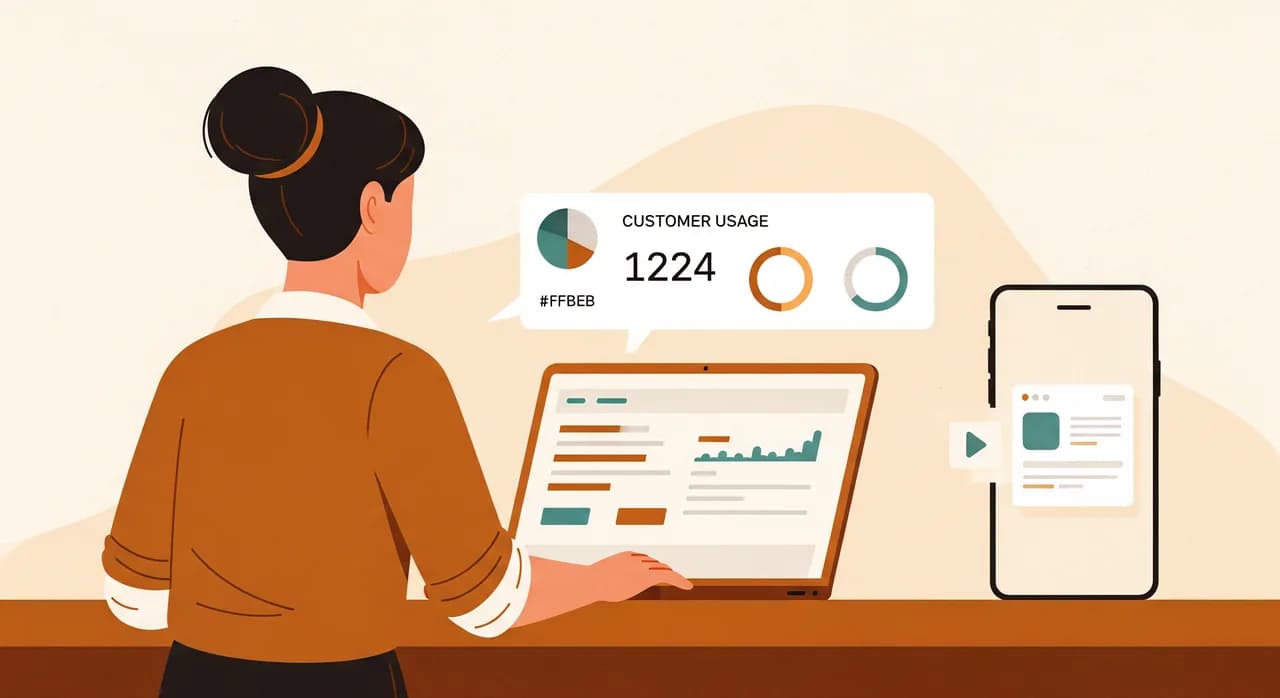
We built a web app — a progressive one. Patients open it from a link in their confirmation message: no download, no store, no account hurdle to start. They can book and rebook, view their exercise plan with videos, and receive automatic reminders that cut no-shows. Anyone who wants the app feel can add it to their home screen in one tap, and from then on it opens full-screen with the clinic's icon, exactly like a native app. To the patient, it simply is the app.
How it turned out
The numbers here are illustrative, but the shape is what we see again and again. It cost a fraction of the native build they'd braced for, and far less to keep running — no two platforms, no store reviews, no quarterly scramble when an operating system updates. Because there was nothing to install, patients used it from day one; adoption wasn't gated behind a download nobody completes. Reminders meaningfully reduced no-shows within a couple of months. And the clinic kept control: when they wanted to add a payment step, it was live the same week, not stuck in a review queue.
The honest footnote: if, a year from now, patients are opening it constantly and asking for deeper offline features, a native app might genuinely earn its place. But now that decision will be made on evidence, not on a competitor's icon. They'll know it's worth it before they pay for it.
A simple framework to decide for yourself
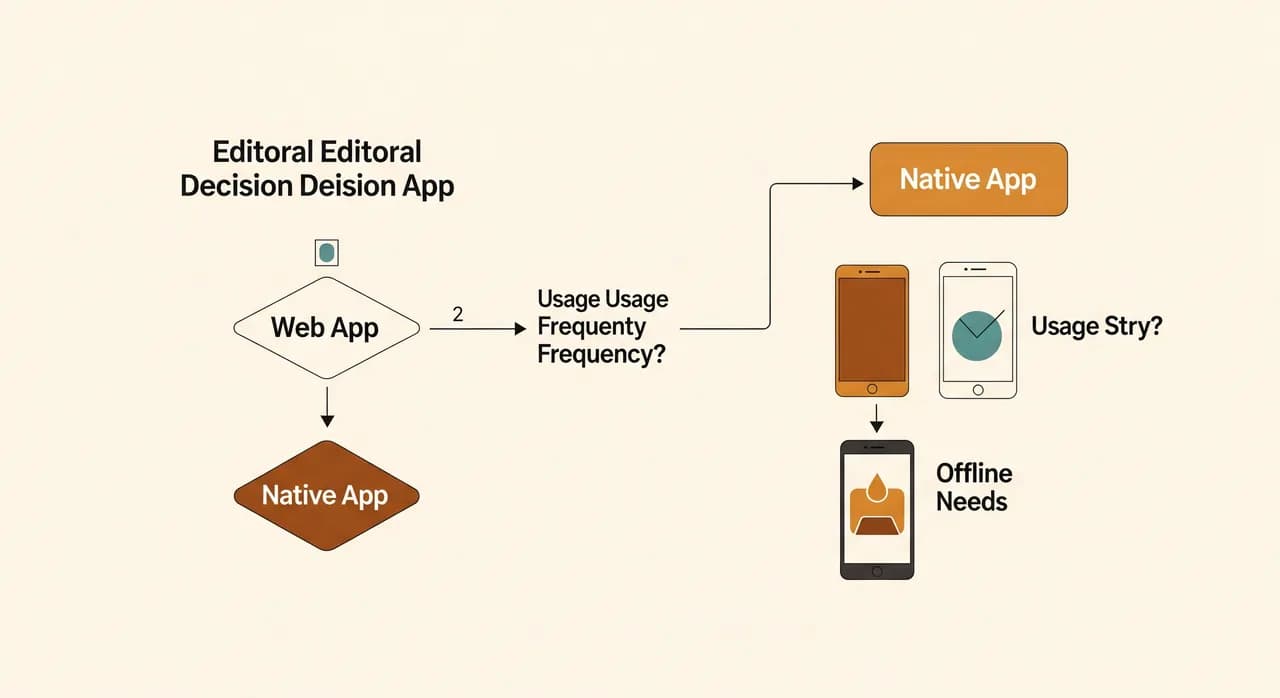
You don't need a consultant to get this roughly right. Run your idea through four questions, in order. The first "yes" that genuinely fits tells you most of what you need to know.
- 1How often will one person use it?Daily or near-daily points toward native. Occasionally — weekly, monthly, a few times a year — points firmly toward web.
- 2Does it truly need the phone's hardware?Heavy offline use, continuous GPS, Bluetooth devices, intensive camera work? That's a native signal. "It'd be nice to use the camera once" is not — the web handles that fine.
- 3How fast and how often will you change it?If you'll tweak and update constantly, or you're still testing the idea, web's instant updates and zero gatekeepers are a major advantage.
- 4What's your real budget — to build and to maintain?Be honest about the second number. If ongoing two-platform upkeep would strain you, start web. You can graduate to native later, on purpose, when the case is proven.
| What you need | Web app / PWA | Native mobile app |
|---|---|---|
| Used occasionally | Best fit | Usually overkill |
| Used daily, loyal audience | Workable | Often worth it |
| No download friction | Best fit | Built-in barrier |
| Heavy offline / hardware use | Limited | Best fit |
| Fast, frequent updates | Best fit | Slowed by review |
| Lower build & upkeep cost | Best fit | Higher on both |
| Testing an unproven idea | Best fit | Premature |
A note on internal tools — a different question entirely
Everything above assumes you're building for customers. If you're building for your own team, the maths shifts. Your staff will happily install something they use all day for work — the download barrier that kills a consumer app barely matters when using the tool is the job. So an internal field-service or warehouse app can make a strong native case where a customer-facing one wouldn't.
Even then, web wins more often than people expect. A web-based internal tool works on whatever device your staff already carry, needs no installation across a fleet of phones, and updates for everyone the moment you ship. Unless you genuinely depend on offline operation or deep hardware access, an internal web app is usually the faster, cheaper, less painful road — same logic as before, just with the usage assumptions flipped.
Not sure which one your business needs?
That first conversation is the cheapest part to get right. We'll look at how people will actually use your idea and tell you honestly whether it should be a native app, a web app, or something simpler — with no pressure to build the expensive option.
See how we approach app developmentCommon questions
Is a web app cheaper than a native mobile app?
Can a web app send push notifications like a real app?
Will a web app feel cheap or clunky compared to a native app?
Can I start with a web app and build a native app later?
My competitor has an app. Do I need one too?

Have a nice day is a software studio that helps small and mid-sized businesses go digital — automation, AI and custom software that works in everyday operations, not just on slides.