How Online Booking Quietly Kills No-Shows for Small Businesses
A no-show isn't bad luck — it's a gap in your booking process that anyone can close. Here's the calm, practical version of how online booking and a few well-timed reminders win back the hours and revenue you're losing every week.
 Have a nice day14 min read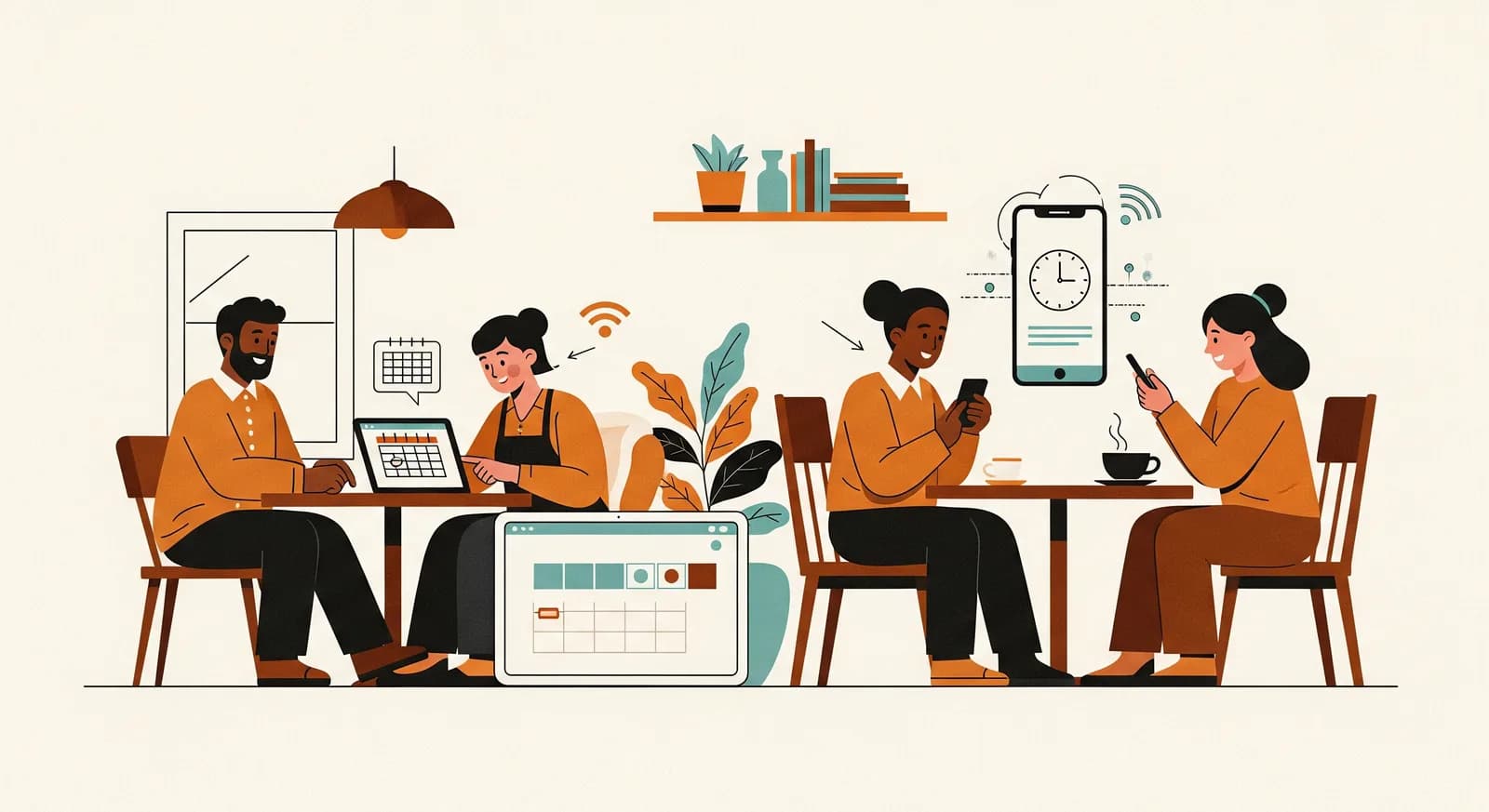
Every business that runs on appointments has a number it doesn't like to say out loud: how many people simply don't turn up. A chair sits empty, a slot that someone else wanted is gone, and the morning's plan quietly falls apart. Most owners treat this as bad luck — the weather, forgetful customers, just how it is. It isn't. A no-show is almost always a gap in your booking process, and gaps can be closed.
I've spent years helping small service businesses tidy up the way they take appointments — clinics, salons, physiotherapists, a driving school, a tattoo studio, a small accountancy practice. The conversation always starts the same way. The owner is annoyed about the customers who don't show. By the end, they've realised the customers were never really the problem. The booking flow was: a phone that rings during treatments, a paper diary only one person can read, a reminder that depends on someone remembering to send it.
Online booking gets sold as a convenience — a tidy little widget on your website. That undersells it badly. Done right, it's the single most effective tool a small appointment-based business has for cutting no-shows, because it fixes the quiet failures that cause them in the first place. This is the practical version of how that works, and how to set it up without turning your week upside down.
Why people actually miss appointments
If you want to reduce no-shows, you have to be honest about why they happen — and it's rarely because someone deliberately decided to waste your time. Malice is vanishingly rare. The real causes are mundane, which is exactly why they're fixable.
The biggest one is simply forgetting. Someone booked three weeks ago over the phone, the appointment never made it into their calendar, and life moved on. The second is friction to cancel: they know they can't make it, but the only way to tell you is to call during your opening hours, feel slightly guilty, and have an awkward conversation. So they don't. They just vanish — which is far worse for you than a clean cancellation, because you never get the chance to fill the slot. The third is low commitment: a booking that cost nothing and took ten seconds feels disposable, especially if it was made on a whim.
“A no-show is rarely a customer who doesn't care. It's usually a customer who forgot, or one who couldn't cancel without it being a hassle.”
Look at that list again and notice something: not one of those causes is about the customer being a bad person. Forgetting, friction, and weak commitment are all process problems. And a process problem has a process solution. That's the whole reason online booking moves the needle — it attacks all three at once, without you having to nag anyone.
How online booking closes each of those gaps
Once you see no-shows as three specific failures, the fix stops being mysterious. A good online booking system isn't one feature — it's a handful of small mechanisms, each aimed at one of those failures. Here's how they line up.
Against forgetting: the appointment books itself into their life
When someone books online, the appointment lands in their world, not just your diary. They get a confirmation email or message immediately, often with a one-tap link to add it to their phone calendar. Then automatic reminders go out — typically one the day before and one a couple of hours ahead. None of this depends on a member of staff remembering to do it on a busy morning. The reminder fires whether you're flat out or fully booked, which is precisely when you'd otherwise forget to send it.
Against friction: make cancelling easy on purpose
This one feels counterintuitive, so stay with me. You should make it easy for people to cancel and reschedule. Every reminder should carry a link to do exactly that. It sounds like you're inviting cancellations — but you're not creating them, those people weren't coming anyway. What you're doing is converting a silent no-show into an early cancellation, which hands you a slot you can still fill. A cancellation three days out is a minor inconvenience. A no-show at 2pm is pure lost revenue.
Against low commitment: a little skin in the game
For the appointments that really hurt to lose — long slots, high-value treatments, first-time clients — you can raise the stakes gently. A small deposit, a stored card, or a clearly stated no-show fee changes the psychology of the booking without scaring people off. The point isn't to punish anyone; it's to turn a casual, disposable booking into a small commitment. Crucially, online booking is what makes this painless to run, because the system handles the deposit and the policy text so you never have to have an uncomfortable money conversation at the counter.
What a good booking flow actually looks like
It's easy to bolt on a booking button and call it done. But a flow that genuinely reduces no-shows has a particular shape. None of it is complicated — it's just deliberate. Here's the sequence worth aiming for.
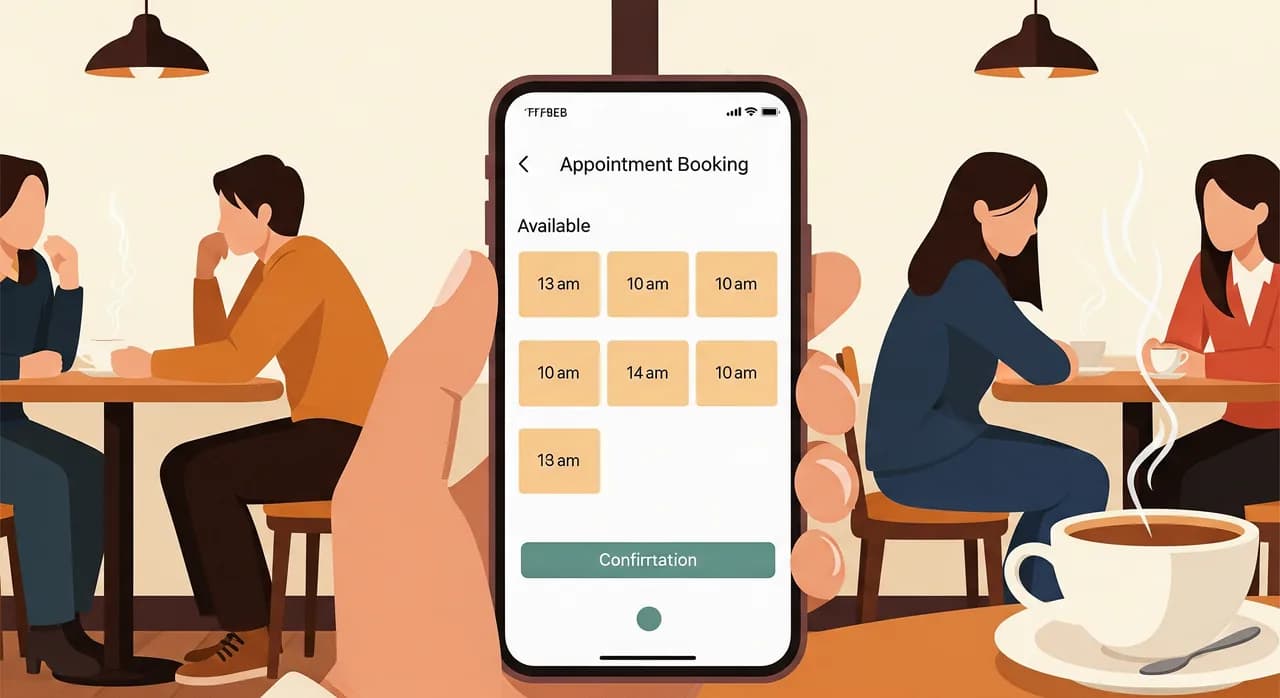
- 1Booking takes under a minuteThe customer picks a service, sees real availability, chooses a time and confirms — on a phone, at 11pm, without calling anyone. Every extra field or login step loses people, so keep it ruthlessly short.
- 2Instant confirmation with a calendar linkThe moment they book, they get a confirmation they can add to their own calendar in one tap. This is where most forgetting gets prevented — before it ever starts.
- 3A reminder the day beforeA short, friendly message roughly 24 hours out, carrying a clear reschedule and cancel link. This is the single highest-impact message in the whole chain.
- 4A nudge a few hours beforeOne more short reminder on the day itself catches the people who saw yesterday's and still let it slip. Don't overdo it — two reminders is plenty, three starts to annoy.
- 5An easy door out, every stepReschedule and cancel links on every message. You want the people who can't come to tell you early, while you can still fill the slot.
Notice what's not on that list: making people create an account, demanding a phone call to confirm, or burying availability behind a contact form. Every one of those is friction, and friction is where bookings — and the goodwill behind them — leak away. The best flow is the one the customer barely notices they used.
A small physiotherapy practice that was losing a day a week
Let me make this concrete with a case that's typical of what I see — anonymised, but the shape is real. A two-therapist physiotherapy practice came to us frustrated. They ran a paper diary and a phone that one part-time receptionist answered between other duties. When she was on a call or off sick, the phone went unanswered and people gave up trying to book. Worse, their no-show rate sat somewhere around one in seven appointments — enough that on a bad week they were effectively losing close to a full day of billable treatment time.
Nothing about their treatment was the problem. Patients liked them. The leak was entirely in the booking process: appointments booked weeks ahead by phone, no confirmation the patient could see, no reminder unless the receptionist found a spare moment to call around — which, realistically, almost never happened.
What we changed
We didn't rebuild their business. We added online booking tied to each therapist's real availability, so patients could book the right type and length of session themselves, day or night. Every booking triggered an instant confirmation with a calendar link, a reminder the evening before, and a short nudge on the morning of the appointment — each one carrying a one-tap reschedule link. For new patients and longer assessment slots, we switched on a small card-hold with a plainly worded cancellation policy. The receptionist kept the phone line for people who preferred it; the system just stopped depending on her being free.
The part the owners didn't expect was the second benefit. Because patients could now book at any hour, they captured appointments that used to evaporate — the person deciding at 9pm to sort out their back, who would never have called the next morning. So the system didn't just stop them losing slots; it quietly filled more of them. That's the pattern almost everywhere: cutting no-shows and capturing after-hours bookings are two sides of the same fix.
“We didn't change a single thing about the treatment. We changed how the appointment got booked and confirmed — and a day a week came back.”
Deposits and no-show fees: handle with care
No-show fees are the first thing some owners reach for, usually out of frustration. They can work — but they're a sharper tool than they look, and used clumsily they cost you more in goodwill than they save in slots. A few principles keep them on the right side of helpful.
- State the policy clearly at the moment of booking, not buried in small print someone discovers only when they're charged.
- Keep deposits modest — enough to create a little commitment, not so much that first-time customers hesitate to book at all.
- Always pair a fee with an easy, early way to cancel. Charging someone who genuinely couldn't reach you is how you earn a bad review.
- Reserve the heavier policies for your high-value or long appointments, where a no-show actually hurts.
- Leave room for human judgement — waive the fee when life clearly got in the way. A little grace buys a lot of loyalty.
Rolling it out without disrupting your week
The fear that stops a lot of owners is disruption — that switching how bookings work will confuse regulars or break a system that, however creaky, currently functions. That fear is reasonable, and the answer is to roll out gently rather than flip a switch overnight.
- 1Run online booking alongside the phoneDon't force anyone. Add the online option and keep the phone for those who prefer it. Over a few weeks, most people quietly move themselves to self-service.
- 2Turn on reminders before anything elseReminders give you the biggest no-show drop for the least effort, so switch them on early — even for appointments still booked by phone, if your system allows it.
- 3Watch one metric: no-shows per weekPick the single number that matters and track it. You'll see the reminder effect within a fortnight, which makes the rest of the rollout an easy sell to anyone who was sceptical.
- 4Add deposits last, only where neededOnce reminders are doing their work, introduce a deposit or card-hold on your most valuable slots to handle the stubborn remainder. Not before.
Treat the whole thing as a small, reversible experiment rather than a grand migration. Give one person on the team responsibility for watching the early days and fielding the odd confused customer. Within a month it stops being a project and just becomes how you take appointments — and the empty-chair mornings become rare enough to notice when they happen.
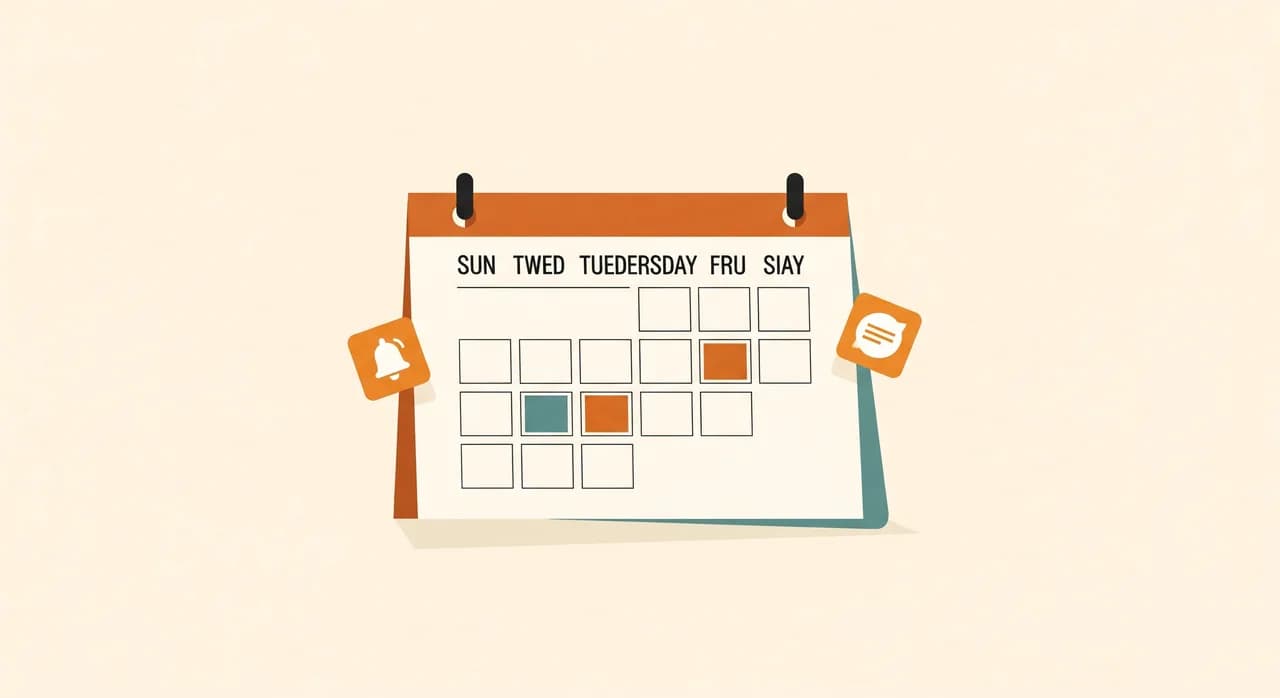
The quiet bonus: it does more than stop no-shows
Owners come to online booking for the no-show problem, but they stay for everything else it fixes along the way. Once self-service booking is live, the phone rings less, which gives your team back stretches of uninterrupted work. Bookings arrive at all hours, including the evenings and weekends when your old line was dead. And because everything is in one place rather than a paper diary only one person can read, the whole practice stops depending on a single person's memory and handwriting.
None of that is the reason you'll start. But it's why nobody ever wants to go back. Reducing no-shows is the headline; what you actually buy is a calmer, more resilient way of running the appointment book — the kind of small, boring improvement that quietly gives you back hours every week.
Losing too many appointments to no-shows?
It's usually a quick fix once you see where the slots are leaking. We'll look at how your bookings and reminders work today and show you the few changes that make the biggest difference — no obligation to build anything.
See how we approach booking softwareCommon questions
How much can online booking really reduce no-shows?
Won't making it easy to cancel just lead to more cancellations?
Do I need a deposit or no-show fee to make this work?
Will my older or less tech-savvy customers struggle with online booking?
How long does it take to set up and see results?

Have a nice day is a software studio that helps small and mid-sized businesses go digital — automation, AI and custom software that works in everyday operations, not just on slides.