How One Restaurant Streamlined Service With the Right Software
A busy family-run restaurant was drowning in handwritten tickets, double-booked tables and a phone that never stopped. Here's exactly what we changed, what it cost them in habits, and what they got back.
 Have a nice day14 min read
On a good Friday night, a small restaurant runs on adrenaline and muscle memory. On a bad one, it runs on shouting. The owners we worked with last year had plenty of the first and far too much of the second — not because anyone was bad at their job, but because the whole place was being held together by paper, memory and a phone that rang straight through the dinner rush. This is the story of what we actually changed, in what order, and what it cost them in old habits along the way.
First, the disclaimers a careful reader deserves. This is a real project, but the restaurant has asked to stay anonymous, so we'll call them Da Vinci — a 60-cover family trattoria in a mid-sized European city, open six days a week, lunch and dinner, with a core team of nine and a rotating cast of weekend help. The numbers in this piece are rounded and illustrative, not audited accounting. We're sharing the shape of the change, not a spreadsheet. The point isn't the exact figures; it's the pattern, because the pattern repeats in almost every small restaurant we've sat down with.
And one more thing before we start, because it matters: we did not walk in and replace everything. We replaced almost nothing in the first month. The biggest mistake a restaurant can make with software is to rip out a working kitchen and rebuild it mid-season. What follows is deliberately slow.
The situation: a kitchen running on paper and luck
When the owners first called us, they didn't ask for software. They asked, almost apologetically, whether we could "do something about the phone." That was the symptom they felt most. But once we spent two evenings standing quietly in the corner of the dining room — which is genuinely the best research method there is — the real picture came into focus, and the phone was only one thread in it.
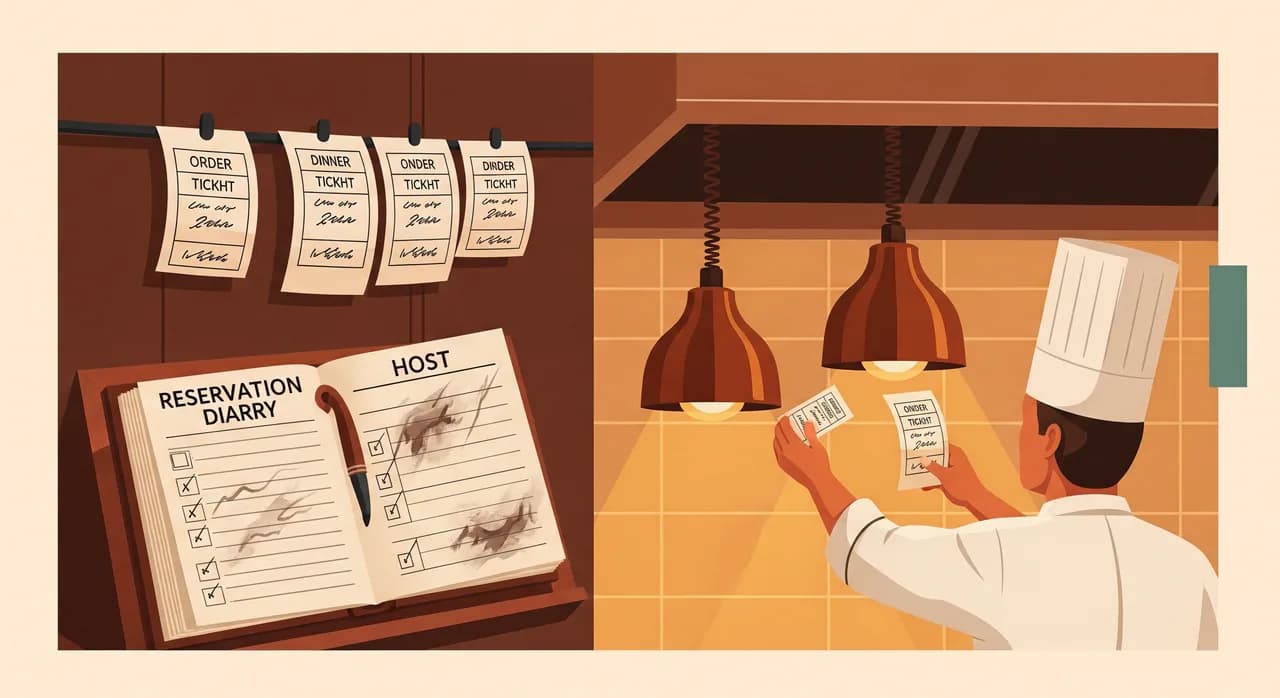
Reservations lived in a paper diary at the host stand. It worked, in the sense that a good host could hold a Friday in their head. It failed in every other sense. When that host had a day off, bookings got lost. Walk-ins and phone bookings competed for the same tables with no shared view. And when a party of six didn't show, nobody knew until the table sat empty through the busiest ninety minutes of the week. No-shows were pure, invisible lost revenue, and no one could even say how many there were.
In the kitchen, orders arrived as handwritten tickets carried back by whoever was free. On a calm night, fine. On a full night, tickets got smudged, stacked out of order, or simply lost between the pass and the line. The kitchen couldn't see what was coming — they only saw what had already landed in front of them. The result was the thing every diner has felt: one person's main arriving while their partner's is still ten minutes out.
“They didn't have a technology problem. They had a visibility problem — nobody could see the whole night at once, so everyone was guessing.”
What we looked at before touching anything
It's tempting to arrive with a product and start installing. We didn't. We spent the better part of a week just watching and counting, because you cannot fix a process you haven't seen at full speed. Two evenings on the floor, one lunch service in the kitchen, and a long, unhurried coffee with each of the owners separately — they don't always agree on where the pain is, and those disagreements are useful.
We tallied the boring things. How often the phone rang during service and who had to break away to answer it. How many tickets got re-fired because something was misread. How long a typical table waited between courses on a full night versus a quiet one. None of this needed software to measure — it needed a notebook and the patience to actually do it. By the end of the week we had a short, honest list of where the night was leaking time and money.
The three problems we agreed to attack
From a long list, we picked three. Not the three biggest in theory — the three that were painful, frequent, and finishable. Ambition is the enemy of a restaurant project; the kitchen cannot pause for a six-month rollout.
- Reservations: move off the paper diary to one shared, real-time view the whole front-of-house can trust.
- No-shows: add automatic confirmations and reminders so empty tables stop ambushing the busiest hour.
- Kitchen flow: get orders to the line digitally, in order, so the kitchen can see the night coming instead of reacting to it.
What we actually did, in order
The sequencing here was the whole game. We deliberately started with the change that was least disruptive to the kitchen and most visible to the owners, because the first win has to build trust before you ask a tired team to change how they cook.
Step one: one shared reservation view
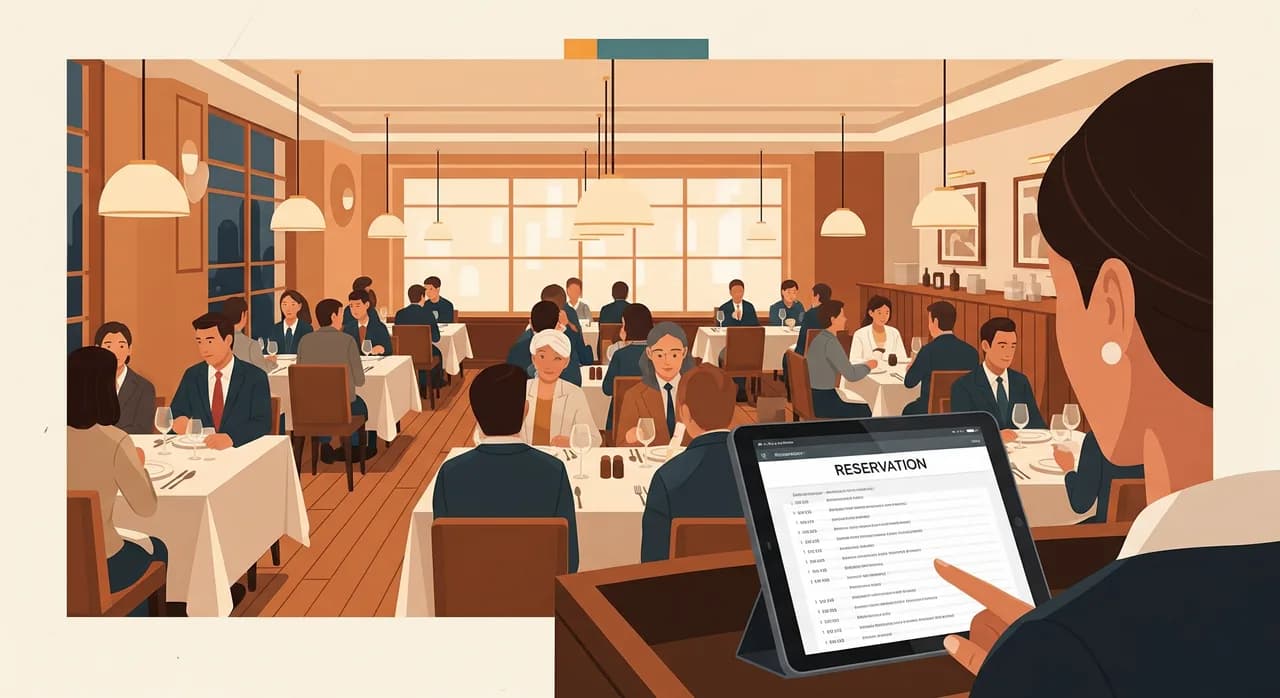
We set up a proper reservation system that the host stand, the owners' phones, and the website all wrote to and read from the same place. A booking made online at midnight appeared instantly in the same view as a walk-in seated at 8pm. Crucially, we kept the paper diary running in parallel for the first two weeks. The host wrote in both. It felt redundant, and it was — on purpose. It meant that when (not if) something looked wrong in the new system, there was a trusted fallback, and nobody panicked.
That parallel period surfaced exactly the edge cases you'd never design for in advance: the regular who always books "the corner table" by name, the long lunch that bleeds into the dinner slot, the standing Thursday reservation for a local firm. We tuned the system around how this restaurant actually worked, not how software thinks restaurants should work. By week three, the host stopped reaching for the paper diary without being told to. That's how you know it's landed.
Step two: confirmations and reminders
Once bookings lived in one place, no-show prevention was almost free to add. Every reservation now triggered a confirmation when it was made and a friendly reminder the day before, by text or email, with a one-tap way to cancel or adjust. That last part matters more than it sounds: making it easy to cancel is how you get the table back in time to resell it. A guest who can cancel at 4pm with one tap is worth far more than one who simply doesn't turn up at 8.
Step three: getting the kitchen its own view
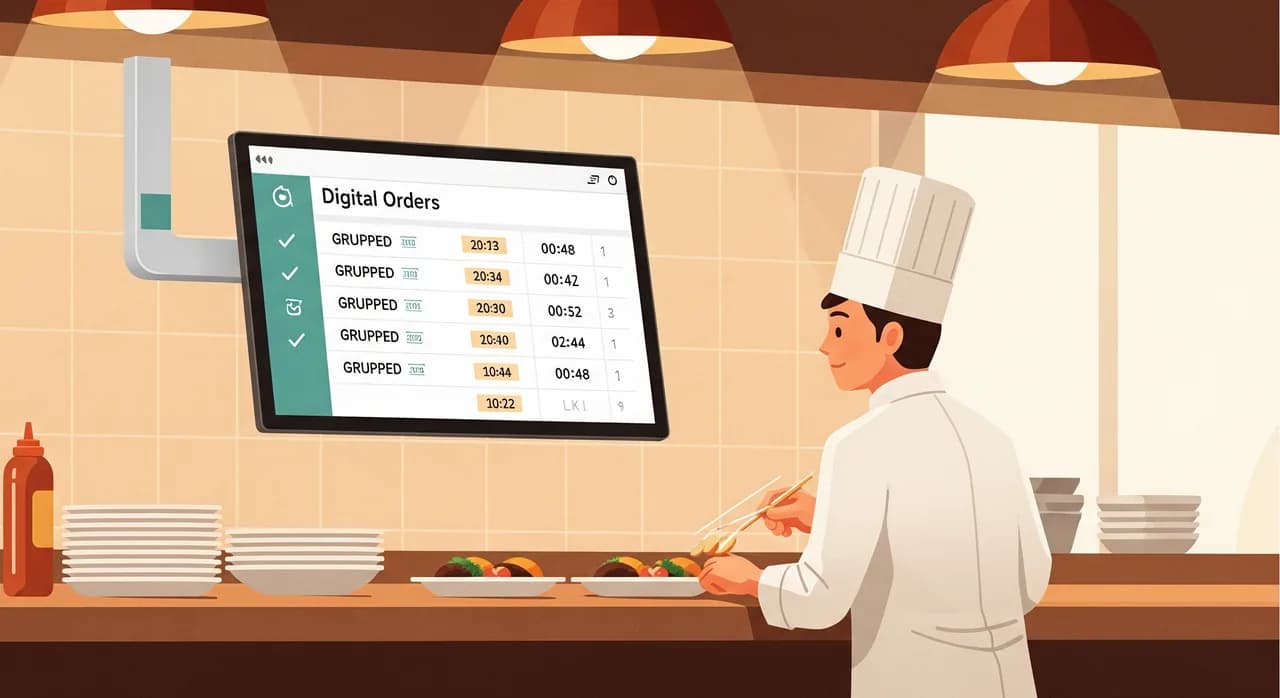
This was the change we were most careful with, because it touched the part of the building with the least patience for nonsense. Orders taken on the floor now flowed to a screen on the line — a kitchen display — grouped sensibly and time-stamped, so the kitchen could see the whole queue, not just the ticket in their hand. Courses for one table could be fired together. The head chef could glance up and read the shape of the next forty minutes.
We did not force this overnight. For the first week the kitchen kept the paper rail and the screen, exactly like the reservation diary before it. The older line cook, who had been firing dishes off paper for fifteen years, was the toughest sell — and rightly so, because if the screen failed mid-service it was his night that fell apart. We earned that one slowly. The thing that won him over wasn't a feature; it was that he could finally see a six-top and a deuce land at the same time and pace them himself, instead of being surprised by the pass.
The bumps nobody puts in the brochure
If this reads too smoothly, let me correct that. There were real problems, and pretending otherwise would make this a worse story and a worse guide.
The first was Wi-Fi. The back of the kitchen, behind the steel and the walk-in, was a dead spot, and the display would occasionally drop for a few seconds. In a kitchen, a few seconds of a blank screen during service is enough to lose trust forever. We fixed it with a cheap access point in the right corner — a hardware problem masquerading as a software problem, which is more common than you'd think. The lesson: walk the actual building before you promise the actual feature.
The second was human. The weekend staff, who only worked two shifts a week, kept defaulting to old habits because they hadn't lived through the transition. We had to write a single laminated card — five lines, the absolute basics — and tape it by the host stand. Not a manual. A card. The fancier the training material, the less anyone reads it.
The results, honestly stated
Here's where I have to be careful, because case studies love to invent precise miracles. So let me be plain about what we can and can't claim. We can claim direction and rough magnitude, observed over the three months after rollout and compared to the owners' own before-numbers. We can't claim a laboratory-grade percentage, because a restaurant is not a laboratory — the weather, the season and a good review all move the numbers too.
| What we tracked | Before | After (≈3 months) |
|---|---|---|
| No-shows on a typical week | Roughly 8–10 covers lost | Cut by more than half |
| Phone interruptions during service | Constant, all night | A handful — most bookings moved online |
| Re-fired or lost kitchen tickets | Several per busy service | Rare |
| Tables sitting empty from missed bookings | Common on Fri/Sat | Mostly resold from cancellations |
| Owner hours on admin per week | Hard to count, felt endless | A clearly noticeable drop |
The single most valuable result wasn't on any chart. It was that the owners stopped running the floor in a state of low-grade panic. When you can see the night — who's booked, what's cooking, what's about to land — you stop guessing, and guessing is exhausting. One of the owners told us, weeks later, that the first quiet Friday in years wasn't quiet because it was slow. It was busy. It just didn't feel like an emergency.
“It was the busiest Friday of the month. It just didn't feel like one. That's the result we were actually hired for.”
What transfers to your restaurant
Da Vinci's exact setup isn't a template — your menu, your room and your team are different. But the method underneath it transfers cleanly to almost any small restaurant, and that method is the actually useful part of this story.
- 1Watch before you buyStand in your own room for two services with a notebook. Count the interruptions, the lost tickets, the empty tables. The data you need is already happening in front of you.
- 2Pick three problems, not thirtyChoose the ones that are painful, frequent and finishable in weeks, not months. A kitchen can't pause for a grand rollout.
- 3Sequence for trustStart with the change that's least disruptive to the kitchen and most visible to the owner. The first win earns you the right to the harder ones.
- 4Always run the old way in parallelKeep the paper diary and the paper rail alive for a week or two beside the new system. It feels redundant. It's exactly what stops a bad night from becoming a disaster.
- 5Plan for the boring edgesWalk the building for dead spots. Write the five-line laminated card. Make sure the part-timers and the toughest line cook are brought along, not bypassed.
Did any of this need AI?
Almost none of it, and we'll say so plainly. A reminder the day before a booking is a rule with a clock. A shared reservation view is good plumbing. A kitchen display is the right information in the right place at the right time. None of that is artificial intelligence, and calling it that would be marketing.
Where AI could earn its place later — and we flagged it as a future option, not a launch feature — is the genuinely messy, language-shaped work: an assistant that answers the phone and takes a booking in plain speech when the line is busy, or a system that reads months of reservation history to predict a quiet Tuesday and a slammed Saturday. That's real, and for some restaurants it's worth it. But it belongs on top of the tidy basics, never instead of them. Get the plumbing right first.
Recognise your own dining room in this?
If your nights feel like the 'before' half of this story, the first conversation is the cheapest part. We'll look at how your restaurant actually runs and point at the one or two changes worth making first — with no obligation to build anything.
See how we approach restaurant softwareCommon questions
Do I have to replace my POS or my whole system to do this?
How long does a project like this take?
Will my older staff actually use it?
How much can software really reduce no-shows?
Is this worth it for a small restaurant, or just for chains?

Have a nice day is a software studio that helps small and mid-sized businesses go digital — automation, AI and custom software that works in everyday operations, not just on slides.