Automatiser tidsregistrering for teams uden regneark
Ingen nyder at udfylde en timeseddel, og ingen stoler på de tal, der kommer ud af dem. Sådan kommer små teams væk fra månedens regnearksræs og over til tidsregistrering, der faktisk kører af sig selv.
 Have a nice day15 min. læsning
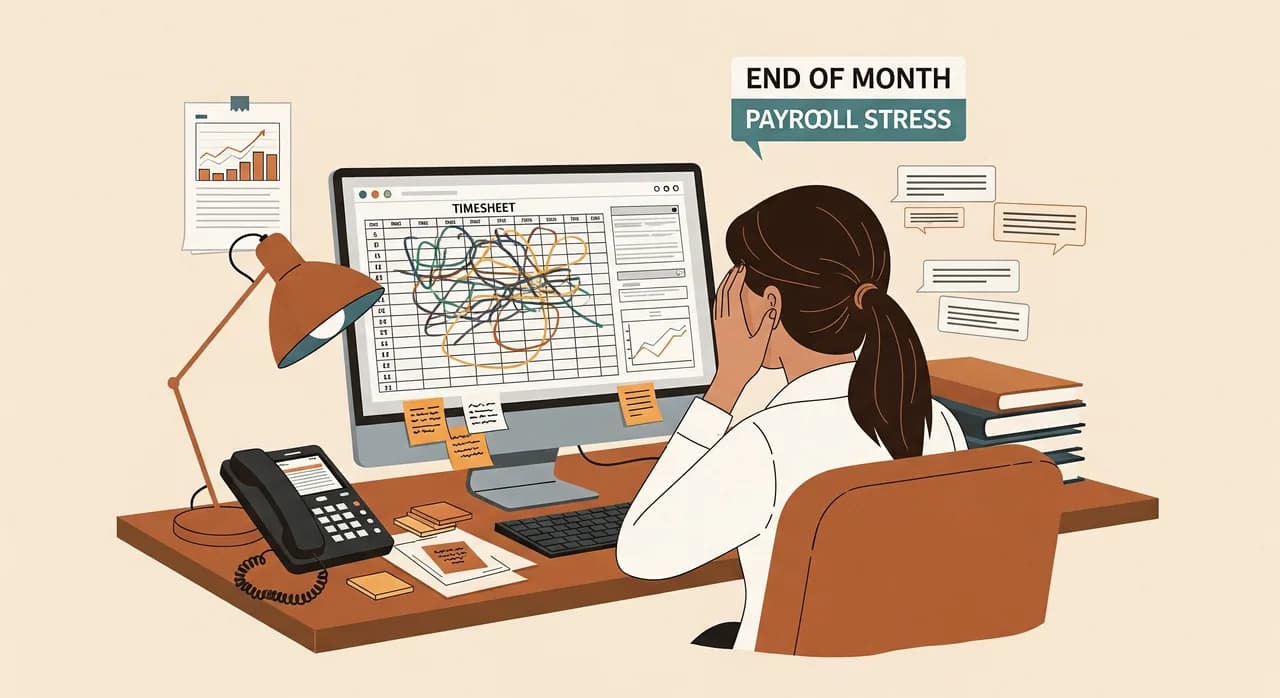
Der findes en særlig form for gru, der melder sig på månedens sidste arbejdsdag. En eller anden — som regel ejeren, nogle gange en tålmodig kontorchef — åbner et regneark, åbner sin e-mail, åbner en WhatsApp-tråd og begynder arkæologien med at finde ud af, hvem der egentlig arbejdede hvornår. Timer gættes. Tal rundes op til alles fordel. Lønnen bliver lidt forkert hver eneste gang, og alle er stiltiende blevet enige om ikke at nævne det. Hvis det er din måned, er denne guide til dig.
Jeg har set præcis denne scene udspille sig i rengøringsfirmaer, restauranter, værksteder, klinikker og bureauer. Detaljerne skifter, men formen er altid den samme: en virksomhed, der laver godt arbejde i den virkelige verden, og et bagkontor, der stadig rekonstruerer virkeligheden ud fra hukommelse og velvilje ved hver periodes slutning. Det frustrerende er, at tidsregistrering er et af de mest automatiserbare job, der findes. Det er repetitivt, regelbaseret, og data vil fanges i samme øjeblik, det sker. Vi bliver bare ved med at gøre det på den allersværeste måde.
Så lad os løse det ordentligt. Ikke med en kæmpe HR-platform, du konfigurerer 40 % af og opgiver, men med et klarsynet blik på, hvorfor regnearket fejler, hvordan god automatiseret tidsregistrering faktisk ser ud for et lille team, og hvordan du ruller det ud uden mytteri. For teknologien var aldrig den svære del — at få folk til at bruge den ærligt var.
Hvorfor regnearket altid taber
Regnearket er ikke et dårligt værktøj. Det er et glimrende værktøj, der bliver bedt om at lave et job, det aldrig blev bygget til. Et timeseddel-regneark forudsætter, at folk husker, præcist og rettidigt, noget der skete for op til en måned siden — og så taster det ind. Den menneskelige hukommelse fungerer ikke sådan. Fredag eftermiddag kan ingen med nogen sikkerhed sige, om tirsdagens opgave tog fire timer eller fire og en halv.
Så data forfalder på forudsigelige måder. Folk runder op, næsten altid til egen fordel og sjældent med vilje. De efterregistrerer en hel uge på én gang, hvilket bare er langsommere gætteri. De glemmer pauserne helt. Og den, der laver lønnen, kan umuligt skelne en ægte ti-timers dag fra en optimistisk, så vedkommende enten betaler den og sluger omkostningen i stilhed, eller stiller spørgsmål og starter en akavet samtale. Gang det op over et team og et år, og regnearket sparer dig ikke penge — det lækker dem på en måde, du ikke engang kan måle.
“En timeseddel udfyldt ud fra hukommelsen ved månedens slutning er ikke data. Det er en høflig fiktion, som alle er blevet enige om at behandle som fakta.”
Der er en anden, mere stille omkostning. Regnearket skaber mistanke. Når tallene tydeligt er bløde, føler dygtige medarbejdere sig mistroet, når de bliver spurgt, og de få, der pumper deres timer op, slipper afsted med det. Automatisk registrering, gjort rigtigt, fjerner diskussionen helt: registreringen fanges i samme øjeblik, arbejdet starter og stopper, så der er intet at strides om. Den neutralitet er mere værd end de timer, du sparer.
Hvordan automatiseret tidsregistrering faktisk ser ud
Lad os blive konkrete, for "automatiseret tidsregistrering" bliver ofte oversolgt. Det betyder ikke overvågning, skærmbilleder af folks computere eller et system, der pinger ejeren, hver gang nogen tager en lang frokost. For et lille team betyder automatisering her noget langt enklere og langt mere nyttigt: at fange tiden i samme øjeblik, den sker, ét sted, uden at taste den ind igen senere.
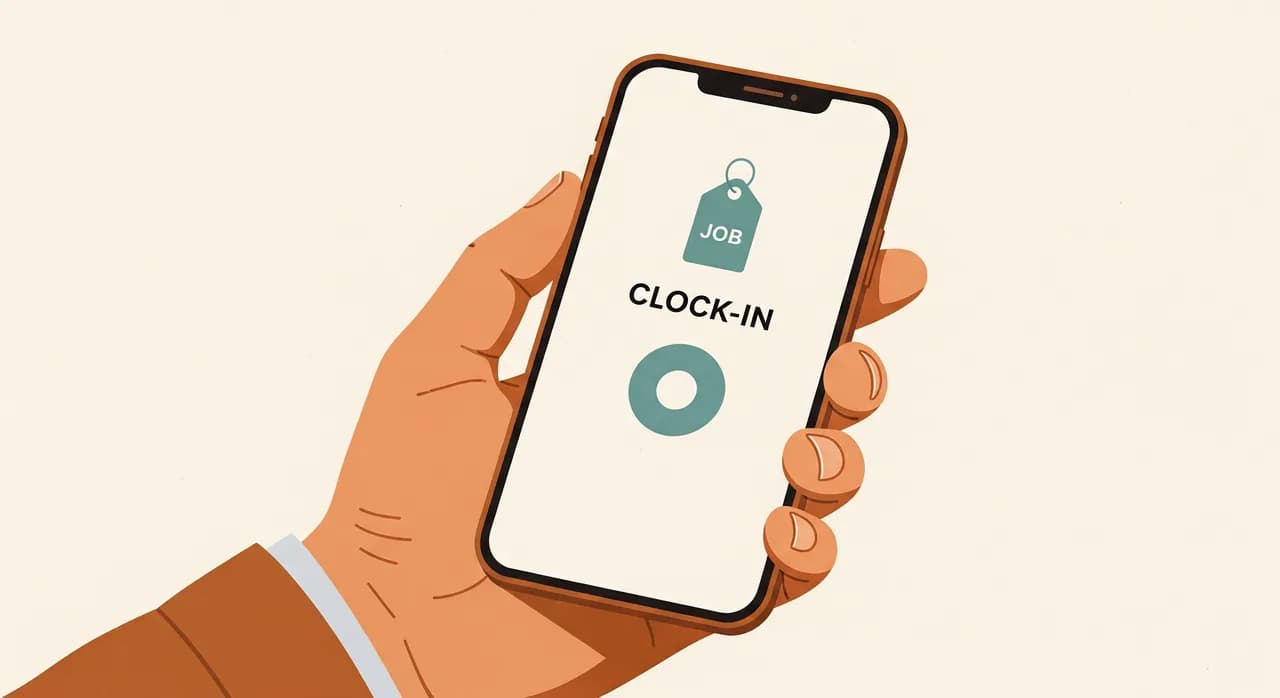
I praksis ser det som regel ud som en telefon i nogens lomme. Et teammedlem trykker for at stemple ind, når de starter, trykker for at stemple ud, når de er færdige, og tagger valgfrit, hvilken opgave eller kunde det var til. Det er det. Timerne lander ét fælles sted i realtid. Ingen rekonstruerer noget ved månedens slutning, fordi der ikke er noget at rekonstruere — det er der allerede, minutpræcist, fanget af den person, der rent faktisk udførte arbejdet.
"Automatiseringen" er alt det, der sker efter det tryk. Timer summeres pr. person og pr. projekt automatisk. Overtids- og pauseregler anvender sig selv. Ejeren ser et levende billede i stedet for et månedsgammelt gæt. Og lønnen bliver en eksport i stedet for en undersøgelse. Det smarte er ikke uret — det er, at data kun indtastes én gang, af den rette person, på det rette tidspunkt, og så flyder derhen, hvor det skal, af sig selv.
De funktioner, der faktisk betyder noget (og dem, der ikke gør)
Hvis du går ud og handler software til tidsregistrering, drukner du i funktionslister. Det meste er støj for et team af din størrelse. Her er, hvad der virkelig gør sit job, når du har en håndfuld mennesker, og hvad du trygt kan ignorere, indtil du er meget større.
Værd at have fra dag ét
- Ind- og udstempling fra telefonen — for det er der, dit team allerede er, på stedet eller bag disken.
- Opgave- eller projekttagging, så timerne knyttes til det arbejde, der tjente pengene, ikke bare til en person.
- Automatiske pause- og overtidsregler, anvendt ens hver gang, så ingen behøver at huske politikken.
- En levende oversigt til den, der leder teamet — hvem der arbejder lige nu, og hvem der er løbet over.
- En ren eksport til hvad end din revisor eller lønhåndtering bruger. Netop det afgør stille, om hele molevitten sparer dig tid.
Trygt at springe over, mens du er lille
- Overvågning med skærmbilleder og tastetryk. Det forgifter tilliden, og du har næsten aldrig brug for det.
- Tunge projektstyrings- og ressourceplanlægningssuiter skruet fast på uret.
- GPS-sporing, der kører hele dagen i stedet for bare at stemple starten på en opgave — forskellen på et værktøj og en snor.
- Alt, der kræver en uges konfiguration, før en eneste time bliver logget.
En rigtig udrulning: et rengøringsfirma med 22 ansatte
Lad mig gøre det konkret med en virksomhed, vi arbejdede med — anonymiseret, men situationen vil føles bekendt. Et rengøringsfirma, lige over tyve ansatte, der arbejdede på omkring fyrre kundeadresser rundt om i byen. Teamene tog direkte ud til adresserne om morgenen og så ofte ikke kontoret i dagevis. Timerne blev samlet ind via sms og et delt regneark, som ejerens partner opdaterede i hånden. Tallene nedenfor er illustrative, men formen er præcis, hvad vi så.
Situationen
Lønnen tog ejerens partner det meste af to hele dage hver måned, det meste brugt på at jage manglende timer og afstemme sms'er mod vagtplanen. Værre var, at de ikke havde nogen pålidelig idé om, hvilke kundekontrakter der faktisk var rentable, fordi de aldrig rent kunne henføre timer til adresser. Et par kontrakter blev næsten med sikkerhed serviceret med tab — de kunne bare ikke bevise hvilke. Og hver måned bragte mindst én stille tvist om en omstridt vagt.
Hvad vi gjorde
Vi modstod bevidst fristelsen til at bygge et storslået system. Hele pointen var at slå én smertefuld opgave ihjel: den månedlige rekonstruktion. Vi satte telefonbaseret indstempling op knyttet til hver adresse, så et teammedlem stemplede ind ved ankomst og ud ved afgang, med kundeadressen forvalgt fra deres skema. Pause- og overtidsregler blev kodet én gang. Timerne summeredes live, pr. person og pr. adresse, i én oversigt. Lønnen blev en eksport med ét klik i det format, deres revisor allerede brugte.
- 1Startede med ét team i to ugerVi rullede det ikke ud til alle på én gang. Ét hold kørte den nye indstempling sideløbende med den gamle sms-metode, så vi kunne fange de akavede grænsetilfælde — dårligt signal på en adresse, en telefon glemt i en varevogn — uden risiko for lønnen.
- 2Fiksede den friktion, vi fandtDen første version bad om for mange tryk. Vi skar det ned, indtil indstempling var ægte hurtigere end at sende en sms, hvilket var den barre, den skulle over.
- 3Rullede ud hold for holdDa ét team først stolede på det, solgte de det til det næste bedre, end vi nogensinde kunne. Inden for en måned var alle med.
- 4Slukkede for regnearketFørst efter en hel ren cyklus uden overraskelser pensionerede vi den gamle metode — højlydt, så ingen holdt en privat reserveversion i live.
Resultatet
Lønforberedelsen faldt fra omkring to dage til under to timer om måneden. Bare det betalte hele molevitten tilbage mange gange. Men den større overraskelse var data på adresseniveau: med timerne endelig knyttet til kunder kunne ejeren se, at to kontrakter blev serviceret langt under kostpris. De genforhandlede den ene og slap den anden — en beslutning, der var langt mere værd end den sparede admintid, og som de simpelthen ikke kunne have truffet før. De månedlige vagttvister forsvandt også, fordi der nu var en tidsstemplet registrering, ingen kunne modsige.
“Tiden, der blev sparet på lønnen, var overskriften. Den rigtige gevinst var endelig at vide, hvilke kunder der stille kostede dem penge.”
Det svære er ikke softwaren — det er opbakningen
Her er det, ingen fortæller dig: at installere tidsregistrering er let, og at få folk til at bruge den ærligt er hele jobbet. Introducér den dårligt — som en razzia, en tillidsprøve, en måde at fange dovendidrikker på — og dit team retter sig efter den lige akkurat nok til at gøre dataene værdiløse. De stempler ind for sent, glemmer med vilje, behandler den som et pålæg ovenfra. Værktøjet fungerer teknisk og fejler i praksis.
Introducér den godt, og det modsatte sker. Den ærlige indramning, som også er den sande, er, at det her beskytter teamet lige så meget, som det tjener dig. Præcise timer betyder, at folk får betaling for den overtid, de faktisk arbejdede, i stedet for at den rundes væk. Det betyder, at den stille, pålidelige medarbejder holder op med at subsidiere den, der pumper sine timer op. Det betyder en ende på at blive spurgt om en vagt, du ikke helt kan huske. Sælg det som retfærdighed, for det er det, når det gøres rigtigt.
En udrulningsplan, der ikke sprænger lønnen
Tidsregistrering har én nervepirrende egenskab: den fodrer lønnen, og løn, der går galt, er måden, du mister folks tillid på fra den ene dag til den anden. Så du ruller den ud, som du ville desarmere noget følsomt — langsomt, reversibelt, med det gamle system stadig kørende nedenunder, indtil du er sikker.
- 1Kør nyt og gammelt parallelt i én hel cyklusI en hel lønperiode skal du registrere tid både på den nye og den gamle måde. Sammenlign dem. De huller, du finder, er præcis grænsetilfældene — sygedage, delte vagter, dårligt signal — der ville have bidt dig i drift.
- 2Start med ét villigt teamVælg et hold, der er åbent over for det, ikke dit mest skeptiske. Deres job er at finde friktionen og bevise, at det fungerer. Vind dem, og de rekrutterer resten.
- 3Gør den første version pinligt simpelFærre tryk end det, den erstatter. Du kan tilføje opgavetagging og smarte rapporter senere; dag ét skal den bare slå det at sende en sms.
- 4Udnævn en ansvarlig og en nødplanÉn person holder øje med dataene, tager imod tidlige klager og beslutter justeringerne. Skriv en tre-linjers seddel til, når en telefon dør, eller signalet falder: hvad man gør manuelt, indtil det er logget. Den seddel er det, der får folk til at stole på det.
- 5Pensionér den gamle måde højlydtFørst efter en ren cyklus. Bekendtgør, at regnearket er væk, så ingen vedligeholder en skyggekopi og deler dine data i to.
| Teamtype | Største lækage | Indsats ved opsætning | Godt første træk? |
|---|---|---|---|
| Felt- / udekørende hold | Timer gættet ud fra hukommelsen ude | Lav | Telefon-indstempling pr. opgave — ja |
| Vagtbaserede (restauration, detail) | Glemte pauser, blød overtid | Lav | Indstempling med pauseregler — ja |
| Projekt- / bureauarbejde | Timer ikke knyttet til kunder | Mellem | Tid tagget til projekter — ja |
| Blandet fastløn + timeløn | Kun en del skal spores | Mellem | Spor timelønnede først |
| Fuld HR- + vagtplansrevision | Alt på én gang | Meget høj | Ikke først — start med uret |
Hvad du låser op, når dataene er rene
Præcise tidsdata opgraderer stille beslutninger, du ikke vidste blev truffet i blinde. Når timerne først knyttes pålideligt til opgaver og kunder, kan du endelig se, hvilket arbejde der er rentabelt, og hvilket der bare ser travlt ud. Du kan tilbyde nye opgaver ud fra, hvad lignende faktisk tog, ikke ud fra optimisme. Du kan få øje på den person, der drukner i overtid, før de brænder ud, og den kontrakt, der æder din margin, før den æder dit år.
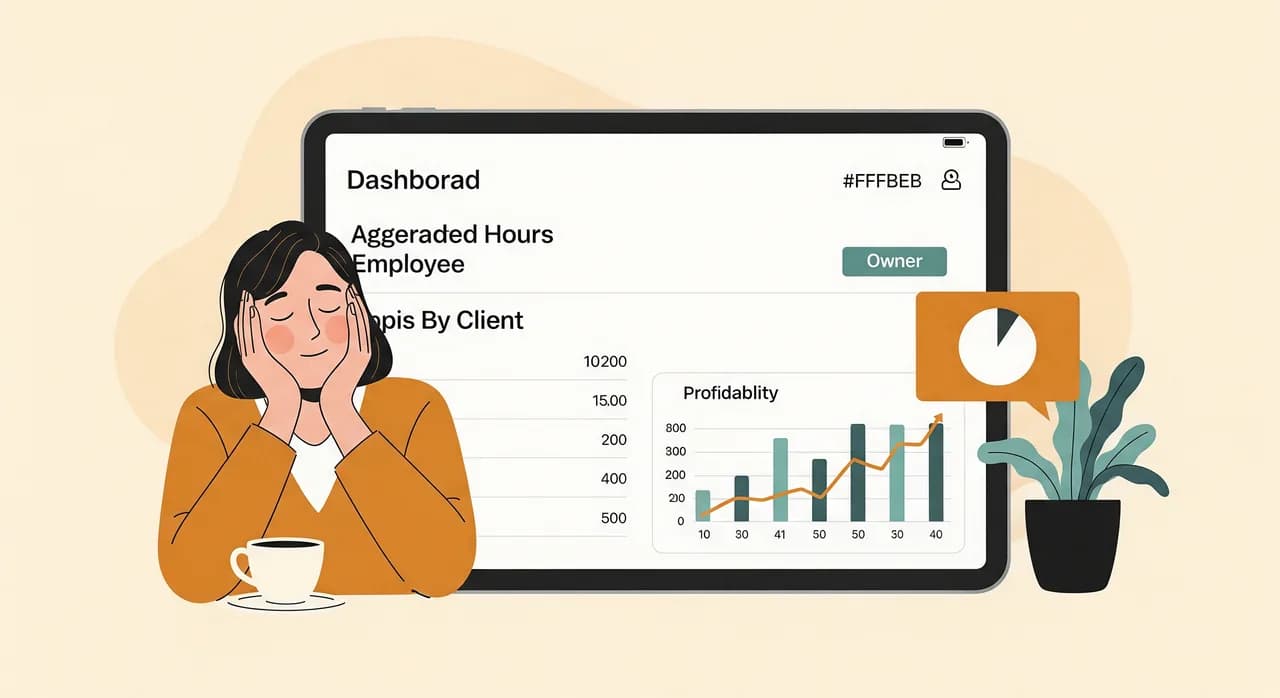
Det er her, lidt automatisering ovenpå begynder at betale sig — og først her, når grundlaget er solidt. Timer, der flyder direkte ind i lønnen uden genindtastning. Alarmer, når nogen er på vej mod uforholdsmæssig overtid. En månedlig rentabilitetsoversigt pr. kunde, der bygger sig selv. Intet af det er eksotisk, og intet er muligt, så længe din sandhedskilde er et regneark udfyldt ud fra hukommelsen. Rene input først; smarte output følger.
Rekonstruerer du stadig timer i slutningen af hver måned?
Du har ikke brug for en kæmpe HR-platform for at løse det her — du har brug for det rette lille system, dit team rent faktisk bruger. Vi kigger på, hvordan dine timer fanges i dag, og viser dig den enkleste vej væk fra regnearket, uden forpligtelse til at bygge noget.
Se hvordan vi griber tidsregistrering anAlmindelige spørgsmål
Vil mit team ikke føle sig overvåget, hvis jeg sporer deres tid?
Skal jeg udskifte min løn- eller regnskabssoftware?
Hvad med medarbejdere uden arbejdstelefon eller godt signal på stedet?
Hvor lang tid går der, før det her faktisk sparer mig tid?
Har jeg brug for AI til tidsregistrering?

Have a nice day er et softwarestudie, der hjælper små og mellemstore virksomheder med at blive digitale — automatisering, AI og skræddersyet software, der virker i hverdagen, ikke kun på slides.