How One Restaurant Quietly Took Back 10 Hours of Admin Every Week
A family-run restaurant was drowning in paperwork after closing time. No new POS, no big platform — just three small automations, picked carefully. Here's exactly what we changed and what it gave back.
 Have a nice day13 min read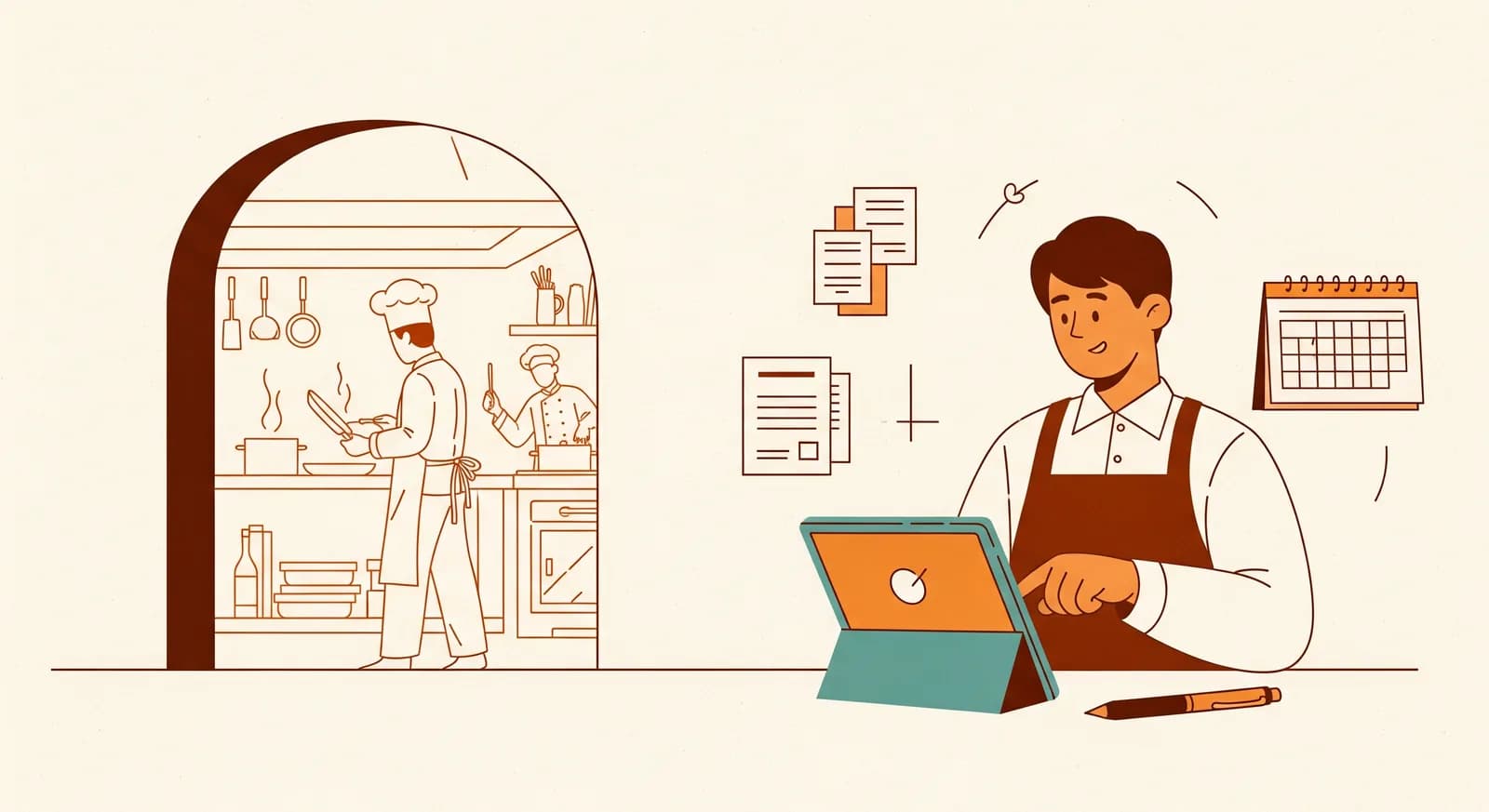
The owner didn't call us about software. She called because she hadn't had a proper Sunday off in two years. The restaurant was busy, the food was good, the reviews were kind — and somewhere behind all of that, a mountain of paperwork was eating every evening after the last table left. This is the story of how we shrank that mountain, what actually worked, and the two things we got wrong along the way.
We've anonymised the details — the owner asked us to, and that's fair. But the numbers and the workflow are real, drawn from a roughly 60-seat family restaurant in a mid-sized European city, the kind of place with one head chef, a rotating crew of about a dozen front-of-house and kitchen staff, and an owner who does everything else. If you run a restaurant, a café, or any food business where the admin somehow lands on one person's desk at 11pm, you'll recognise this place immediately.
What I want to be honest about up front: we didn't replace their till, we didn't roll out a giant hospitality suite, and we didn't fire anyone. We changed three specific things. That's the whole case study. The interesting part isn't the technology — it's which three, and why those three.
The situation: a great kitchen, a buried owner
When we sat down with the owner — let's call her Maria — the first thing we did wasn't open a laptop. We asked her to walk us through a normal week, hour by hour, and to be brutally specific about where the time went after service. Not the cooking, not the floor. The admin.
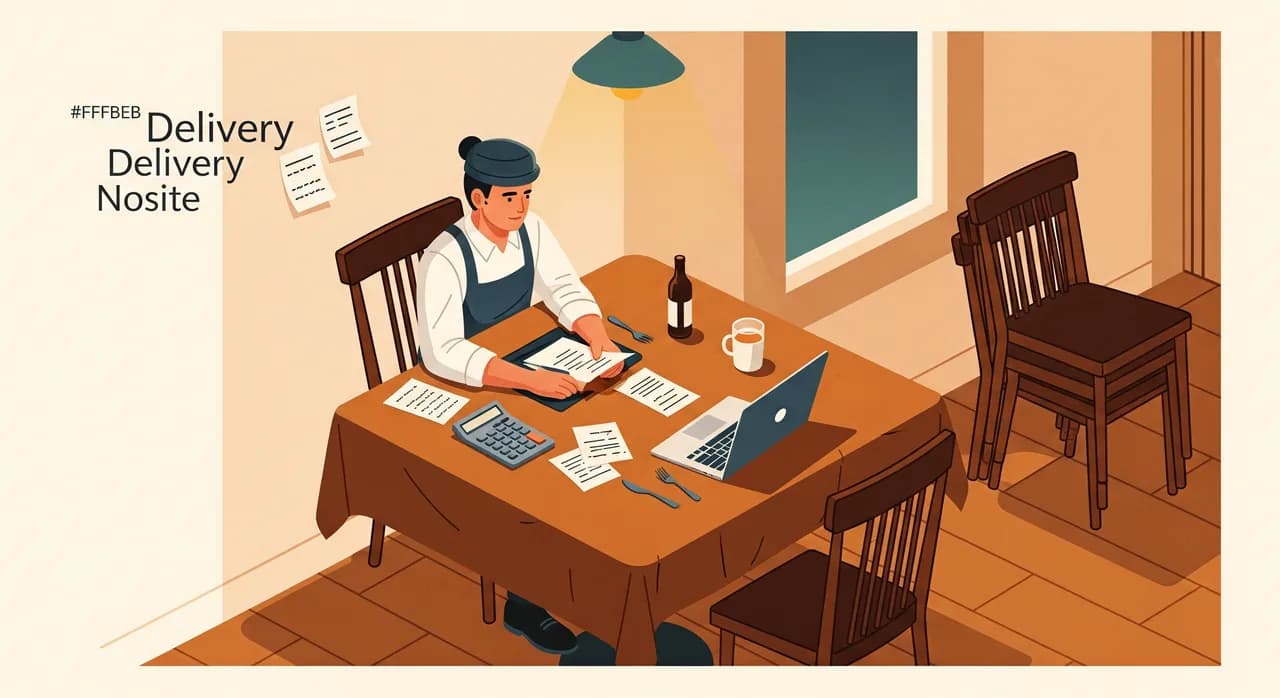
It came out fast, because she'd clearly thought about it a thousand times. Three big buckets. Supplier invoices and deliveries, which she reconciled by hand against paper delivery notes, usually late at night, usually with a glass of wine and a calculator. Staff scheduling, which lived in a messy shared spreadsheet and a chaotic group chat, and which ate a chunk of every Wednesday plus an unpredictable trickle of texts all week. And reservations, taken across the phone, two booking platforms, walk-ins, and a paper book at the host stand that only one person could really read.
None of these were dramatic. That's the point. Each one was just a steady, grinding tax on her time and attention — the sort of thing you stop noticing because it's always been there. When we added it up with her, roughly and honestly, it came to somewhere between ten and twelve hours a week. A part-time job's worth of work she was doing on top of running the place.
“She didn't have a software problem. She had a 'the paperwork only fits in the hours I should be sleeping' problem.”
How we chose what to fix first
It would have been easy — and more profitable for us, frankly — to propose one big integrated system that swallowed all three problems. We didn't, because that's exactly how restaurant tech projects die. Mid-rollout, mid-service, half-configured, with a frustrated team quietly going back to the paper book.
Instead we scored the three buckets the same way we score any automation: how much time does it cost, and how predictable is the work. Predictable tasks automate cleanly. Judgement-heavy ones fight back. Here's roughly how the three stacked up.
| Admin task | Time per week | Predictability | Start here? |
|---|---|---|---|
| Supplier invoices & delivery checks | ~4 hours | High — same suppliers, same format | Yes, first |
| Staff rota & shift swaps | ~4 hours | Medium — rules + human exceptions | Yes, second |
| Reservations across channels | ~3 hours | Medium-high | Yes, third |
| Menu costing & pricing | ~2 hours | Low — needs judgement | Leave alone for now |
Notice the last row. Menu costing was painful too, but it's genuinely judgement-heavy — it depends on seasonality, supplier moods, what the chef wants to push this month. Automating it first would have produced confident, wrong numbers and burned everyone's trust. We deliberately left it on the table. What you choose not to automate is part of the plan.
Fix one: supplier invoices that file themselves
This was the biggest, most predictable time-sink, so it went first. Every week the restaurant received deliveries from the same handful of suppliers — a meat wholesaler, a produce market, a drinks distributor, a couple of specialty bits. Each came with a delivery note and, later, an invoice. Maria's late-night ritual was matching the two, flagging anything that didn't line up, and typing totals into her bookkeeping spreadsheet.
Because the suppliers and their document formats were consistent, this was a perfect fit for document automation. We set up a simple flow: invoices and delivery notes — whether they arrived as PDFs by email or as photos of paper snapped on a phone — get read automatically, the key fields pulled out (supplier, date, line items, totals), and matched against each other. When they agree, the figures land straight in her bookkeeping export. When they don't agree, the item gets flagged for a human to glance at.
That last bit matters more than the automation itself. We didn't try to make the computer decide on the tricky cases. We made it do the 90% that's mechanical, and surface the 10% that needs a human eye. Maria went from reconciling everything to reviewing a short exceptions list — a handful of flagged items a week instead of a whole pile.
Fix two: the rota that stopped living in a group chat
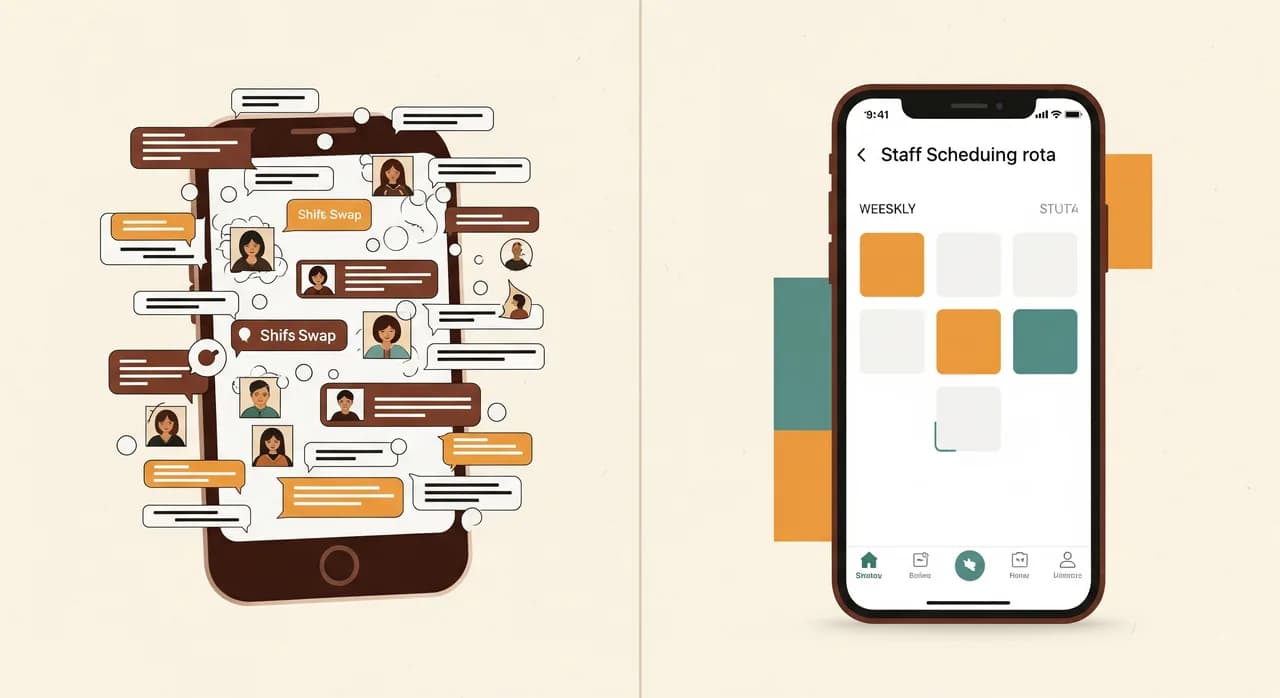
The schedule was the second target — about four hours a week, but spread out and emotionally draining in a way pure hours don't capture. Maria built the rota in a spreadsheet, posted it to a chat, then fielded a steady stream of 'can I swap Thursday?' messages until the picture in her head no longer matched the picture on the screen. Then someone would show up on the wrong day.
We moved scheduling onto a proper staff app — one screen everyone could see, with shifts, availability, and swap requests handled in one place instead of scattered across texts. Staff could enter when they couldn't work, request a swap, and see the current rota on their phones. Maria approved swaps with a tap instead of mentally re-running the whole week.
We paired it with time tracking, so the hours people actually worked flowed toward payroll without a second round of manual tallying. The combination is what made it stick: it wasn't just a prettier schedule, it removed a whole downstream re-typing job too. The group chat went back to being a group chat instead of an unreliable scheduling system.
Fix three: one reservation book instead of five
Reservations were last, and deliberately so — they were the most visible to customers, which made them the riskiest to change. We never want the first thing we touch to be the thing that's in front of guests. By the time we got here, the team already trusted that our changes didn't blow up during service.
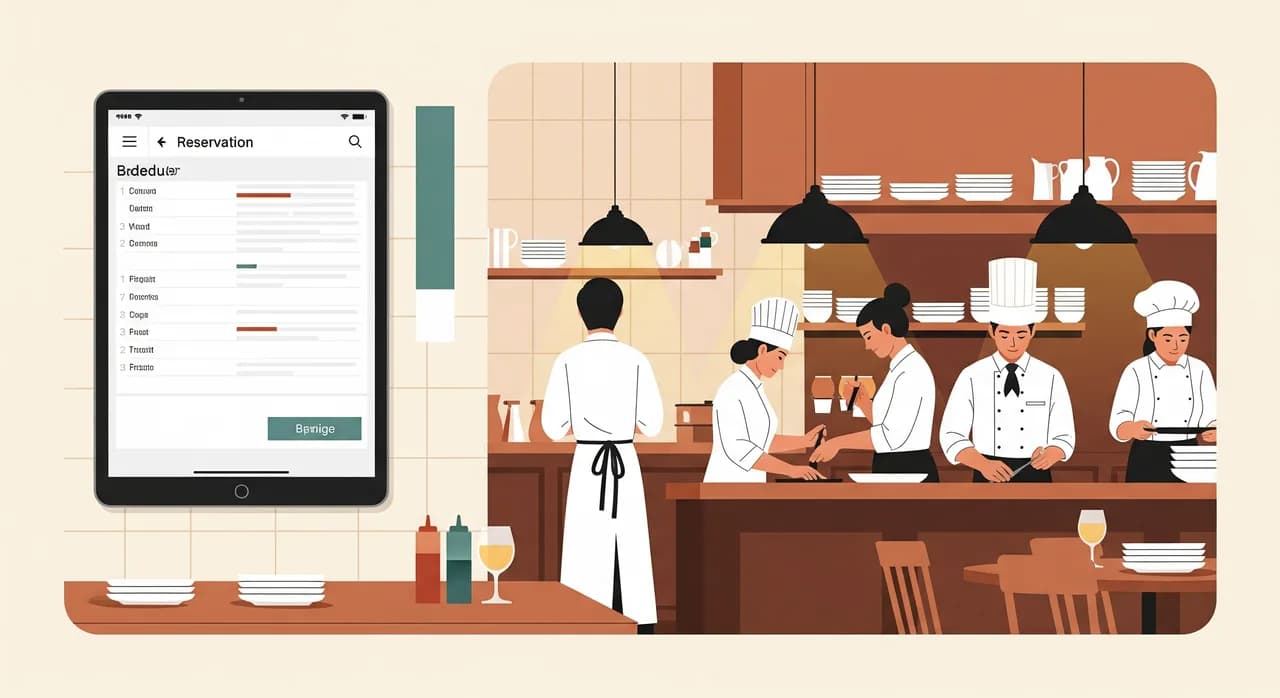
The problem was fragmentation: phone bookings in the paper book, two online platforms in their own dashboards, walk-ins in someone's memory. Double-bookings happened. So did awkward 'we don't actually have a table' moments. We consolidated the channels into a single reservation view, so whatever came in — phone, web, walk-in — showed up in one place the host stand could trust, with automatic confirmation and reminder messages to guests.
The reminders did something we didn't fully expect: no-shows dropped noticeably. A polite automatic message the day before turned a meaningful share of would-be empty tables into either kept bookings or early cancellations the team could re-sell. That's revenue, not just saved time — the kind of side effect that makes the whole project an easy sell internally.
The result: what actually changed
We measured the before and after the only way that matters to an owner — in her hours. Across the three fixes, the admin load dropped from somewhere around ten to twelve hours a week to roughly two. The remaining two hours are the genuinely human bits: reviewing flagged invoices, making the judgement calls on awkward swaps, handling the odd special booking. That's the work that should stay human.
- Supplier reconciliation: from ~4 hours of manual matching to a short weekly exceptions review.
- Scheduling: from ~4 hours plus constant chat to a few taps and far fewer wrong-day mix-ups.
- Reservations: one trusted view instead of five, with automatic reminders and a visible drop in no-shows.
- Roughly 10 hours a week handed back — most of it the late-night, after-service kind.
- No new till, no staff let go, no six-month platform migration.
Maria's line, months later, wasn't about efficiency. She said the restaurant finally felt like something she ran rather than something that ran her. The ten hours were real, but the thing she actually bought back was a bit of distance — enough to think about the food and the floor again instead of the paperwork.
“We didn't make her restaurant more high-tech. We made it possible for her to close the laptop before midnight.”
Two things we got wrong (so you don't have to)
No honest case study is all clean wins. Two things tripped us up, and both are worth passing on because they're the kind of mistake that's easy to repeat.
First, we underestimated the photos. We assumed most invoices would arrive as tidy PDFs. In reality a good share came as phone snapshots of paper — sometimes blurry, sometimes half in shadow on a steel kitchen counter. The first version stumbled on those. The fix wasn't more clever software; it was a thirty-second habit change at the receiving end — a quick note on how to photograph a delivery note so it actually reads. Boring, human, and the thing that made the automation reliable.
Second, we switched the rota over a little too eagerly and didn't run it in parallel with the old spreadsheet for long enough. For about a week there were two sources of truth and some understandable grumbling. We should have kept the old way alive a few days longer while trust built. We did exactly that with reservations, learned from the first mistake, and that rollout was smooth.
Would this work for your place?
Probably, with caveats. The specifics here are restaurant-shaped, but the method isn't. Any small food business has its own version of these three buckets: a stack of supplier paperwork, a scheduling headache, and bookings or orders spread across too many channels. The right move is almost never one big system. It's finding your highest-cost, most-predictable task and killing that one first.
- 1Track where the after-service hours actually goFor one week, jot down every admin task that eats your evening. Be specific. The biggest time-sink is rarely the one you'd guess.
- 2Score each by time and predictabilityHigh-time, high-predictability tasks go first. Judgement-heavy ones like menu pricing can wait — or stay human forever.
- 3Fix the boring back-office stuff before the customer-facing stuffBuild trust on the low-risk wins. Touch reservations and anything guests see only once the team believes the changes won't break during service.
- 4Roll out in parallel, give each change an ownerRun new and old side by side for a week, name one person to watch it, then switch off the old way.
Got your own midnight paperwork pile?
If your evenings disappear into admin after the last table leaves, the first conversation is free and grounded — we'll look at your week together and point at the one task worth automating first, with no obligation to build anything.
See how we automate hospitality adminCommon questions
Did the restaurant have to replace its POS or till system?
How long did the whole project take?
Was this really AI, or just automation?
Did automating admin mean cutting staff?
Our invoices are messy photos, not neat PDFs. Does that break it?

Have a nice day is a software studio that helps small and mid-sized businesses go digital — automation, AI and custom software that works in everyday operations, not just on slides.