Boekingssoftware kiezen voor uw kleine onderneming in 2026
De meeste boekingstools demonstreren prachtig en maken uw leven daarna stilletjes lastiger. Hier leest u op een rustige, praktische manier hoe u er een kiest die echt past bij hoe uw bedrijf draait — en hoe u de breekpunten herkent voordat u tekent.
 Have a nice day13 min. leestijd
Bijna elke boekingstool ziet er in de demo geweldig uit. De agenda is overzichtelijk, de kleuren zijn mooi, de verkoper klikt in acht seconden een perfecte afspraak in elkaar en u denkt: eindelijk, hier stopt de chaos. Dan meldt u zich aan, importeert u uw echte diensten, uw echte openingstijden, uw drie medewerkers die allemaal op verschillende dagen werken — en de barsten beginnen zichtbaar te worden. De verkeerde boekingssoftware faalt niet luidruchtig. Ze laat u er gewoon elke dag een beetje tegen vechten, totdat u weer terug bent bij de telefoon en de papieren agenda waarvan u zwoer dat u die achter u had gelaten.
Ik heb veel kleine ondernemingen geholpen bij het kiezen van planningstools — klinieken, salons, een rijschool, een paar restaurants, een fysiotherapiepraktijk die verzoop in de voicemails. Wat niemand u vertelt, is dat de beste boekingssoftware en de juiste boekingssoftware zelden hetzelfde zijn. De best beoordeelde tool op de een of andere vergelijkingssite is misschien hopeloos over-engineered voor een kapper met twee stoelen, of mist juist die ene functie die een kliniek wettelijk niet kan missen. Goed kiezen draait niet om het vinden van de krachtigste optie. Het draait erom een tool te laten aansluiten op de manier waarop uw specifieke bedrijf vandaag boekingen aanneemt.
Deze gids is dus geen ranglijst van producten — die zijn binnen een maand verouderd en gingen sowieso nooit echt over u. Het is een manier om de beslissing helder te doordenken: waar u naar kijkt, wat u negeert, wat u test voordat u zich vastlegt, en de handvol valkuilen waar bijna iedereen in trapt. Aan het eind zou u elke proefperiode moeten kunnen ingaan met de precieze wetenschap waarop u nee zou zeggen.
Wees eerst eerlijk over het probleem dat u oplost
Voordat u naar één product kijkt, beantwoordt u één vraag: wat gaat er op dit moment eigenlijk mis? "We hebben boekingssoftware nodig" is geen reden — het is een symptoom. De echte reden is meestal iets specifieks en een tikje gênants, en het benoemen ervan verandert welke tool u zou moeten kopen.
Misschien gaat de telefoon tijdens elke behandeling en verliest u klanten die geen bericht achterlaten. Misschien dubbelboekt u omdat twee mensen dezelfde papieren agenda beheren. Misschien vreten no-shows een tiende van uw week op. Misschien besteedt u uw zondagavond aan het handmatig versturen van herinneringen. Elk van die punten wijst op een andere prioriteit. Het herinneringsprobleem maakt automatische sms onmisbaar. Het telefoonprobleem maakt 24/7 online zelf boeken het hele punt. Het dubbelboekprobleem gaat eigenlijk over realtime synchronisatie over alle apparaten heen. Slaat u deze stap over, dan koopt u wat het beste demonstreert en ontdekt u later dat het een probleem oploste dat u niet had.
“"We hebben boekingssoftware nodig" is een symptoom, geen beslissing. Benoem het specifieke ding dat tijd of geld kost — dát koopt u eigenlijk.”
Schrijf uw antwoord in één gewone zin op voordat u iets anders doet. "Ik verlies ongeveer vijf afspraken per week aan no-shows en ik wil dat klanten daar automatisch aan herinnerd worden." Die zin wordt uw filter. Elke functie waarmee een tool zwaait, dient die zin of niet. De meeste spijt die ik zie, komt van mensen die de zin nooit opschreven en zich door al het andere lieten verblinden.
De functies die er echt toe doen (en die niet)
Functielijsten zijn de plek waar boekingssoftware u overweldigt. Veertig vinkjes, allemaal belangrijk ogend, en de meeste raakt u nooit aan. Hier de korte versie van wat een klein bedrijf echt vooruithelpt — en wat er vooral staat om vergelijkingstabellen te winnen.
De onmisbare zaken
- Klanten kunnen zichzelf online inboeken, 24/7, zonder u te bellen — dit is de hele bestaansreden van deze categorie.
- Automatische herinneringen per sms en e-mail, met genoeg voorbereidingstijd zodat mensen kunnen verzetten in plaats van te verdwijnen.
- Realtime synchronisatie, zodat een boeking op de website het tijdslot overal direct blokkeert, op de telefoon van elke medewerker.
- Het werkt fatsoenlijk op een telefoon — zowel voor uw boekende klanten als voor uzelf, om de dag onderweg te beheren.
- Het verwerkt uw werkelijke structuur: meerdere medewerkers, meerdere diensten met verschillende duur, uw echte openingstijden en pauzes.
- U bent eigenaar van uw klantgegevens en kunt ze vandaag exporteren, zonder toestemming te vragen of losgeld te betalen om weg te kunnen.
Echt nuttig, afhankelijk van uw bedrijf
Online betalen of aanbetalingen bij het boeken — alleen al een aanbetaling kan no-shows drastisch terugdringen bij dure diensten. Tweerichtings agendasynchronisatie met Google of Outlook, zodat uw privéleven en uw boekingen niet langer botsen. Terugkerende afspraken voor de klanten die om de week komen. Een wachtlijst die annuleringen automatisch opvult. Lichte klanthistorie zodat u onthoudt wat iemand de vorige keer had. Deze zijn het geld waard als ze aansluiten op uw eerdere zin. Zo niet, dan zijn ze gewoon ballast.
Wat u grotendeels kunt negeren
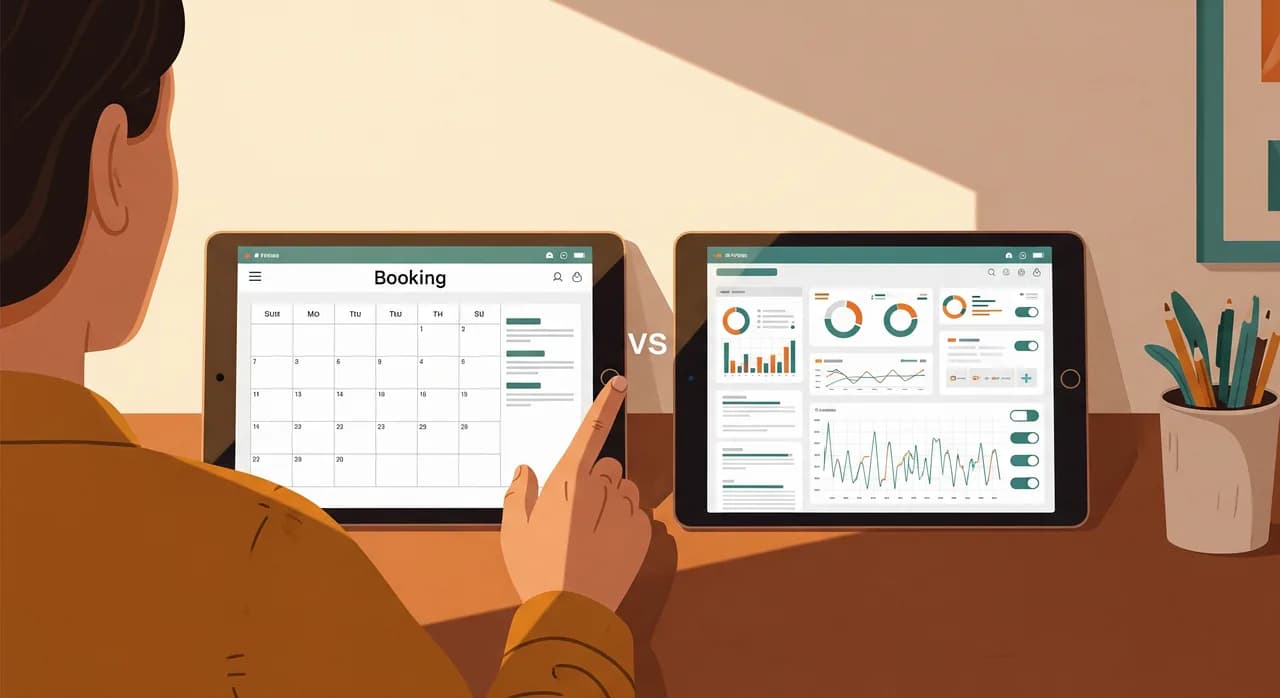
Uitgebreide marketingpakketten die aan de boekingstool zijn vastgeplakt. "AI"-functies die een sjabloon-e-mail blijken te zijn. Loyaliteitspuntsystemen, social-media planners, uitdijende dashboards vol grafieken waar u één keer naar kijkt. Niets daarvan is kwaadaardig — maar het is niet waarvoor u hier bent, en een tool die hiermee leidt, is vaak zwakker in de saaie kern waarin u daadwerkelijk leeft. Beoordeel een boekingstool op hoe goed ze een boeking aanneemt, niet op het formaat van haar functieposter.
Stem de tool af op hoe uw bedrijf echt werkt
Een boekingssysteem dat perfect is voor een solotherapeut kan stilletjes nutteloos zijn voor een drukke salon, en omgekeerd. De vorm van uw bedrijf zou het speelveld moeten versmallen voordat prijs of reviews überhaupt ter sprake komen. Hier wijs ik ruwweg een paar veelvoorkomende types de weg.
Solisten en kleine dienstverleners
Therapeuten, coaches, bijlesdocenten, vakmensen met één werkplek. U wilt het eenvoudigste dat u volgeboekt en mensen herinnert. Weersta het krachtige platform — de complexiteit is pure belasting voor u. Een overzichtelijke zelfboekingspagina, agendasynchronisatie, automatische herinneringen, en u bent klaar. De inrichting zou een middag mogen kosten, geen twee weken.
Salons, klinieken en dienstverleners met meerdere medewerkers
Nu doen medewerkers en middelen ertoe. De tool moet begrijpen dat Anna kleurt maar niet masseert, dat een ruimte maar één behandeling tegelijk aankan, dat dinsdagen anders zijn dan zaterdagen. Aanbetalingen en herinneringen verdienen zich hier terug, want elke no-show is een berekend verloren uur. Hier is een iets zwaardere, salonbewuste tool het waard — de structuur is geen ballast, het is uw werkelijkheid.
Restaurants en zalen
Reserveringen zijn een ander beest dan afspraken: tafels, groepsgroottes, omloopsnelheden, piekvensters. Een algemene afsprakentool werkt u tegen. U wilt iets dat is gebouwd voor couverts en floormanagement, idealiter met een aanbetaling of creditcardblokkade voor grote gezelschappen en een nette manier om op een drukke vrijdag de mix van walk-ins en reserveringen te beheren.
Zorg en gereguleerde praktijken
Fysiotherapie, tandheelkunde, geneeskunde, alles wat patiëntgegevens raakt. Hier worden de saaie functies de cruciale: waar uw gegevens worden gehost, uw AVG-positie, wie wat mag zien, exporteerbaarheid, een audittrail. Een consumententool voor salons kan prachtig zijn en toch ongeschikt zijn voor medische dossiers. Laat een mooie agenda u niet langs de compliancevragen praten.
De verborgen valkuilen waar bijna iedereen in trapt
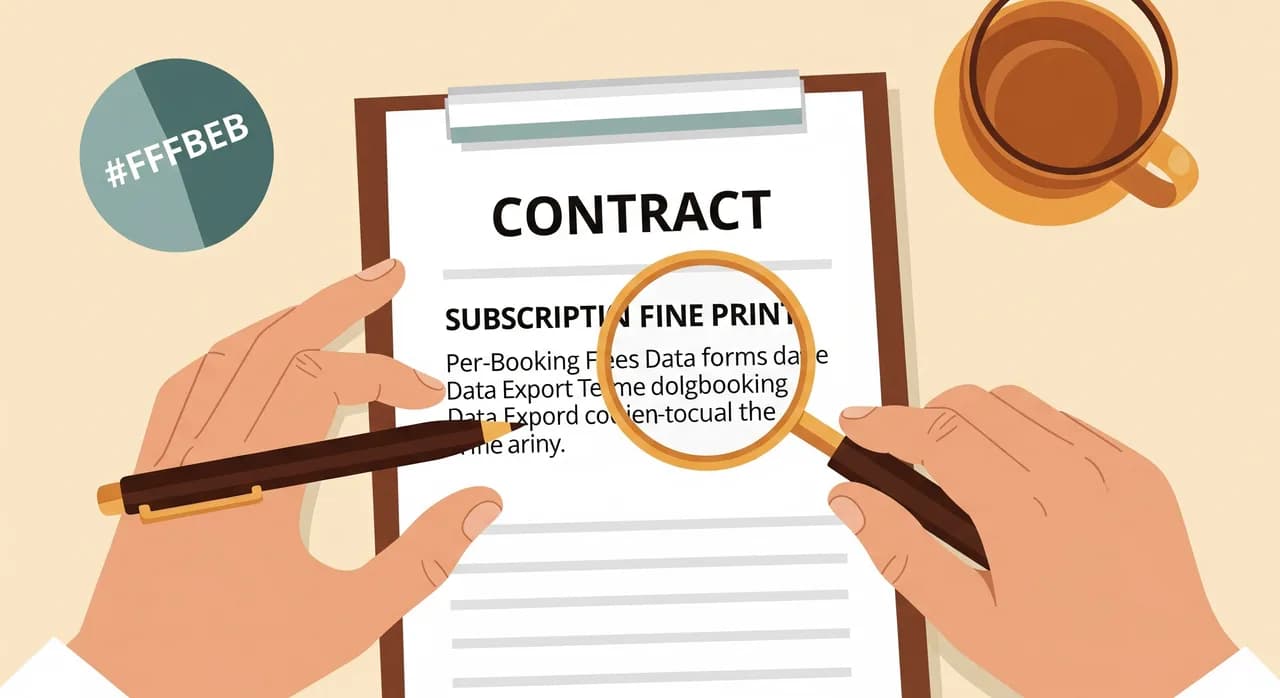
De meeste spijt over boekingssoftware komt niet van ontbrekende functies. Ze komt van dingen die u tijdens een demo van 20 minuten niet kon zien en die u pas ontdekt nadat u uw hele agenda hebt overgezet. Dit zijn de dingen die ik op een geeltje zou zetten voordat u iets tekent.
Er is ook een subtielere valkuil: de tool die bijna goed is. Hij doet 90% van wat u nodig hebt, en de ontbrekende 10% is juist datgene waarop uw bedrijf is gebouwd. Misschien kan hij de pakketdeals niet aan die de helft van uw omzet zijn, of dwingt hij elke klant een account aan te maken en uw oudere klantenkring doet dat simpelweg niet. "Bijna" is het duurste woord bij softwarekeuze, want u voelt de kloof pas als u zich al hebt vastgelegd en iedereen hebt ingewerkt.
“"Bijna goed" is de duurste uitdrukking bij softwarekeuze. De ontbrekende tien procent is meestal precies het deel waarop uw bedrijf is gebouwd.”
Wanneer een kant-en-klare tool niet genoeg is
Voor de overweldigende meerderheid van kleine ondernemingen is een kant-en-klare boekingstool de juiste keuze. Hij is goedkoper, sneller op te starten, en iemand anders onderhoudt hem. U zou de kant-en-klare opties echt moeten uitputten voordat u iets op maat overweegt — en de meeste bedrijven hoeven nooit verder te kijken.
Maar er is een reëel punt waarop standaardtools ophouden te passen. Meestal is het een van drie dingen. Uw boekingslogica is echt ongebruikelijk — boekingen in meerdere fasen, gedeelde middelen, afhankelijkheden die geen enkele agendatool modelleert. U hebt nodig dat het boekingsproces diep verweven is met andere systemen die u draait, niet slechts een eenrichtingsexport. Of u bent zo gegroeid dat kosten per boeking bij een groot volume meer kosten dan het zelf bouwen en bezitten. Wanneer twee daarvan tegelijk waar zijn, is het de moeite waard om op zijn minst een oplossing op maat te laten doorrekenen, in plaats van uw bedrijf om te buigen rond een tool die zich daartegen verzet.
Hoe u een tool test voordat u erop vertrouwt
Kies boekingssoftware nooit op basis van een demo en een prijspagina. Een demo is de beste dag van de leverancier; u moet een gewone dag zien. Elke serieuze tool biedt een proefperiode — voer dus een echte test uit, geen rondkliksessie. Hier is het proces dat mijn klanten meer dan eens voor dure fouten heeft behoed.
- 1Bouw uw echte inrichting na, niet hun voorbeeldVoer uw werkelijke diensten, duur, medewerkers, openingstijden en die ene lastige uitzondering in. Is het pijnlijk om in te richten, dan verdwijnt die pijn nooit — hij verhuist alleen naar wie hem dagelijks bedient.
- 2Boek uzelf als klant, op uw telefoonDoorloop de hele klantreis op een echte telefoon. Tel de tikken om te boeken. Is het traag of verwarrend voor u, dan haken uw klanten af — en de boekingen die u verloor, ziet u nooit.
- 3Lok de randgevallen bewust uitAnnuleer een boeking, verzet er een, dubbelboek, laat een no-show ontstaan. Kijk wat de herinneringen en de agenda doen. De randen zijn waar tools stilletjes breken, en waar uw echte dagen zich afspelen.
- 4Zet uw drukste medewerker ervoorWie de hele dag de agenda beheert, beslist of deze tool leeft of sterft. Vijf minuten van zijn eerlijke reactie vertelt u meer dan elke review online. Krimpt hij ineen, luister dan.
- 5Test de uitgang vóór de ingangProbeer al uw gegevens uit de proefperiode te exporteren. Krijgt u ze er nu niet netjes uit, terwijl het nog leeg is, dan zeker niet als het twee jaar van uw bedrijf bevat.
Voer dat in dezelfde week uit op een shortlist van twee of drie tools, met dezelfde test, en het juiste antwoord wordt meestal vanzelf duidelijk. Niet die met de meeste functies — die die verdwijnt. Goede boekingssoftware is software waar u niet meer over nadenkt.

| Type bedrijf | Wat het meest telt | Waar u op moet letten |
|---|---|---|
| Solist | Eenvoud, agendasynchronisatie, herinneringen | Een te zwaar platform overkopen |
| Salon / meerdere medewerkers | Beheer van medewerkers en middelen, aanbetalingen | Prijzen per medewerker naarmate u groeit |
| Restaurant | Tafels, groepsgrootte, omloopsnelheden | Algemene afsprakentools die u tegenwerken |
| Kliniek / gereguleerd | Datahosting, AVG, audittrail | Mooie tools die compliance overslaan |
Niet zeker of kant-en-klaar echt past?
Is uw boekingslogica ongebruikelijk, of bent u het moe om het bedrijf om te buigen rond een tool die zich daartegen verzet, dan is een nuchter gesprek de moeite waard. We helpen u uitzoeken of een kant-en-klare tool genoeg is — of dat een oplossing op maat zich eindelijk terugverdient — zonder enige druk om iets te bouwen.
Bekijk hoe wij boekingssoftware aanpakkenVeelgestelde vragen
Wat zou boekingssoftware een klein bedrijf moeten kosten?
Heb ik echt online boeken nodig, of is een telefoon genoeg?
Verminderen automatische herinneringen echt de no-shows?
Kan ik later van boekingssysteem wisselen zonder mijn gegevens te verliezen?
Wanneer is het zinvol om een boekingssysteem op maat te bouwen?

Have a nice day is een softwarestudio die kleine en middelgrote bedrijven helpt digitaliseren — automatisering, AI en maatwerksoftware die werkt in de dagelijkse praktijk, niet alleen op slides.