How to Digitalise Property Management Step by Step
Property management runs on paper, spreadsheets and a phone that never stops ringing. This is a calm, practical guide to moving it online one piece at a time — without buying a giant platform you'll never fully use.
 Have a nice day14 min read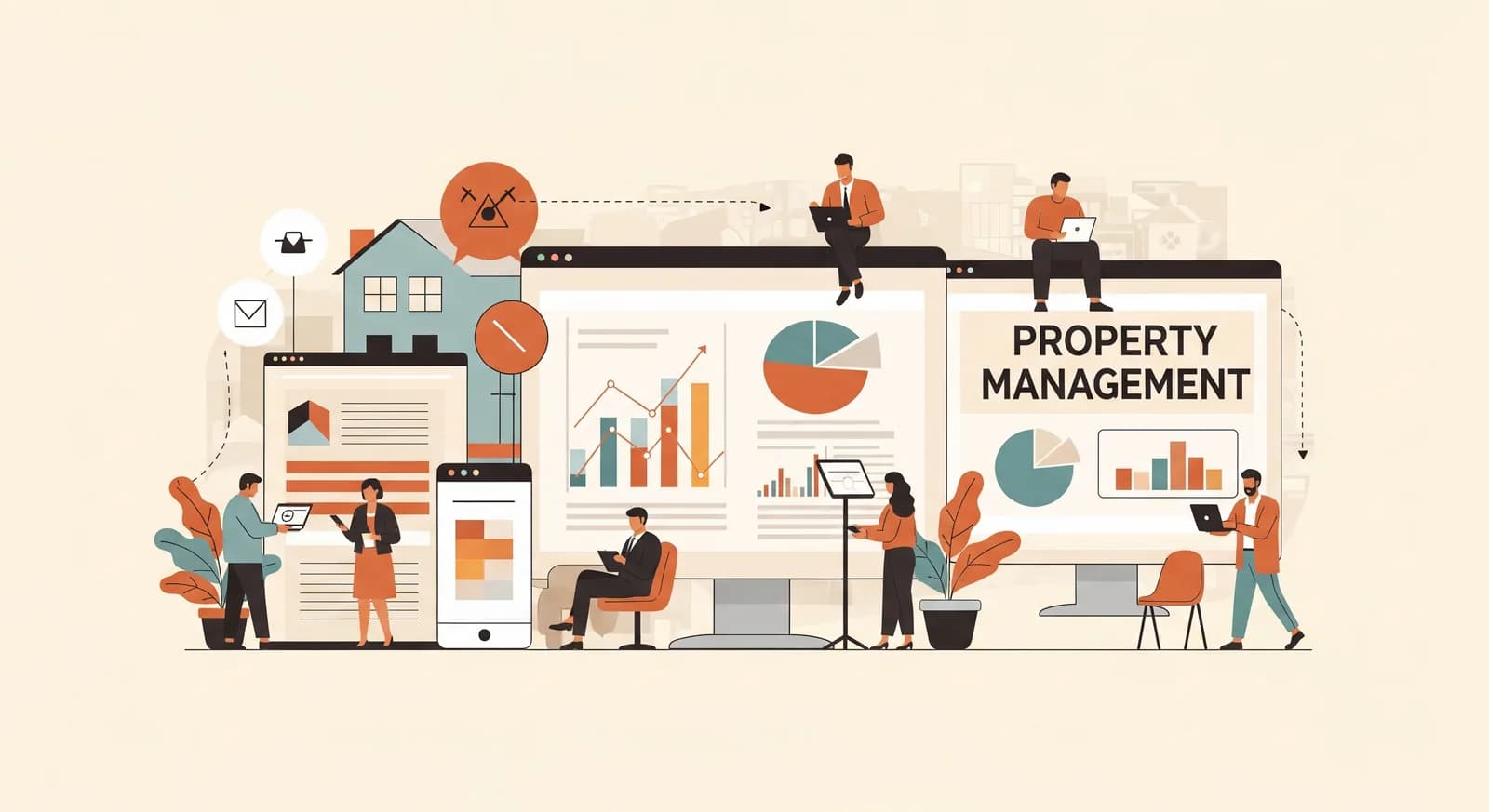
Property management is one of those trades where the work is genuinely demanding and the admin around it is genuinely soul-destroying. The buildings are real, the tenants are real, the leaking pipe at 7pm is very real — and somehow all of it is held together by a binder, three spreadsheets and a phone that rings at the worst possible moment. You don't have a real estate problem. You have a paperwork problem wearing a real estate costume.
I've sat with people who manage forty units and people who manage four hundred, and the story is remarkably consistent. The lease renewals live in a folder someone has to remember to open. Rent is tracked in a spreadsheet that only one person fully understands. Maintenance requests arrive by phone, by text, by a tenant flagging you down in the car park — and the ones that fall through the cracks are the ones that turn into angry emails and, occasionally, water damage. None of this is a technology failure. It's just work that was never moved online, accumulating quietly for years.
So this guide is the version I wish someone handed property managers before they got sold a sprawling all-in-one suite they configure 30% of and resent forever. We'll go step by step, smallest painful task first, and we'll keep the tools modest until the value is obvious. The goal isn't to digitalise your whole business this quarter. It's to stop losing evenings to admin that a computer should have handled years ago.
Why property management stays on paper longer than it should
Property management resists digitalisation for a few very human reasons, and it's worth naming them, because they're also the reasons most attempts stall. The first is that the current mess works — badly, but it works. The rent gets collected. The repairs get done eventually. When something works, even painfully, the bar for replacing it is high, and rightly so. Nobody wants to bet a tenant relationship on a half-tested system.
The second reason is that the data is genuinely scattered. A single tenancy touches a lease, a payment record, an insurance certificate, a maintenance history, a deposit and a string of messages. Pulling all of that into one place feels like a project, so it never starts. The third reason is the most common: somebody bought a big platform once, it was overwhelming, the rollout died, and now there's an allergy to the whole idea. We tried software, it didn't work. What didn't work was the size of the bite.
“You don't need to digitalise property management. You need to digitalise the one task that's quietly eating an evening every week — and then the next one.”
The encouraging part is that the failures are predictable, which means so is the success. If you go one task at a time, keep each step small enough to actually finish, and only connect tools once the basics are tidy, you get wins you can feel within weeks. And in this trade, the first win usually pays for itself fast — because the thing you stop doing by hand is often the thing that was costing you a late-payment chase, a missed renewal, or a maintenance issue that grew teeth.
Map what actually happens before you buy anything
Before you look at a single tool, spend an unglamorous hour writing down what really happens across one tenancy, from enquiry to move-out. Not the version in your head — the real one, with the workarounds and the sticky notes. Where does information get typed twice? Where does something wait on one person remembering? Where do tenants chase you because they can't see the answer themselves?
This sounds like consultant filler, but it's the single most valuable thing you can do, and it costs nothing. Almost every property manager discovers that the thing they assumed was their biggest time-sink isn't — and that two or three small, invisible tasks are quietly draining the most hours. You can't fix what you haven't seen clearly.
The four areas where property admin actually lives
Once you've mapped your week, the chaos tends to sort itself into four buckets. You don't tackle them all at once — but knowing the shape of the whole thing helps you choose where to start and what to leave for later.
Leases and documents
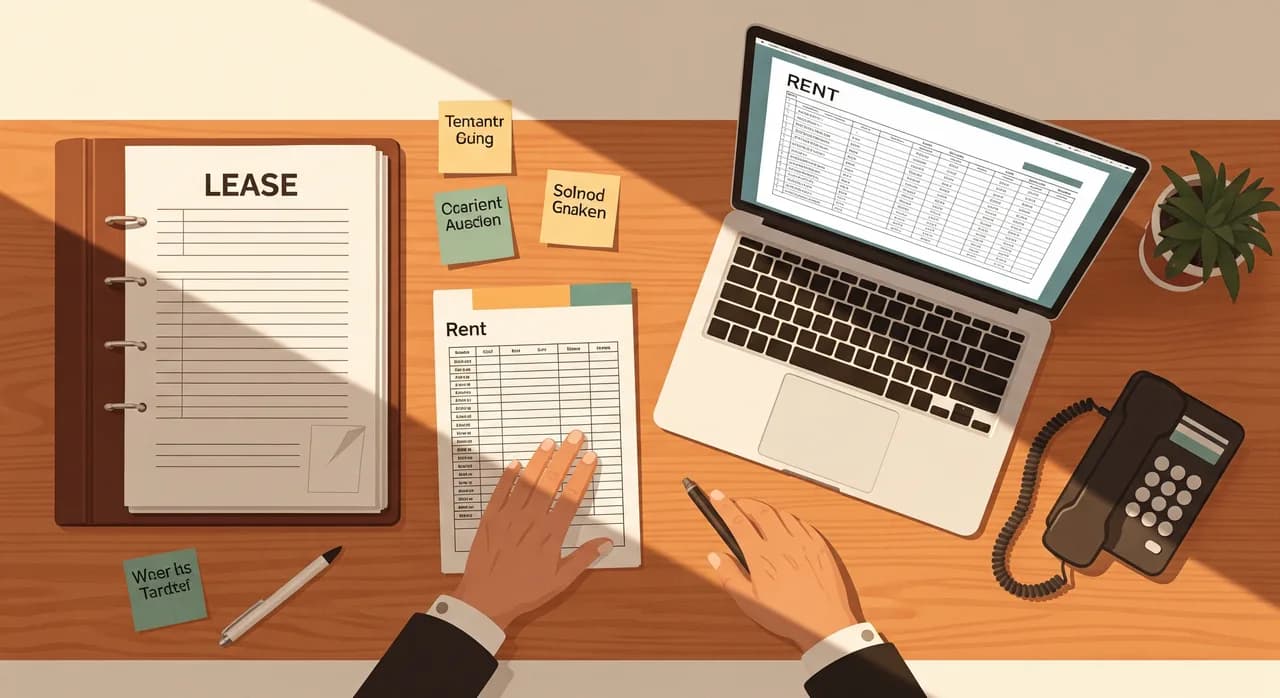
Every tenancy generates paper: the lease itself, ID, references, insurance, deposit protection, inspection reports, renewal notices. When this lives in a physical folder or a shared drive nobody trusts, two things happen. You waste time hunting for documents, and you miss dates — a renewal that lapses, a certificate that expires. The win here is a single place where each unit's documents live, with reminders attached to the ones that have deadlines.
Rent and payments
This is where most managers feel the pain first. Tracking who has paid, who is late, who is part-paid and who needs a reminder — done by hand in a spreadsheet — is both tedious and error-prone. Worse, the chasing is awkward and easy to delay, which is exactly how arrears grow. Digitalising rent tracking, with automatic reminders before and after the due date, is usually the highest-return single step in the whole list.
Maintenance and repairs
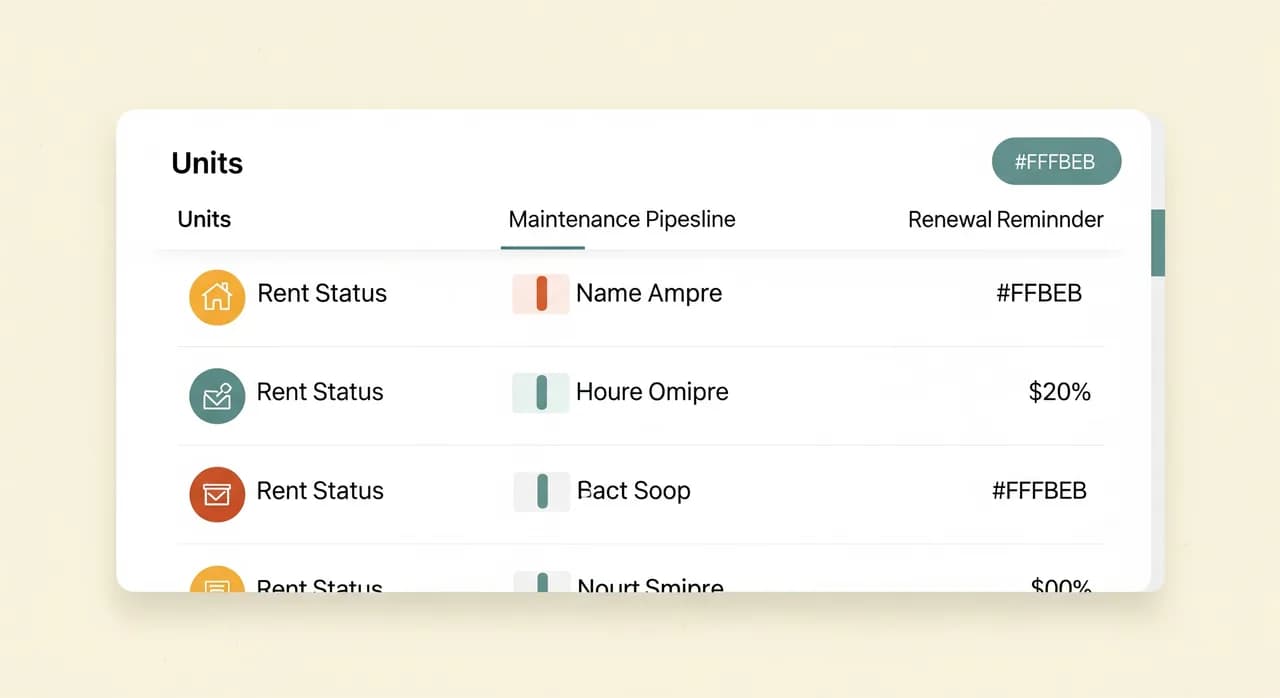
Maintenance is where requests get lost. A tenant reports a problem one way, you note it somewhere, you call a contractor, the contractor maybe shows up, nobody updates the tenant, and the tenant calls again — annoyed. The fix is a simple, visible pipeline: every request logged in one place, with a status, an assigned contractor and a timestamp. Suddenly nothing falls through, and the tenant can see it's being handled without phoning you.
Tenant communication
A large share of your interruptions are tenants asking things they could answer themselves: how to pay, when the bins go out, who to call about the heating, the status of their request. A simple tenant portal — even a basic one — absorbs a remarkable amount of that traffic. It's not about distancing yourself from tenants; it's about reserving your actual attention for the things that need a human.
The step-by-step path to digitalising it
Here's the sequence I'd actually follow, in order. It's deliberately conservative. Each step is finishable on its own, delivers a real benefit, and sets up the next one. You can stop after any step and still be better off than you were.
- 1Centralise your data firstGet every unit, tenant and lease into one structured place — even a clean, well-designed spreadsheet or a simple database beats five scattered files. Nothing else works until the truth lives in one location.
- 2Digitalise rent tracking and remindersMove rent records out of the manual spreadsheet into a system that flags who's due, who's late, and sends reminders automatically. This is usually where the time savings first become obvious.
- 3Put maintenance requests into a pipelineGive tenants one way to report issues, and yourself one board to track them: open, assigned, in progress, done. No request without a status. No status without an owner.
- 4Open a basic tenant portalLet tenants see their balance, submit a request, and find the answers to the routine questions. Every self-served question is an interruption you didn't get.
- 5Connect the pieces and add remindersNow wire things together: renewals and certificate expiries trigger alerts; a logged payment updates the tenant's view; a closed maintenance job notifies the tenant. This is the layer that turns four tools into one calm system.
Notice the order. Centralise, then automate, then connect. People want to start at step five — the satisfying, everything-talks-to-everything finish — but you can't connect data that doesn't yet live in one place. Skip the boring foundation and the clever layer on top will wobble. Do the foundation properly and the rest gets easier with every step.
| Task | Time saved | Effort to set up | Good first project? |
|---|---|---|---|
| Centralise units & tenants | Medium | Low–Medium | Foundation — do first |
| Rent tracking + reminders | High | Medium | Almost always yes |
| Maintenance pipeline | High | Medium | Yes |
| Tenant portal | Medium | Medium | After the basics |
| Full accounting integration | High | High | Not first |
| Custom property platform | High | Very high | Later, deliberately |
What to digitalise first — and what to leave alone for now
As important as knowing what to digitalise is knowing what to leave on paper, at least for now. Some tasks look tempting but will burn your first attempt and sour everyone on the whole idea. The rule is the same one that works everywhere: automate the frequent and the rule-based, and keep the rare and the judgement-heavy human.
There's a quieter reason for restraint, too: every system you add is something you now have to maintain and trust. Three tidy, reliable tools your team actually uses are worth more than a sprawling platform where half the modules are abandoned. In property management especially, where one missed step can mean a real-world consequence, boring and dependable beats clever and fragile every time.
Do you actually need AI for this? Mostly not — yet
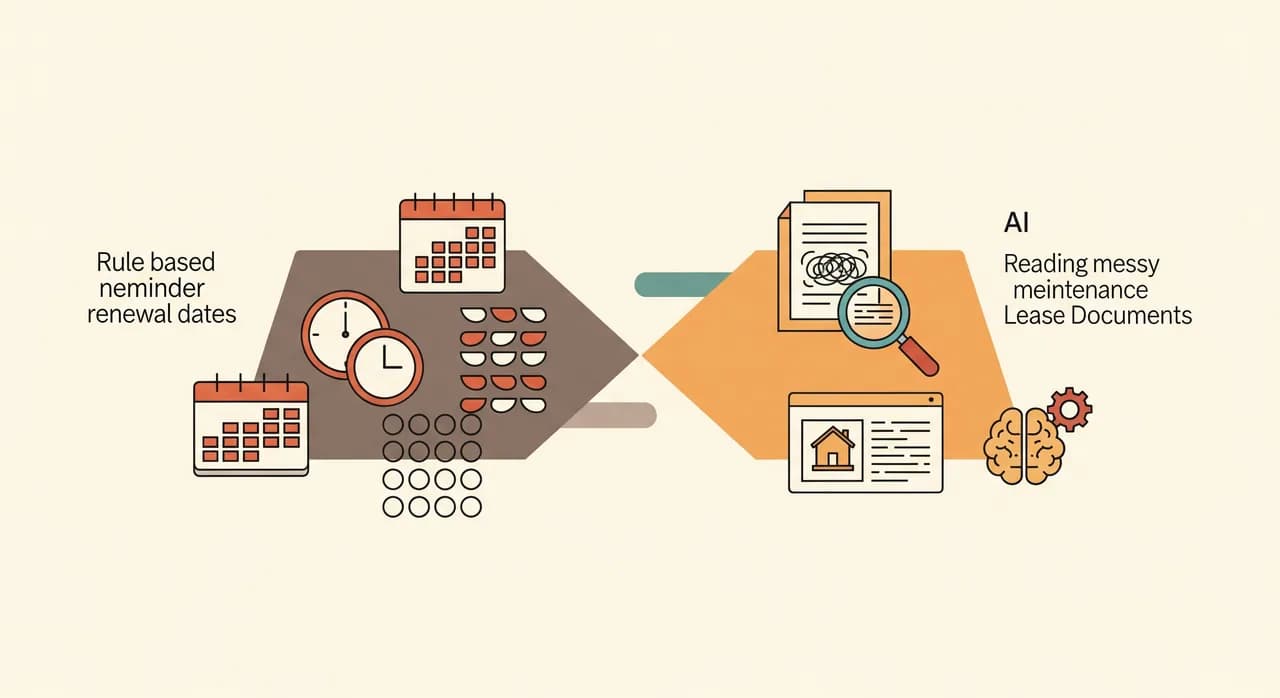
Because everyone's asking: most of the highest-value steps here don't need AI at all. A reminder that fires three days before rent is due isn't intelligence, it's a rule with a calendar. A maintenance board that shows status is a structured list. Tracking renewals is dates and alerts. Calling any of that “AI” would be marketing, and you'd be overpaying for a clock.
Where modern AI does earn its keep in property management is the messy, language-shaped work that used to be impossible to automate: reading a free-text maintenance message and sorting it by urgency, drafting a first-pass reply to a routine tenant question in your own tone, fielding the same after-hours phone questions so a real person isn't woken for a bin-day query, or pulling key dates out of a scanned lease. That's genuinely useful — but it sits on top of a tidy, digitalised foundation. It isn't a substitute for one.
How to roll it out without upsetting tenants
You've picked your first step. Now the part where projects wobble: putting it into the real working month, with real tenants who have real expectations. The trick is to treat each step like a small, reversible experiment rather than a dramatic switch-over.
- 1Run it alongside the old way for one cycleDon't go cold turkey on rent or maintenance. Let the new system and the old spreadsheet run in parallel for one full month so you catch the edge cases before you depend on it.
- 2Give every system one named ownerA digitalised process with no owner rots. One person watches the new rent tracker or maintenance board, fields the early questions, and decides what to adjust.
- 3Tell tenants clearly, onceWhen you open a portal or change how requests come in, a single clear message — here's the new way, here's why, here's who to ask — prevents a month of confused phone calls. Make the new path obviously easier than the old one.
- 4Write the 'when it breaks' noteThree lines: what this does, who to tell, what to do manually until it's fixed. This is what turns a fragile new tool into something your team and tenants can actually rely on.
- 5Only then, retire the old wayWhen a full cycle passes with no surprises, switch off the manual process — and make sure nobody keeps a secret spreadsheet alive in parallel, because that's how data drifts apart again.
Then go back to your audit and pick the next step. That's the whole method: small, finished, trusted, repeat. Centralise the data, automate the rent, tame the maintenance, open the portal, connect it all. Do those over a year and you've quietly handed yourself the equivalent of an extra part-time team member — without hiring anyone or betting the portfolio on a platform you don't yet understand.
Not sure which step to start with?
That first conversation is usually the hardest part — and the cheapest to get right. We'll look at how your tenancies actually run and point at the one process worth digitalising first, with no obligation to build anything.
See how we approach property management softwareCommon questions
How much does it cost to digitalise property management?
Do I need to replace my current spreadsheets and tools all at once?
Is it worth digitalising if I only manage a handful of units?
How long before I see a result?
Will a tenant portal make tenants feel cut off?

Have a nice day is a software studio that helps small and mid-sized businesses go digital — automation, AI and custom software that works in everyday operations, not just on slides.