How to Digitalise a Trades Business Without Losing the Tools You Trust
Most digitalisation advice ignores how a trades business actually runs — vans, sites, mud, and a phone that never stops. This is the practical version: where to start, what to skip, and how to make it stick.
 Have a nice day15 min read
Walk into almost any successful trades business and you'll find the same quiet contradiction: a company that can wire a building, plumb a hotel or roof a warehouse to the millimetre, still running its own admin out of a glovebox, a paper diary, and a phone with 200 unread voicemails. The work is world-class. The paperwork is held together with rubber bands. And everyone knows it, but nobody has a free afternoon to fix it.
I've sat in a lot of those vans and back offices. The story barely changes. The owner is a brilliant tradesperson and an accidental administrator, doing quotes at 10pm because that's the only quiet hour. Jobs get done; invoices go out late. Materials get bought twice because nobody wrote the first one down. And somewhere in the middle of all that, a customer who asked for a quote three weeks ago has already hired someone else.
Digitalising a trades business isn't about turning you into a software company. It's about getting those lost hours and lost jobs back without breaking the way you actually work — on site, on a phone, often with dirty hands and no signal. This guide is the version I'd give a friend in the trade over a coffee: what's genuinely worth doing, what to ignore, and how to make it stick when the team would rather be on the tools.
Why trades businesses are different (and why generic advice fails)
Most digitalisation guides are quietly written for people who sit at a desk all day. They assume a stable office, a big screen, reliable internet and a team that lives in email. None of that describes a trades business. Your office is moving. Your team is on rooftops and in crawl spaces. Half your day happens somewhere with one bar of signal and a customer standing over your shoulder.
That changes everything about what good software looks like. A tool that needs ten minutes of typing at a laptop is useless to a sparky balancing on a ladder. The features that matter are the unglamorous ones: works on a phone, works offline, takes a photo in two taps, doesn't need a manual. A beautiful desktop dashboard nobody opens on site is worse than a paper job sheet, because at least the paper makes it back to the van.
So if you've tried a shiny system before and it didn't take, it probably wasn't your fault or your team's. It was built for an office that you don't have. The trick to digitalising a trades business is to start from how the day really flows — quote, schedule, job, materials, sign-off, invoice — and only digitalise the parts where paper and memory are actively costing you money.
“If a tool can't be used standing on a ladder with one hand, it doesn't belong in a trades business — no matter how good the dashboard looks.”
Where the money actually leaks
Before you buy a single thing, it helps to know where trades businesses bleed time and cash. It's almost never where owners think. People assume the problem is 'we need a website' or 'we should be on social media'. Maybe. But the real leaks are upstream, in the boring plumbing of the business itself.
In nearly every trades firm I've worked with, the money pours out of four taps. Slow quotes — the customer who went cold because the estimate took eight days. Lost job detail — materials, measurements and changes that lived in someone's head and got re-bought or re-done. Late invoicing — work finished in March, billed in May, paid in July. And missed calls — the phone ringing while you're under a sink, the caller hiring the next firm on the list.
- Quotes that take days to send because they're done after hours, by hand.
- Job details — extras, variations, photos — that never make it from the site to the invoice.
- Materials bought twice, or billed to the wrong job, because nothing was logged on the spot.
- Invoices sent weeks late, so cash that's already been earned sits unpaid.
- Calls missed during jobs, with no callback system, so warm leads simply walk.
- The owner doing all of the above at night, instead of resting or pricing the next big job.
The order to digitalise things in
The single biggest mistake is trying to digitalise everything at once — buying an all-in-one system in a fit of New Year energy, rolling it out to the whole team in a week, and watching it collapse by February. A trades business can't afford a big-bang change. The work doesn't stop while you re-learn how to run the office.
So go one step at a time, in roughly the order the money leaks. Each step should be live and trusted before you start the next. Here's the sequence I'd follow, and it maps almost perfectly onto how a job actually moves through your business.
- 1Quoting firstGet quotes out the same day, from a phone, using saved templates and your standard rates. Speed of quote is the single biggest lever on whether you win the job.
- 2Scheduling and the diaryMove the paper diary into a shared digital calendar the whole team can see. No more double-bookings, no more 'who's on the Henderson job today?'.
- 3Job capture on sitePhotos, materials used, hours, customer sign-off — captured once, on the phone, at the job. This is where most billed-but-forgotten money lives.
- 4Invoicing straight from the jobTurn the captured job into an invoice in minutes, not weeks. Same-week invoicing alone transforms cash flow.
- 5Follow-ups and missed callsAutomatic quote follow-ups and a system for catching missed calls. This is the last gap most firms close, and it quietly recovers a lot of lost work.
Notice what's not at the top of that list: not a website, not a CRM, not AI, not a custom app. Those can all come later and some may never be needed. Quote fast, schedule clearly, capture the job once, invoice quickly. Nail those four and you've fixed the majority of the leak with the least disruption.
Going paperless without going mad
'Paperless' sounds like a clean before-and-after, but in a trades business it's messier than that — and it doesn't have to be all-or-nothing. The goal isn't to ban paper out of principle. It's to stop the same information being written down three times and lost twice.
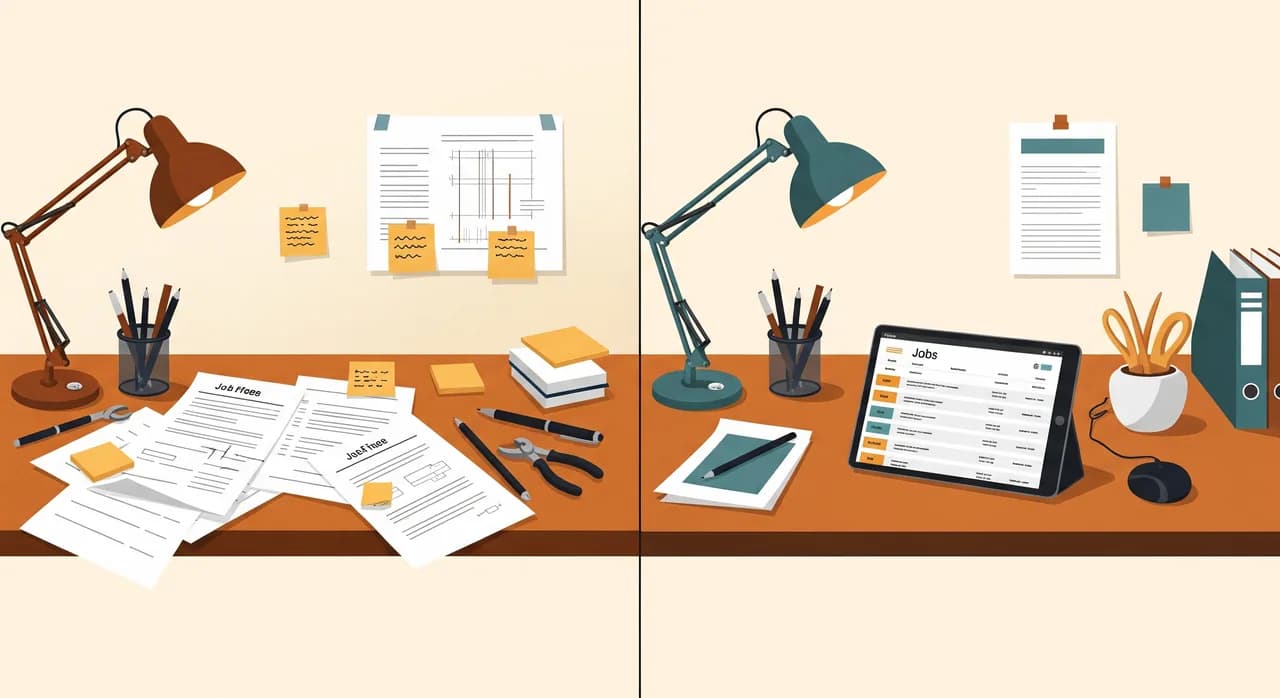
The classic paper round-trip looks like this: a job sheet gets scribbled on site, shoved in a pocket, hopefully survives the wash, makes it back to the office, gets re-typed into a quote or invoice, and along the way a measurement gets misread and an extra gets forgotten. Every hop is a chance to lose money. Digital job capture collapses all of that into one step — entered once, on the phone, where the work happened.
Photos are your best paperwork
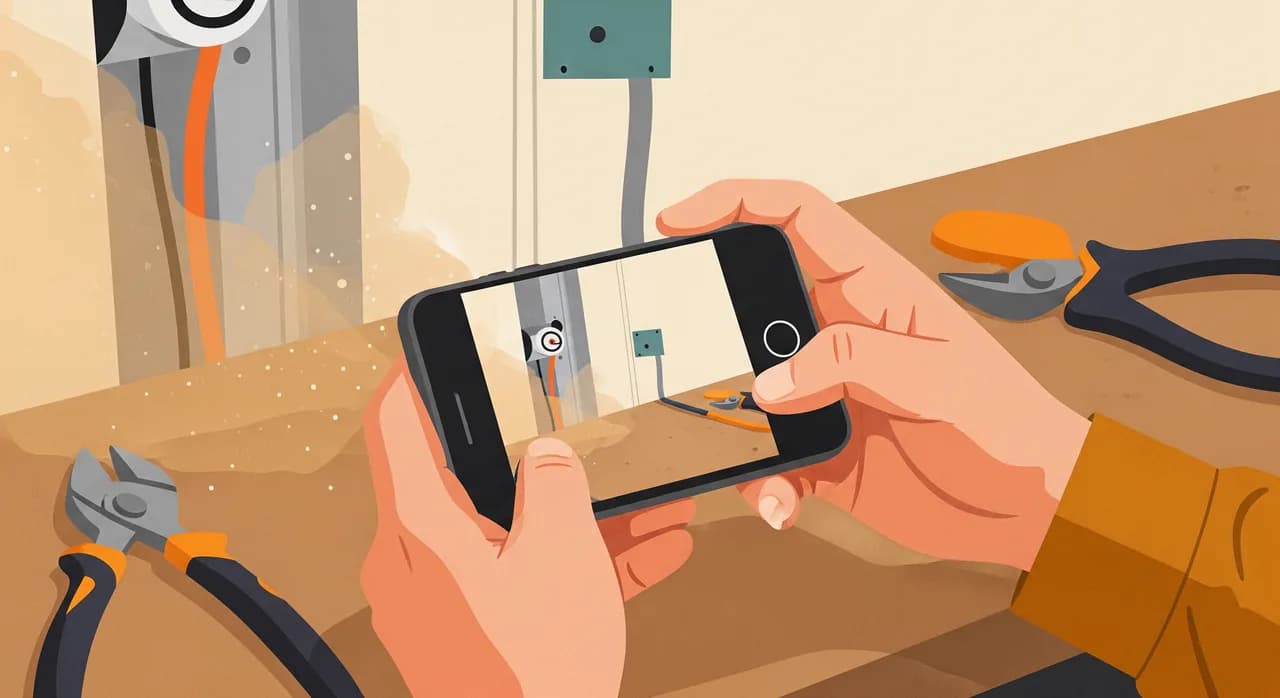
The most underrated feature in any trades tool is the humble photo. A picture of the consumer unit before and after, the leak you found behind the wall, the customer's signature on a tablet — these settle disputes, justify variations, and protect you when someone forgets what they agreed to. Photos attached to the job, timestamped and stored, are worth more than pages of typed notes nobody reads.
It has to work with no signal
This is non-negotiable for trades. Half your jobs are in basements, plant rooms, new-builds with no Wi-Fi and steel that kills mobile data. If the tool can't capture a job offline and sync later, it will fail you exactly when you need it. Test this before you commit: walk into your worst signal spot and try to log a job. If it can't, keep looking.
Do you need AI, or just a tidy system?
There's a lot of noise about AI for trades right now, and most of it is putting the cart before the horse. The vast majority of what a trades business needs isn't AI at all — it's a system that gets quotes out fast and stops job details falling through the cracks. A reminder that chases a quiet quote isn't intelligence; it's a rule with a timer. Calling that 'AI' is just marketing.
That said, there's one place where AI genuinely earns its keep in a trades business today, and it's the phone. When you're under a boiler, you can't answer. A modern AI phone assistant can pick up, take the caller's details, log the job, and even book a slot — so the lead that used to walk now lands in your diary. For a trade that lives and dies on missed calls, that's not a gimmick; it's recovered revenue. But it's the icing. Get the cake — quotes, jobs, invoices — sorted first.
A real example: a 6-van electrical firm
Let me make this concrete with a business I'll keep anonymous — a family electrical contractor with six vans, about a dozen sparkies, and a long history of being very good at the work and very behind on the paper. The owner's wife ran the office and was drowning. Quotes went out late, invoices went out later, and nobody could say with confidence which jobs were even finished.
When we mapped where the time went, the picture was familiar. Quotes were taking five to eight days because they only got done in the evenings. Invoicing lagged so far behind that cash flow was a constant scramble despite a full order book. And the electricians were carrying job details around in their heads, so extras and materials were regularly forgotten by the time anything got billed.
What we actually did
We didn't build a grand platform. We went in the order above. First, quoting moved onto phones with saved templates and the firm's standard rates, so an estimate could go out from the van the same day. Then the paper diary became a shared calendar the whole team could see. Then job capture — photos, materials, hours, sign-off — got logged on site in two or three taps. Finally, invoices were generated straight from the captured job, the same week the work finished.
Crucially, we rolled it out one step at a time over a couple of months, not all at once. Each step ran alongside the old way for a week before the paper version was retired, so nobody was left stranded mid-job. The electricians grumbled for about a fortnight, then stopped — because logging a job on the phone turned out to be less hassle than a wet job sheet in a pocket.
“Same six vans, same dozen sparkies — but the quote that used to take a week now goes out the same afternoon, and the invoices follow it.”
The result (illustrative, but typical)
Within a few months the numbers moved in the direction you'd expect. Quotes that took the best part of a week were going out the same day, which on its own lifted their win rate. Invoicing caught up to the same week as the work, so the cash-flow panic eased. And because jobs were captured on site, the 'forgotten extras' that used to erode every invoice mostly stopped. None of it was dramatic on any single day. Added up over a quarter, it was the equivalent of buying back a part-time office role — without hiring anyone.
| Area | Before | After |
|---|---|---|
| Time to send a quote | 5–8 days | Same day |
| Invoicing delay | 4–8 weeks | Same week |
| Forgotten extras / materials | Frequent | Rare |
| Missed-call follow-up | None | Logged and called back |
| Owner's evening admin | Most nights | Occasional |
Making it stick with a team that's on the tools
The technology is rarely what kills a trades digitalisation project. People are. Specifically, a team of experienced tradespeople who've done it 'their way' for twenty years and aren't thrilled about tapping at a phone on site. Ignore that and the best system in the world will sit unused while everyone quietly keeps their paper sheets.
The way through it isn't a training day. It's making the new way genuinely easier than the old one, and proving it on a small scale first. Pick one van, one crew, one type of job. Get it working there, let that crew become the ones who say 'honestly, it's quicker' — and the rest of the team will follow their mates far faster than they'll follow the boss or a manual.
And give it an owner. Every digital tool needs one named person who watches it, fields the early complaints, and decides what to tweak. In a small firm that's often the office manager or the owner. Without an owner, the system slowly rots: a glitch goes unfixed, someone reverts to paper 'just for now', and within a month you're back where you started, only poorer.
Want to digitalise without the disruption?
The hardest part is knowing which step to take first for your specific firm. We'll walk through how your jobs actually flow — quote to invoice — and point at the one change worth making first, with no obligation to build anything.
See how we automate trades businessesCommon questions
Where should a trades business start with digitalising?
Do I have to go fully paperless?
Will this work if my team isn't tech-savvy?
Does a trades business need AI?
How long before I see results from digitalising?

Have a nice day is a software studio that helps small and mid-sized businesses go digital — automation, AI and custom software that works in everyday operations, not just on slides.