Retail Back-Office Automation: Taming Orders, Stock and Invoices
The shop floor gets all the attention, but the real money in retail leaks out the back — in the hours spent re-typing orders, reconciling stock and chasing invoices. Here's how to plug those leaks one at a time, without a giant ERP project.
 Have a nice day15 min read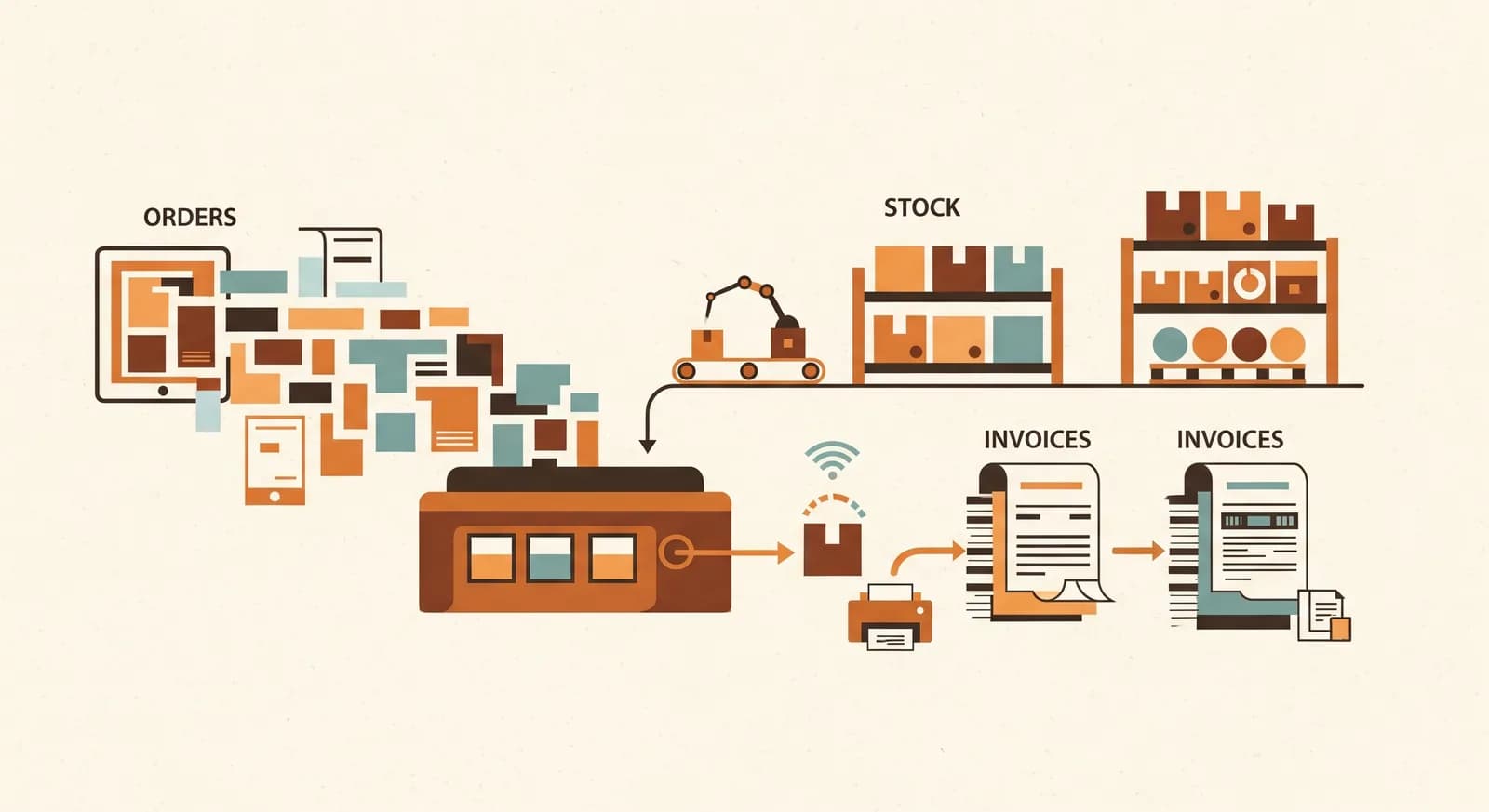
In retail, everyone obsesses over the front of the shop — the window, the shelves, the checkout, the foot traffic. Fair enough, that's where the customer is. But if you actually follow the money through a small retail business, a surprising amount of it never makes it to the bottom line. It evaporates in the back office: in the hour spent re-keying a supplier order, the Saturday afternoon reconciling stock counts that don't match the system, the slow drip of invoices that arrive, sit, and get paid late. Nobody sees that work, which is exactly why it never gets fixed.
I've spent a lot of time in the storerooms behind small shops — a homeware boutique, a bike dealer, a chain of three pet stores. The owners almost never describe their problem as “the back office.” They describe it as being tired. As never quite knowing what they have in stock. As discovering at month-end that a supplier overcharged them six weeks ago and the moment to dispute it has passed. Different symptoms, same disease: too much information moved around by hand.
This is a guide to fixing that, written for a shop owner rather than an IT department. We'll walk through the three places retail admin actually hurts — orders, stock and invoices — and how to automate each without committing to a year-long ERP rollout you'll come to resent. The goal isn't a perfectly digital business. It's getting your evenings back.
Where the back-office hours really go
Before you automate anything, it helps to be honest about where the time goes, because retail owners are reliably wrong about this. The dramatic problems — a big delivery error, a system outage — feel huge but happen rarely. The real cost is the small, daily, invisible stuff that nobody logs because it's just “part of the job.”
Three flows soak up the bulk of it. Orders: turning a low-stock situation into a purchase order, sending it, and recording what's coming. Stock: knowing what you have and what it's worth, without counting by hand every week. Invoices: matching what a supplier billed against what you ordered and received, then paying on time without paying twice. Each touches the others — a single product passes through your hands as a reorder, a delivery, a shelf count and an invoice line, and right now you're probably typing it in at every step.
“The back office isn't one big problem. It's the same piece of information being entered four times because none of your systems are talking.”
That's the framing that makes automation tractable. You're not digitalising a business. You're stopping a handful of specific double-entries. Once you see it that way, the project shrinks from terrifying to doable — and you can start with whichever one is bleeding the most time this month.
Orders: stop re-typing what you reorder
Purchasing is usually the easiest place to start, because it's the most repetitive and the most rule-based. Most small retailers reorder the same products from the same handful of suppliers, over and over. You notice something is running low, you check a price, you write up an order, you email or call it in, and then — if you're disciplined — you note somewhere that it's on the way. That last step is the one that quietly falls apart, which is how you end up ordering the same thing twice or running out of a bestseller.
The first win is simply reorder points. For your steady sellers, decide the quantity at which you want to be nudged to reorder. A system that knows your stock levels can then flag — or even draft — the purchase order automatically when you dip below the line. You stay in control; you're just no longer the alarm clock. This one change alone removes a whole category of “oh no, we're out” moments that cost real sales.
The second win is killing the re-typing. When you place an order, that information should flow straight into your records as expected stock, so the moment the delivery arrives you're confirming a line rather than typing it fresh. Connecting your ordering to your stock records — even loosely — means a product is entered once and follows itself through the rest of the journey.
Stock: the single source of truth problem
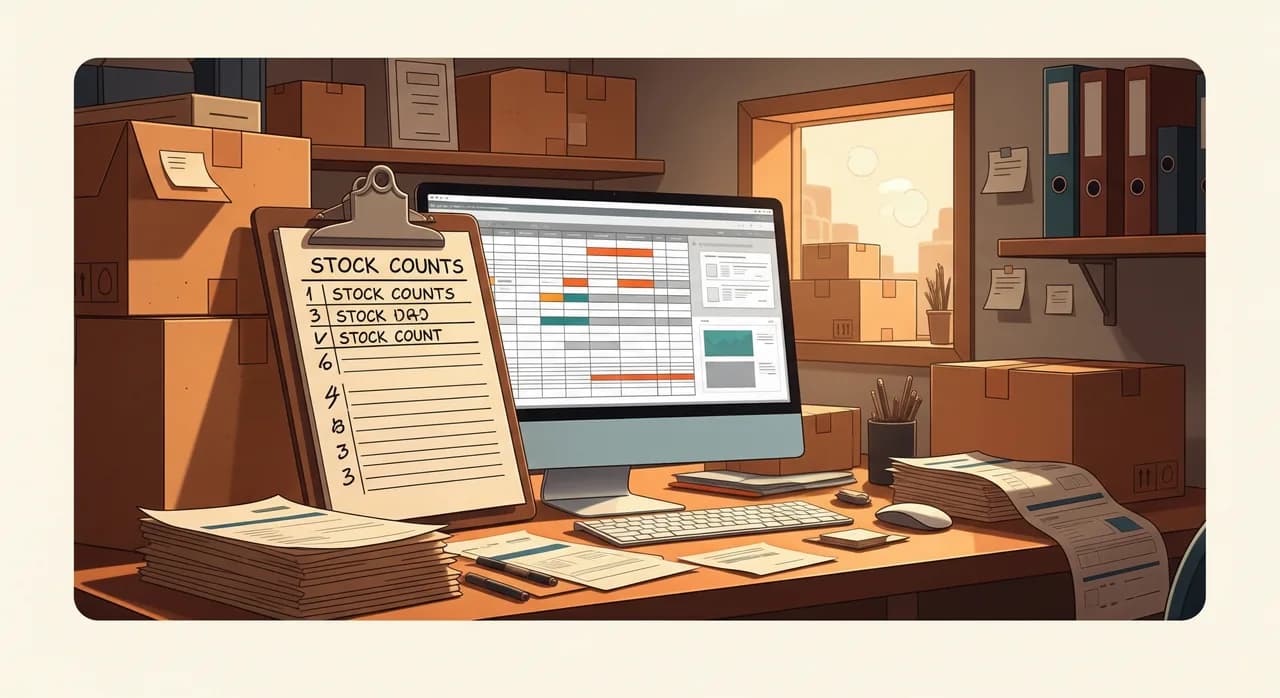
Stock is where most retail back offices truly suffer, because the information lives in too many places at once: on the shelf, in the till system, in a spreadsheet, and in someone's head. When those four disagree — and they always drift apart — you reconcile by hand. That reconciliation is the Saturday-afternoon job everyone hates, and it's never quite finished.
The goal here isn't a perfect real-time inventory worthy of a national chain. It's a single source of truth that's good enough to trust most of the time. In practice that means sales automatically decrement stock at the till, deliveries automatically increment it, and the rare manual adjustment (breakage, theft, a miscount) is logged in one place rather than scribbled on a delivery note. The magic isn't any one feature — it's that everyone is finally looking at the same number.
Make counting the exception, not the routine
Once your system tracks movements automatically, you stop doing full stocktakes to find out what you have, and start doing small spot-checks to confirm the system is right. That's a completely different, far lighter job. Instead of counting everything once a quarter in a frantic weekend, you count a rotating handful of categories — what's sometimes called cycle counting — and your numbers stay honest without ever shutting the shop.
Let the system watch the slow movers too
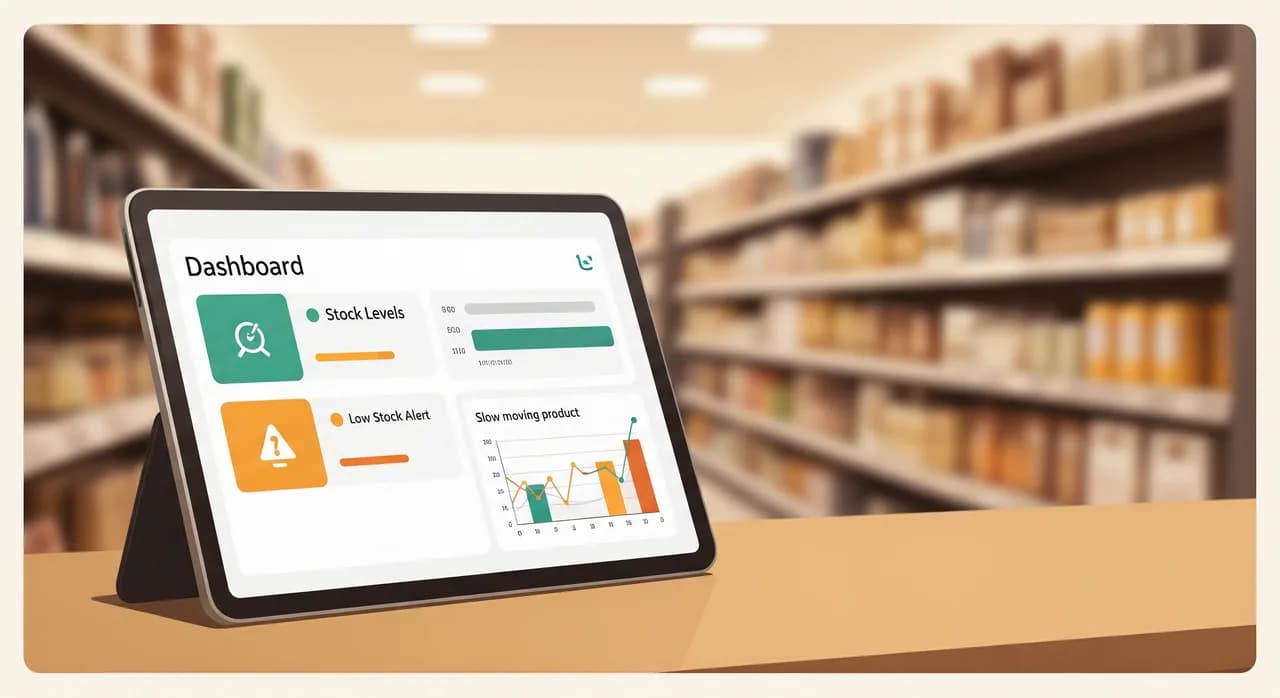
A connected stock system doesn't just warn you when something's running low. It can quietly flag the opposite problem — the lines that aren't moving, the cash sitting dead on a shelf. Most small retailers have no easy way to see this and only notice when they trip over the boxes. A simple automated “these 15 products haven't sold in 90 days” report turns a vague guilty feeling into a clear-out you can actually plan.
Invoices: matching, not just paying
Supplier invoices are the third drain, and the sneakiest, because the cost of doing them badly is hidden until it's too late. The job isn't really paying the invoice — that part's easy. The job is matching: confirming that what the supplier billed you for is what you actually ordered and what actually arrived. Skip that, and you slowly pay for overcharges, short deliveries and the occasional duplicate, never knowing it's happening.
This is where things get interesting, because invoices are messy in a way orders aren't. Every supplier's invoice looks different. They arrive as PDFs, as paper in the delivery box, as attachments buried in email. Historically this is exactly why invoice handling stayed manual — a computer couldn't read a hundred different layouts. That's the part that has genuinely changed in the last couple of years, and we'll come back to it.
Even before any clever document-reading, you can automate the flow: a single inbox where all supplier invoices land, a clear status for each one (received, matched, approved, paid), and a nudge before anything goes overdue. That alone turns invoice handling from a shoebox you dread into a short, predictable weekly routine — and it's the foundation everything smarter sits on.
Where AI actually fits in retail admin
I run an AI practice, so here's the honest version: most of what we've discussed needs no AI at all. Reorder points are a rule with a number. Decrementing stock at the till is a pipe between two systems. Invoice status tracking is a checklist with reminders. Calling any of that “AI” would be marketing, and it would be the slower, more expensive way to solve a simple problem.
Where modern AI genuinely earns its keep in the retail back office is the one task that defeated automation for decades: reading messy documents. Pulling the supplier, the line items, the quantities and the totals out of a hundred different invoice layouts — including a crumpled paper one you photographed with your phone — is exactly the kind of language-and-image work that today's models do well and rules never could. That's the piece that takes invoice matching from “mostly manual with software help” to “mostly automatic with human review.”
What to tackle first, second and third
You don't do all three flows at once — that's the ERP-project trap that eats a year and everyone's goodwill. You sequence them, finishing each before the next, so you always have a working business and a visible win behind you.
- 1Start with stock as your foundationGet one trusted source of truth for what you have — sales decrementing, deliveries incrementing. Almost everything else depends on this, so it goes first even though it's the biggest of the three.
- 2Layer ordering on topWith reliable stock levels, reorder points and draft purchase orders become easy and safe. This is your fastest, most satisfying win — the day you stop being the human low-stock alarm.
- 3Then automate the invoice flowSingle inbox, capture, status, reminders. Get the boring pipeline solid before reaching for AI document-reading, because AI matching only shines once orders and deliveries are already in the system to match against.
- 4Finally, add AI where it's earnedNow layer AI invoice capture and three-way matching on top. By this point the rest of the system is feeding it clean data, so it actually works instead of producing confident nonsense.
Notice the logic: each step makes the next one easier and safer. That's not an accident — it's the whole reason to resist the all-at-once temptation. Sequenced this way, even if you stop after step two, you've still meaningfully improved the business. Nothing is wasted.
A real example: the three-store pet retailer
Let me make this concrete with a composite drawn from a few similar projects — anonymised, with illustrative numbers, but true to how these go. Picture a small pet-supply retailer: three stores, around 3,000 SKUs, eight staff, and an owner who did all the purchasing and invoicing herself, mostly in the evenings.
The situation
Stock lived in a till system that didn't really track inventory, a master spreadsheet that was updated “when there was time,” and the owner's memory. Reorders happened when a shelf looked thin, which meant frequent stockouts on bestsellers and a back room full of slow movers nobody had noticed. Supplier invoices piled up in a tray; matching them against deliveries was so tedious it mostly didn't happen, and twice that year a supplier overcharge had slipped through unnoticed. She estimated eight to ten hours a week on this, almost all of it after closing.
What we did
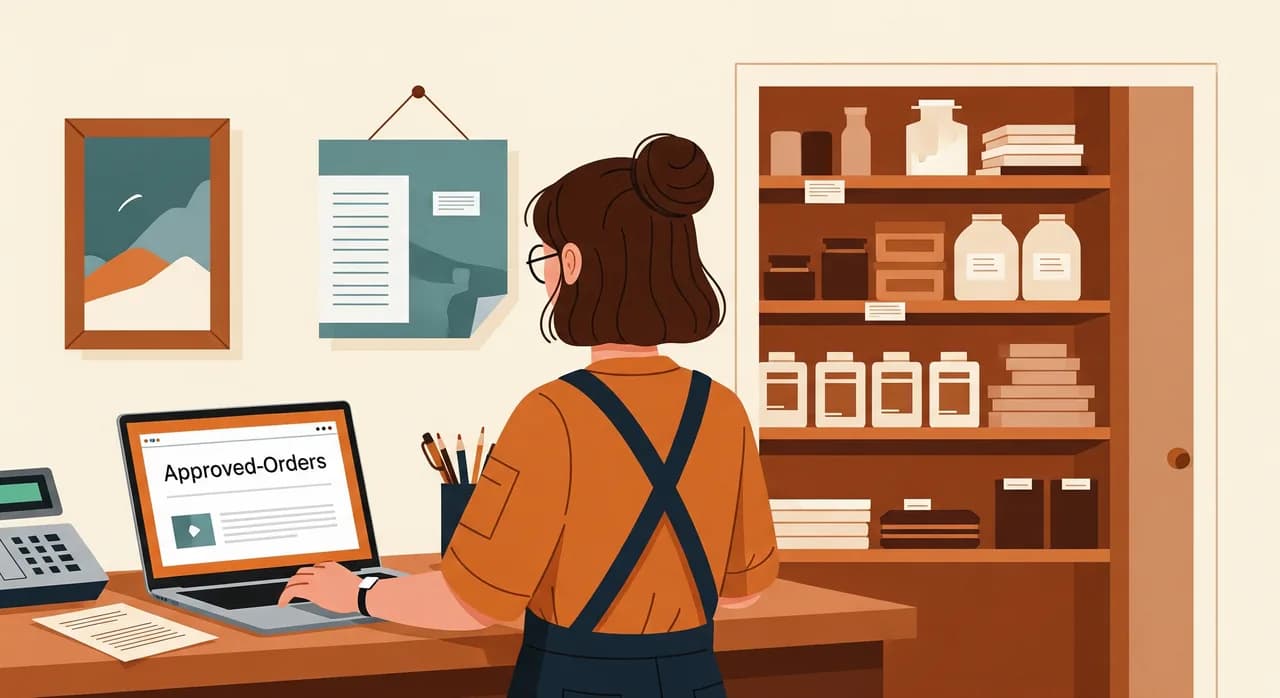
We didn't propose an ERP. We followed the sequence above. First, we made the till system the single source of truth for stock across all three stores, so a sale anywhere decremented the right number and deliveries were booked in once. Then we set reorder points on the top few hundred lines and had the system draft purchase orders for her to approve — a two-minute review instead of an hour of list-making. Only once that was humming did we route every supplier invoice into one inbox, where an AI step read each one regardless of layout and matched it against the corresponding order and delivery, flagging anything that didn't line up for her to check.
The result
Within about three months the evening admin dropped from eight-to-ten hours a week to under two — and those two were review, not data entry. Stockouts on bestsellers became rare. The dead-stock report prompted a clearance that freed up both cash and shelf space. And the invoice matching caught two discrepancies in the first quarter that more than covered the cost of the whole project. None of this was magic. It was three boring flows, fixed in the right order, with AI used in exactly one place where it earned its seat.
Rolling it out without disrupting the shop
A retail business can't go offline for a migration — you've got customers walking in tomorrow. So you roll out the way you'd change a tyre on a moving car: carefully, one wheel at a time, with the old way still holding you up until the new one is proven.
- Run new and old in parallel for a week or two, so a glitch in the automation never leaves a shelf wrong or an order missed.
- Pick one person to own each flow — usually whoever feels its pain most — to watch it and field early hiccups.
- Write a one-page 'when it breaks' note for each: what it does, who to tell, what to do manually until it's fixed.
- Train at the counter, not in a meeting — staff trust a system they've watched work on a real transaction.
- Only retire the old spreadsheet once a clean week has passed, and tell everyone clearly, so no secret backup version survives.
That last point matters more than it sounds. The thing that quietly kills retail automation isn't a bug — it's the one staff member who keeps maintaining the old spreadsheet “just in case,” because then no one fully trusts either version. Pick a date, make the switch visible, and let the old way go.
Want to see where your shop's hours are leaking?
We'll walk through your back office with you — orders, stock and invoices — and point at the one flow worth automating first, with no obligation to build anything. It's the cheapest, most useful hour you'll spend on this.
See how we automate retailCommon questions
Do I need to replace my POS or till system to automate the back office?
Is this only worth it for shops with lots of locations?
How accurate does my stock data need to be before I start?
Will AI invoice reading actually work on my suppliers' messy invoices?
How long until the back-office work actually feels lighter?

Have a nice day is a software studio that helps small and mid-sized businesses go digital — automation, AI and custom software that works in everyday operations, not just on slides.