Common Mistakes When Digitalising an Auto Workshop (and How to Avoid Them)
Most workshop software projects don't fail because the software is bad. They fail because the wrong thing got digitalised first, in the wrong order, by people who never asked the mechanics. Here's how to do it the calm way.
 Have a nice day16 min read
A garage owner once told me he'd spent more on workshop software in three years than on his diagnostic machine — and still wrote his job cards on paper because the app was slower than a pen. He wasn't an idiot, and the software wasn't junk. He'd just made the same handful of mistakes nearly every workshop makes when it decides to 'go digital'. None of them are about technology. All of them are about sequence, habits and listening to the people holding the wrenches.
I've sat in enough back offices behind enough auto repair shops to know the rhythm of the place. The phone that never stops. The mechanic shouting a part number across the bay. The owner doing the books at nine in the evening because that's the only quiet hour. When digitalisation goes wrong here, it doesn't go wrong loudly — it goes wrong as a half-used system, a second screen nobody opens, and a quiet return to the paper diary that always worked.
This is a guide to not doing that. Not a sales pitch for a particular tool, and not a fantasy about a paperless, AI-run garage. Just the real mistakes I see again and again, and the calmer way through them — written for the owner who'd rather be turning spanners than configuring software.
Why workshop digitalisation quietly goes wrong
Workshop software rarely fails with a bang. There's no dramatic crash, no data lost overnight. It just fades. The system gets bought in a burst of new-year optimism, half-configured over a busy fortnight, and then one mechanic hits an awkward step at the worst possible moment — a customer waiting, a lift occupied — and reaches for the paper job card instead. Within a month the paper has won, and the subscription is just another line on the bank statement nobody questions.
When you look closely, the cause is almost never the product. It's the order things were done in. The owner digitalised the part that was easiest to picture — usually invoicing — instead of the part that hurt most. Or they bought a system designed for a 30-bay dealership and tried to wear it like a coat three sizes too big. Or, most commonly, nobody asked the mechanics what their day actually looks like before deciding how they'd now have to work.
“The software didn't fail. The rollout did — and the rollout failed because nobody on the workshop floor was in the room when it was decided.”
The good news hidden in that pattern: because the mistakes are so predictable, so is getting it right. Fix the order, respect the floor, start with one painful process instead of all of them — and digitalisation stops being a threat and starts being the thing that finally gets you home before nine.
Mistake 1: Trying to digitalise everything at once
The most expensive mistake is also the most enthusiastic one. You decide to modernise, so you buy the all-in-one workshop suite — appointments, job cards, parts inventory, invoicing, customer history, the lot — and you try to switch the whole garage over on the same Monday. By Wednesday the bays are backed up because everyone's fighting the new screens, and by Friday you've quietly told the team to 'just do it on paper for now until things calm down'. Things never calm down.
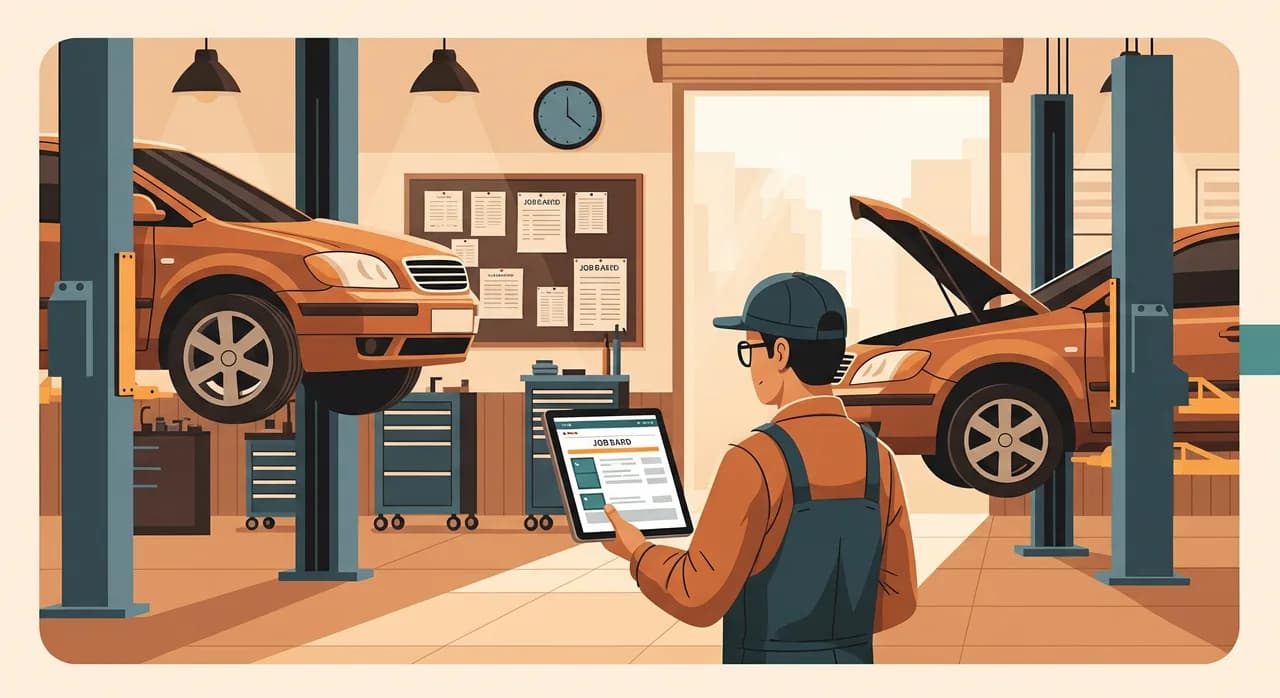
A workshop is a live operation — you can't take it offline to reinstall how it works. The fix is to treat digitalisation as a series of small, finished steps rather than one big switch. Pick the single process that hurts the most, get that one thing working and trusted, then move to the next. One garage I worked with did nothing in month one except move job cards onto a tablet at the bay. It worked so well the team asked for the next piece themselves — and that pull is worth more than any plan.
Mistake 2: Starting with invoicing instead of the floor
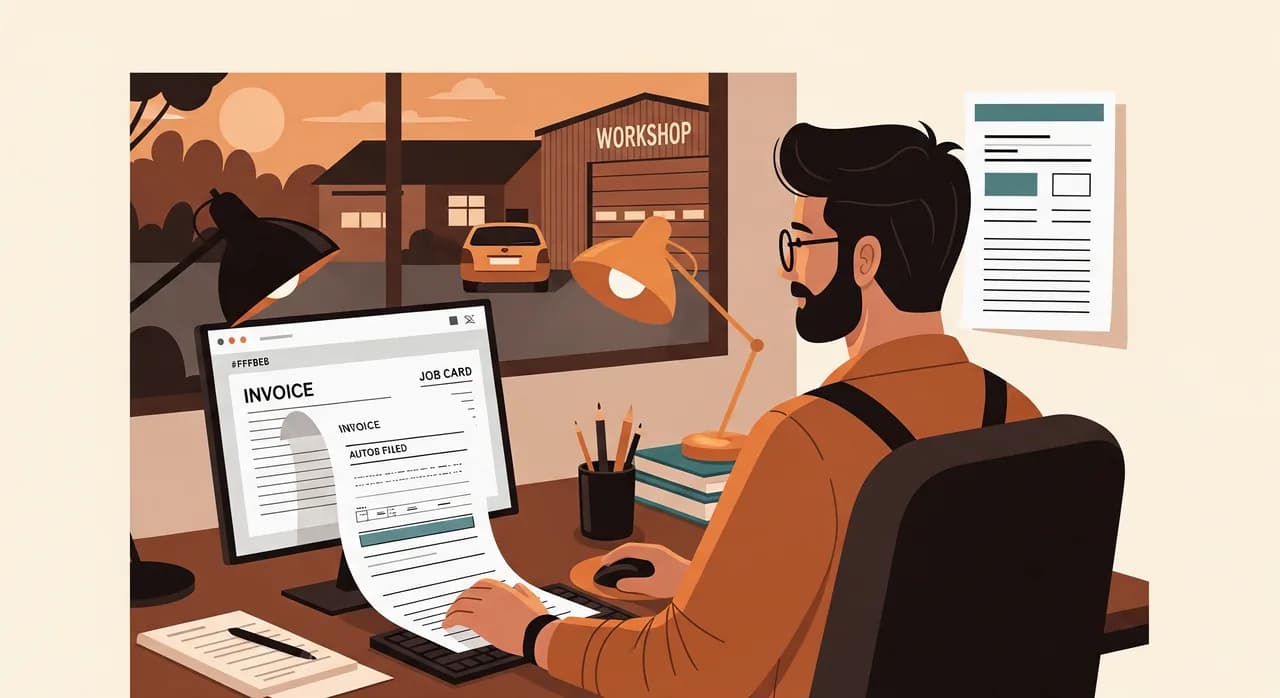
Almost everyone starts with billing. It makes sense on paper — it's the part the owner sees, it touches money, and there are a hundred invoicing tools begging for the job. But invoicing is the end of the workshop process, not the start. If the job card, the parts used and the hours worked still live on paper and in people's heads, your shiny invoicing system is just a place to re-type everything a second time. You've added work, not removed it.
The real time leaks in an auto workshop are upstream: capturing what's wrong with the car, recording what was actually done, knowing which part went where, and getting customer approval for extra work without three phone calls. Fix those, and the invoice almost writes itself — because every line is already captured at the bay, by the person who did the work, the moment they did it. Start at the floor and bill flows out the back. Start at billing and you'll be re-keying paper forever.
The job card is the heart of it
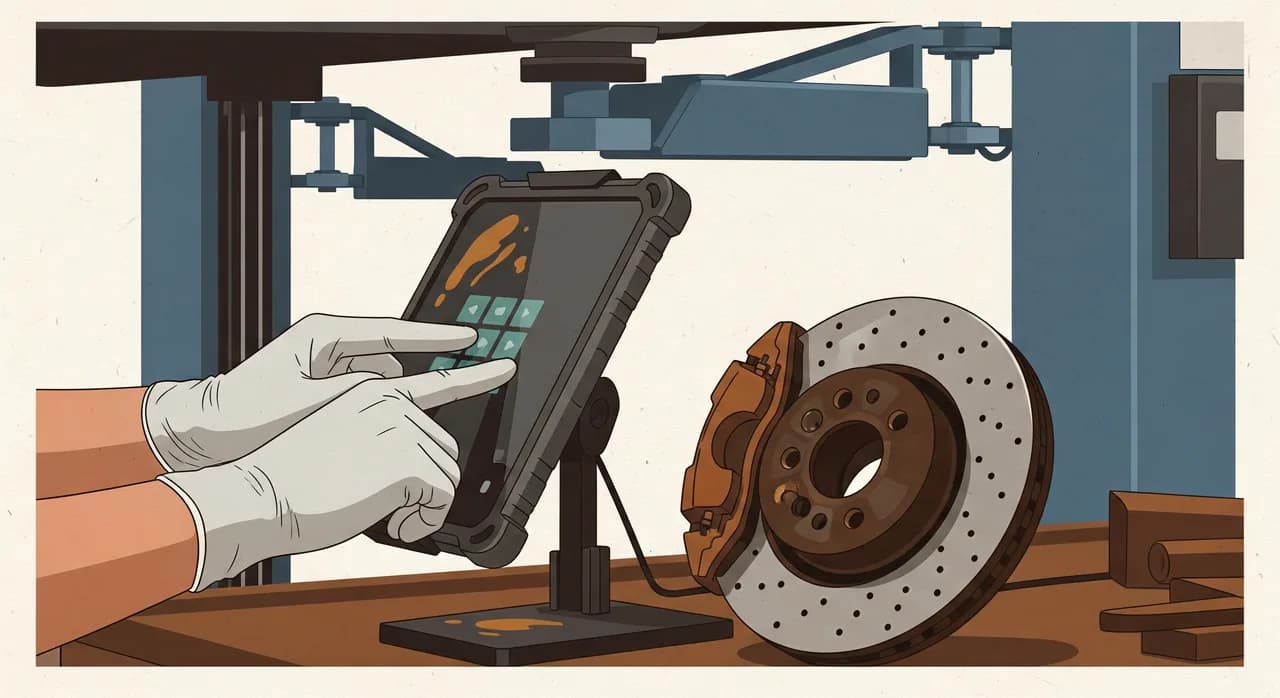
If there's one process worth digitalising first in nearly every garage, it's the job card. It's the document that ties together the customer, the car, the diagnosis, the parts, the labour and the approval. Get it onto a tablet at the bay — filled in once, by the mechanic, with photos of the worn brake disc or the rusted sill attached right there — and a remarkable amount of the day's friction simply disappears. No re-typing in the office. No 'what did we actually do on this one?' at invoicing time. No lost scribbles.
Mistake 3: Choosing software without the mechanics in the room
This is the quiet killer. The owner, or the owner's accountant, picks the system in an office, based on a demo and a feature list. It looks great on the laptop. Then it lands on the workshop floor, where the reality is oily hands, gloves, a phone propped against a toolbox, and ten free seconds between tasks — and it turns out the slick interface needs nine taps and a steady wifi signal to log one job. The mechanics don't refuse it out of stubbornness. They refuse it because it's genuinely slower than the pen, and they're judged on cars finished, not screens filled.
Any tool that the people on the floor won't use is worse than no tool, because you've paid for it and you still don't have the data. So bring a mechanic into the decision before you sign anything. Let them try entering a real job, with gloves on, in the noise of a real working day. If it's not faster and easier than paper for them, it doesn't matter how good the reports look for you.
Mistake 4: Digitalising a process that's already broken
Here's a hard one to hear: if your booking system is chaos on paper — double-booked lifts, no buffer for the jobs that run long, customers told 'drop it in any time Tuesday' — then putting it on a screen just gives you faster chaos. Software is an amplifier, not a fixer. It makes a tidy process tidier and a messy process messier, more visibly, for everyone to see.
Before you automate or digitalise a workflow, spend an honest hour mapping how it actually works today — not how it's supposed to work. Where do cars get stuck? Where does information get lost between the counter and the bay? Where do you call a customer back three times? Fix the obvious breaks on paper first. A clear, sane process is cheap to digitalise. A broken one is expensive to digitalise and still broken at the end.
- Where does the same information get written down more than once on its way through the shop?
- Which step most often makes a customer wait, or makes you phone them back?
- Where do jobs stall — waiting on a part, an approval, a free bay — with nobody tracking it?
- What does the mechanic have to walk to the office to find out?
- Which recurring job (a service, an MOT-style check) follows the exact same steps every single time?
That last question is gold. The steps a workshop repeats identically — a standard service, a seasonal tyre change, a fixed inspection — are the easiest and safest things to standardise and digitalise first, because there's no judgement involved. Predictable, repetitive work is exactly what software is good at carrying.
Mistake 5: Treating your customer and vehicle data as an afterthought
A garage's most underused asset is its history. Every car you've ever serviced, every customer, every job, every part fitted — that's a goldmine for repeat business and faster diagnosis, and in most workshops it's scattered across paper folders, a former employee's memory, and an invoicing tool that only remembers what it billed. When workshops digitalise, they often rebuild the front end beautifully and leave this data behind in the old shoebox.
You don't need a grand 'customer relationship platform' to fix this. You need the basics held in one place: who the customer is, what they drive, what you've done to it, and when it's next due. That alone lets you send a service reminder before the customer even thinks about it, tell a mechanic the full history of a returning car in two taps, and stop losing regulars to the garage down the road that remembered to call them first.
| Process | Time saved | Effort to set up | Good first project? |
|---|---|---|---|
| Digital job cards at the bay | High | Low–Medium | Almost always yes |
| Customer & vehicle history in one place | High | Medium | Yes |
| Service / inspection reminders | Medium | Low | Yes |
| Online booking with buffers | Medium | Medium | Yes, once booking is sane |
| Full parts inventory automation | High | High | Not first |
| Custom all-in-one platform | High | Very high | Later, deliberately |
Do you need AI in your workshop? Mostly not — yet
There's a lot of noise about AI for the automotive trade right now, so let me be blunt: most of the value in digitalising a workshop has nothing to do with AI. A reminder that a car is due for service isn't intelligence — it's a date and a rule. A job card on a tablet is just a form that doesn't get lost. Calling that AI is marketing, and chasing it first means skipping the boring stuff that actually saves you hours.
Where modern tools genuinely help is the messier edges: a phone assistant that answers the line and books a slot while you're under a car, software that reads a supplier's parts invoice and files it without anyone typing, or quick first-draft replies to the routine 'is my car ready?' messages. That's real and worth doing — but it sits on top of a tidy, digitalised core. Get the job cards, the history and the reminders working first. The clever stuff works far better on a clean foundation than on a pile of paper.
A real example: one garage, one process at a time
Let me make this concrete with a workshop we worked with — anonymised, but the shape of it is true to life. A family-run garage, six staff including the two owners, four bays, the usual mix of servicing, repairs and the occasional bigger job. They'd already bought an all-in-one workshop suite the year before and barely touched it. Everything still ran on a paper diary, a wall of job-card clipboards, and the owner's wife re-typing it all into invoices each evening.
When they came to us, the instinct was to start over with a bigger, better system. We talked them out of it. Instead, we asked the question that matters: where does the day actually hurt? It wasn't invoicing. It was the constant walk between the bay and the office — mechanics fetching customer details, owners chasing what had been done on a car, approvals lost between a phone call and a clipboard.
What we did
We ignored everything except that one process for the first month. Job cards moved onto a tablet at each bay — the mechanic opens the car's record, sees its history, logs parts and labour as they go, snaps a photo of the actual problem, and sends extra work to the owner for a one-tap approval without leaving the lift. We ran it alongside the old clipboards for two weeks so nothing broke, gave one of the owners ownership of it, and wrote a three-line 'if it stops working, do this' note for the team.
- 1Found the real painHalf a day on the floor, watching — not a feature list. The hurt was the job card and the office walk, not the invoicing everyone assumed.
- 2Digitalised one processJob cards on a tablet at the bay, with vehicle history and photo capture. Nothing else touched in month one.
- 3Ran it in parallelOld clipboards stayed available for two weeks as a safety net, so a busy day never meant a blocked bay.
- 4Gave it an owner and a fallback noteOne person watched it and fielded early gripes; a short 'when it breaks' note meant nobody panicked.
- 5Only then, added the next pieceOnce the floor trusted it, customer history and service reminders followed — pulled in by the team, not pushed by us.
The result, a few months in, was not dramatic in the way brochures promise — it was better than that, because it stuck. The evening re-typing largely vanished, because the invoice was built from the job card automatically. And because service reminders now went out on their own, a steady trickle of regulars came back for work that used to slip away. The all-in-one suite they'd already paid for? Mostly retired. They were getting more from one well-chosen process than from a platform they'd never had time to learn.
“They got more value from one process done properly than from a whole platform they never had time to learn.”
The calm way to digitalise your workshop
Pull all of this together and the method is almost embarrassingly simple. Don't switch everything at once. Don't start with the invoice. Don't choose software the mechanics can't use. Don't digitalise a process that's broken on paper. Don't leave your customer history in a shoebox. And don't reach for AI before the boring basics are working.
Find the one process that hurts most — usually the job card and the floor-to-office gap — and fix that properly before you touch anything else. Run it in parallel, give it an owner, keep a fallback. Then, when the floor trusts it, do the next one. Four small, finished steps in a year quietly hand you back an evening a week and a team that no longer dreads the word 'system'. That's the whole job — not a digital transformation, just a garage that runs a little smoother, one honest step at a time.
Not sure which process to digitalise first?
That first decision is the one that makes or breaks the whole project — and it's the cheapest to get right. We'll spend time on your workshop floor, find the one process worth fixing first, and tell you honestly what's worth doing and what isn't.
See how we approach workshop softwareCommon questions
What should an auto workshop digitalise first?
Do I need to replace my existing workshop software?
Will my mechanics actually use new software?
How long before I see a result?
Does my workshop need AI?

Have a nice day is a software studio that helps small and mid-sized businesses go digital — automation, AI and custom software that works in everyday operations, not just on slides.