7 Signs Your Business Has Outgrown Its Spreadsheets
Spreadsheets are brilliant — until they quietly become the most fragile, most expensive part of your business. Here are the seven honest signs it's time to move on, and how to do it without breaking everything you rely on.
 Have a nice day13 min read
There's a spreadsheet somewhere in your business that started life as a quick five-minute fix. A little tracker. Nothing serious. Two years later it has forty tabs, a colour-coding system only one person understands, and it runs payroll, stock, the customer list and half your reporting. Everyone is a little afraid to touch it. That spreadsheet is no longer a tool. It's load-bearing — and that's exactly the problem.
I want to be clear up front: I love spreadsheets. They are one of the great inventions of small business. They cost nothing, they start instantly, and they bend to whatever shape your brain needs at 11pm when you're trying to make sense of a mess. Nine times out of ten, when someone asks me whether they need custom software, my honest answer is “not yet — a spreadsheet will do”. That's not me being humble. That's me saving you money.
But spreadsheets have a ceiling, and the dangerous thing is that you don't see it coming. There's no error message that says “you have now outgrown this file.” Instead the symptoms creep in sideways — a broken formula here, a double-booking there, a Monday that's quietly eaten by copy-paste. By the time it's obvious, the spreadsheet is so tangled into how you work that moving off it feels terrifying. So this piece is about catching the moment earlier. Here are the seven signs I look for, in roughly the order they tend to appear.
Sign 1: People are scared to touch the file
This is the earliest and most telling sign, and almost nobody names it out loud. Ask yourself: is there a spreadsheet in your business that only one person is truly allowed to edit? A file where a wrong click could break a formula three tabs over, and nobody would notice until the numbers came out wrong at month-end?
When a tool becomes too fragile to share, it has stopped being a tool and become a single point of failure. The knowledge of how it works lives in one head. If that person is sick, on holiday, or — let's be honest about the real risk — leaves the company, you don't just lose an employee. You lose the ability to run a core part of your business. A proper system enforces its own rules, so a new hire can use it on day one without being able to quietly corrupt everything.
“If only one person is allowed to touch the file, you don't own a spreadsheet — you own a hostage situation with your own data.”
Sign 2: You have five versions and no idea which is real
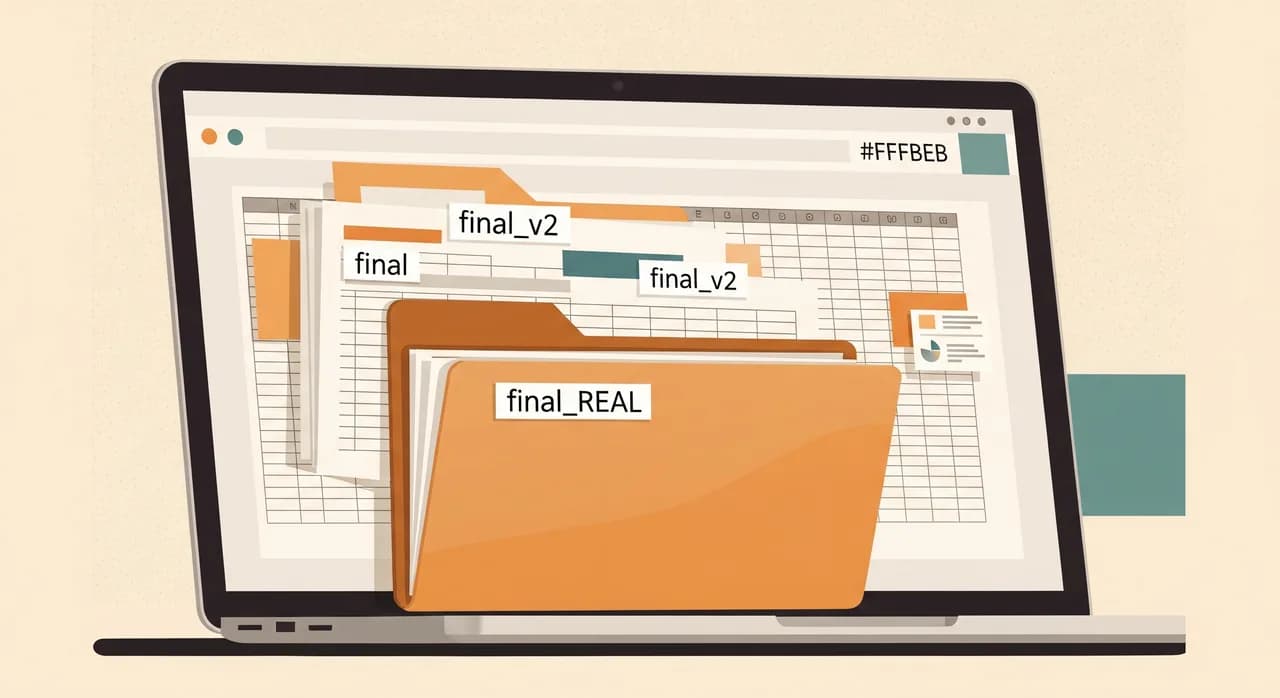
final.xlsx. final_v2.xlsx. final_REAL_use_this_one.xlsx. If you're smiling, you already know the problem. The moment more than one person needs to work on the same data, a single file starts spawning copies. Someone emails a version to a colleague. They edit it. Now there are two truths, and they've already drifted apart.
Cloud spreadsheets fixed some of this — shared editing is real and genuinely helpful. But it papers over a deeper issue rather than solving it. The underlying problem is that a spreadsheet has no concept of a single source of truth. It can't tell you who changed what, when, or why. It can't stop two people editing the same row in incompatible ways. When your data matters — when invoices, stock levels or customer records depend on it — “which version is the real one?” is not a question you should ever have to ask.
Sign 3: You type the same thing into three places
Watch how a single new order moves through your business. A customer emails. Someone types the details into a spreadsheet. Then types the same name and address into the invoicing tool. Then again into the delivery note. Three times, the same information, by hand. Each time is a chance to mistype a digit, and every mistyped digit becomes a phone call, a refund, or a delivery to the wrong street.
This re-typing is the clearest financial sign of all, because you can actually measure it. It's pure waste — time spent moving data sideways instead of doing the work. A spreadsheet can't reach out and update your invoicing system; it just sits there, an island. A real system connects those steps so the customer's details are entered once and flow everywhere they're needed. The hours this gives back are usually what makes the whole move pay for itself.
Sign 4: The file is slow, heavy, or crashes
Spreadsheets were never built to be databases, and there's a point where the data outgrows the tool. The file takes ten seconds to open. Scrolling stutters. A complex formula spins the little loading wheel. Somebody opens it on an older laptop and it simply gives up. These aren't quirks — they're the sound of a structure being used far past what it was designed for.
The deeper danger is silent corruption. A formula that used to cover rows 1 to 500 doesn't stretch to the 600 rows you have now, so the totals are quietly wrong — and nobody notices for months. Spreadsheets fail without complaining. By the time a slow, overloaded file actually crashes and loses an afternoon's work, it has usually been feeding you small wrong numbers for a long time already.
Sign 5: You can't answer 'what changed, and when?'
A customer calls. They swear the price you quoted was lower. Can you prove what the price was three weeks ago? In a spreadsheet, the old number is simply gone — overwritten the moment someone updated the cell. There's no record. It's your memory against theirs.
As a business grows, this absence of history becomes a real liability. You need to know who approved a discount, when a stock count was taken, what an order looked like before it was edited. Spreadsheets don't keep that kind of memory in any reliable way. A proper system records every meaningful change — who, what, when — so disputes are settled by looking, not arguing. The first time a logged history saves you from an awkward customer fight, you stop seeing it as a nice-to-have.
The quick audit test
Here's a thirty-second version of this sign. Pick any important number in your business — a current stock level, an outstanding balance, a booking. Now ask: can I see how it got to be that number? If the honest answer is “no, it's just whatever the cell says today,” you're flying on trust alone. That works until the one day it doesn't.
Sign 6: Reporting takes a whole morning
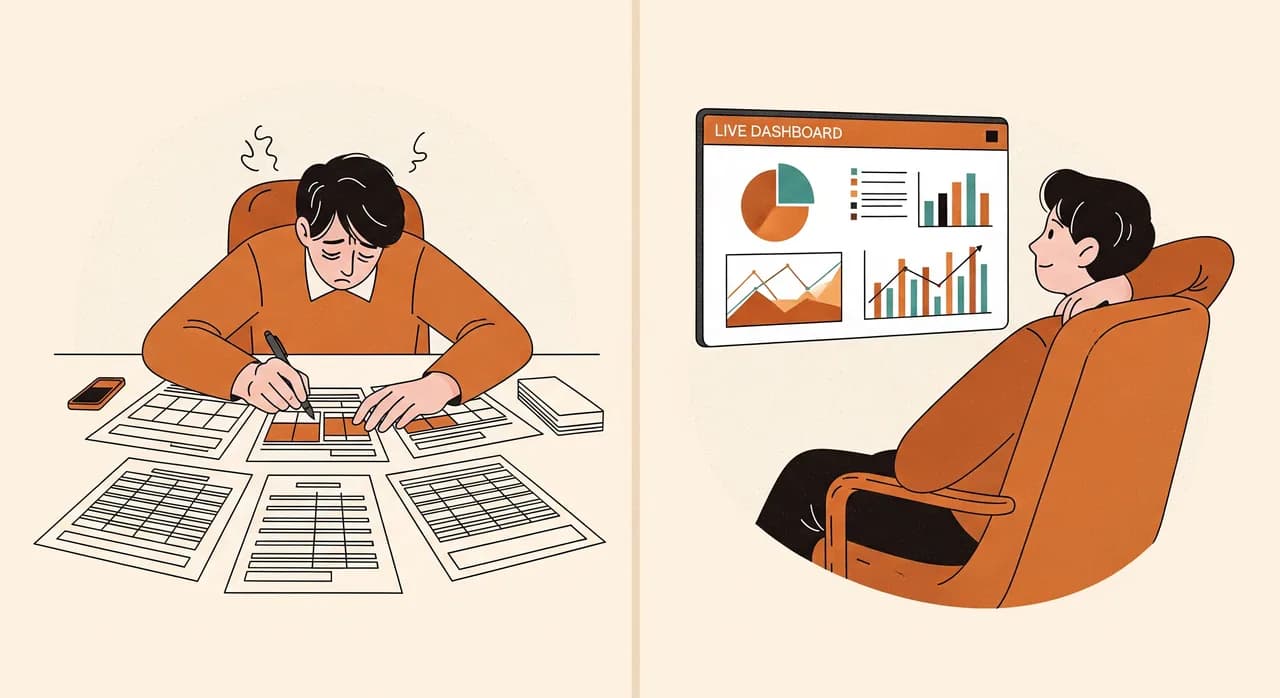
Every Monday, someone on your team opens three spreadsheets, copies columns from each, pastes them into a fourth, fixes the formatting, and produces the weekly report. It takes two hours. It's slightly different every week because the source files keep moving. And by the time it's done, the numbers are already a little out of date.
When reporting is a manual ritual, two bad things happen. You waste the hours, obviously. But worse, you stop asking questions, because every question costs another morning of copy-paste. You don't check that hunch about which product is slipping, because finding out is too much work. A real system turns reports into something you glance at, not something you build. The questions you'll start asking once answers are cheap are often where the real money is hiding.
Sign 7: The spreadsheet is now blocking growth
This is the final, decisive sign — and the most expensive to ignore. You want to add a second location, or let staff update jobs from their phones in the field, or give customers a way to check their own orders. And every time you reach for one of these, the answer is the same: “we can't, because everything runs off that one spreadsheet on Bianca's laptop.”
When your tools start dictating what your business is allowed to do, the relationship has inverted. Software is supposed to serve the business, not cage it. A spreadsheet can't be safely opened to customers, can't sensibly run across multiple sites, and can't live properly on a phone in someone's pocket on a job. If your ambitions keep hitting the wall of “the spreadsheet can't do that,” the spreadsheet has stopped being an asset and become a ceiling.
So how many signs is too many?
One sign on its own usually isn't a reason to do anything. Most healthy small businesses live happily with a slightly heavy file or the occasional re-typed address. That's normal, and ripping out a working spreadsheet to fix a single annoyance is its own kind of waste.
The line I draw is roughly this: three or more of these signs, appearing regularly, on a spreadsheet that something important depends on. That combination means the friction has become structural rather than occasional — and it will only compound as you grow. At that point, continuing to patch the file is more expensive than replacing it, even though replacing feels like the bigger job.
- One or two signs, on a minor file: leave it alone, it's fine.
- Three or more signs, on a core file: start planning the move now, calmly.
- Any sign that's actively costing you money or customers: that one alone is worth fixing.
- A file that, if lost or corrupted, would genuinely hurt the business: back it up and start the conversation regardless of the count.
How to move off a spreadsheet without breaking everything
The fear that keeps people on an overgrown spreadsheet for too long is the migration itself. It feels like open-heart surgery on a running business. It doesn't have to be. The mistake is treating it as one giant switch-flip. Done properly, it's a series of small, reversible steps — and the old spreadsheet stays alive as a safety net until you genuinely don't need it.
- 1Map what the spreadsheet actually doesBefore anything else, write down every job the file secretly performs. The obvious one (say, stock tracking) plus the hidden ones (it also generates the reorder list, and someone uses tab 4 for the price history). You can't replace what you haven't named.
- 2Replace one job, not the whole filePick the single most painful function and move only that to a proper system first. Leave everything else in the spreadsheet for now. A small first win proves the approach and builds trust before you bet anything big.
- 3Run old and new side by sideFor a couple of weeks, keep updating both. Compare the numbers. This is how you catch the edge cases the spreadsheet handled quietly — and it means you can always fall back if something's off.
- 4Migrate the data cleanlySpreadsheets are full of typos, duplicates and half-finished rows. Cleaning the data as you move it is half the value of the whole exercise. Don't carry the mess into the new system.
- 5Retire the spreadsheet on purposeOnly when the new system has run smoothly for a while do you formally retire the file — archived, not deleted — and tell everyone it's gone, so nobody keeps a secret copy quietly drifting out of date.
And a word on what to move to. Replacing a spreadsheet doesn't automatically mean commissioning custom software. Sometimes the right answer is an off-the-shelf tool that fits your trade. Sometimes it's a simple custom system built exactly around the way you already work — which is often the better choice precisely because your spreadsheet has already documented your real process, quirks and all. That existing file is the best specification you'll ever have. Don't throw it away; mine it.

Wondering if it's time to move off that spreadsheet?
We'll look at the file with you and tell you honestly whether you've outgrown it yet — and if you have, map the smallest safe way to move, using your existing spreadsheet as the blueprint. No obligation to build anything.
See how we build software around your processCommon questions
Are spreadsheets bad for business?
When should I switch from Excel to a proper system?
Do I need expensive custom software to replace a spreadsheet?
Isn't migrating off a spreadsheet risky?
We use Google Sheets with shared editing — doesn't that solve it?

Have a nice day is a software studio that helps small and mid-sized businesses go digital — automation, AI and custom software that works in everyday operations, not just on slides.